

From my experience with Shello.ai Desktop, I found it excels at simplifying repetitive desktop tasks through natural language commands, which significantly boosts productivity. After spending time with the platform, I can say it’s particularly well-suited for remote workers and knowledge professionals who want to automate workflows without complex setups. However, the tool currently supports only English and lacks mobile or web versions, which may limit flexibility for some users. Overall, if you need a straightforward AI assistant to streamline your desktop work, Shello.ai delivers practical and efficient solutions.
Shello.ai Desktop AI Assistant for Productivity and Workflow Automation
Shello.ai Desktop is an AI-powered productivity assistant for Windows and macOS that automates repetitive tasks, assists with note-taking, and streamlines workflows using natural language commands.
- Best for
- Task Automation
- Key capability
- Natural Language Processing
Your actions

Do you recommend this tool?
What is Shello.ai (Desktop)?
Shello.ai Desktop is an AI-powered productivity assistant designed to help users automate workflows, manage tasks, and enhance overall efficiency on their computers. It integrates AI capabilities directly into the desktop environment, enabling natural language interactions and quick access to information and automation features.
Key features of Shello.ai (Desktop)
The tool offers features such as task automation, natural language commands, note-taking assistance, and workflow streamlining. It supports desktop platforms and focuses on improving productivity by reducing manual repetitive work.
Natural Language Processing
Understand and respond to user commands in everyday language.
Task Automation
Automate repetitive desktop tasks to save time.
Note Taking Assistance
Quickly capture and organize notes with AI support.
Workflow Integration
Integrate with existing desktop applications to streamline processes.
Pros and cons of Shello.ai (Desktop)
Pros
- Intuitive natural language interface
- Supports automation of repetitive desktop tasks
- Cross-platform desktop availability
- Helps improve productivity and workflow efficiency
Cons
- Limited language support (English only)
- Some advanced features require subscription
- No mobile or web app versions currently
Key use cases for Shello.ai (Desktop)
Task Automation
Automate repetitive desktop tasks to save time and reduce manual effort.
Productivity Enhancement
Use AI-powered assistance to streamline workflows and manage tasks efficiently.
Note Taking and Organization
Capture ideas and organize notes quickly with AI-driven tools.
Information Retrieval
Instantly access information and perform searches using natural language queries.
How Shello.ai (Desktop) works
- 1
Install the Desktop App
Download and install Shello.ai on your Windows or macOS computer.
- 2
Launch and Set Up
Open the app and configure preferences to tailor the AI assistant to your workflow.
- 3
Interact Using Natural Language
Use natural language commands to automate tasks, take notes, or retrieve information.
- 4
Automate and Optimize
Leverage AI to create automated workflows and optimize daily productivity.
Who is using Shello.ai (Desktop)
Remote workers
Small business owners
Productivity enthusiasts
Knowledge workers
Software developers
Shello.ai (Desktop) pricing
Free
$0/month
Basic AI assistant features with limited automation capabilities.
Pro
$15/month
Full access to advanced automation, priority support, and enhanced features.
Plans and prices are as published by the vendor and can change. Check the official site before you buy. Open the pricing page (opens in a new tab)
Frequently asked questions about Shello.ai (Desktop)
Yes, Shello.ai Desktop supports installation on both Windows and macOS platforms.
Some AI features require internet access, but basic automation can work offline.
Yes, Shello.ai allows customization of commands and automation sequences.
Yes, it can help with that use case depending on how you configure it and what features are available. You’ll get the best results with clear inputs and a defined goal.
It depends on your specific needs and how you plan to use the tool. The official website and documentation are the best sources for the latest details.
Some tools offer a free plan or trial with limited features. Availability can vary, so confirm on the official website.
Sign in to review this tool.
Sign In to ReviewNo reviews yet
Be the first to share how this tool worked for you.
Ask about pricing, limits, or how it compares — or answer someone else.
Sign In to AskNo questions yet
Have a question about using or paying for this tool? Be the first to ask.
Featured on TiorAI



More AI Assistant tools
Other tools in the same category, for when this one is not quite the fit.

Free Trial
PagerGPT
PagerGPT is an AI assistant that integrates with PagerDuty to automate incident triage, provide contextual summaries, and assist engineers in resolving incidents faster.

Freemium
Phew AI Tab
Phew AI Tab is a Chrome browser extension that integrates AI-powered research, note-taking, and summarization tools directly into your browsing experience to enhance productivity and streamline information management.

Freemium
Owl at Work – AI Companion for Businesses
Owl at Work is an AI-powered business companion that automates workflows, manages tasks, and improves team collaboration through intelligent automation and integrations.

Freemium
Vivas.AI
Vivas.AI is an AI meeting assistant that transcribes meetings in real time, extracts action items, and generates summaries to improve team productivity.
Free
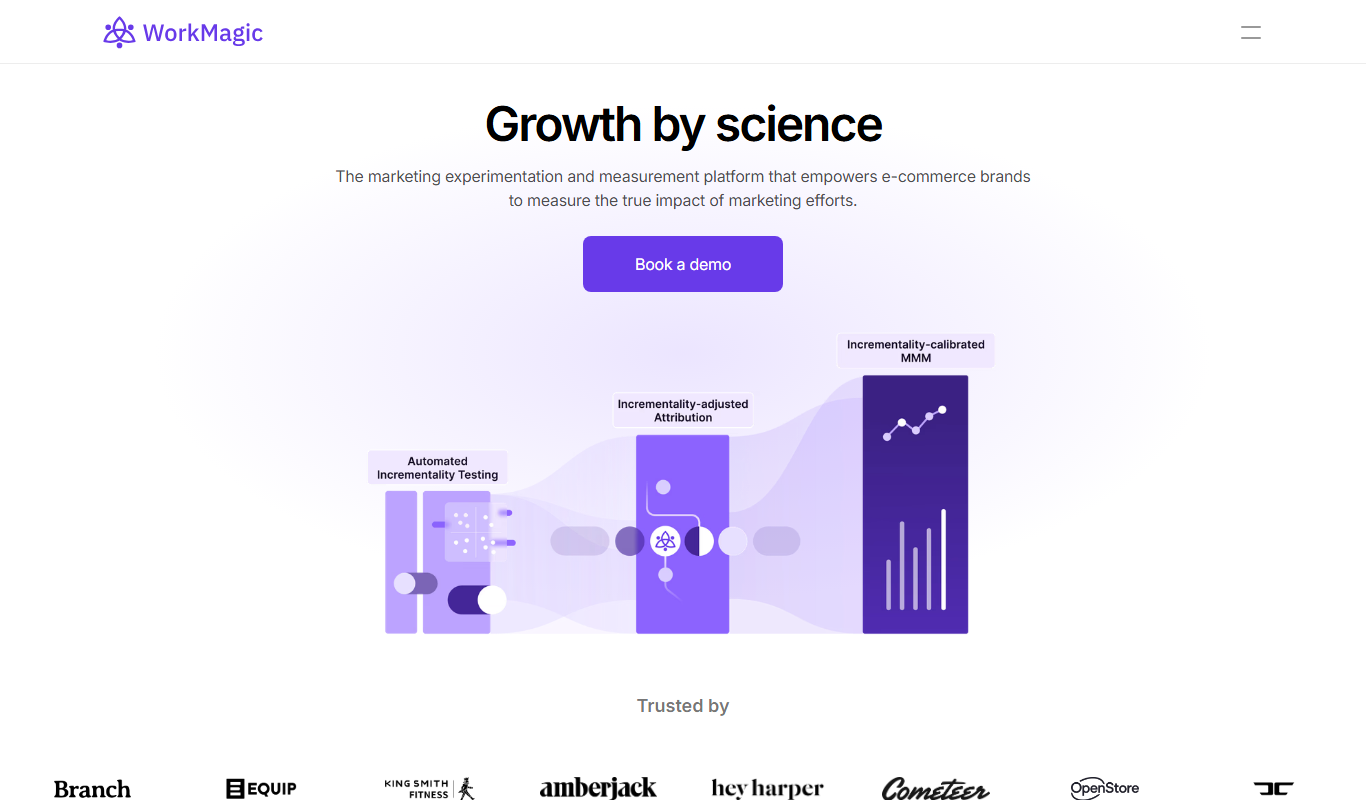
WorkMagic
WorkMagic is an AI-powered productivity assistant that automates tasks, manages workflows, and supports team collaboration through a web platform.

Free
Blue Bot
Blue Bot is a free web-based AI chatbot designed for fun and casual conversations, offering instant chat without registration.

Free Trial
Voxpad
Voxpad is an AI voice assistant that transcribes meetings in real-time and generates summaries to improve productivity and collaboration.

Free Trial
HubbleIQ
HubbleIQ is an AI meeting assistant that automates transcription, action item detection, and meeting summaries to enhance team collaboration.