
From my experience with Cardbase, I found it excels at simplifying the creation and sharing of digital business cards with real-time updates. The platform is intuitive and well-suited for professionals who want to modernize their networking without the hassle of physical cards. However, the lack of a dedicated mobile app and limited language options may be a drawback for some users. Overall, if you need an easy-to-use, eco-friendly solution for professional contact sharing, Cardbase delivers a practical and efficient tool.
Cardbase AI Tool for Creating Custom Digital Business Cards Online
Cardbase is a web platform for creating customizable digital business cards that can be shared via QR codes and links, allowing real-time updates and easy networking.
What is Cardbase?
Cardbase is a web-based platform that enables users to create, customize, and share digital business cards. It replaces traditional paper cards with interactive, easily updatable digital versions that can be shared via QR codes, links, or social media. The tool focuses on simplifying professional networking and contact management in a modern, eco-friendly way.
Key Features of Cardbase
Customizable Templates
Wide range of professional templates that can be tailored to individual branding needs.
QR Code Sharing
Automatically generate QR codes for quick and contactless sharing of your digital card.
Real-Time Updates
Update your contact details anytime and have changes reflected immediately on shared cards.
Social Media Integration
Embed links to your social profiles to enhance connectivity and online presence.
Analytics Dashboard
Track how often your card is viewed and shared to measure networking effectiveness.
Pros and Cons of Cardbase
Pros
- Easy and quick digital card creation
- Real-time updates without reprinting
- Eco-friendly alternative to paper cards
- Simple sharing via QR codes and links
Cons
- No dedicated mobile app available
- Limited language support
- Advanced features require paid subscription
Key Use Cases for Cardbase
Professional Networking
Create and share personalized digital business cards to connect with clients and colleagues efficiently.
Brand Promotion
Design branded digital cards that reflect your company’s identity to enhance marketing efforts.
Contact Management
Easily update and manage your contact information in real-time without reprinting physical cards.
Event Networking
Quickly exchange contact details at conferences and events using digital cards.
How Cardbase Works
-
1
Sign Up
Create a free account on Cardbase’s website to start designing your digital business card.
-
2
Choose a Template
Select from a variety of customizable card templates that suit your professional style.
-
3
Customize Your Card
Add your personal and company information, logos, images, and social media links.
-
4
Generate and Share
Create a unique QR code or shareable link to distribute your digital card instantly.
Who's Using Cardbase
Freelancers and consultants
Small business owners
Marketing professionals
Event attendees and networkers
Sales teams
Cardbase Pricing
Free
$0/month
Basic digital card creation with limited templates and sharing options.
Pro
$9.99/month
Access to premium templates, advanced customization, analytics, and unlimited sharing.
Frequently Asked Questions About Cardbase
Yes, Cardbase allows you to update your card information anytime, and changes will be reflected instantly for everyone with access.
Currently, Cardbase is accessible via web browsers on all devices; there is no dedicated mobile app.
You can share your card using a QR code, a direct link, or through social media platforms.
At this time, Cardbase supports English only.
It depends on your specific needs and how you plan to use the tool. The official website and documentation are the best sources for the latest details.
Yes, it can help with that use case depending on how you configure it and what features are available. You’ll get the best results with clear inputs and a defined goal.
Some tools offer a free plan or trial with limited features. Availability can vary, so confirm on the official website.
It depends on your specific needs and how you plan to use the tool. The official website and documentation are the best sources for the latest details.
Share your review
Reviews are limited to one per logged-in user and are published after moderation.
You need an account to review this tool.
0.0
★
★
★
★
★
0 reviews
5 star
0
4 star
0
3 star
0
2 star
0
1 star
0
No reviews yet
Be the first to share how this tool worked for you.
Questions from the community
Read questions and answers about this tool, or ask your own.
No questions yet
Start the conversation by asking the first question about this tool.
Is this tool helpful?
Alternative Tools
Explore similar AI tools that might fit your needs

Free
HiHello
HiHello is a digital business card platform that enables users to create customizable virtual cards for easy sharing and contact management via QR codes, links, and social media.

Free
CamCard
CamCard is a business card scanning app that uses OCR technology to digitize and manage contacts, supporting multiple languages and CRM integration.

Free
2Houses
2Houses is a co-parenting app that helps separated parents manage custody schedules, expenses, and communication in one secure platform.
Freemium
ChangeLog.ai
ChangeLog.ai is an AI-driven platform that automates the creation of professional release notes and product update content, helping software teams communicate changes efficiently.
Freemium
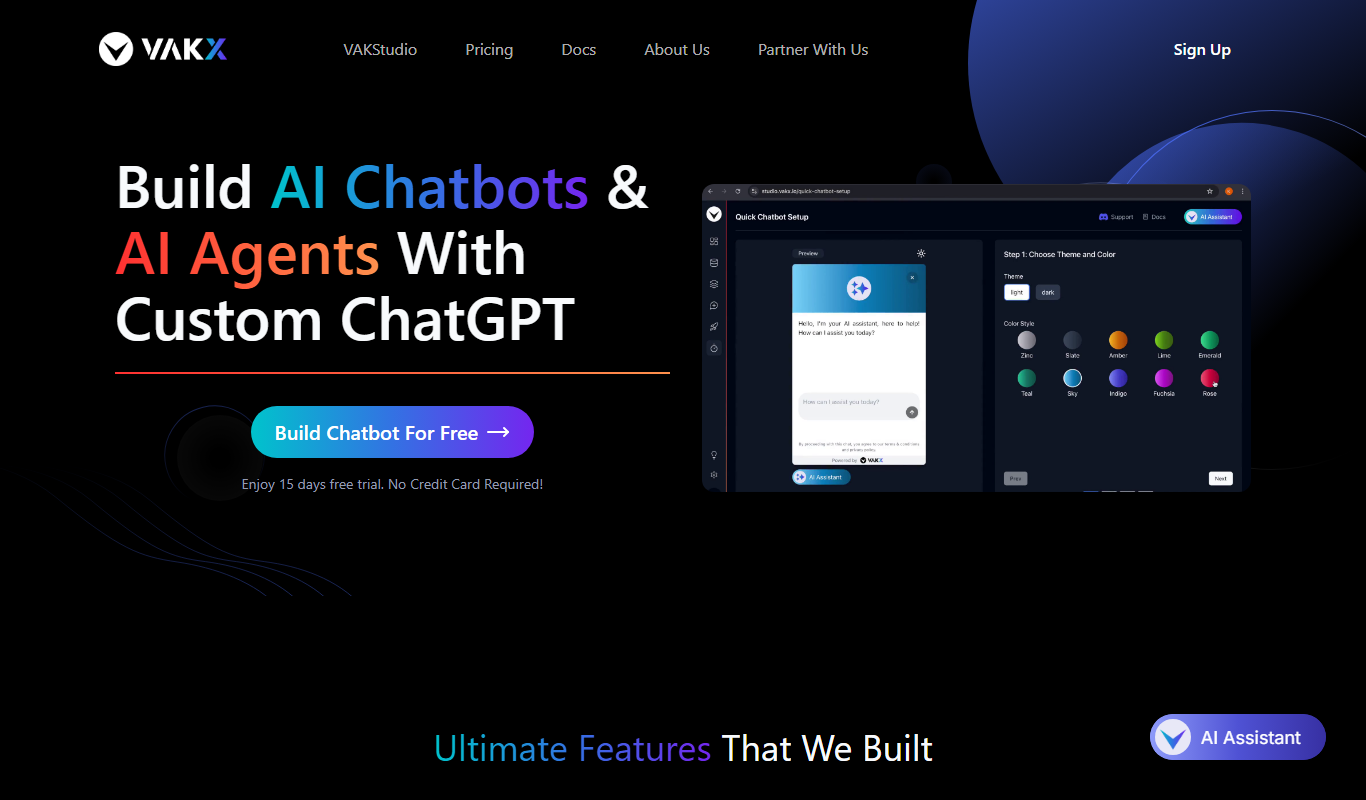
VAKX
VAKX is an AI-driven platform that automates video creation by converting text and media into professional videos, ideal for marketing and social media content.
Subscription
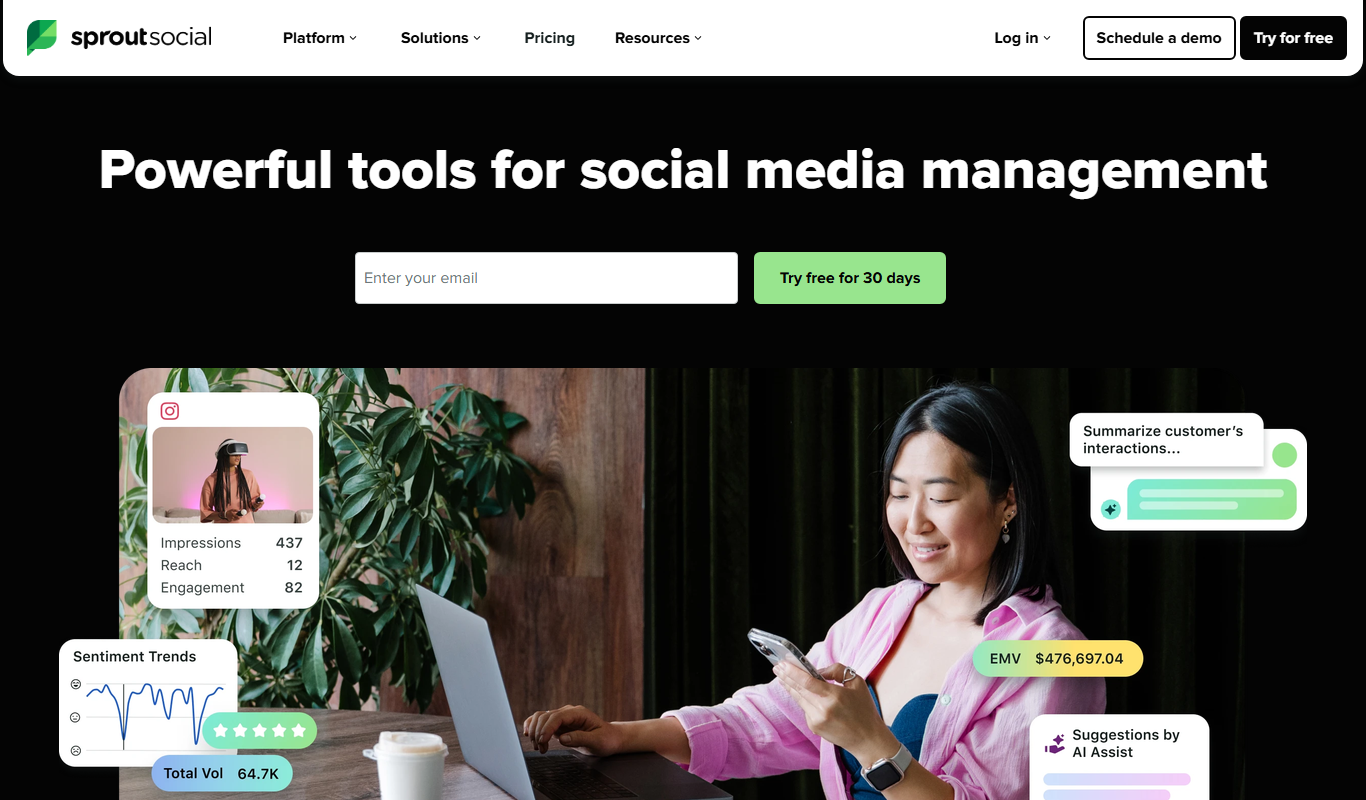
Bambu by Sprout Social
Bambu by Sprout Social is an employee advocacy platform that enables organizations to curate and distribute content for employees to share on social media, increasing brand reach and engagement.

Freemium
CelebrateAlly AI
CelebrateAlly AI is a web platform that provides organizations with an inclusive holiday calendar and AI-driven event planning tools to celebrate diverse cultural and identity-based observances.

Custom Pricing
RiskWatch
RiskWatch is a web-based risk assessment software that helps organizations automate risk scoring, manage compliance with regulations, and streamline audit processes through customizable templates and detailed reporting.

Free
Sequel
Sequel is an AI tool that transforms natural language questions into SQL queries, enabling users to interact with databases without needing SQL expertise.

Freemium
Og.ai
Og.ai is an AI-driven marketing automation platform that helps businesses create, optimize, and analyze digital marketing campaigns automatically to improve lead generation and engagement.