

JSFiddle Online JavaScript Playground for Web Development and Testing
JSFiddle is a free online code editor and playground that allows developers to write, run, and share HTML, CSS, and JavaScript code snippets with live preview and collaboration features.
- Best for
- Frontend Web Development
- Key capability
- Live Code Editor
Save JSFiddle, follow its updates and vote on it — everything stays in your account.
Sign in or create a free account
What is JSFiddle?
JSFiddle is a free online integrated development environment (IDE) that enables developers to write, run, and share HTML, CSS, and JavaScript code snippets directly in the browser. It provides a simple interface to experiment with frontend web technologies without the need for local setup, making it a popular tool for prototyping, debugging, and collaborative coding.
Key features of JSFiddle
JSFiddle offers a live code editor with separate panels for HTML, CSS, and JavaScript, instant preview of results, easy sharing via URLs, support for popular JavaScript frameworks, and collaboration features. It also includes options to save and fork fiddles, embed code snippets, and integrate external resources.
Live Code Editor
Separate panels for HTML, CSS, and JavaScript with syntax highlighting and error detection.
Instant Preview
Real-time rendering of code output in a preview pane without page reloads.
External Library Support
Easily include popular JavaScript frameworks and libraries like React, Vue, Angular, and jQuery.
Collaboration and Sharing
Share fiddles via unique URLs and fork existing fiddles to modify and improve code.
Embedding and Exporting
Embed fiddles in blogs or websites and export code snippets for offline use.
Pros and cons of JSFiddle
Pros
- Simple and intuitive interface for quick prototyping
- Supports popular frontend frameworks and libraries
- Easy sharing and collaboration via unique URLs
- No installation or setup required
- Free tier available with essential features
Cons
- Limited backend or full-stack development support
- Free version has restrictions on private fiddles
- No offline editing capabilities
Key use cases for JSFiddle
Frontend Web Development
JSFiddle allows developers to write, test, and share HTML, CSS, and JavaScript code snippets quickly in a browser environment.
Collaborative Coding
Developers can collaborate by sharing fiddles via URLs, enabling real-time feedback and code review.
Prototyping UI Components
JSFiddle is ideal for prototyping and experimenting with UI elements and JavaScript functionality without setting up local environments.
Learning and Teaching Web Technologies
Educators and learners use JSFiddle to demonstrate and practice web coding concepts interactively.
Debugging and Testing Code Snippets
Quickly isolate and debug small pieces of code to identify issues or test fixes.
How JSFiddle works
- 1
Open JSFiddle Website
Navigate to https://jsfiddle.net/ to access the online editor.
- 2
Write Code in Panels
Enter your HTML, CSS, and JavaScript code in the respective editor panels.
- 3
Add External Resources
Optionally include external libraries or frameworks like jQuery or React.
- 4
Run and Preview
Click the ‘Run’ button to see the live output of your code in the preview pane.
- 5
Save and Share
Save your fiddle to generate a unique URL that can be shared or embedded.
Who is using JSFiddle
JSFiddle pricing
Free
$0/month
Access to basic features including code editing, saving, and sharing with limited private fiddles.
Pro
From $8/month
Additional features such as unlimited private fiddles, collaboration tools, and ad-free experience.
Plans and prices are as published by the vendor and can change. Check the official site before you buy. Open the pricing page (opens in a new tab)
Frequently asked questions about JSFiddle
Yes, JSFiddle offers a free tier with essential features for coding and sharing snippets.
No, JSFiddle is designed for frontend web development focusing on HTML, CSS, and JavaScript.
Yes, users can share fiddles via URLs and collaborate by forking and modifying code snippets.
Yes, JSFiddle supports adding popular external JavaScript and CSS libraries.
This tool is designed to help users accomplish its core tasks more efficiently. It is typically used by individuals or teams looking to improve productivity and workflow.
Some tools offer a free plan or trial with limited features. Availability can vary, so confirm on the official website.
Yes, it can help with that use case depending on how you configure it and what features are available. You’ll get the best results with clear inputs and a defined goal.
Yes, it can help with that use case depending on how you configure it and what features are available. You’ll get the best results with clear inputs and a defined goal.
Conclusion
Each fiddle has separate panels for HTML, CSS and JavaScript, and clicking Run shows the live output in a preview pane. Popular JavaScript frameworks and libraries such as React, Vue and jQuery can be included without any local setup. Saving a fiddle generates a unique URL for sharing or embedding, and others can fork it to modify the code.
Typical uses include prototyping UI elements, debugging small code snippets and demonstrating web coding concepts to learners. The editor is designed for frontend web development, so backend or full-stack work is outside its scope. A free tier covers code editing, saving and sharing with limited private fiddles, and a PRO option removes ads.
Sources
Sign in to review this tool.
Sign In to ReviewNo reviews yet
Be the first to share how this tool worked for you.
Ask about pricing, limits, or how it compares — or answer someone else.
Sign In to AskNo questions yet
Have a question about using or paying for this tool? Be the first to ask.
Featured on TiorAI



More AI Code Assistant tools
Other tools in the same category, for when this one is not quite the fit.

Refraction
Refraction is an AI tool for developers that refactors code, generates documentation and unit tests, detects bugs and converts code between languages.
RoboCoder
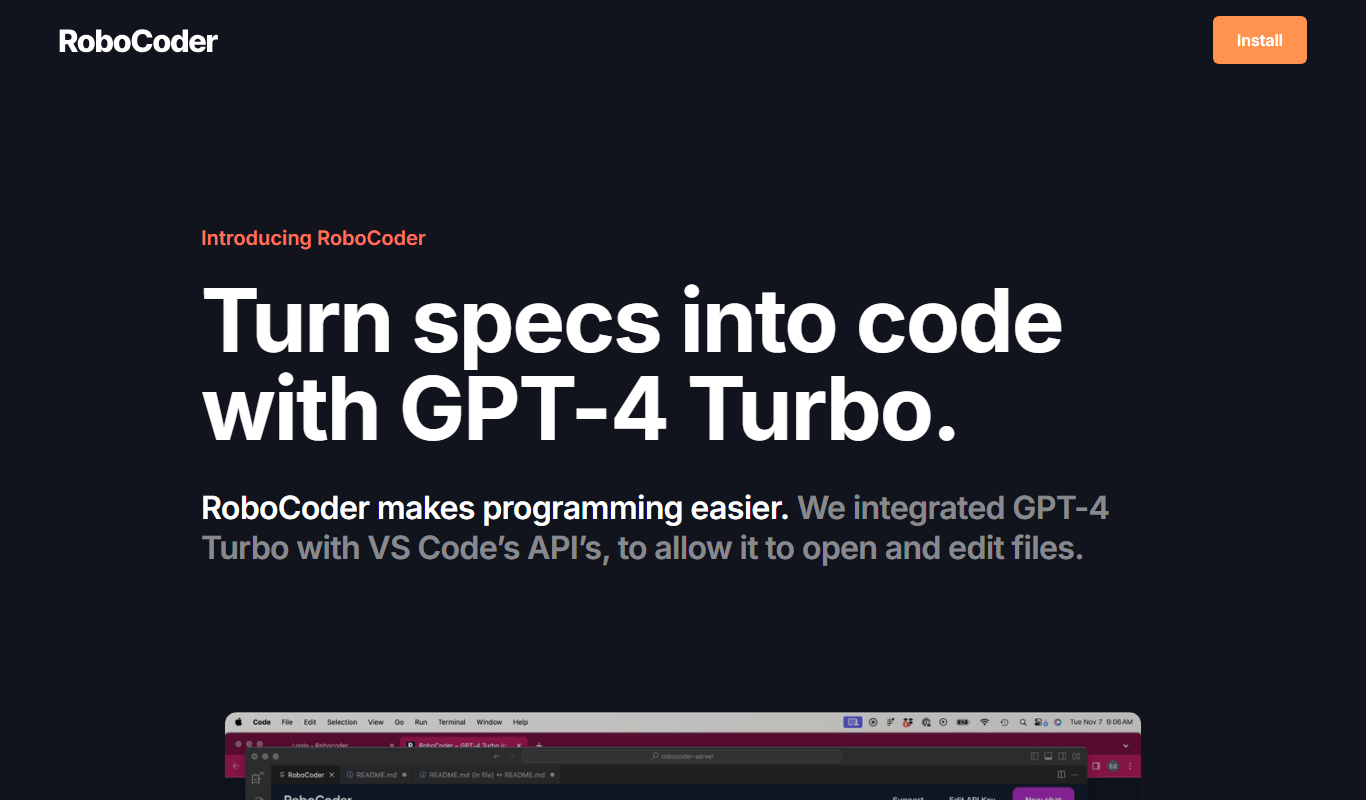
RoboCoder is a VS Code extension that lets GPT-4o open and edit files, navigate your codebase and propose patches, using your own OpenAI API key.

Trae
TRAE is a development tool deeply integrated with AI, where you code in an IDE or delegate complex tasks to AI agents, on desktop, web and mobile.

Cosine
Cosine trains AI models and specialised coding agents for organisations that need frontier capability within secure environments.

WhatTheDiff
What the Diff is an AI code review assistant for GitHub and GitLab that automates pull request descriptions and simplifies team updates.

Code Fundi
Code Fundi turns any repository into a searchable, blast-radius-aware codebase map for AI agents and engineering teams.

Butterfish Shell
Butterfish Shell adds AI prompting to bash and zsh with OpenAI or compatible APIs: prompt with a capital letter and the AI sees your shell history.
CodeMate AI
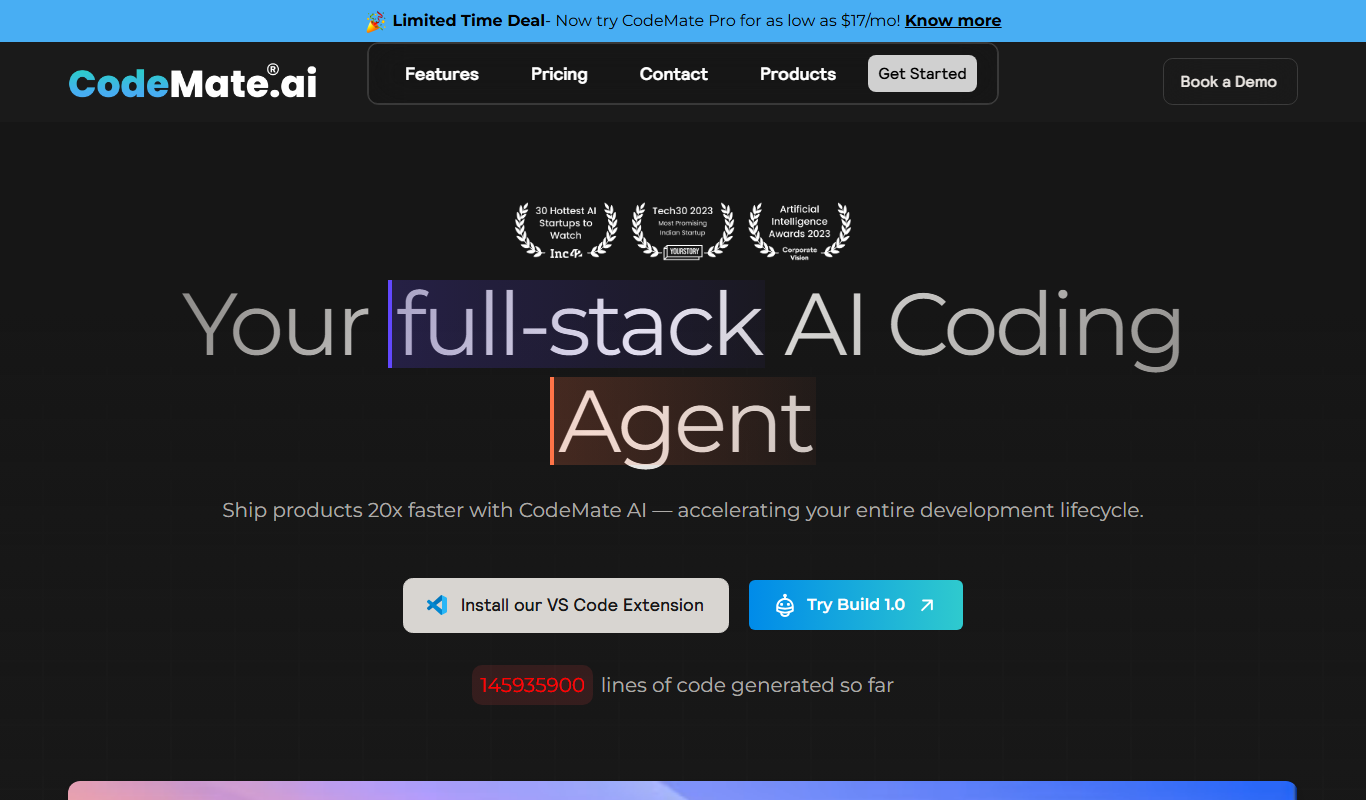
CodeMate AI is a sovereign AI pair programmer and developer assistant with private, self-hosted code completion, automated code reviews, debugging and terminal workflows.