

From my experience with DG1.com, I found it excels at centralizing digital assets for creative and marketing teams, making collaboration and brand management more efficient. The platform’s permission controls and version tracking help maintain security and consistency across projects. However, the lack of transparent pricing and limited public information on integrations may require direct communication with their sales team to fully understand fit and cost. Overall, if your organization needs a robust, web-based DAM solution focused on creative workflows, DG1.com delivers solid capabilities tailored to marketing and agency environments.
DG1.com Digital Asset Management Platform for Creative Teams and Agencies
DG1.com is a cloud-based digital asset management platform that helps creative and marketing teams organize, collaborate on, and control access to digital assets such as images, videos, and documents.
- Best for
- Centralized Asset Storage
- Key capability
- Centralized Digital Asset Repository
Your actions
Save DG1.com, follow its updates and vote on it — everything stays in your account.
Sign in or create a free account

What is DG1.com?
DG1.com is a cloud-based digital asset management (DAM) platform designed to help creative teams, marketing departments, and agencies organize, manage, and distribute their digital content efficiently. It centralizes all digital assets in one secure location, enabling streamlined collaboration and brand consistency across projects.
Key features of DG1.com
DG1.com offers features such as centralized asset storage, version control, user permissions, collaboration tools, and easy asset sharing to improve workflow efficiency and maintain brand integrity.
Centralized Digital Asset Repository
A single source of truth for all digital content, ensuring easy access and organization.
Advanced Search and Metadata Tagging
Powerful search capabilities using metadata tags to quickly find specific assets.
Version Control
Track changes and maintain multiple versions of assets to avoid confusion and errors.
User Access Controls
Granular permission settings to secure sensitive content and manage user roles.
Collaboration Tools
Features that facilitate feedback, comments, and approvals within the platform.
Pros and cons of DG1.com
Pros
- Centralizes all digital assets for easy management
- Robust permission controls enhance security
- Facilitates collaboration and approval workflows
Cons
- Pricing is not transparent and requires contacting sales
- Limited publicly available information on integrations
- Primarily web-based with no dedicated mobile apps
Key use cases for DG1.com
Centralized Asset Storage
Store and organize all digital assets such as images, videos, and documents in a single, secure platform accessible to teams.
Creative Collaboration
Enable marketing and creative teams to collaborate efficiently by sharing, reviewing, and approving assets within the platform.
Brand Management
Maintain brand consistency by controlling asset versions and providing easy access to approved brand materials.
Marketing Campaign Management
Manage and distribute marketing assets across campaigns, ensuring teams have the latest content for promotions.
Access Control and Permissions
Set granular permissions to control who can view, edit, or download assets, enhancing security and compliance.
How DG1.com works
- 1
Upload Assets
Users upload digital files like images, videos, and documents into the DG1.com platform.
- 2
Organize and Tag
Assets are organized into folders and tagged with metadata for easy searching and retrieval.
- 3
Set Permissions
Administrators assign access rights to users or groups to control asset visibility and editing capabilities.
- 4
Collaborate and Approve
Teams collaborate by sharing assets, providing feedback, and approving final versions within the platform.
- 5
Distribute Assets
Approved assets are distributed to stakeholders or published across marketing channels as needed.
Who is using DG1.com
Marketing agencies
Creative teams
Brand managers
Corporate marketing departments
Advertising firms
DG1.com pricing
Custom Pricing
Contact for pricing
Pricing tailored to organizational needs based on user count and storage requirements.
Plans and prices are as published by the vendor and can change. Check the official site before you buy. Open the pricing page (opens in a new tab)
Frequently asked questions about DG1.com
DG1.com supports a wide range of digital file types including images, videos, audio files, documents, and design files.
Yes, DG1.com allows you to set detailed permissions to control who can view, edit, or download your assets.
DG1.com is scalable and can be customized to fit the needs of small teams as well as large enterprises.
While specific integrations are not publicly detailed, DG1.com can be integrated with marketing and creative tools upon request.
This tool is designed to help users accomplish its core tasks more efficiently. It is typically used by individuals or teams looking to improve productivity and workflow.
Yes, it can help with that use case depending on how you configure it and what features are available. You’ll get the best results with clear inputs and a defined goal.
It depends on your specific needs and how you plan to use the tool. The official website and documentation are the best sources for the latest details.
Sign in to review this tool.
Sign In to ReviewNo reviews yet
Be the first to share how this tool worked for you.
Ask about pricing, limits, or how it compares — or answer someone else.
Sign In to AskNo questions yet
Have a question about using or paying for this tool? Be the first to ask.
Featured on TiorAI



Alternative Tools
Explore similar AI tools that might fit your needs
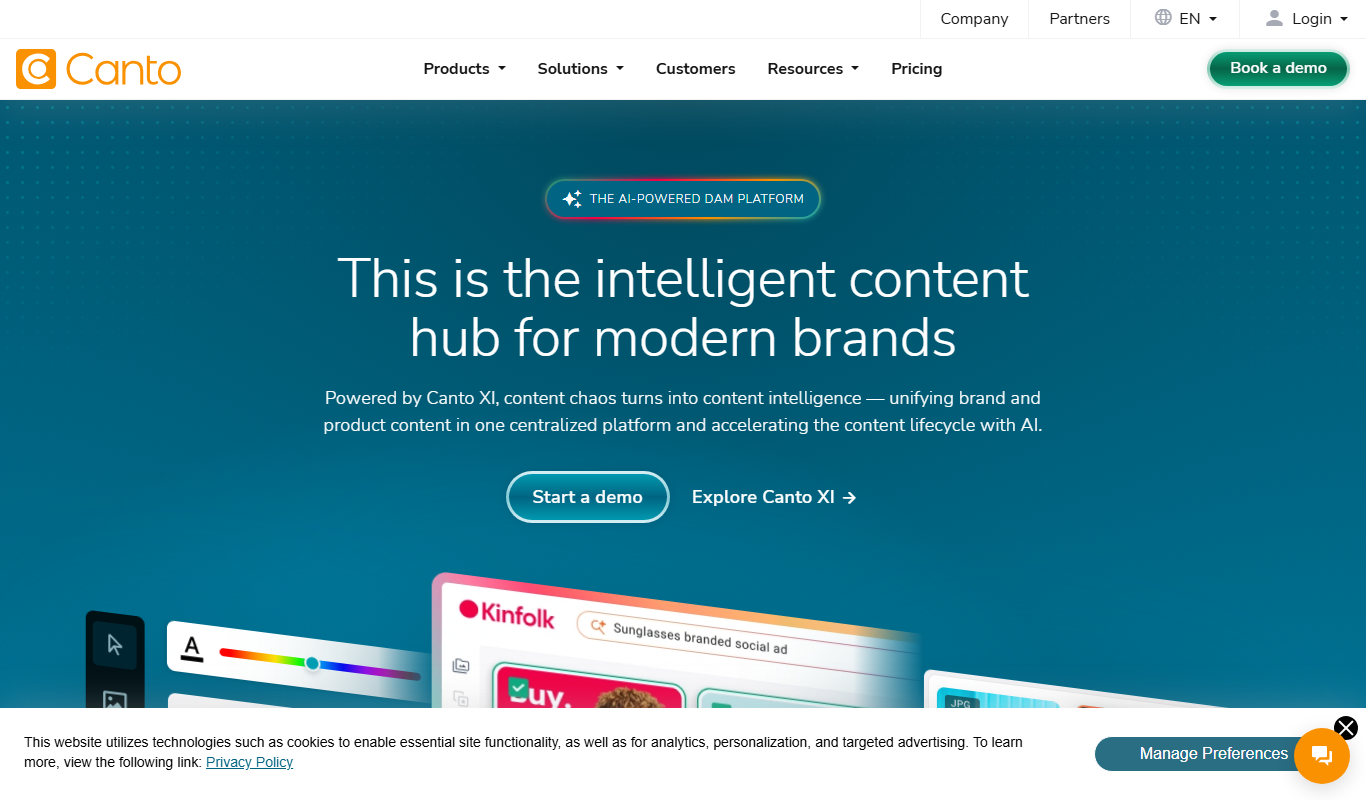
Subscription
Canto
Canto is a digital asset management platform designed to help marketing and creative teams organize, manage, and share digital content securely and efficiently.
More AI Digital Asset Tools tools
Other tools in the same category, for when this one is not quite the fit.
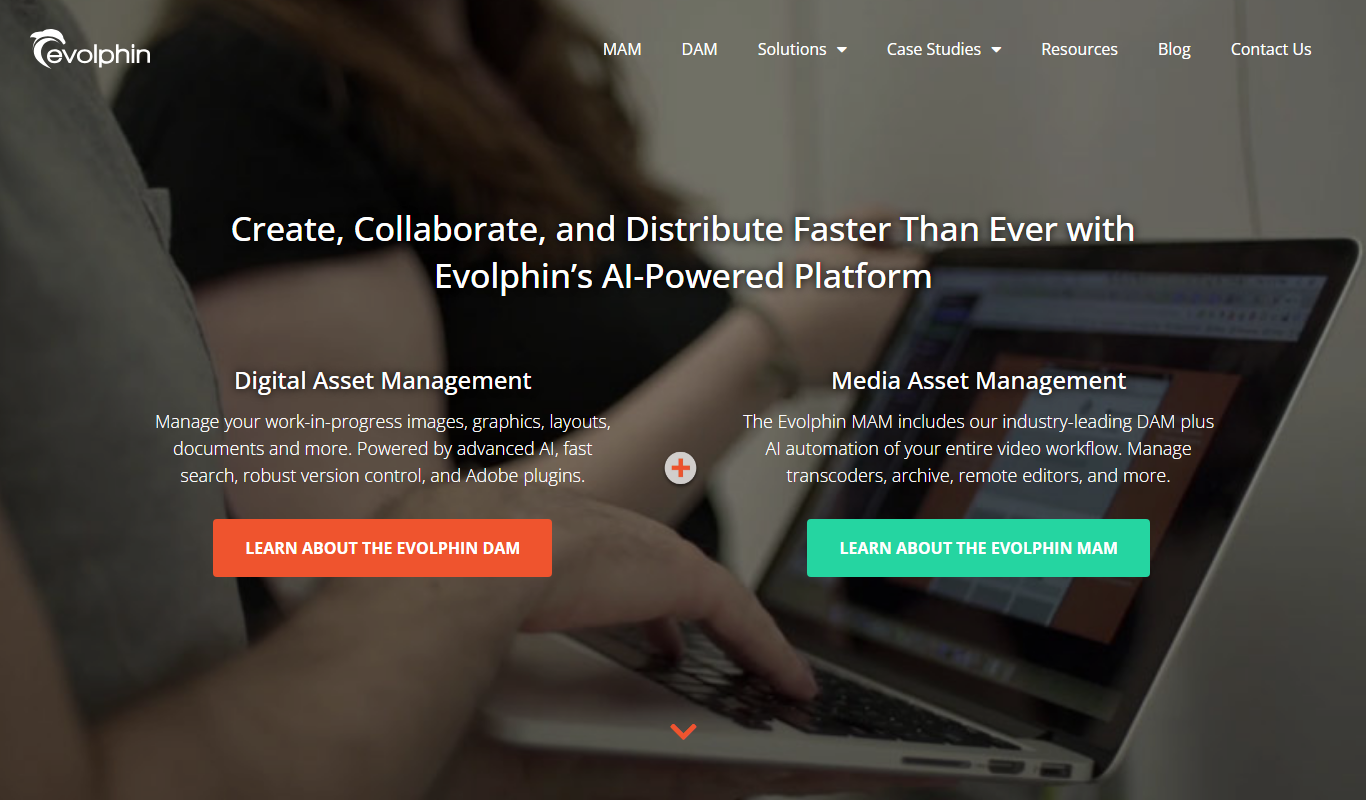
Custom Pricing
Evolphin DAM/MAM
Evolphin DAM/MAM, formerly marketed as Zoom, is an enterprise DAM and MAM platform from Evolphin with custom pricing.

Free Trial
Speedy
Speedy is a cloud-based brand management platform that helps marketing teams centralize assets, automate workflows, and maintain brand consistency.

Contact Sales
LedgerBox
LedgerBox is an institutional-grade digital asset custody platform providing multi-signature wallet management, compliance tools, and secure key custody for enterprises and crypto funds.

Free Trial
ManageArtworks
ManageArtworks is a cloud-based digital asset management platform designed to centralize, organize, and streamline collaboration on digital content for creative and marketing teams.