

Hexomatic AI Automation Platform for Data Extraction and Workflow Automation
Hexomatic is a no-code AI automation platform that enables users to extract data from websites and automate workflows without programming skills.
- Best for
- Web Data Extraction
- Key capability
- No-Code Visual Workflow Builder
Save Hexomatic, follow its updates and vote on it — everything stays in your account.
Sign in or create a free account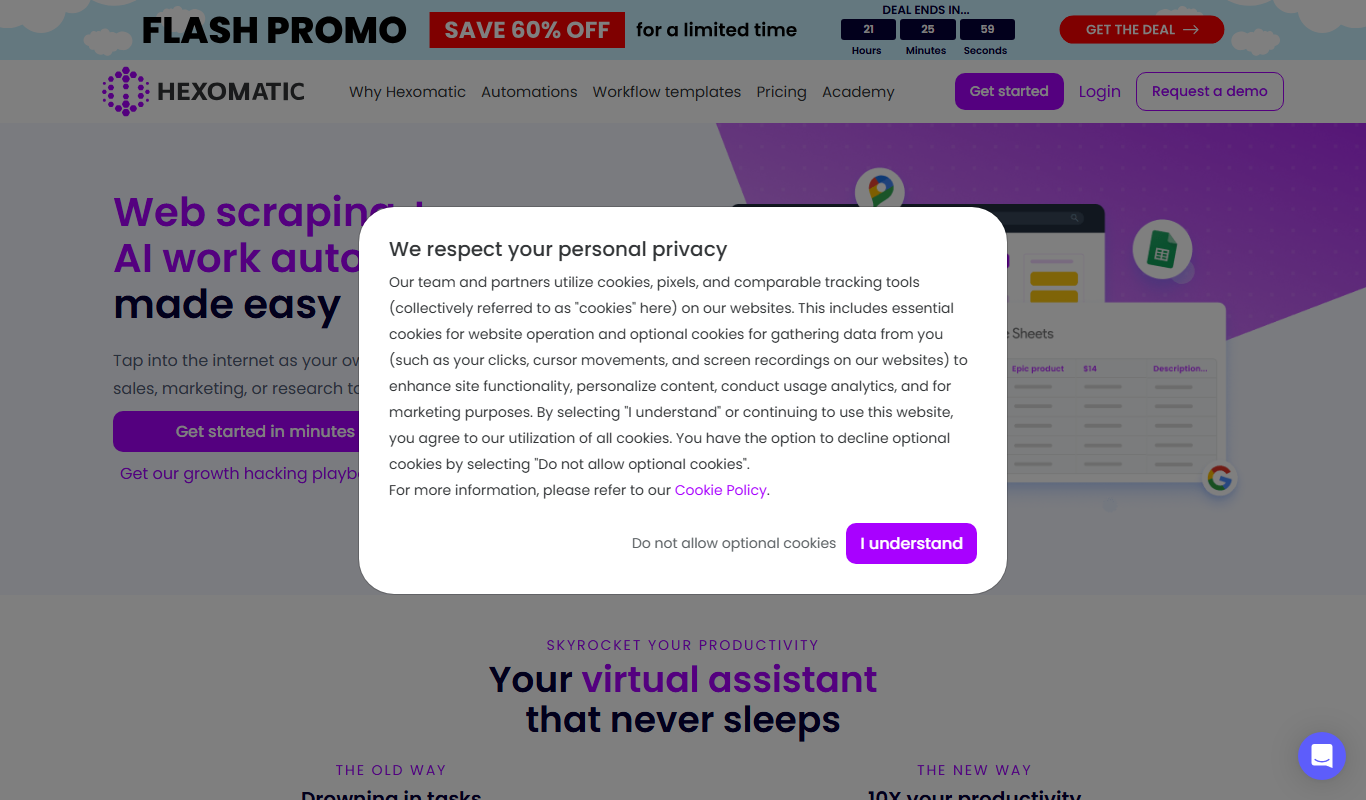
What is Hexomatic?
Hexomatic is a no-code AI-powered automation platform designed to help users extract data from the web and automate repetitive workflows. It enables businesses and individuals to build custom automation sequences (called ‘workflows’) that scrape websites, enrich data, and perform various online tasks without requiring programming skills.
Key features of Hexomatic
Hexomatic offers a visual workflow builder, pre-built automation templates, AI-powered data extraction, multi-step workflows, API access, and integrations with popular tools. Its platform supports scraping dynamic websites, data enrichment, and automating complex online processes.
No-Code Visual Workflow Builder
Design complex automation sequences visually without writing code.
AI-Powered Data Extraction
Leverage AI to scrape structured and unstructured data from websites, including dynamic content.
Pre-Built Automation Templates
Access ready-made workflows for common tasks like lead generation, data enrichment, and web scraping.
Multi-Step Workflow Automation
Chain multiple actions such as scraping, filtering, and exporting in a single automated process.
API Access and Integrations
Connect Hexomatic with external applications and services for seamless data flow.
Pros and cons of Hexomatic
Pros
- User-friendly no-code interface
- Supports complex multi-step workflows
- AI-enhanced data extraction capabilities
- Pre-built templates speed up automation setup
- API and integration options for scalability
Cons
- Pricing may be high for small businesses
- Limited language support (English only)
- Web-only platform without desktop or mobile apps
Key use cases for Hexomatic
Web Data Extraction
Automatically scrape data from websites without coding to gather leads, market data, or competitor information.
Workflow Automation
Automate repetitive online tasks such as form filling, data enrichment, and content aggregation to save time.
Lead Generation
Extract and verify contact details from multiple sources to build targeted lead lists efficiently.
Market Research
Collect and analyze data from various online sources to gain insights into market trends and competitor activities.
Data Enrichment
Enhance existing datasets by automatically appending additional information like social profiles or company details.
How Hexomatic works
- 1
Create an Account
Sign up on Hexomatic’s website to access the automation platform.
- 2
Build or Select a Workflow
Use the visual builder or choose from pre-made templates to design your automation sequence.
- 3
Configure Data Sources
Specify websites or input data sources from which to extract or enrich data.
- 4
Run and Monitor
Execute the workflow and monitor progress and results through the dashboard.
- 5
Export or Integrate Data
Download extracted data or connect Hexomatic with other tools via API or integrations.
Who is using Hexomatic
Hexomatic pricing
Free
$0/month
Limited access with basic features and capped usage suitable for testing and small tasks.
Silver
$40.83/mo, $490 billed annually
Scheduling, 4500 automation credits (monthly renewing quota), 10 simultaneous running workflows, unlimited custom scraping recipes, datacentre IP rotation, and access to premium automations and residential proxies (requires premium credits).
Gold
$82.5/mo, $990 billed annually
All the benefits of Silver plus 10000 automation credits (monthly renewing quota), unlimited simultaneous running workflows and API.
Enterprise
Contact us
A plan tailored to unique business needs: all the benefits of Gold plus personalized onboarding, team training, campaign setup and management, a dedicated strategy consultant, custom scraping templates and custom automations.
Plans and prices are as published by the vendor and can change. Check the official site before you buy. Open the pricing page (opens in a new tab)
Frequently asked questions about Hexomatic
No, Hexomatic is designed as a no-code platform with a visual workflow builder, making it accessible to users without programming experience.
Yes, Hexomatic supports scraping dynamic content rendered by JavaScript on websites.
Yes, API access is available on higher-tier plans to integrate Hexomatic workflows with other applications.
You can extract various data types including text, images, links, contact details, and more from websites.
This tool is designed to help users accomplish its core tasks more efficiently. It is typically used by individuals or teams looking to improve productivity and workflow.
It depends on your specific needs and how you plan to use the tool. The official website and documentation are the best sources for the latest details.
Yes, it can help with that use case depending on how you configure it and what features are available. You’ll get the best results with clear inputs and a defined goal.
Pricing depends on the plan and included features. For the most accurate and up-to-date details, check the official pricing page.
Conclusion
Workflows combine the user’s own scraping recipes with ready-made automations and then run on autopilot. A 1-click web scraper covers the most popular websites, while custom recipes extract products, content, media or leads from most other sites and turn them into a spreadsheet. The 100+ ready-made automations work on that data, for example capturing contact details, validating email addresses or discovering the tech stack used on a page.
Sales and marketing templates show the intended use, such as finding B2B leads from Google Maps or guest post opportunities with publisher contact details. Paid plans are measured in automation credits and simultaneous running workflows, with the API included on Gold. A separate premium credit add-on is needed for machine translation, lead enrichment and residential proxies. Enterprise adds personalized onboarding, custom scraping templates and custom automations.
Sources
Sign in to review this tool.
Sign In to ReviewNo reviews yet
Be the first to share how this tool worked for you.
Ask about pricing, limits, or how it compares — or answer someone else.
Sign In to AskNo questions yet
Have a question about using or paying for this tool? Be the first to ask.
Featured on TiorAI



Alternative Tools
Explore similar AI tools that might fit your needs

UiPath
UiPath is a robotic process automation platform that enables businesses to automate repetitive tasks and complex workflows using a visual drag-and-drop interface and AI integration.
More AI Automation & Workflow Tools tools
Other tools in the same category, for when this one is not quite the fit.

Indico Data
Indico Data automates the intake and orchestration of insurance underwriting, claims and servicing work, delivering downstream-ready data.
GPTfy
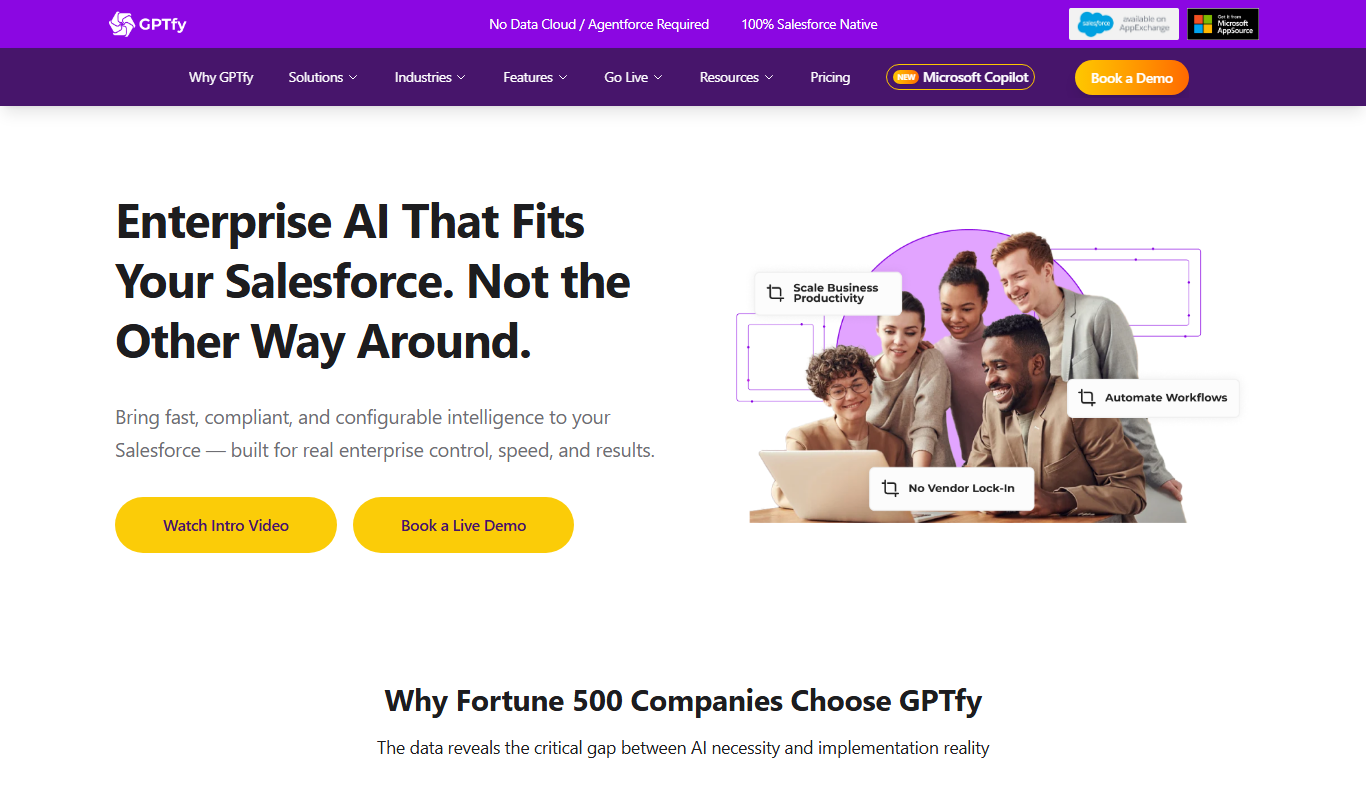
GPTfy is a Salesforce-native alternative to Agentforce that runs OpenAI, Claude, Gemini or 15+ models inside Salesforce at fixed per-user pricing.

Kites.Dev
Kites.Dev creates AI products and builds custom smart assistants, bots and websites to help businesses grow and save time.

pareto.io
Pareto is an AI business transformation company that redesigns business processes and implements AI agents and automations for enterprises.

parseur.com
Parseur is an email parsing tool that automates extraction of structured data from emails and documents, enabling integration with CRMs and other apps to streamline workflows.

Outplayhq
OutplayHQ is a sales engagement platform that automates multi-channel outreach including email, calls, SMS, and social media, integrates with major CRMs, and provides analytics to improve sales team performance.

Fadr
Fadr is a music tech platform with a vocal remover, stem splitter, key and tempo detector, remix and mashup makers, a DJ controller and DrumGPT.

Remagine AI
Remagine AI is a web-based platform that uses artificial intelligence to generate marketing content and automate marketing workflows, helping businesses create SEO-friendly and brand-consistent materials efficiently.