

Eraser: AI technical diagrams and design documentation
Eraser creates technical diagrams using AI from prompts, code or design docs, and keeps codebase diagrams up to date with Eraserbot.
- Best for
- Architecture diagrams
- Key capability
- AI diagrams
Save Eraser, follow its updates and vote on it — everything stays in your account.
Sign in or create a free account
What is Eraser?
Eraser is an AI tool for technical diagrams and design documentation. It turns a prompt, Terraform code or an uploaded design doc into a clean diagram, and keeps codebase diagrams up to date with Eraserbot.
Key features of Eraser
Eraser offers AI diagrams, Eraserbot codebase diagrams that update themselves, a Diagramming API, AI documents for design docs and technical documentation, and integrations with Confluence, Notion, VS Code and GitHub.
AI diagrams
Paste a prompt, drop in Terraform or upload a design doc, and Eraser turns it into a clean diagram.
Canvas and AI chat
Every AI result lands on a full canvas to refine by hand or keep iterating in chat.
Eraserbot
Automatically generate and update diagrams directly from your private repository.
Team rules and styles
Lock in your team's notation, colors and layout so every diagram stays on-brand.
MCP server
Create, search, update and export diagrams from Claude, Cursor or ChatGPT.
Pros and cons of Eraser
Pros
- Free forever plan
- Unlimited free guests on every plan
- User data is never used for training models
- SOC 2 type 2 certified and penetration tested annually
Cons
- The Free plan is limited to 3 files and 3 AI diagrams
- Each member is charged on the paid plans
- SAML SSO starts at the Business plan
Key use cases for Eraser
Architecture diagrams
Turn prompts or Terraform into architecture diagrams.
Infrastructure-as-code tracking
Track and visualize changes to Terraform, CloudFormation and Kubernetes YAML configurations.
Legacy code documentation
Clear documentation debt and bring legacy codebases up to date.
Continuous compliance
Maintain audit-ready architecture diagrams continuously.
Design docs
Write design docs and technical documentation with AI documents.
How Eraser works
- 1
Add your input
Paste a prompt, drop in Terraform or upload a design doc.
- 2
Generate the diagram
Eraser turns the input into a clean, laid-out diagram.
- 3
Refine
Refine the result by hand on the canvas or keep iterating in chat.
- 4
Export
Export to PDF, PNG, SVG or MD.
Who is using Eraser
Eraser pricing
Free
$0 per member per month
Free forever: 3 files, 3 AI diagrams, 7-day version history, unlimited guests.
Starter
$15 per member per month billed annually, or $20 monthly
Unlimited files, 40 AI diagrams, 90-day version history, private files, 20 custom icons, API calls.
Business
$45 per member per month billed annually, or $60 monthly
Unlimited files, 250 AI diagrams, unlimited version history, SAML SSO, 100 custom icons.
Enterprise
Custom
Unlimited files, AI diagrams and version history, flexible deployments.
Plans and prices are as published by the vendor and can change. Check the official site before you buy. Open the pricing page (opens in a new tab)
Frequently asked questions about Eraser
Yes. The Free plan is for individuals and small teams getting started, with a limited number of files and AI credits.
They are created from a prompt and can be edited manually with diagram-as-code or through AI edits.
It automatically generates and updates diagrams directly from your private repository.
Guests can edit and comment only on files they are invited to, and all plans allow unlimited free guests.
No. Eraser will never use user data for training models.
Yes. Education users and non profits can request a discount through a form.
Integration support depends on the tool and its available connectors or API. Check the official documentation or integrations page to confirm what is supported.
Conclusion
Terraform code, a text prompt or an uploaded design doc can serve as input, and Eraser turns it into a clean, laid-out technical diagram. Each AI result lands on a full canvas, where it can be refined by hand, through chat or by editing the underlying diagram-as-code. Eraserbot works from a private repository and updates codebase diagrams on every PR, including changes to Terraform, CloudFormation and Kubernetes configurations.
Teams can lock in their notation, colors and layout, and diagrams can be created or exported from Claude, Cursor or ChatGPT through an MCP server. Billing is per member, with a free plan limited to 3 files and 3 AI diagrams and unlimited free guests on every plan. Eraser is SOC 2 type 2 certified and penetration tested annually, with self-hosted deployment options available.
Sources
Sign in to review this tool.
Sign In to ReviewNo reviews yet
Be the first to share how this tool worked for you.
Ask about pricing, limits, or how it compares — or answer someone else.
Sign In to AskNo questions yet
Have a question about using or paying for this tool? Be the first to ask.
Featured on TiorAI



Alternative Tools
Explore similar AI tools that might fit your needs

Snyk
Snyk is a security platform designed for developers to find, fix, and monitor vulnerabilities in open source dependencies, container images, and infrastructure as code, integrating directly into developer workflows and CI/CD pipelines.
More AI Charting tools
Other tools in the same category, for when this one is not quite the fit.

Gorilla Terminal
Gorilla Terminal is an AI-driven investment research platform with earnings call analysis, macroeconomic data, stock research and portfolio risk tools.

TradeUI
TradeUI is an options flow and stock market analysis platform with AI signals, sentiment, smart alerts and backtesting for retail traders.

Analytics Model
Analytics Model is an AI-driven analytics platform that answers plain-language questions about data from 500+ connected sources with instant insights and visualizations.
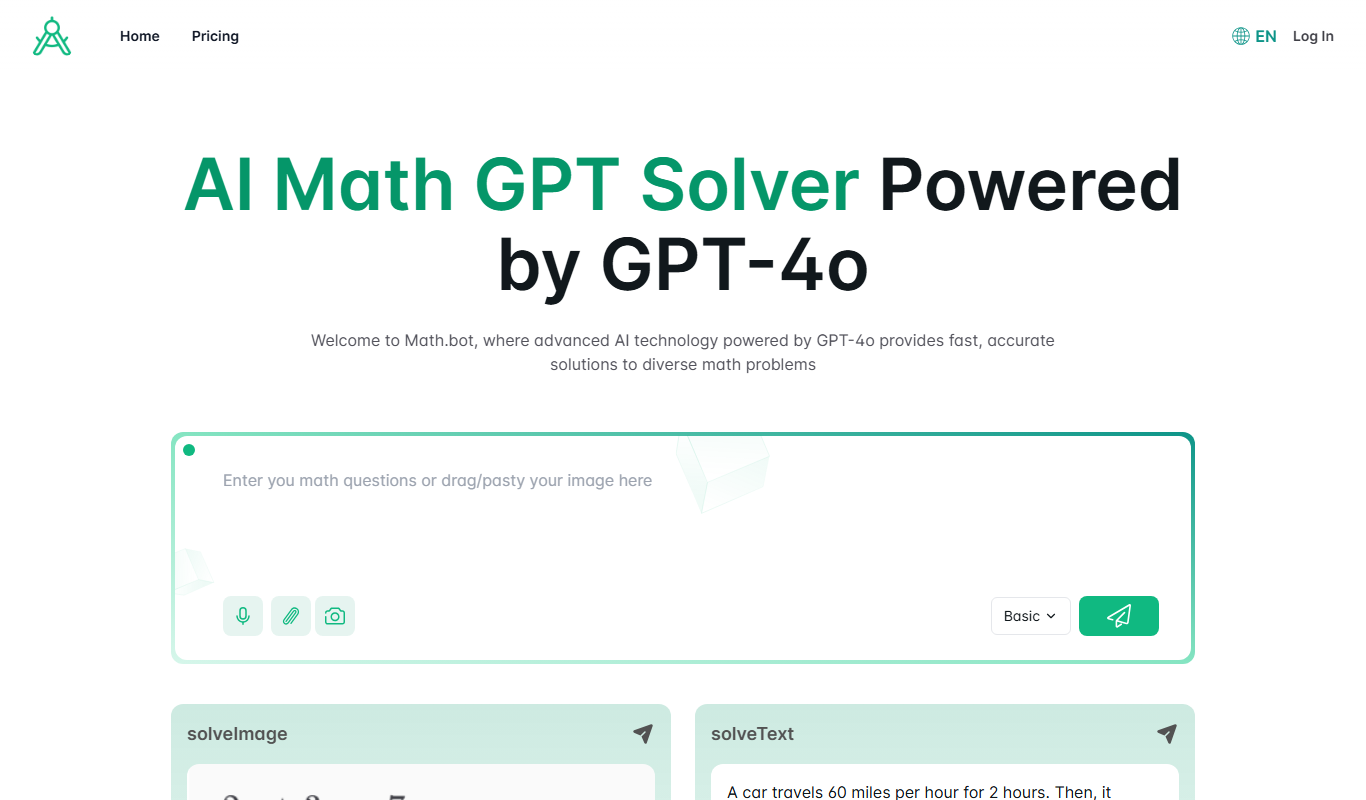
Math.bot: AI Math Solver by GPT-4o
Math.bot is an AI-powered math solver using GPT-4o that provides detailed step-by-step solutions to a wide range of math problems via a web interface.
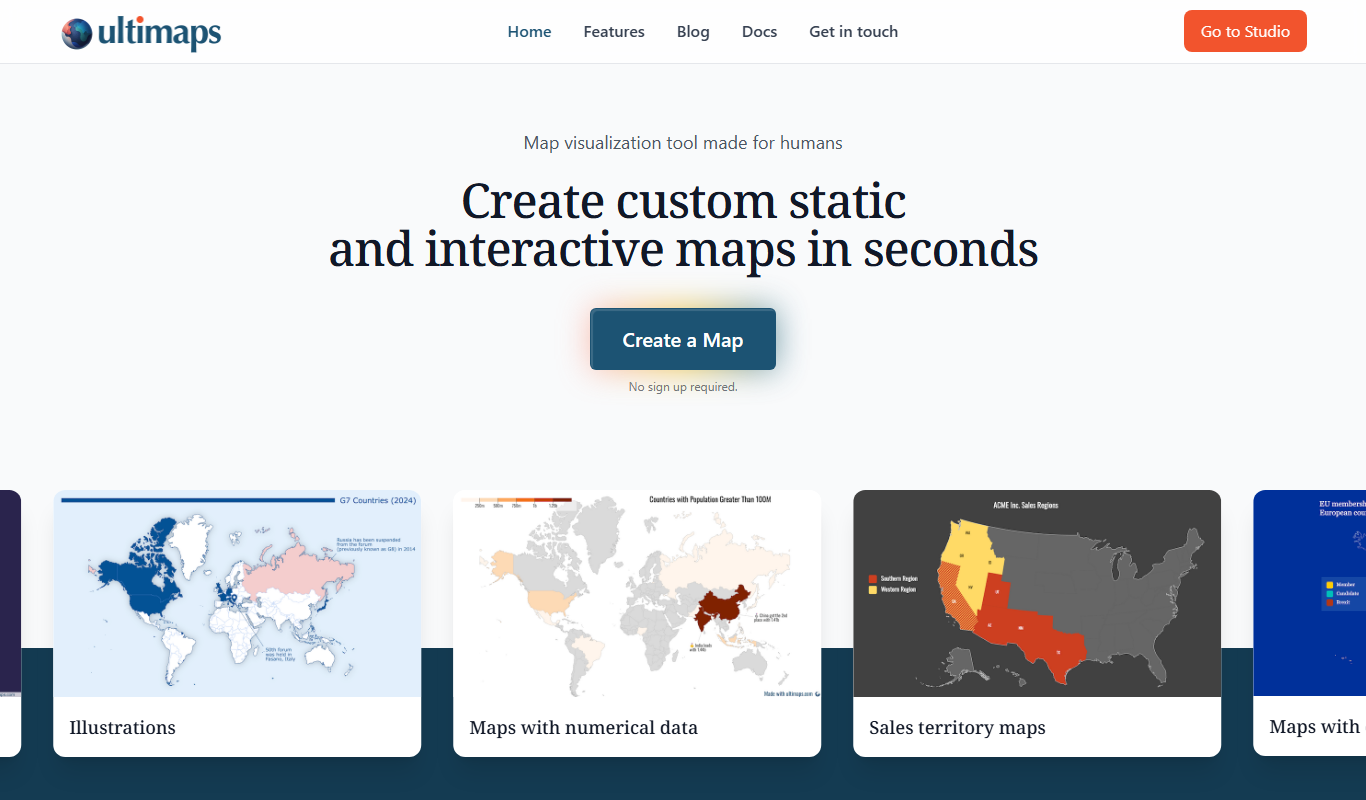
Ultimaps
Ultimaps turns spreadsheet data into choropleth maps, sales territory maps and interactive embeds, with PNG, SVG and PDF export and a free plan.

DataSquirrel.ai
DataSquirrel.ai is an AI-driven data analytics platform that automates data cleaning, visualization, and predictive modeling to help businesses gain actionable insights without requiring technical expertise.

stocknear
Stocknear is an all-in-one stock analysis platform with real-time prices, options flow, dark pool orders, news and forecasts for every US stock and ETF.

AI-Stock-Predictions.com
AI-Stock-Predictions.com is a web platform that uses artificial intelligence to analyze market data and provide stock price forecasts to assist investors in making informed decisions.