

Zyng AI Enterprise Visual Operating System for Commerce
ZYNG OS is an enterprise visual operating system for commerce that automates image standardization, Vision QC, Virtual Try-On and generative styling at scale.
- Best for
- Catalog standardization
- Key capability
- Image standardization
Save Zyng AI, follow its updates and vote on it — everything stays in your account.
Sign in or create a free account
What is Zyng AI?
ZYNG OS by Zyng AI is an enterprise visual operating system for commerce. It ingests raw product photography and outputs commerce-ready assets, automating image standardization, Vision QC, Virtual Try-On and generative styling at scale.
Key features of Zyng AI
ZYNG OS automates image standardization, Vision QC, Virtual Try-On and generative styling at scale, with API access and a sandbox for bulk image workflows.
Image standardization
Body and margin aware cropping for omni-channel resizing, supporting all aspect ratios and image formats.
Vision QC
Automated IP detection, blur analysis, hallucinated text flagging, incorrect cropping and custom rules stop bad assets before they reach your commerce stack.
Virtual Try-On
Custom-trained diffusion models match a single base selfie against target garments in under 2 seconds.
Mix and match
Mix and match garments to create multiple looks without reshoots.
API and sandbox
Direct API access to individual visual intelligence endpoints, with a sandbox to build bespoke workflows across bulk images.
Pros and cons of Zyng AI
Pros
- Pay-per-credit pricing with no subscriptions
- Proprietary in-house models, no third-party APIs
- Client data is not used for training without explicit enterprise agreements
- Custom brand QC rules
- SEO optimization tools integrated
Cons
- SOC 2 and GDPR certifications are still underway
- Visual similarity search API is still coming soon
- No mobile app available currently
Key use cases for Zyng AI
Catalog standardization
Standardize a full catalogue via image links, with no manual intervention and no file transfers.
QC for asset platforms
Embed QC checkpoints in an ingestion layer to scan every asset against brand and quality rules.
Catalog enrichment
Generate fresh outfit combinations from existing catalogue assets.
Virtual try-on
Lock one selfie and map any garment for a photoreal try-on in seconds.
Team Collaboration
Collaborate with team members on content drafts and marketing campaigns within the platform.
How Zyng AI works
- 1
Ingest images
Provide image links and the platform processes bulk libraries at scale.
- 2
Chain steps
Chain any steps into a single pipeline that branches on what each image contains.
- 3
Run QC at ingestion
Each image is checked for blur, IP issues and incorrect cropping before it reaches your commerce stack.
- 4
Output commerce-ready assets
Assets are cropped and resized for all aspect ratios and image formats.
- 5
Edit and Collaborate
Refine the generated content and collaborate with team members if needed.
- 6
Automate Workflows
Set up automation rules to streamline marketing tasks and content distribution.
Who is using Zyng AI
Zyng AI pricing
HD plan
$0.063 per image for 0-500 images, $0.031 for 500-20K, $0.016 for 20K-100K, custom for 100K+
High-quality edits for standard resolutions, billed per credit.
4K plan
$0.125 per image for 0-500 images, $0.063 for 500-20K, $0.031 for 20K-100K, custom for 100K+
High-quality edits for premium resolutions, billed per credit.
8K plan
$0.313 per image for 0-500 images, $0.156 for 500-20K, $0.078 for 20K-100K, custom for 100K+
Ultra-high quality for professional content, billed per credit.
Enterprise tiers
Custom
Substantial discounts on high-volume credit commitments, with custom deployments and dedicated pipelines available.
Plans and prices are as published by the vendor and can change. Check the official site before you buy. Open the pricing page (opens in a new tab)
Frequently asked questions about Zyng AI
An enterprise visual operating system for commerce that ingests raw photography and outputs commerce-ready assets across all channels.
Via image links: provide the URLs and the platform processes them at scale.
Pricing is pay-per-credit with no subscriptions. One credit is one output image, and the rate drops as volume grows.
Yes. New accounts get 100 free credits when they sign up.
Yes. Custom brand rules can cover margins, background tolerances, resolution limits and watermarking thresholds.
No. Models are not trained on client data without explicit enterprise agreements.
Not yet. Assets are stored in encrypted storage, and SOC 2 and GDPR certifications are underway.
Yes. ZYNG OS provides direct API access to individual visual intelligence endpoints, plus a sandbox.
Conclusion
Raw product photography goes in and commerce-ready assets come out, which is the core job of ZYNG OS, an enterprise visual operating system for commerce. Its modules cover image standardization with body and margin aware cropping, Vision QC that flags blur and IP issues at ingestion, Virtual Try-On, and mix-and-match looks without reshoots. Bulk libraries arrive through image links, and any steps can be chained into one pipeline that branches on what each image contains.
Teams that build their own flows get direct API access to individual endpoints and a sandbox for bespoke bulk workflows. Billing is pay-per-credit with no subscriptions: one credit is one output image, the rate drops as volume grows, and new accounts start with free credits. Compliance is still catching up, since assets sit in encrypted storage while SOC 2 and GDPR certifications are underway. Visual similarity search is also not available yet and is marked as coming soon.
Sources
Sign in to review this tool.
Sign In to ReviewNo reviews yet
Be the first to share how this tool worked for you.
Ask about pricing, limits, or how it compares — or answer someone else.
Sign In to AskNo questions yet
Have a question about using or paying for this tool? Be the first to ask.
Featured on TiorAI



More AI Image & Visual Tools tools
Other tools in the same category, for when this one is not quite the fit.

Toyify Me
Toyify Me turns photos into PVC figurine-style images with an AI editor, and new users get started with free credits.

Openart
OpenArt is an AI platform for creating art, images, videos and music online with 100+ models from Google, OpenAI, Seedance and more.

Pencil Sketch Generator: Make Creative Sketch Drawing
Pencil Sketch Generator (PenKetch) is an AI tool that creates pencil sketch drawings from text descriptions and converts photos into sketches.
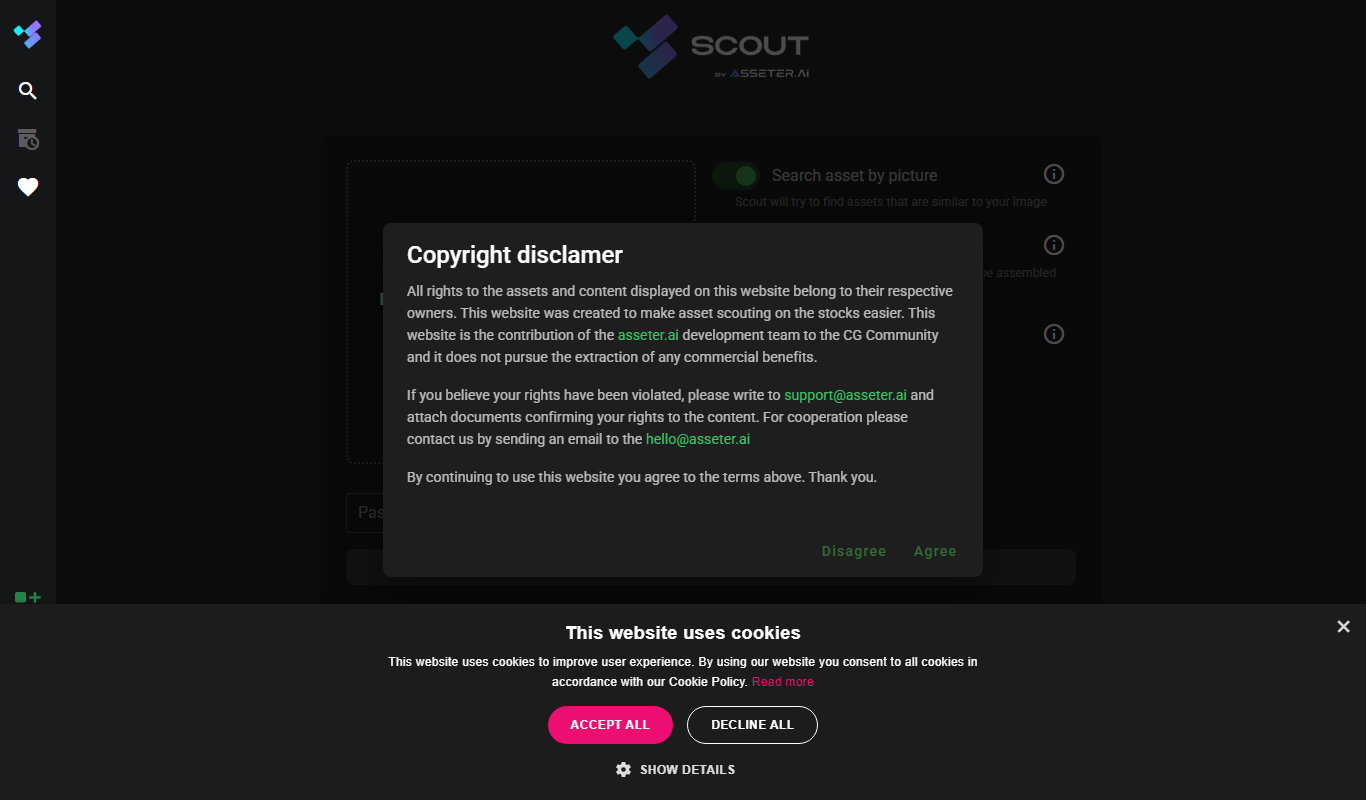
Scout by Asseter.ai
Scout by Asseter.ai is an AI-powered visual search engine that finds 3D models, textures and materials by picture across stock marketplaces such as 3DSky, CGTrader and Quixel Megascans.

TwoShot
TwoShot is an AI creative suite for music, audio, video and images: generate music and sounds from text, split stems, make voiceovers and produce in an online studio.

Midjourney API
Midjourney API is available through TTAPI, which gives access to Midjourney and 100+ AI models through one unified REST API with one API key, one balance and pay as you go billing.

Sticker.Show
Sticker.Show is an online AI sticker generator that creates custom stickers from a text description, with transparent-background downloads and a searchable sticker gallery.
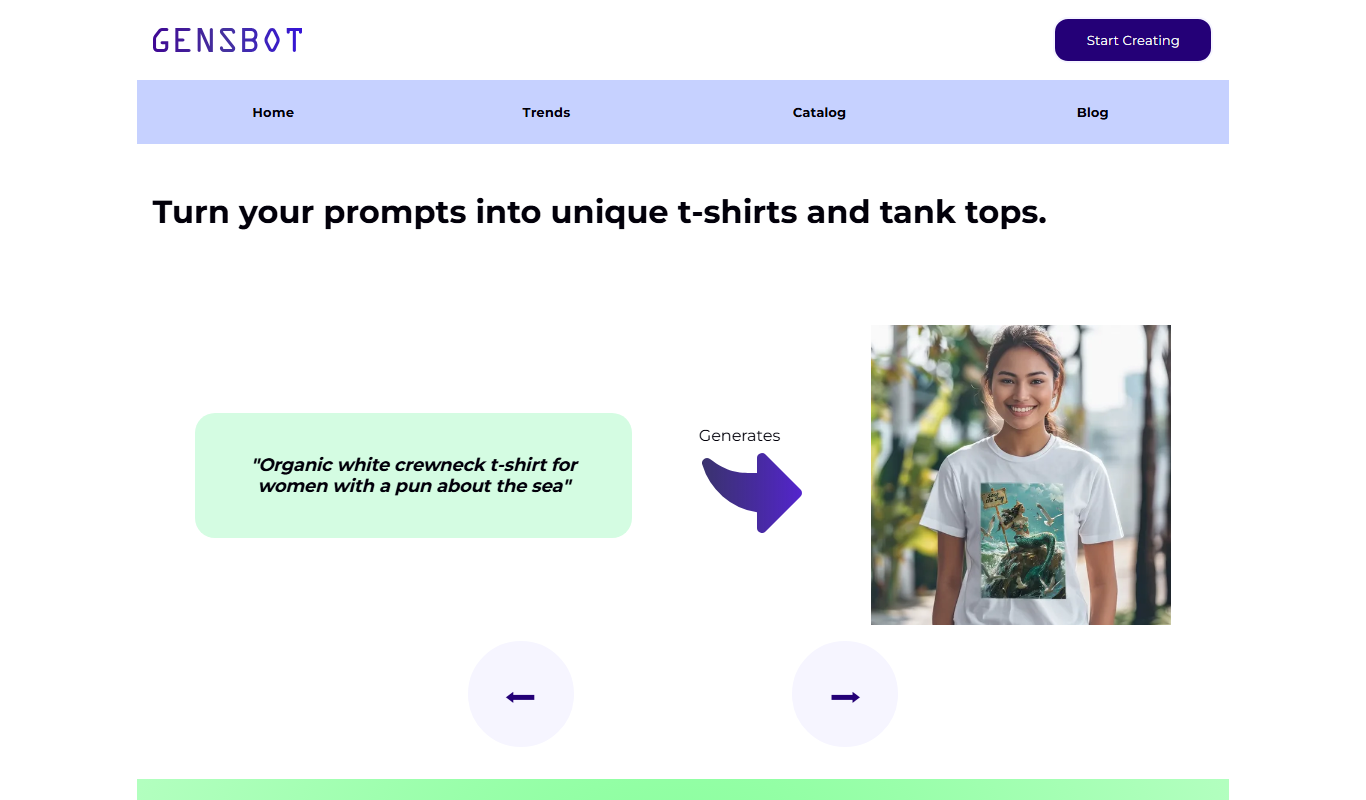
Gensbot
Gensbot turns your prompts into personalized printed merchandise, from t-shirts and mugs to canvas art, designed by AI in less than a minute and produced on demand.