

Emojifyer AI Emoji Generator for Custom Emoji Creation Online
Emojifyer is an AI-based tool that generates custom emojis from text descriptions, allowing users to create personalized emojis for social media, messaging, and branding.
- Best for
- Custom Emoji Creation
- Key capability
- AI-Powered Emoji Creation
Save Emojifyer | AI Emoji Generator, follow its updates and vote on it — everything stays in your account.
Sign in or create a free accountWhat is Emojifyer | AI Emoji Generator?
Emojifyer is an AI-powered emoji generator that allows users to create custom emojis quickly and easily. By leveraging artificial intelligence, it transforms text descriptions or concepts into unique emoji designs, enabling more personalized and expressive digital communication.
Key features of Emojifyer | AI Emoji Generator
Emojifyer offers intuitive AI-driven emoji creation, customization options, and easy export formats for use across various digital platforms.
AI-Powered Emoji Creation
Generates unique emojis from text prompts using advanced AI algorithms.
Customization Tools
Allows users to modify generated emojis to better fit their style or needs.
Easy Export Options
Supports multiple file formats for seamless integration into different platforms.
User-Friendly Interface
Simple and intuitive design that requires no prior design experience.
Pros and cons of Emojifyer | AI Emoji Generator
Pros
- Easy to use with no design skills required
- AI generates unique and creative emojis
- Customizable emoji designs
- Affordable pricing with a free tier
Cons
- Limited free usage quota
- Customization options are basic compared to professional design tools
Key use cases for Emojifyer | AI Emoji Generator
Custom Emoji Creation
Generate unique emojis tailored to your personal or brand style using AI.
Social Media Content Enhancement
Add personalized emojis to social media posts to increase engagement and expressiveness.
Messaging and Communication
Create emojis that better convey emotions and ideas in chats and messaging platforms.
Marketing and Branding
Design brand-specific emojis to strengthen brand identity and customer interaction.
How Emojifyer | AI Emoji Generator works
- 1
Enter Description
Input a text description or concept for the emoji you want to create.
- 2
AI Generation
The AI processes your input and generates a unique emoji design based on it.
- 3
Customize
Adjust colors, shapes, and other design elements to fine-tune your emoji.
- 4
Download and Use
Export your custom emoji in various formats for use in messaging, social media, or branding.
Who is using Emojifyer | AI Emoji Generator
Emojifyer | AI Emoji Generator pricing
Free
$0/month
Access to basic emoji generation features with limited daily usage.
Pro
$9.99/month
Unlimited emoji generation, advanced customization, and priority support.
Plans and prices are as published by the vendor and can change. Check the official site before you buy. Open the pricing page (opens in a new tab)
Frequently asked questions about Emojifyer | AI Emoji Generator
Yes, Pro plan users can use generated emojis for commercial purposes. Free plan usage is limited to personal use.
Emojifyer supports PNG and SVG formats for exporting emojis.
Free users have a daily limit, while Pro subscribers enjoy unlimited emoji creation.
It depends on your specific needs and how you plan to use the tool. The official website and documentation are the best sources for the latest details.
Yes, it can help with that use case depending on how you configure it and what features are available. You’ll get the best results with clear inputs and a defined goal.
Some tools offer a free plan or trial with limited features. Availability can vary, so confirm on the official website.
Conclusion
A written description or concept is all it needs, and the AI transforms that text into a unique emoji design. Colors, shapes and other design elements can then be fine-tuned before the emoji is exported for messaging, social media or branding. No prior design experience is required.
Personalized emojis can add expressiveness to social media posts, convey emotions more clearly in chats, or carry a brand-specific style meant to strengthen brand identity. It is aimed at social media users and messaging app users as well as marketing professionals. Compared with professional design tools, its customization options are described as basic.
Sources
Sign in to review this tool.
Sign In to ReviewNo reviews yet
Be the first to share how this tool worked for you.
Ask about pricing, limits, or how it compares — or answer someone else.
Sign In to AskNo questions yet
Have a question about using or paying for this tool? Be the first to ask.
Featured on TiorAI



Alternative Tools
Explore similar AI tools that might fit your needs
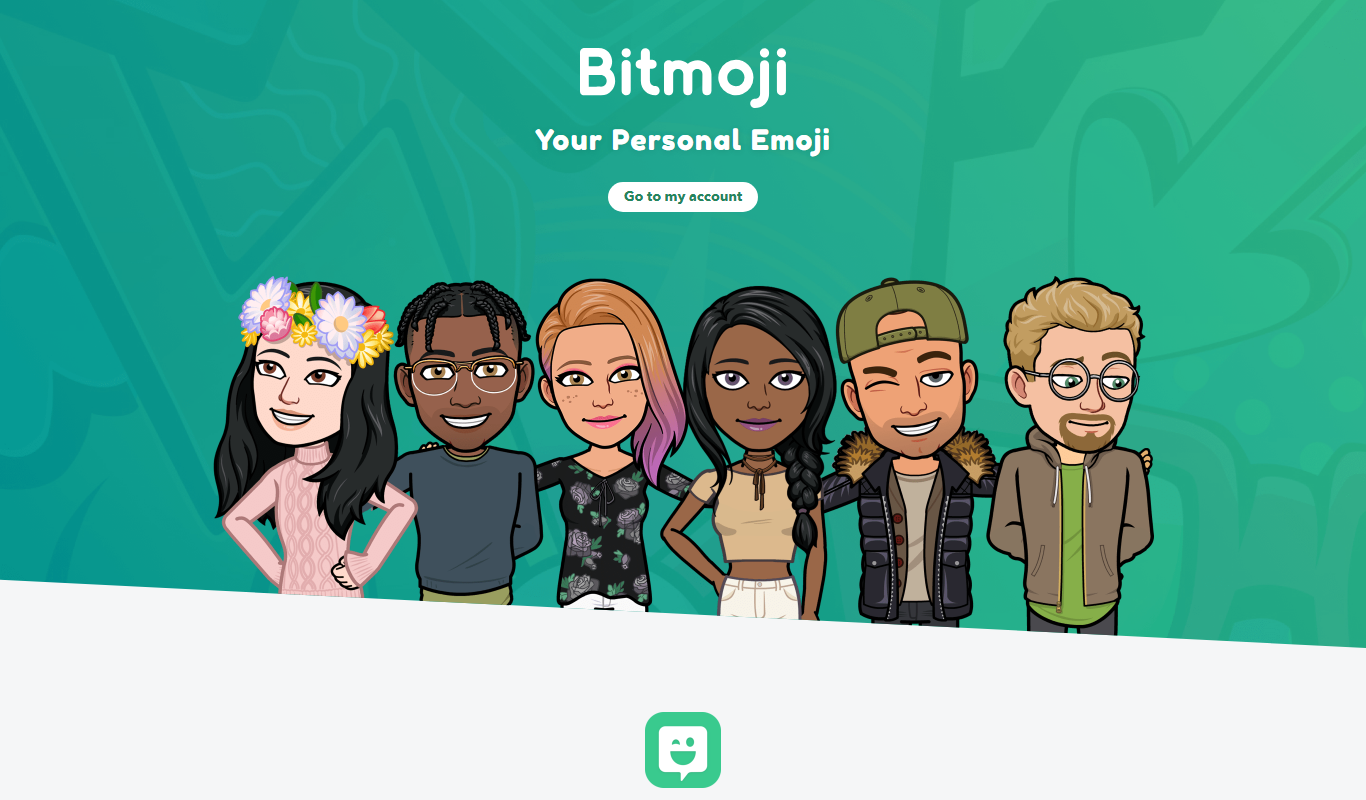
Bitmoji
Bitmoji is a free app by Snap Inc. that lets users create personalized cartoon avatars and emojis for use in messaging and social media.
Emoji Maker
Emoji Maker is a free web-based tool that lets users create custom emojis by combining various facial features and accessories, ideal for personalizing digital communication and social media content.

Moji Edit
Moji Edit is an AI avatar generator that lets users create custom emojis, stickers, and avatars through an easy web interface with extensive customization options.
More AI Ai Tools tools
Other tools in the same category, for when this one is not quite the fit.

REimagine Home
REimagine Home is an AI-driven platform that transforms your room photos into virtual interior design makeovers, helping you visualize new furniture and decor styles quickly and easily.

Free AI QR Code Generator by MyQRCode
MyQRCode is a web-based QR code generator for restaurants, vCards, events and businesses, with custom designs, editable links, logos and colors.

AIQRHub
AIQRHub is an online tool that uses AI to turn the QR code for a URL into an artistic QR code in a preset style.

AI QR Codes
AI QR Codes is a web platform that uses artificial intelligence to generate customizable and visually appealing QR codes suitable for marketing and branding.

AutoRFP.ai
AutoRFP.ai is an AI-powered platform that automates RFP response creation, enabling sales teams to quickly generate tailored proposals and manage content efficiently.

PromptPoint
PromptPoint is a web platform that helps users create, manage, and optimize AI prompts to improve the quality and relevance of AI-generated content, with features for collaboration and analytics.

ChefGPT
ChefGPT is an AI recipe and calorie tracking app that generates recipes from pantry ingredients, builds meal plans and logs calories from meal photos.

Quizbot.ai
Quizbot.ai is an AI-driven platform that helps users create interactive quizzes by generating questions from input content, enabling quick and engaging assessments.