

Xpeacho: AI text-to-speech with 880+ voices in 80+ languages
Xpeacho is an AI text-to-speech platform for video creators with 880+ voices in 80+ languages, standard and neural AI engines and a free plan.
- Best for
- YouTube narration
- Key capability
- 880+ voices in 80+ languages
Save Xpeacho, follow its updates and vote on it — everything stays in your account.
Sign in or create a free account

What is Xpeacho?
Xpeacho is an AI text-to-speech platform created especially for video creators. It turns any text into studio-quality voice with 880+ voices in 80+ languages, using standard and neural AI engines.
Key features of Xpeacho
Standard and neural AI voices, full SSML control over pronunciation, emphasis, pauses and pitch, audio export and a project library to save and re-render scripts.
880+ voices in 80+ languages
Turn any text into studio-quality voice with 880+ voices in 80+ languages.
Standard and neural AI engines
Pick standard voices for cost-efficient bulk work or neural AI voices for narration that sounds human.
SSML control
Fine-tune pronunciation, emphasis, pauses and pitch with full SSML.
MP3 and WAV download
Export production-ready audio in MP3 or WAV.
Pros and cons of Xpeacho
Pros
- Free plan with no credit card required
- Paid plans give full copyright of the generated speech
- 30-day money-back guarantee on paid plans
- Comprehensive analytics tools
Cons
- Neural AI voices use four times the characters of standard voices
- Generated files are deleted after 7 days
Key use cases for Xpeacho
YouTube narration
Narration for faceless channels and scripted videos.
Podcasts
Intros, ads and full episodes in any voice.
E-learning
Course narration, lesson audio and voiceovers.
Audiobooks
Self-publish narration in 80+ languages.
How Xpeacho works
- 1
Paste your script
Drop in any text, up to 100,000 characters per generation.
- 2
Pick your voice
Browse 880+ voices in 80+ languages and preview before you commit.
- 3
Download
Render to MP3 or WAV and use the audio, including for commercial work.
- 4
Monitor & Optimize
Track chatbot interactions and improve responses based on analytics.
Who is using Xpeacho
Xpeacho pricing
Free
USD 0
2500 characters per month, all standard voices and standard voice effects, limited audio file creation.
Basic
USD 9 every 30 days
200000 characters per month, all standard and neural voices.
Standard
USD 19/month
500000 characters per month, all standard and neural voices and voice effects, unlimited audio file creation.
Professional
USD 39/month
1000000 characters, all standard and neural voices and effects, unlimited audio file creation, Sound Studio and 24x7 customer support.
Plans and prices are as published by the vendor and can change. Check the official site before you buy. Open the pricing page (opens in a new tab)
Frequently asked questions about Xpeacho
Yes. You can sign up and try the voices for free, with no credit card required.
Standard voices suit cost-efficient bulk work, while neural AI voices give more natural narration; a neural voice-over is charged four times the characters of the script.
Yes, full REST API access is available on Pro and higher plans.
Files are stored for 7 days and then deleted permanently.
Some tools offer a free plan or trial with limited features. Availability can vary, so confirm on the official website.
It depends on your specific needs and how you plan to use the tool. The official website and documentation are the best sources for the latest details.
Conclusion
A script goes in and a voiceover comes out: paste up to 100,000 characters, pick one of 880+ voices in 80+ languages and render it to MP3 or WAV. Standard voices handle cheap bulk work, while the neural AI engine aims at narration that sounds human, and SSML tags adjust pronunciation, pauses and pitch.
The service was built especially for video creators, and YouTube narration, podcasts, course audio and audiobooks are the main uses it shows. A free plan needs no credit card, and the paid subscriptions add neural voices and more characters per month. Two limits matter in practice: a neural voice-over uses four times the characters of its script, and generated files are deleted after 7 days.
Sources
Sign in to review this tool.
Sign In to ReviewNo reviews yet
Be the first to share how this tool worked for you.
Ask about pricing, limits, or how it compares — or answer someone else.
Sign In to AskNo questions yet
Have a question about using or paying for this tool? Be the first to ask.
Featured on TiorAI



More AI Text-to-Speech tools
Other tools in the same category, for when this one is not quite the fit.

ChatTTS
ChatTTS is a text-to-speech model built for conversational scenarios such as LLM assistant dialogue and conversational video introductions, supporting Chinese and English.

Read It
Read It turns your newsletters and articles into audio with AI text-to-speech and delivers them as a podcast feed.

FileSpeech
FileSpeech converts files into natural speech: import PDF files, website links or camera scans, pick a language and voice, and listen in the app or download the audio.

Studio Neiro AI
Studio Neiro AI turns text into videos presented by AI avatars, with natural AI voices, text to speech, script generation and automatic captions.

Butter Reader
Butter Reader converts blog posts into an on-brand audio player with natural AI narration, embedded on WordPress or any site with one snippet.

Tad AI
Tad AI is an AI music generator and song maker that turns prompts and lyrics into original songs or instrumentals, with cover, rap and music video tools.

WhisperUI – Text to Speech
WhisperUI is a transcription workspace for web and desktop that also offers a text to speech tool for turning typed text into speech.
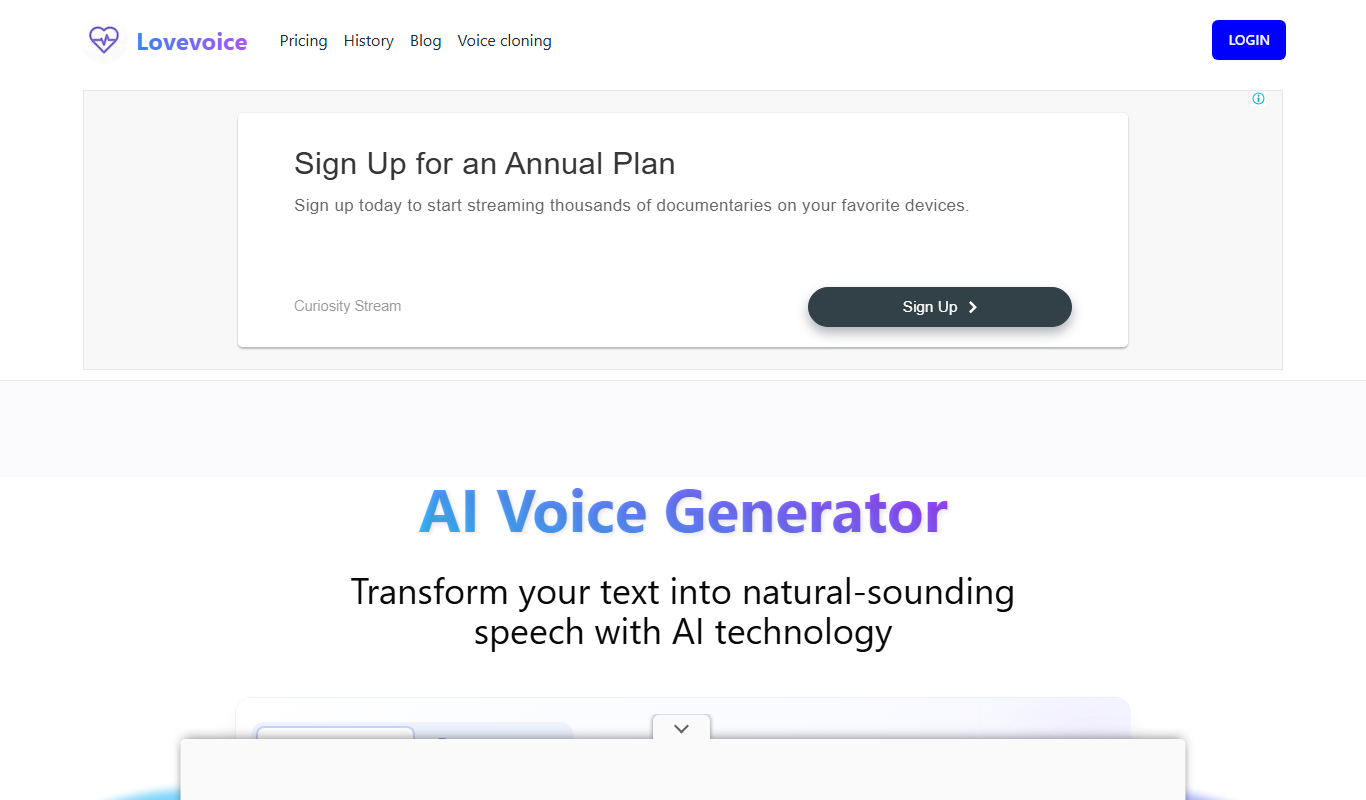
Lovevoice AI Voice Generator
Lovevoice AI is a web-based platform that converts text into realistic speech and allows users to clone voices by uploading samples, ideal for content creation and marketing.