

Listnr AI Voice Generator for Podcasts, Audiobooks, and Voiceovers
Listnr is an AI-powered text-to-speech platform that converts text into natural-sounding audio using multiple voices and languages, ideal for podcasts, audiobooks, and marketing content.
- Best for
- Podcast Voiceovers
- Key capability
- Multiple AI Voices
Save Listnr, follow its updates and vote on it — everything stays in your account.
Sign in or create a free account
What is Listnr?
Listnr is an AI-powered voice generator platform that converts text into natural, human-like speech. It offers a variety of customizable voices and languages, enabling creators to produce audio content such as podcasts, audiobooks, marketing videos, and e-learning materials without the need for professional voice actors. The platform also supports voice cloning to replicate unique voices for personalized audio experiences.
Key features of Listnr
Listnr provides a user-friendly interface with multiple voice options, language support, and customization features including voice speed and tone adjustments. It supports batch processing, API integration for developers, and offers high-quality audio output suitable for professional use.
Multiple AI Voices
Access a diverse library of natural-sounding voices across different languages and accents.
Voice Cloning
Create custom voice models by cloning existing voices for personalized audio content.
API Access
Integrate Listnr’s voice generation capabilities into your own applications via API.
Batch Processing
Convert large volumes of text into speech efficiently with batch upload and processing.
Customizable Voice Settings
Modify speech speed, pitch, and emphasis to tailor the audio output.
Pros and cons of Listnr
Pros
- Wide selection of natural-sounding AI voices
- Supports multiple languages and accents
- Easy-to-use interface with customization options
- API access for developers
- Voice cloning capabilities
Cons
- Free plan has limited characters and voices
- Voice cloning requires additional setup and may have higher costs
- Some advanced features only available on higher-tier plans
Key use cases for Listnr
Podcast Voiceovers
Create professional-sounding podcast episodes with AI-generated voices to save time and costs.
Audiobook Narration
Convert written books into engaging audiobooks using natural-sounding AI voices.
Marketing and Explainer Videos
Generate voiceovers for promotional videos, explainer content, and advertisements.
E-learning and Training
Produce narrated educational content and training materials with customizable AI voices.
Voice Cloning
Replicate specific voices for personalized content or brand consistency.
How Listnr works
- 1
Sign Up
Create a free account on Listnr’s website to access the voice generation tools.
- 2
Input Text
Enter or upload the text content you want to convert into speech.
- 3
Select Voice and Language
Choose from a variety of AI voices and supported languages to match your content style.
- 4
Customize Audio
Adjust voice parameters such as speed, pitch, and tone to suit your preferences.
- 5
Generate and Download
Generate the audio file and download it in your preferred format for use.
Who is using Listnr
Listnr pricing
Free
$0 per month
No credit card required: 1,000 credits to start, preview of 1,000+ AI voices, 142+ languages and accents and Listnr Studio access.
Individual
$19 per month, or $190 billed annually
For solo producers: 20,000 credits/month (about 2 hours of voice generation), unlimited downloads and exports, 50GB storage, 50 videos/month, all 1,000+ voices, unlimited audio embeds and commercial rights.
Solo
$39 per month, or $390 billed annually
For creators or small teams: 50,000 credits/month (about 5 hours of voice generation), unlimited downloads and exports, 100GB storage, 150 videos/month, all 1,000+ voices, unlimited audio embeds and commercial rights.
Agency
$99 per month, or $990 billed annually
For SMBs and agencies: 250,000 credits/month (about 25 hours of voice generation), unlimited downloads and exports, 250GB storage, 250 videos/month, all 1,000+ voices, unlimited audio embeds and commercial rights.
Custom pricing
Contact us
Seat-based licenses, custom credit volumes, dedicated API throughput, large team collaboration, custom integrations, SSO and custom invoicing, and volume pricing.
Plans and prices are as published by the vendor and can change. Check the official site before you buy. Open the pricing page (opens in a new tab)
Frequently asked questions about Listnr
Yes, Listnr’s paid plans include commercial usage rights for audio content.
Yes. Listnr offers 1,000+ AI voices across 142+ languages and accents.
Yes, Listnr offers API access for developers to integrate voice generation into their apps.
Yes, Listnr provides voice cloning services to create custom AI voices.
It depends on your specific needs and how you plan to use the tool. The official website and documentation are the best sources for the latest details.
Yes, it can help with that use case depending on how you configure it and what features are available. You’ll get the best results with clear inputs and a defined goal.
Yes, it can help with that use case depending on how you configure it and what features are available. You’ll get the best results with clear inputs and a defined goal.
Some tools offer a free plan or trial with limited features. Availability can vary, so confirm on the official website.
Conclusion
Voiceovers are built in a block-based studio where each scene can get a different speaker, and a single line can be regenerated while the rest stays intact. Delivery is steered with style prompts and tags such as [whispers] or [excited], along with pauses, custom pronunciations and inflection controls. The same workspace also offers voice cloning with an approved voice, translation, a podcast studio and a text to speech API.
Its library holds 1,000+ AI voices across 142+ languages and accents. The free plan starts with a one-off block of credits and a preview library, while the Individual, Solo and Agency plans add monthly credits, storage and commercial rights. Yearly billing charges 10 months up front, which gives two months free.
Sources
Sign in to review this tool.
Sign In to ReviewNo reviews yet
Be the first to share how this tool worked for you.
Ask about pricing, limits, or how it compares — or answer someone else.
Sign In to AskNo questions yet
Have a question about using or paying for this tool? Be the first to ask.
Featured on TiorAI



More AI Audio Content Tools tools
Other tools in the same category, for when this one is not quite the fit.

Blakify
Blakify is an AI-powered text to speech platform that converts written text into natural-sounding audio with multiple voice and language options, ideal for content narration, audiobooks, and accessibility.

notevibes.com
Notevibes is an AI voice generator with Noty, an AI producer for narration, podcasts, audiobooks and songs in 2,600+ natural voices or your own cloned voice, across 130+ languages, with a free plan.
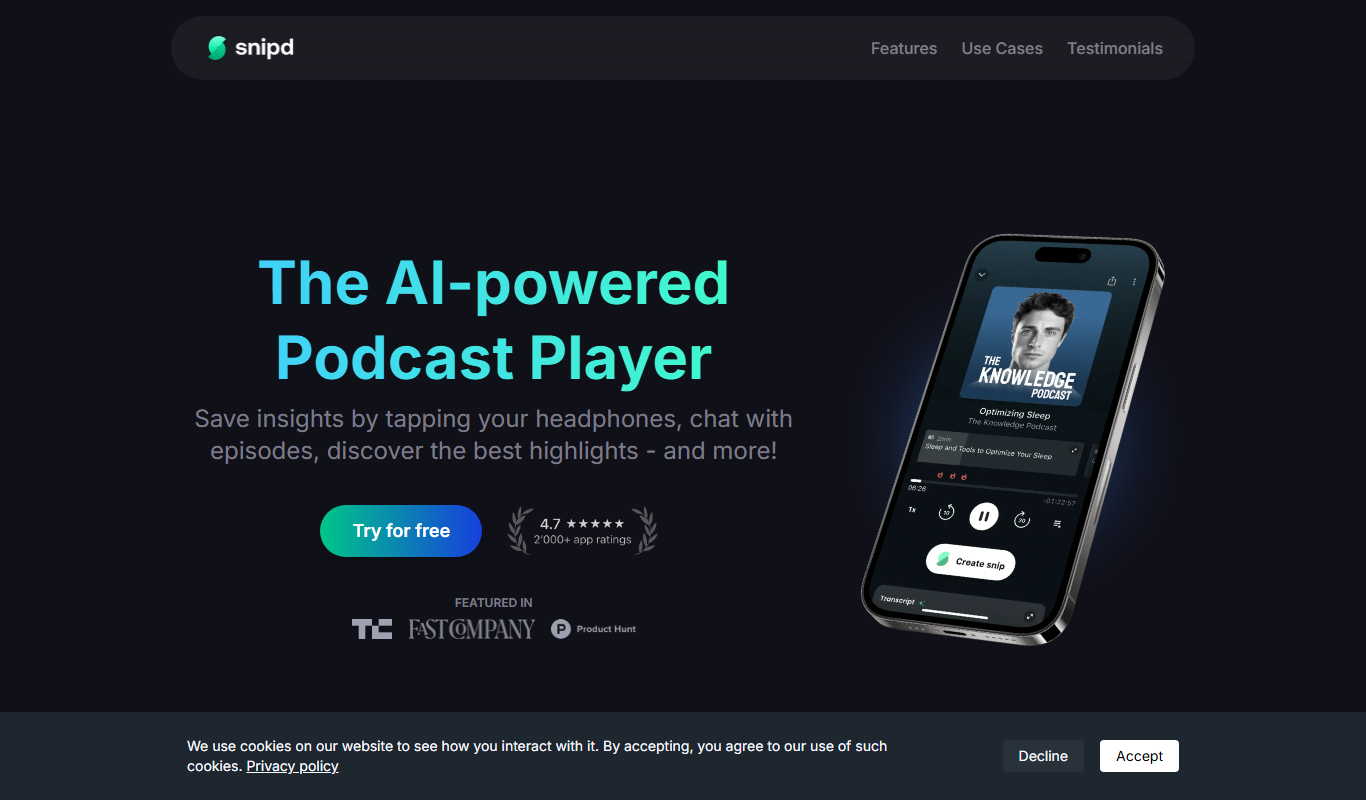
Snipd
Snipd is an AI-powered podcast player that provides automatic transcripts, smart highlights, and clip creation to help users quickly find and share important podcast moments.
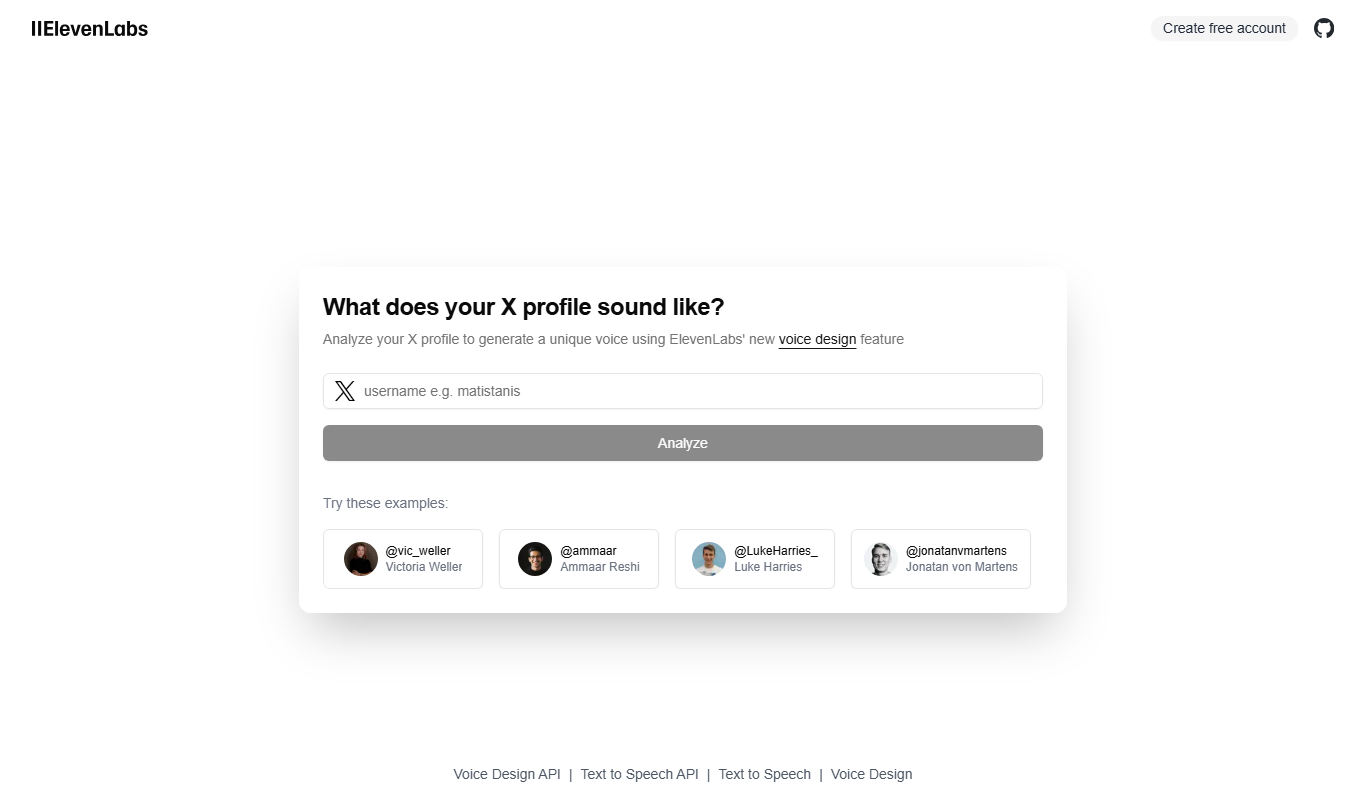
X to Voice
X to Voice is an AI-powered text-to-speech tool that converts written text into natural-sounding voice audio quickly and easily via a web platform.