

EasyDictation.app Dictation and Shadowing Practice from YouTube Videos
EasyDictation.app turns YouTube videos into English dictation and shadowing lessons with AI transcription, instant feedback and pronunciation practice.
- Best for
- Listening practice
- Key capability
- Lessons from any YouTube video
Save EasyDictation.app, follow its updates and vote on it — everything stays in your account.
Sign in or create a free account
What is EasyDictation.app?
EasyDictation.app turns any YouTube video into an interactive English lesson for dictation and shadowing practice. AI transcribes the video, splits it into natural thought groups, translates it into the learner’s native language and scores pronunciation, while the learner listens, types and speaks.
Key features of EasyDictation.app
EasyDictation.app creates lessons from any YouTube video with AI transcripts and translations in 70+ languages, auto-pause and repeat controls, word-by-word accuracy feedback, shadowing with AI pronunciation scoring and a vocabulary book with flashcards.
Lessons from any YouTube video
Add any YouTube video and AI generates transcripts with translations in 70+ languages.
Instant accuracy feedback
Word-by-word comparison shows missed words, with IPA pronunciation and meaning for any word.
Shadowing with pronunciation scoring
Record your voice and get instant AI feedback on pronunciation, sentence by sentence.
Vocabulary book
Save new words while practicing and review them with flashcards.
Pros and cons of EasyDictation.app
Pros
- Works with any YouTube video
- Auto-pause after each sentence with a repeat count
- Can be started without creating an account
- Mobile friendly for practice on a phone
Cons
- Lessons are built for learning English
- The free plan allows 1 video a day and dictation of only the first minute
- Preparing a new video takes about 5 minutes
Key use cases for EasyDictation.app
Listening practice
Listen to YouTube videos sentence by sentence and type what you hear.
Pronunciation practice
Shadow native speakers and get AI pronunciation scores.
Vocabulary building
Save new words to a vocabulary book and review them with flashcards.
Classroom assignments
Teachers give students access with an invite link and see who completed each assignment.
How EasyDictation.app works
- 1
Select a YouTube video
Choose an English video on YouTube and copy its URL.
- 2
Add the video
Paste the URL into EasyDictation; preparing the transcript takes about 5 minutes.
- 3
Practice and track progress
Practice dictation, create reports and track progress.
Who is using EasyDictation.app
EasyDictation.app pricing
Free BASIC
$0 free forever
1 YouTube video a day (dictation of the first minute only), 10 shadowing practices a day, AI transcription and translation, dictionary and IPA lookup.
PRO subscription
$60.00/year (about $5.00/month)
Up to 10 hours of YouTube video, full-video dictation and 2,000 shadowing practices a month; auto-renews and can be cancelled anytime.
PRO 12 months one-time
$60.00 for 12 months
All PRO benefits for 12 months with no subscription or auto-renewal, for payment methods such as Alipay and Cash App Pay.
Plans and prices are as published by the vendor and can change. Check the official site before you buy. Open the pricing page (opens in a new tab)
Frequently asked questions about EasyDictation.app
There is a free BASIC plan; PRO unlocks full-video dictation and more practice.
No. You can start without creating an account, and no card is required.
Any YouTube video; AI generates the transcript and translations.
Yes. Shadowing practice records your voice and gives instant AI feedback on pronunciation.
About 5 minutes, while the app creates the transcript.
Yes. It is designed for practicing on a phone, with no computer required.
Translations are available in 70+ languages.
Conclusion
Learners pick an English video on YouTube, paste its link, and after about 5 minutes EasyDictation.app has a transcript ready for practice. The lesson pauses after each sentence so the learner can type what they heard, then compares the text word by word and shows the missed words. A shadowing mode records the learner’s voice and scores pronunciation, and new words go into a vocabulary book with flashcards.
Teachers can also open PRO to a whole group through an invite link and track each assignment. The free BASIC plan limits practice to one video a day and only its first minute of dictation, so full lessons need PRO, sold as a yearly subscription or a one-time 12-month pass.
Sources
Sign in to review this tool.
Sign In to ReviewNo reviews yet
Be the first to share how this tool worked for you.
Ask about pricing, limits, or how it compares — or answer someone else.
Sign In to AskNo questions yet
Have a question about using or paying for this tool? Be the first to ask.
Featured on TiorAI



Alternative Tools
Explore similar AI tools that might fit your needs
Speechnotes
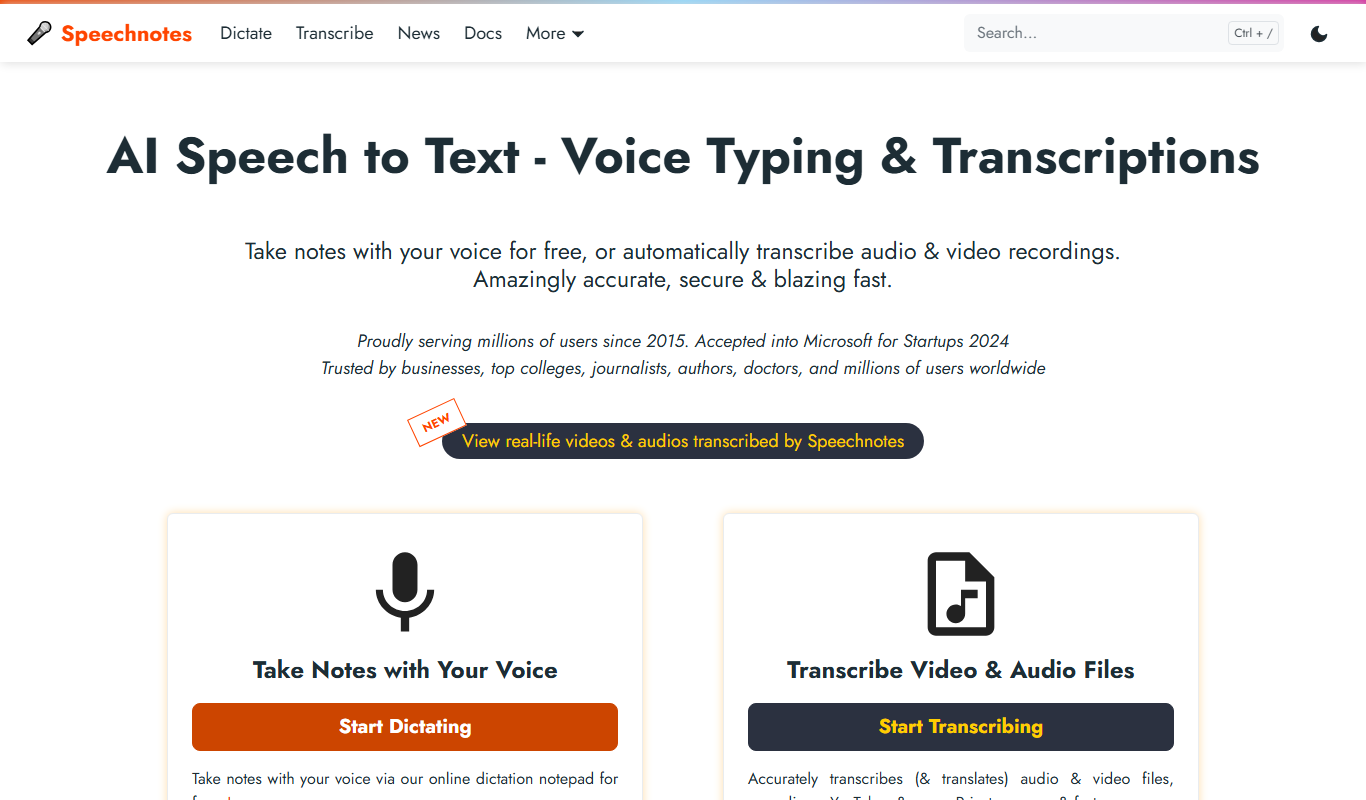
Speechnotes is an AI-powered speech-to-text application that converts spoken language into text in real time, supporting multiple languages and voice commands for punctuation.
More AI Accessibility Tools tools
Other tools in the same category, for when this one is not quite the fit.

Clearly Reader
Clearly Reader is a reader mode for browsers with AI summaries, text-to-speech, multilingual translation and customizable themes.

Image Describer
Image Describer is an online AI tool that generates detailed descriptions, captions and extracted text from uploaded images.

ChatTTS
ChatTTS is a text-to-speech model built for conversational scenarios such as LLM assistant dialogue and conversational video introductions, supporting Chinese and English.

ForVoyez
ForVoyez generates SEO-optimized alt text, titles and captions for images with AI, through an API and a WordPress plugin.

ImageComply
ImageComply is an alt text generator that automatically writes alt tags for website images through a plugin, for accessibility and SEO.

Butter Reader
Butter Reader converts blog posts into an on-brand audio player with natural AI narration, embedded on WordPress or any site with one snippet.

Sign AI
Sign AI is building real-time, bi-directional sign language interpretation with AI, led by a Deaf team, for businesses, institutions and developers.

Read Easy.ai
Read Easy.ai makes text easier to read for people with low literacy skills through Microsoft Word and Outlook add-ins, a Chrome extension and a Developer API, in multiple languages.