

MachineTranslation AI Platform for Automated Language Translation Services
MachineTranslation.com by Tomedes is a free AI translator that compares 22 AI models and selects the translation most of them agree on, for text and documents.
- Best for
- Website Localization
- Key capability
- Neural Machine Translation
Save MachineTranslation, follow its updates and vote on it — everything stays in your account.
Sign in or create a free account
What is MachineTranslation?
MachineTranslation.com by Tomedes is an AI translation aggregator that compares the outputs of 22 AI models and automatically selects the version most of them agree on. It translates text and large documents while keeping their original layout, and can be used free with no sign-up.
Key features of MachineTranslation
The platform offers real-time translation API access, bulk document translation, customizable language models, and integration capabilities for websites and applications. It supports a wide range of languages and provides high-quality translations optimized for various industries.
Neural Machine Translation
Uses deep learning models to deliver more natural and accurate translations compared to traditional methods.
API Integration
Provides RESTful API for seamless integration with websites, apps, and workflows.
Bulk Document Translation
Supports large-scale translation of documents in various formats with fast processing.
Customizable Language Models
Allows users to fine-tune translation models for specific industries or terminology.
Multi-language Support
Offers translation services across dozens of languages covering major global markets.
Pros and cons of MachineTranslation
Pros
- High-quality neural machine translation
- Easy API integration for developers
- Supports bulk document translation
- Customizable models for industry-specific needs
- Wide range of supported languages
Cons
- No dedicated mobile app available
- Pricing details for enterprise plans require direct contact
Key use cases for MachineTranslation
Website Localization
Automatically translate website content to reach global audiences quickly and efficiently.
Document Translation
Translate large volumes of documents with high accuracy using AI-powered neural machine translation.
Customer Support
Enable multilingual customer support by translating chat and email communications in real-time.
E-commerce Expansion
Localize product descriptions and marketing materials to enter new international markets.
Software Localization
Translate software UI strings and help documentation to support multiple languages.
How MachineTranslation works
- 1
Sign Up
Start translating instantly with no fees or sign-ups required; an account is needed for paid plans.
- 2
Select Languages
Choose source and target languages for your translation projects.
- 3
Upload Content
Submit text, documents, or website URLs for translation via the web interface or API.
- 4
Customize Settings
Adjust translation preferences and apply domain-specific models if needed.
- 5
Receive Translations
Get translated content instantly or in batches, ready for use or further editing.
Who is using MachineTranslation
MachineTranslation pricing
Free
$0/month
No sign-up needed; unlimited usage with free translation previews for long texts; full translations unlocked for $2.50 per 300 words.
Pro
$19/month
Unlimited text and document translations, access to all the latest AI models and more advanced LLMs.
Tailored
Free consultation
Builds on Pro with custom engine integrations; for large-scale or highly specialized deployments, priced on specific requirements.
24-Hour Unlimited Translations
$6 one-time
One-time payment with no auto-renewal that includes Pro features.
Plans and prices are as published by the vendor and can change. Check the official site before you buy. Open the pricing page (opens in a new tab)
Frequently asked questions about MachineTranslation
It supports 330+ languages and 72,600 language pairs.
Yes, the platform offers a RESTful API that allows easy integration with websites and applications.
There is a Free plan with no sign-up needed, and some advanced features may be available on the Free Plan in a limited way so they can be explored before upgrading.
MachineTranslation uses neural machine translation models that provide high-quality, natural-sounding translations, but some manual review may be needed for specialized content.
It depends on your specific needs and how you plan to use the tool. The official website and documentation are the best sources for the latest details.
Integration support depends on the tool and its available connectors or API. Check the official documentation or integrations page to confirm what is supported.
Yes, it can help with that use case depending on how you configure it and what features are available. You’ll get the best results with clear inputs and a defined goal.
Some tools offer a free plan or trial with limited features. Availability can vary, so confirm on the official website.
Conclusion
Instead of relying on one engine, the platform uses a feature called SMART that compares the outputs of 22 AI models and selects the translation most of them agree on. Results from multiple models can be viewed side by side with quality scores, and glossaries or style guides can be uploaded to keep a brand voice consistent. Documents in formats such as PDF, DOCX and XLSX are translated with their original layout kept, and human verification by a professional translator is an optional service.
Anyone can start free with no sign-up needed, within fair usage limits. The Pro subscription includes unlimited text and document translations and all the latest AI models, and a one-time 24-Hour Unlimited Translations pass includes Pro features without auto-renewal. The Tailored plan builds on Pro with custom engine integrations for large-scale deployments. API access comes only with Pro and Tailored, since the Free plan does not support API calls.
Sources
Sign in to review this tool.
Sign In to ReviewNo reviews yet
Be the first to share how this tool worked for you.
Ask about pricing, limits, or how it compares — or answer someone else.
Sign In to AskNo questions yet
Have a question about using or paying for this tool? Be the first to ask.
Featured on TiorAI



More AI Artificial Intelligence Tools tools
Other tools in the same category, for when this one is not quite the fit.
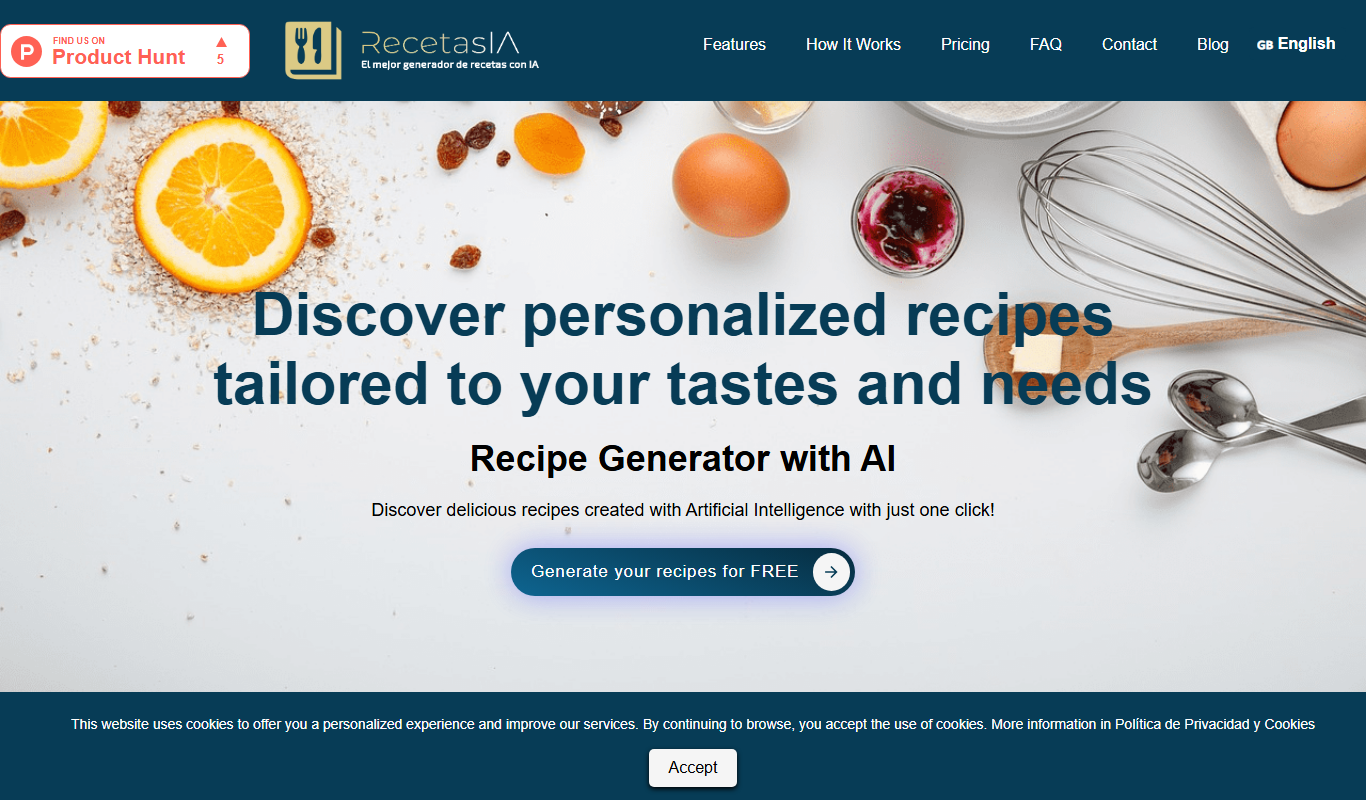
RecetasIA
RecetasIA is an AI-based web tool with a free plan that generates personalized recipes from your tastes, dietary restrictions and intolerances, in English or Spanish.

Newmoney.AI
Newmoney.AI is an AI-powered crypto and cash wallet: buy, trade, swap and send crypto across SUI, Solana, Ethereum and Bitcoin with the AI agent Newton, including via WhatsApp and Telegram.

TwoShot
TwoShot is an AI creative suite for music, audio, video and images: generate music and sounds from text, split stems, make voiceovers and produce in an online studio.

Kuakua – Psychology & AI Tools for Well-Being
Kuakua is a free website of psychology games, tests, screenings and cognitive experiments that turns psychology research into small tools for well-being.

MixPeek
MixPeek is an AI-driven multimedia search engine that indexes videos, images, audio, and documents to enable fast, accurate search through a web interface and developer API.

Musicfy
Musicfy is an AI voice song generator for creating covers in any voice, with 100,000+ voices or a clone of your own.

MusicGen AI
MusicGen is a free AI music generation tool developed by Meta that uses a single Language Model (LM) to create music based on a prompt.

Musick AI
Musick AI is an AI-powered platform that generates original music tracks based on user-selected genres and moods, enabling easy composition for creators without musical expertise.