
From my experience with NeuralCam, I found it excels at transforming challenging low-light scenes into bright, detailed photos without requiring manual adjustments. The AI-powered multi-frame processing and realistic portrait mode make it a standout for iPhone users who want professional-quality images with minimal effort. However, its limitation to iOS and lack of video support may restrict some users. Overall, if you prioritize enhanced night and portrait photography on your iPhone, NeuralCam offers a straightforward and effective solution.
NeuralCam Auto-Editing Camera App for Enhanced Night and Portrait Photos
NeuralCam is an AI-driven iOS camera app that automatically enhances photos, especially in low-light and portrait modes, using multi-frame processing and neural networks.
What is NeuralCam – Auto-editing Camera?
NeuralCam is an AI-powered camera app designed for iOS devices that automatically enhances photos by applying advanced computational photography techniques. It specializes in improving low-light and portrait photography by using multi-frame processing and neural networks to deliver bright, sharp, and natural-looking images without manual editing.

Key Features of NeuralCam – Auto-editing Camera
AI Multi-Frame Processing
Combines multiple images to reduce noise and increase detail in low-light conditions.
Realistic Portrait Mode
Creates natural bokeh effects with accurate edge detection and skin tone preservation.
Long Exposure Photography
Enables creative effects like light trails and smooth water without additional equipment.
Automatic Photo Enhancement
Adjusts brightness, contrast, and sharpness automatically for optimal image quality.
Selfie Mode Enhancements
Improves skin texture and lighting for better-looking self-portraits.
Pros and Cons of NeuralCam – Auto-editing Camera
Pros
- Produces bright, clear photos in low light
- Easy to use with automatic AI enhancements
- One-time purchase without subscription
- Supports creative long exposure shots
- Improves portrait photos with natural bokeh
Cons
- Available only on iOS devices
- No video recording functionality
- Some features require newer iPhone models
Key Use Cases for NeuralCam – Auto-editing Camera
Night Photography
Capture bright, detailed photos in low-light conditions using AI-powered multi-frame processing.
Portrait Photography
Create professional-looking portraits with natural bokeh effects and skin tone enhancements.
Auto Photo Enhancement
Automatically improve photo quality with AI-driven editing that adjusts exposure, noise, and sharpness.
Long Exposure Shots
Produce long exposure images such as light trails and smooth water effects without a tripod.
Selfie Enhancement
Enhance selfies with AI smoothing and lighting adjustments for better skin texture and clarity.
How NeuralCam – Auto-editing Camera Works
-
1
Open the App
Launch NeuralCam on your iOS device to access the camera interface.
-
2
Select Mode
Choose from modes like Night, Portrait, or Long Exposure depending on your shooting scenario.
-
3
Capture Photo
Tap the shutter button; the app automatically captures multiple frames and processes them.
-
4
AI Processing
NeuralCam’s AI algorithms merge frames and enhance details, reducing noise and improving lighting.
-
5
Save and Share
Review the enhanced photo and save it to your gallery or share it directly from the app.
Who's Using NeuralCam – Auto-editing Camera
iPhone photography enthusiasts
Casual users wanting better night photos
Portrait photographers using mobile devices
Travelers and outdoor photographers
Selfie lovers seeking enhanced images
NeuralCam – Auto-editing Camera Pricing
One-time Purchase
$4.99
Full access to all features with no subscription required.
Frequently Asked Questions About NeuralCam – Auto-editing Camera
NeuralCam supports iPhones running iOS 13 or later, but some advanced features may require newer models.
No, all AI processing is done locally on the device without needing an internet connection.
Currently, NeuralCam focuses on photo capture and does not support video recording.
NeuralCam uses AI-driven multi-frame processing and advanced algorithms to enhance photos beyond the native camera’s capabilities, especially in low-light and portrait scenarios.
This tool is designed to help users accomplish its core tasks more efficiently. It is typically used by individuals or teams looking to improve productivity and workflow.
It depends on your specific needs and how you plan to use the tool. The official website and documentation are the best sources for the latest details.
Some tools offer a free plan or trial with limited features. Availability can vary, so confirm on the official website.
Yes, it can help with that use case depending on how you configure it and what features are available. You’ll get the best results with clear inputs and a defined goal.
Share your review
Reviews are limited to one per logged-in user and are published after moderation.
You need an account to review this tool.
0.0
★
★
★
★
★
0 reviews
5 star
0
4 star
0
3 star
0
2 star
0
1 star
0
No reviews yet
Be the first to share how this tool worked for you.
Questions from the community
Read questions and answers about this tool, or ask your own.
No questions yet
Start the conversation by asking the first question about this tool.
Is this tool helpful?
Alternative Tools
Explore similar AI tools that might fit your needs

One-time purchase
Halide Mark II
Halide Mark II is a premium iPhone camera app that provides manual controls, RAW and ProRAW capture, and advanced computational photography features to help users take professional-quality photos.
Free
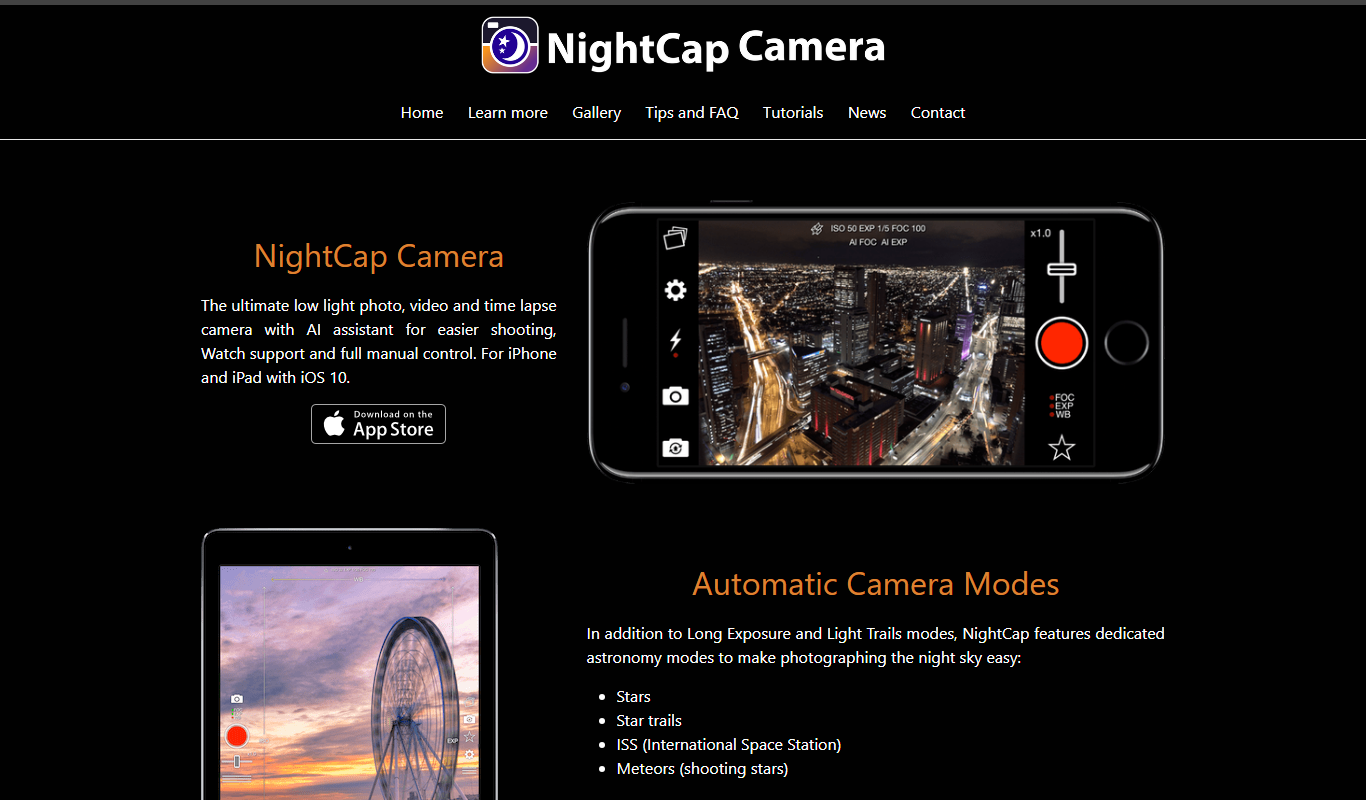
NightCap Camera
NightCap Camera is an iOS app that uses AI to enhance low light and night photography by combining multiple exposures, reducing noise, and enabling astrophotography with long exposure modes.
One-time purchase
ProCamera
ProCamera is a professional iOS camera app offering manual controls, AI-enhanced low-light photography, RAW capture, and advanced editing tools for mobile photographers.
Free
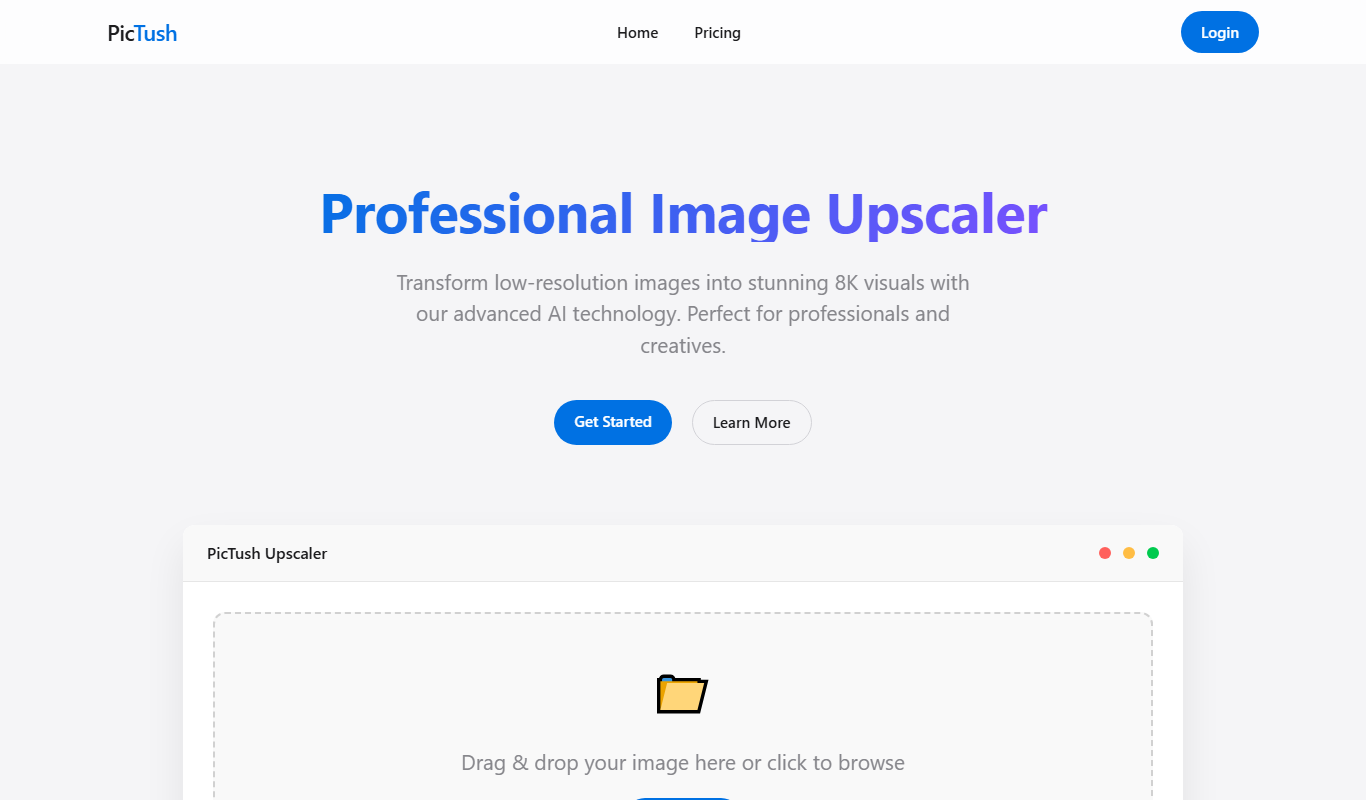
PicTush
PicTush is an AI-based platform that generates digital images from text prompts, enabling users to create unique artwork quickly and easily.

Free
Remove Backgrounds AI
Remove Backgrounds AI is an online tool that uses artificial intelligence to automatically remove backgrounds from images quickly and accurately without manual editing.

Freemium
BestLOOK.ai
BestLOOK.ai is an AI-powered web tool that enhances photo quality by upscaling resolution, reducing noise, and restoring image details quickly and easily.
Free
SLASH IMAGINE
SLASH IMAGINE is an AI-based tool that generates creative images from text prompts, offering multiple styles and fast rendering through a user-friendly web interface.

Free
AI Image Colorizer
AI Image Colorizer is an online tool that automatically adds realistic colors to black and white photos using artificial intelligence, enabling quick and easy photo restoration and enhancement.

Free
Cartoon AI Generator
Cartoon AI Generator is an online tool that uses AI to convert photos into cartoon-style avatars quickly and easily, offering free and premium options.

Free
Image to Prompt
Image to Prompt is a free web tool that converts images into detailed text prompts for AI art generation, helping users create or modify visuals using AI platforms.

Freemium
ARTIRO
ARTIRO is a web-based AI art generator that transforms text prompts into unique artistic images, helping users create creative visuals easily.