

CinemaFlow AI: text-to-video creation with AI cinematography
CinemaFlow AI is a text-to-video generator that turns scripts and prompts into AI videos and animations in one click, with cinematic themes, clip merging and credit-based plans.
- Best for
- Script-to-video storytelling
- Key capability
- One-click full video creation
Save CinemaFlow AI, follow its updates and vote on it — everything stays in your account.
Sign in or create a free account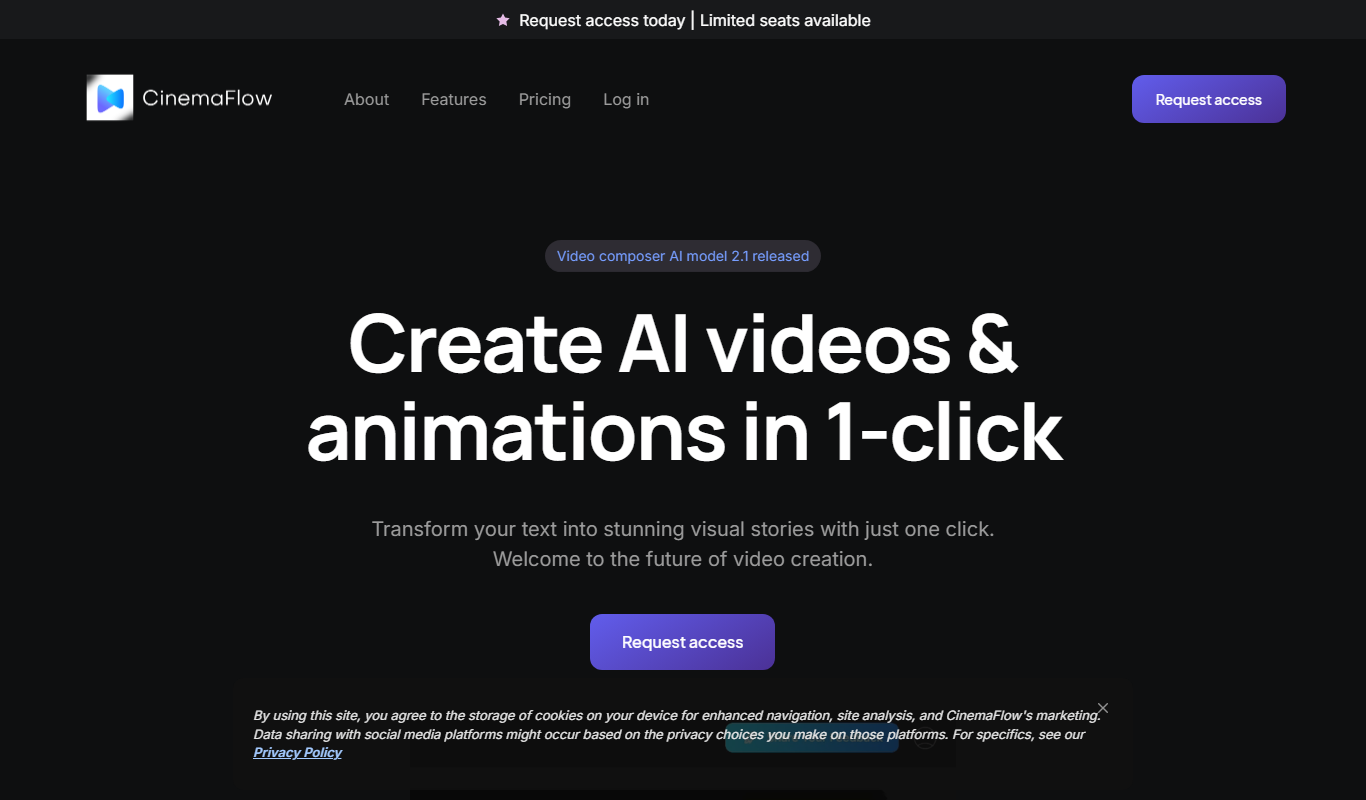

What is CinemaFlow AI?
CinemaFlow AI is a text-to-video platform that turns written scripts and short prompts into AI videos and animations with one click. It selects and creates scenes from the script, composes shots with an AI cinematographer and applies cinematic themes, and an editor lets users merge clips, preview changes in real time and export MP4 files. Access is by request on monthly credit plans.
Key features of CinemaFlow AI
One-click script-to-video creation, automated scene selection, an AI cinematographer that composes shots, customizable templates and cinematic themes, clip merging with real-time previews, and export from standard definition up to 4K depending on the plan.
One-click full video creation
Turns a written script into a complete video with a single click, interpreting the text's narrative, tone and style.
Automated scene selection
Selects and creates scenes that reflect the written content of the script.
AI-powered cinematography
An AI cinematographer composes shots to match the narrative, and can pan, zoom and reframe per clip.
Customizable templates and themes
Templates for various genres and styles, plus 20+ cinematic themes such as Vintage Film, Neo-Noir and Anime.
Clip merging with real-time previews
Merge multiple AI-generated clips in the editing interface and see real-time previews of edits and transitions.
Pros and cons of CinemaFlow AI
Pros
- Turns a script into a full video with one click
- AI cinematographer composes shots automatically
- Editor with clip merging and real-time previews
- Private material is not used to train public models
Cons
- Access is by request with limited seats
- Renders only landscape (16:9) videos
- API access is limited to the Enterprise plan
Key use cases for CinemaFlow AI
Script-to-video storytelling
Turn written scripts into complete, polished videos with a single click.
AI animations
Create AI videos and animations from text in cinematic styles.
Film and media production
Help storytellers and filmmakers turn ideas into cinematic video scenes.
Videos for different screens
Adjust video resolution for platforms from mobile screens to large-format displays.
How CinemaFlow AI works
- 1
Request access and sign up
Access is by request with limited seats; approved users create an account and reach the Home dashboard.
- 2
Write a prompt or script
Describe what you want to see in up to 400 characters, or provide a script.
- 3
Pick a theme
Choose one of 20+ cinematic themes, such as Vintage Film, Neo-Noir or Anime.
- 4
Generate the video
Click Generate; a typical 10-second HD clip takes about 2-5 minutes.
- 5
Edit and export
Merge clips in the editor, then export as MP4 and download.
Who is using CinemaFlow AI
CinemaFlow AI pricing
Starter
$49.99 billed each month ($479.88 a year billed annually)
50 monthly video credits, 20+ cinematic styles, basic export settings, standard definition video output and collaboration tools for team projects.
Professional
$179.99 billed each month ($1727.90 a year billed annually)
400 monthly video credits, 100+ cinematic styles, advanced export settings, high definition video output and collaboration tools for team projects.
Enterprise
$399.99 billed each month ($3839.90 a year billed annually)
2000 monthly video credits, 100+ cinematic styles, advanced export settings and 4K ultra high definition video output; additional credits $100 per 10k credits.
Plans and prices are as published by the vendor and can change. Check the official site before you buy. Open the pricing page (opens in a new tab)
Frequently asked questions about CinemaFlow AI
It turns written text and scripts into AI videos and animations with one click.
Videos are exported as MP4 files, in SD, HD or 4K resolution depending on the plan.
Access is by request, with limited seats available.
CinemaFlow currently renders only landscape (16:9) videos.
A typical 10-second HD clip takes about 2-5 minutes.
No. Your private material is not used to train public models.
There are three monthly plans, Starter, Professional and Enterprise, which differ in monthly video credits, cinematic styles and output resolution.
Conclusion
A written script, or a prompt of up to 400 characters, is all the platform needs to produce a complete video with a single click. Scenes are selected and created from the script itself, and an AI cinematographer composes the shots to match the narrative. Users then pick one of 20+ cinematic themes before generating.
Finished clips are not locked: an editing interface lets users merge multiple AI-generated clips with real-time previews, and the result is exported as MP4. The documentation is written both for first-time users who want to create a video in minutes and for experienced editors who need shortcut lists and export specs. Two constraints shape the buying decision. Access is by request with limited seats, and plans are monthly credit allowances that differ in styles and output resolution. The platform also renders only landscape (16:9) videos, and API access is reserved for the Enterprise plan.
Sources
Sign in to review this tool.
Sign In to ReviewNo reviews yet
Be the first to share how this tool worked for you.
Ask about pricing, limits, or how it compares — or answer someone else.
Sign In to AskNo questions yet
Have a question about using or paying for this tool? Be the first to ask.
Featured on TiorAI



Alternative Tools
Explore similar AI tools that might fit your needs

DaVinci Resolve
DaVinci Resolve is a professional video editing software combining editing, color grading, visual effects, and audio post-production in one platform, available in free and paid Studio versions.
More AI Artificial Intelligence Tools tools
Other tools in the same category, for when this one is not quite the fit.

Dog Breed AI
Dog Breed AI uses artificial intelligence to identify dog breeds from photos, providing breed details and care information on web and mobile platforms.
RecetasIA
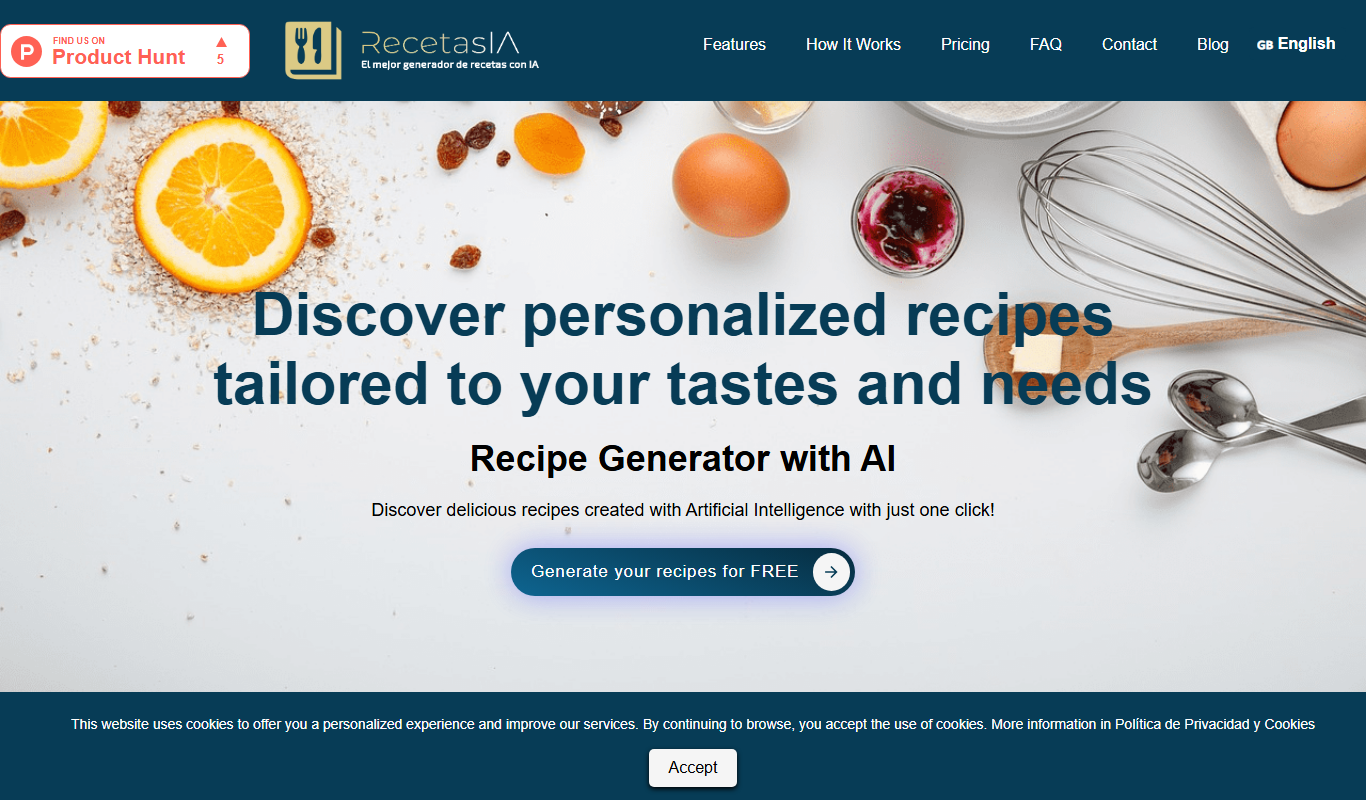
RecetasIA is an AI-based web tool with a free plan that generates personalized recipes from your tastes, dietary restrictions and intolerances, in English or Spanish.

Newmoney.AI
Newmoney.AI is an AI-powered crypto and cash wallet: buy, trade, swap and send crypto across SUI, Solana, Ethereum and Bitcoin with the AI agent Newton, including via WhatsApp and Telegram.

TwoShot
TwoShot is an AI creative suite for music, audio, video and images: generate music and sounds from text, split stems, make voiceovers and produce in an online studio.

Kuakua – Psychology & AI Tools for Well-Being
Kuakua is a free website of psychology games, tests, screenings and cognitive experiments that turns psychology research into small tools for well-being.

MixPeek
MixPeek is an AI-driven multimedia search engine that indexes videos, images, audio, and documents to enable fast, accurate search through a web interface and developer API.

Musicfy
Musicfy is an AI voice song generator for creating covers in any voice, with 100,000+ voices or a clone of your own.

MusicGen AI
MusicGen is a free AI music generation tool developed by Meta that uses a single Language Model (LM) to create music based on a prompt.