

Jupitrr AI: talking-head video editor with automatic B-roll and subtitles
Jupitrr AI turns raw talking videos into scroll-stopping content for coaches and consultants, with automatic B-roll, animated subtitles and hooks, plus scripting, recording and publishing in one app.
- Best for
- Short-form videos for coaches
- Key capability
- AI talking-head editor
Save Jupitrr, follow its updates and vote on it — everything stays in your account.
Sign in or create a free account
What is Jupitrr?
Jupitrr AI is an AI video editor for talking-head videos, built for coaches and consultants. Users upload a video of themselves talking to camera and get back a finished first cut with B-roll matched to what they say, captions, zooms, text overlays and a hook, in landscape or vertical. The same app helps research ideas, write scripts, record on a teleprompter and publish to social channels.
Key features of Jupitrr
Automatic B-roll matched to the script, animated subtitles, hooks and text overlays, a personalised AI scriptwriter, a teleprompter with auto jump-cut and silence removal, viral video search, and publishing to social channels.
AI talking-head editor
Upload a talking-to-camera video and get a finished first cut with B-roll, captions, zooms, text overlays and a hook.
Matched B-roll
The right visual for every sentence from Getty Images stock, Google Images and GIFs.
Personalised AI scriptwriter
Writes scripts in your tone.
Teleprompter with auto jump-cut
Record without bad takes, with automatic jump-cuts and silence removal.
Social media publishing
Schedule and post to YouTube, Instagram, LinkedIn and TikTok with captions written for each platform.
Pros and cons of Jupitrr
Pros
- No editing experience required
- Subtitles in 54+ languages
- Script, record, edit and publish in one app
- 7-day money-back guarantee on the first purchase
Cons
- Not built for multicam or motion graphics work
- Monthly allowances do not roll over
- Starter uploads are limited to 5 minutes
Key use cases for Jupitrr
Short-form videos for coaches
Turn talking videos into Reels, TikTok and Shorts with B-roll and animated subtitles.
Industry trend takes
Create trend, explainer and company story videos that build authority.
Podcast and webinar clips
Edit podcasts, webinars and public speaking recordings into short videos.
Content planning
Find what is trending with viral video search for the next videos.
Team video production
Marketing teams collaborate in the editor with a custom brand kit and multi-account publishing.
How Jupitrr works
- 1
Research and script
Research ideas and write the script in the app.
- 2
Record
Record with the teleprompter app, with automatic jump-cuts and silence removal.
- 3
Get the edited first cut
Upload the video and get back a first cut with B-roll, captions, zooms and a hook.
- 4
Adjust the edit
Trim B-roll and text on the timeline, edit wording in the transcript, or ask the Jupitrr Agent for changes.
- 5
Publish
Schedule and post to YouTube, Instagram, LinkedIn and TikTok.
Who is using Jupitrr
Jupitrr pricing
Starter
$15/month billed annually ($22 monthly)
AI talking head editor, teleprompter app, unlimited premium iStock B-roll, 10 video exports a month, uploads up to 5 min and 1 seat.
Pro
$33/month billed annually ($49 monthly)
Adds the personalised AI scriptwriter, viral video search, content calendar, social media publishing and video analytics, with 30 exports a month, uploads up to 20 min and 2 seats.
Team
$89/month billed annually ($149 monthly)
Adds team collaboration in the editor, a custom brand kit and multi-account publishing, with 50 exports a month, uploads up to 30 min and 5 seats.
Plans and prices are as published by the vendor and can change. Check the official site before you buy. Open the pricing page (opens in a new tab)
Frequently asked questions about Jupitrr
It edits talking-head videos into a finished first cut with B-roll, captions, zooms, text overlays and a hook, and helps research, script, record and publish.
No. Jupitrr brings you the first cut, and no editing experience is required.
It is not built for multicam or motion graphics work.
No. Allowances reset at the start of each billing cycle.
Yes, at any time from your account settings under Manage Plan.
A 7-day money-back guarantee gives a full refund within 7 days of your first purchase.
Yes. You can try the sample video free inside the product.
54+ languages.
Conclusion
Coaches and consultants talking to camera are who Jupitrr AI is built around. A raw talking video goes in and a finished first cut comes back with B-roll matched to what was said, plus captions, zooms, text overlays and a hook. The same app also handles research and scripting, records on a teleprompter without bad takes, and publishes to YouTube, Instagram, LinkedIn and TikTok.
No editing experience is required: users can trim B-roll and text on the timeline, edit wording through the transcript, or describe the change to Jupitrr Agent. The site states plainly that it is not built for multicam or motion graphics work. Plans are subscriptions with monthly export allowances that do not roll over, and the first purchase carries a 7-day money-back guarantee.
Sources
Sign in to review this tool.
Sign In to ReviewNo reviews yet
Be the first to share how this tool worked for you.
Ask about pricing, limits, or how it compares — or answer someone else.
Sign In to AskNo questions yet
Have a question about using or paying for this tool? Be the first to ask.
Featured on TiorAI



More AI Video Creation Tools tools
Other tools in the same category, for when this one is not quite the fit.

A.V. Mapping
A.V. Mapping is an AI platform that analyzes your video or photo, recommends licensed music and sound effects from musicians, and handles the music license in one place.
DemoDazzle
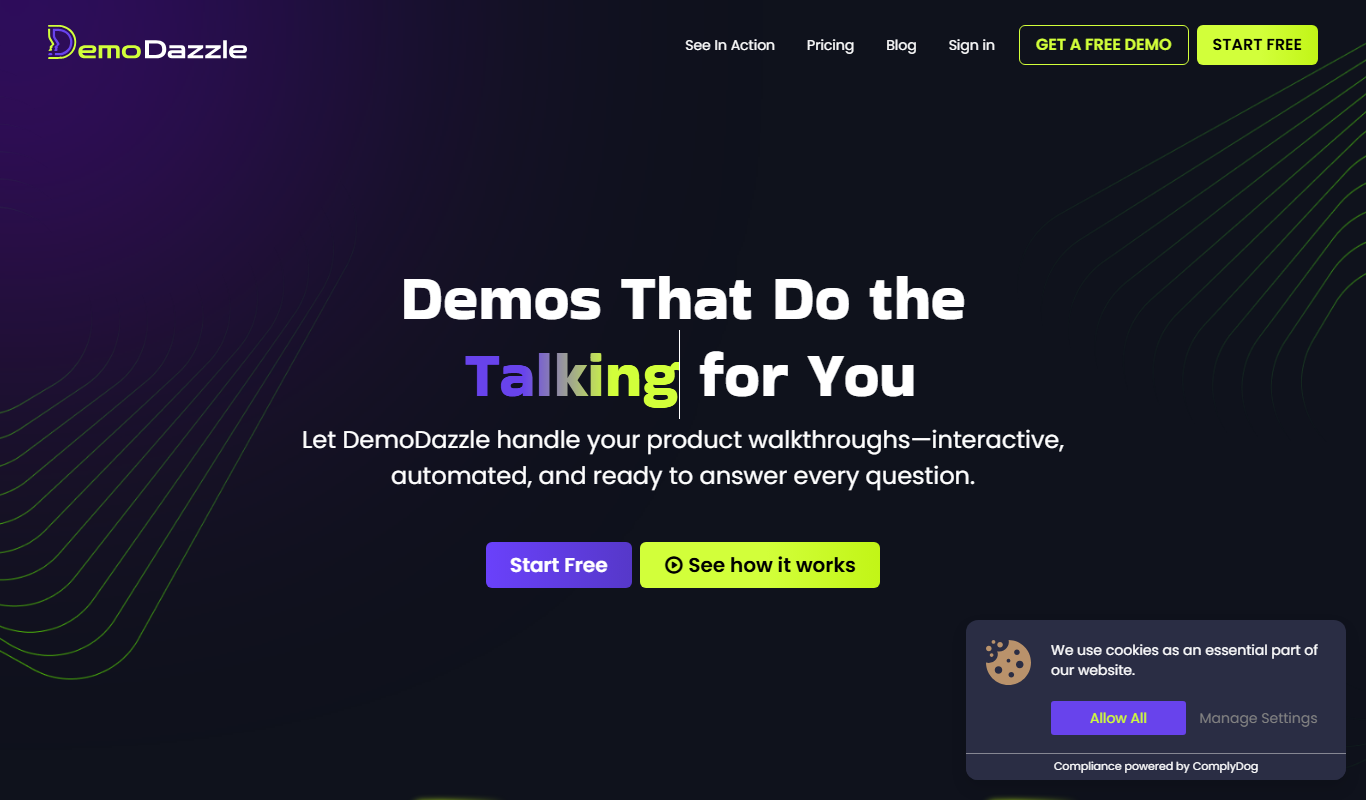
DemoDazzle is an AI-powered platform for interactive walkthroughs, featuring lifelike avatars and language models that guide users through product journeys.

Runecontent AI
RuneContent turns LinkedIn posts and articles into short educational videos for TikTok, YouTube Shorts and Instagram Reels, with no editing skills required.
myBeat
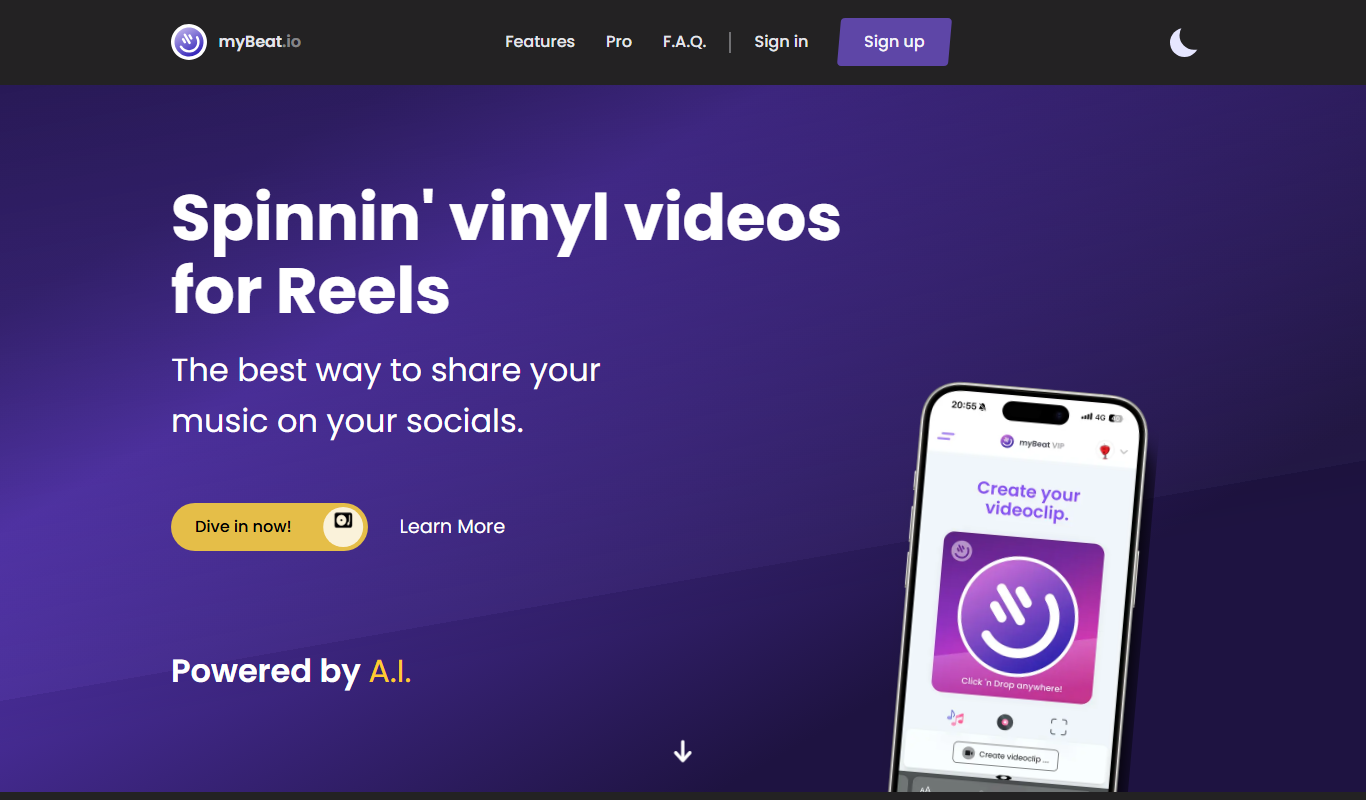
myBeat.io makes the visual for a finished track, sends it to labels and artists through one Dropz link and adds a Spotlight artist profile; free to start.
MyKaraoke Video
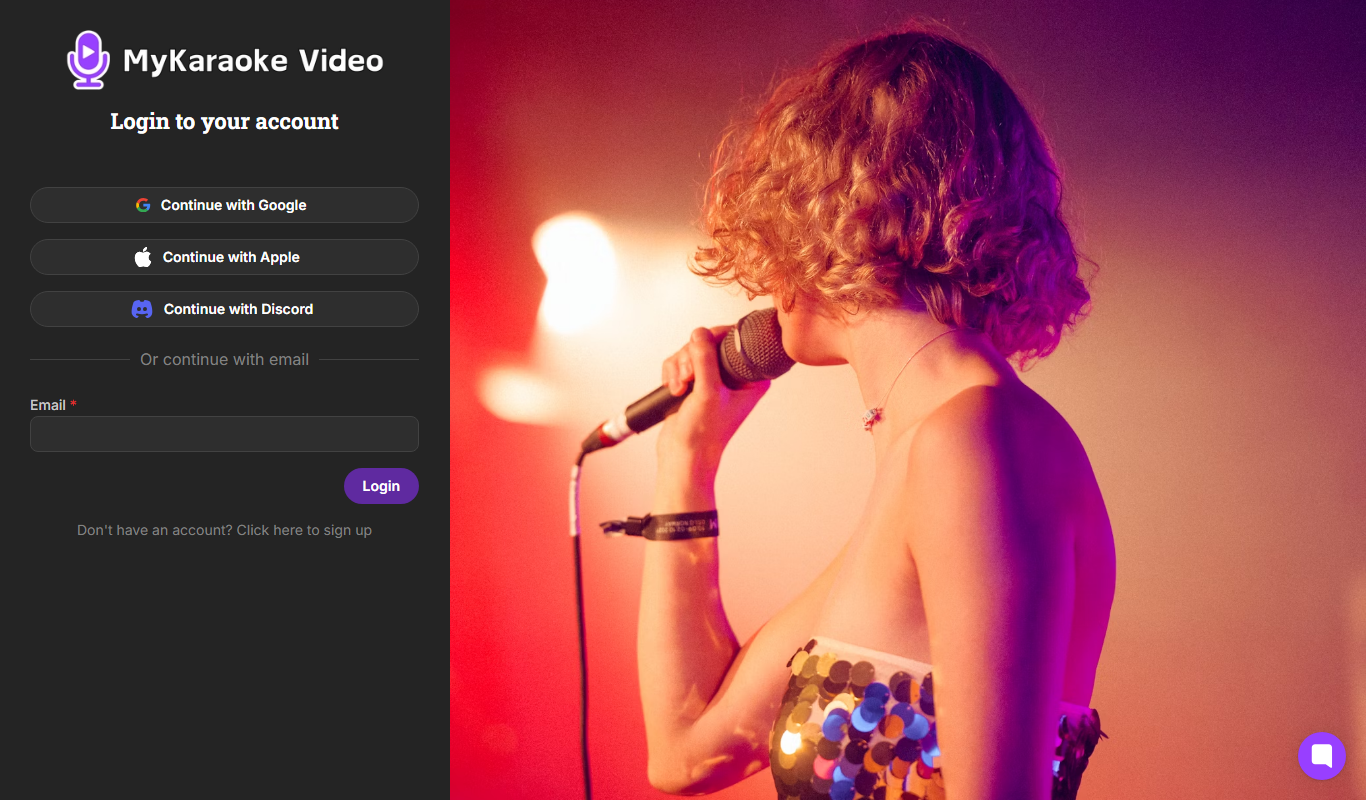
MyKaraoke Video turns any song into a karaoke or lyric video: upload the track, paste the lyrics, and AI removes the vocals and syncs every word for a 1080p MP4 export.

Plump
Plump is an AI-powered referral network that connects job seekers with employees at tech companies they want to work at.

HyperClapper 2.0
HyperClapper is a LinkedIn engagement tool that brings real likes and comments from 5,000+ professionals to your post's first hour.

IACrea
IACrea is AI marketing for real estate agents: virtual staging, real estate photo editing, listing videos and 2D floor plans, all from a single photo.