

Smartrazor: AI editor that cuts bad takes from YouTube videos
Smartrazor is an AI video editor that removes bad takes and pauses from YouTube videos and adds captions and zooms, so talking-head creators can edit in minutes.
- Best for
- Longform YouTube editing
- Key capability
- AI mistake cutting
Save Smartrazor, follow its updates and vote on it — everything stays in your account.
Sign in or create a free account
What is Smartrazor?
Smartrazor is an AI video editor for longform YouTube videos. Creators record in the app or upload raw footage, and the AI cuts mistakes, bad takes and pauses, then adds animated captions and zooms. Cuts can be adjusted in a transcript editor, and finished videos export straight to YouTube or download as full videos or clips.
Key features of Smartrazor
Automatic cutting of mistakes, bad takes and pauses, animated auto captions, engaging zoom placement, a text-based transcript editor, an effects timeline, and export straight to YouTube or as downloads.
AI mistake cutting
The AI processes your footage and cuts all mistakes and bad takes out for you.
Transcript editor
Use text-based editing to adjust cuts without listening through your footage.
Captions and zooms
Engaging captions and zooms are added automatically.
Effects timeline
Adjust zoom and caption positions quickly.
Direct YouTube export
Export straight to YouTube, download the full video, or download individual clips.
Pros and cons of Smartrazor
Pros
- Cuts mistakes, bad takes and pauses automatically
- Transcript editor for quick adjustments
- Free trial on every plan
Cons
- Only reliably supports English
- The AI can make mistakes that need manual adjustment
- Plans cap upload minutes per month
Key use cases for Smartrazor
Longform YouTube editing
Edit longform YouTube videos without doing the cutting by hand.
Talking-head videos
Turn raw talking-head footage into edited videos.
Replacing a paid editor
For creators tired of editing themselves or paying for a video editor.
Short clips from long videos
Download individual clips to your local computer.
Custom Annotation Solutions
Smartrazor delivers tailored annotation services to meet specific client requirements across various AI domains.
How Smartrazor works
- 1
Record or upload
Open the app and talk at the camera, or upload raw footage you have recorded.
- 2
AI cuts the mistakes
The AI cuts mistakes and bad takes and adds captions and zooms.
- 3
Adjust in the transcript editor
Fix any cuts with text-based editing.
- 4
Export
Export to YouTube or download the video or clips.
- 5
Export Labeled Data
Download the annotated datasets in formats compatible with machine learning frameworks.
Who is using Smartrazor
Smartrazor pricing
Lite
$9 /month
For side hustles and beginners: 80 upload minutes a month and auto-cutting, with a free trial.
Standard
$29 /month
For creators and entrepreneurs: 240 upload minutes a month, auto-cutting, animated auto captions and zoom placement.
Team
$79 /month
For content agencies and large teams: 960 upload minutes a month with captions and zoom placement.
Plans and prices are as published by the vendor and can change. Check the official site before you buy. Open the pricing page (opens in a new tab)
Frequently asked questions about Smartrazor
It is designed specifically for longform YouTube editing, cutting mistakes and adding captions and zooms for you.
Anybody tired of editing videos themselves or paying for a video editor.
Currently it only reliably supports English.
Export straight to YouTube, download the full video, or download individual clips.
It is a download for Apple and Windows.
Yes. If the AI makes a mistake, you can adjust the output in the transcript editor.
Yes. Each plan starts with a free trial.
Conclusion
Talking-head YouTube creators are the target: a creator records in the app or uploads raw footage, and the AI cuts out mistakes, bad takes and pauses. Captions and zooms are added automatically, and the finished video goes straight to YouTube or downloads as a full video or individual clips. Smartrazor is a download for Apple and Windows.
The site admits the AI can mess up, so a transcript editor lets creators adjust cuts through text instead of listening back through footage. Only English is reliably supported for now. Plans are monthly subscriptions sized by upload minutes, each starting with a free trial.
Sources
Sign in to review this tool.
Sign In to ReviewNo reviews yet
Be the first to share how this tool worked for you.
Ask about pricing, limits, or how it compares — or answer someone else.
Sign In to AskNo questions yet
Have a question about using or paying for this tool? Be the first to ask.
Featured on TiorAI



More AI Video Editor tools
Other tools in the same category, for when this one is not quite the fit.
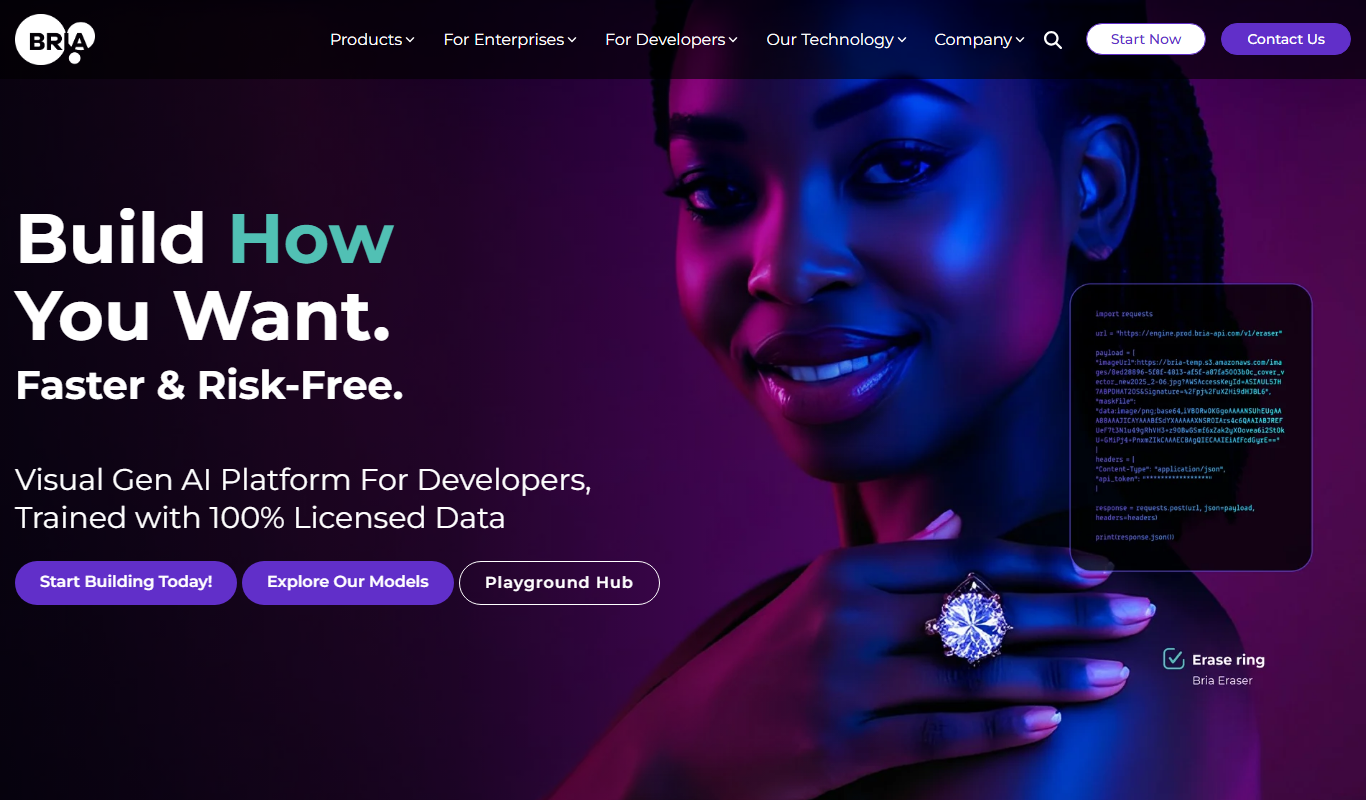
Bria
Bria is an enterprise visual generative AI platform for controllable image and video generation, with APIs, models trained on licensed data and pay-per-use pricing.

Clueso
Clueso turns screen recordings, slide decks and prompts into polished product videos and step-by-step guides, with AI voiceovers, translation and editing.

Minvo 2.0
Minvo is an AI video editor that turns long videos such as podcasts, live streams and sermons into short clips and schedules them to social platforms.

vverse.ai
VideoVerse (vverse.ai) offers video intelligence for sports and news, detecting key moments to generate live clips and digital-ready highlights in real time.

Trupeer.ai
Trupeer.ai turns screen recordings into polished product videos and step-by-step documentation, with AI voiceover, automatic zooms and translation into 120+ languages.

VoiceCheap
VoiceCheap translates and dubs videos into 70+ languages with AI voice cloning and lip-sync, for creators, educators and businesses.

Deepshot
Deepshot is an AI lip-sync platform that replaces and generates video dialogue, so creators can translate, correct or re-script existing videos without reshooting.

verbalate
Verbalate translates and dubs videos online with AI, using voice clone and optional lip sync, and also generates and translates subtitles.