

Slick: AI editor for captions, b-roll and cuts in short videos
Slick is an AI tool to create and edit viral shorts: trendy captions, silence and filler cuts, b-rolls, sound effects and magic zooms.
- Best for
- Short-form social videos
- Key capability
- Trendy captions
Save Slick, follow its updates and vote on it — everything stays in your account.
Sign in or create a free account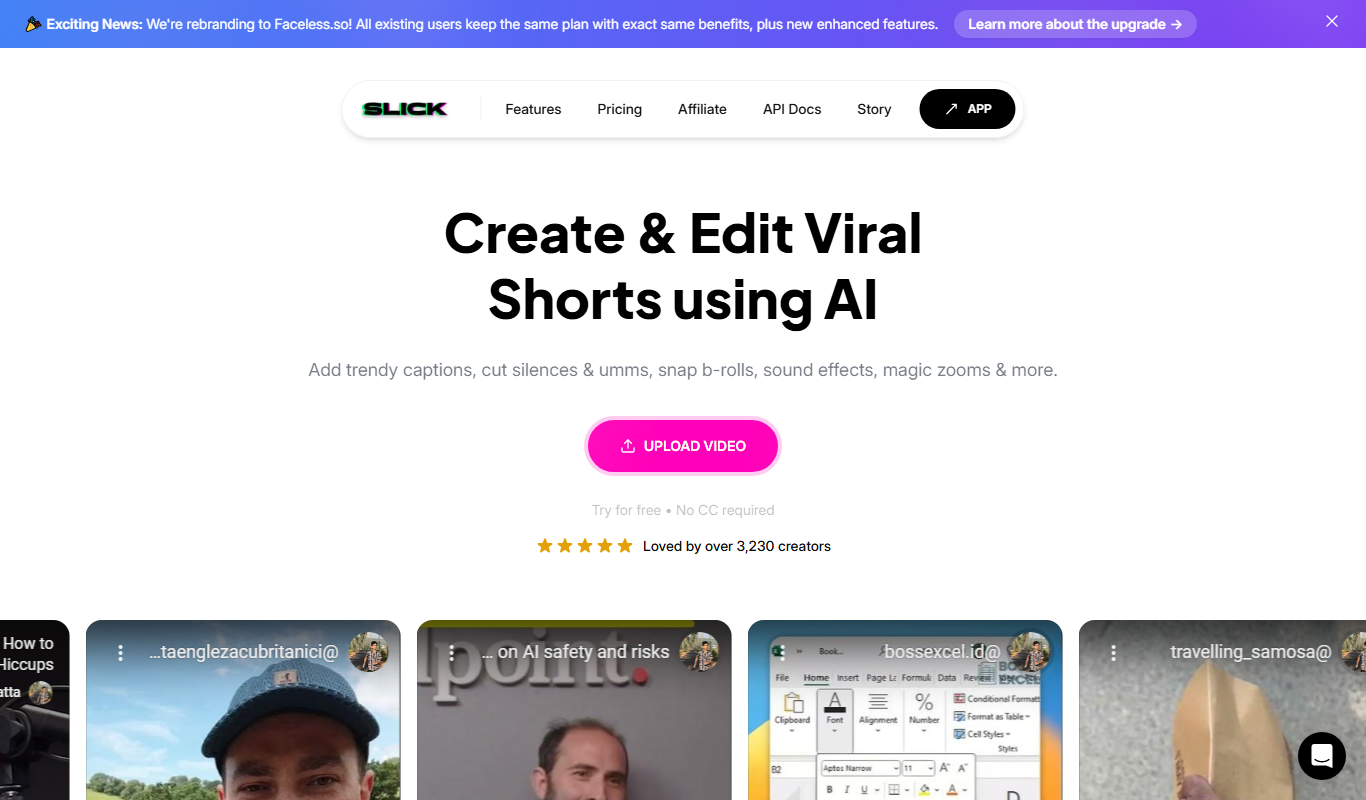

What is Slick?
Slick is an AI tool to create and edit viral short-form videos. Users upload a video, and Slick adds trendy captions, cuts silences and umms, snaps in b-rolls, sound effects and magic zooms, and can turn long videos into shorts ready to post on social platforms.
Key features of Slick
AI auto captions with trendy styles, filler word and silence removal, AI b-roll, magic zooms, background music and sound effects, video to shorts from long videos, all aspect ratios, and captions in 106 languages.
Trendy captions
New caption styles are added every week and captions are 100% customisable.
Filler word removal
Cut umms and silences in one click.
AI b-roll
Add relevant b-rolls to clips in a click.
Video to shorts
Input a YouTube video URL and the AI creates shorts from the most interesting parts.
106 languages
Supports English, French, Spanish, German, Hindi and 100+ more languages.
Pros and cons of Slick
Pros
- Try for free with no credit card
- Captions in 106 languages
- Edits clips of all aspect ratios, up to 4k
- Auto-post to YouTube and TikTok on paid plans
Cons
- Caption minutes are capped per plan each month
- API access starts on the Pro plan
- 4K import and export and 60 FPS export are only on the Business plan
Key use cases for Slick
Short-form social videos
Edit shorts with captions and effects and post them on TikTok, Instagram and YouTube.
Repurposing long videos
Turn the most interesting parts of a YouTube video into shorts.
Multilingual captions
Caption videos in English, French, Spanish, German, Hindi and 100+ more languages.
Faceless channels
AI video creation that can fully automate a faceless channel.
Agency video editing
The Business plan is aimed at agencies and video editors with 10 team members.
How Slick works
- 1
Upload a file or choose a YouTube video
Drag and drop a video or enter a YouTube URL to create shorts.
- 2
Edit your video
Add captions, b-rolls, transitions, emojis and more in the editor.
- 3
Export
Export as many variations as you need.
- 4
Post to social platforms
Post on TikTok, Instagram, YouTube and more.
- 5
Export or Publish
Download your content or publish it directly to supported platforms.
Who is using Slick
Slick pricing
Starter
$22 / month, billed yearly
500 credits per month, unlimited video uploads and exports, unlimited custom templates and 3 team members.
Pro
$33 / month, billed yearly
1000 credits per month, unlimited uploads and exports, 5 team members, plus API access and post scheduling.
Business
$149 / month, billed yearly
For agencies and video editors: 10k credits per month, unlimited uploads and exports and 10 team members.
Enterprise
Custom pricing
Custom limits, integrations and support for organizations with custom requirements.
Plans and prices are as published by the vendor and can change. Check the official site before you buy. Open the pricing page (opens in a new tab)
Frequently asked questions about Slick
It creates and edits short videos with AI: trendy captions, silence and filler cuts, b-rolls, sound effects and magic zooms.
Yes. You can try it for free, with no credit card required.
106 languages, including English, French, Spanish, German and Hindi.
Yes. Enter a YouTube video URL and the AI creates shorts out of the most interesting parts.
Yes. There are no hidden fees and you can cancel anytime; paying annually saves up to 25%.
Yes. API access is included from the Pro plan, with API documentation linked from the site.
Clips of all aspect ratios, up to 4k.
Yes, it can help with that use case depending on how you configure it and what features are available. You’ll get the best results with clear inputs and a defined goal.
Conclusion
Shorts are the output: a creator drags in a video or pastes a YouTube URL, and Slick adds trendy captions, cuts silences and umms, and snaps in b-rolls, sound effects and magic zooms. Its video to shorts feature pulls the most interesting parts of a long YouTube video into separate clips. Captions work in 106 languages, from English and Spanish to Hindi.
Finished variations export straight to TikTok, Instagram and YouTube. Slick can be tried for free without a credit card, and paid plans are monthly credit allowances billed yearly that also cap caption minutes and team seats. Plans can be cancelled anytime.
Sources
Sign in to review this tool.
Sign In to ReviewNo reviews yet
Be the first to share how this tool worked for you.
Ask about pricing, limits, or how it compares — or answer someone else.
Sign In to AskNo questions yet
Have a question about using or paying for this tool? Be the first to ask.
Featured on TiorAI



More AI Video Creation Tools tools
Other tools in the same category, for when this one is not quite the fit.

A.V. Mapping
A.V. Mapping is an AI platform that analyzes your video or photo, recommends licensed music and sound effects from musicians, and handles the music license in one place.
DemoDazzle
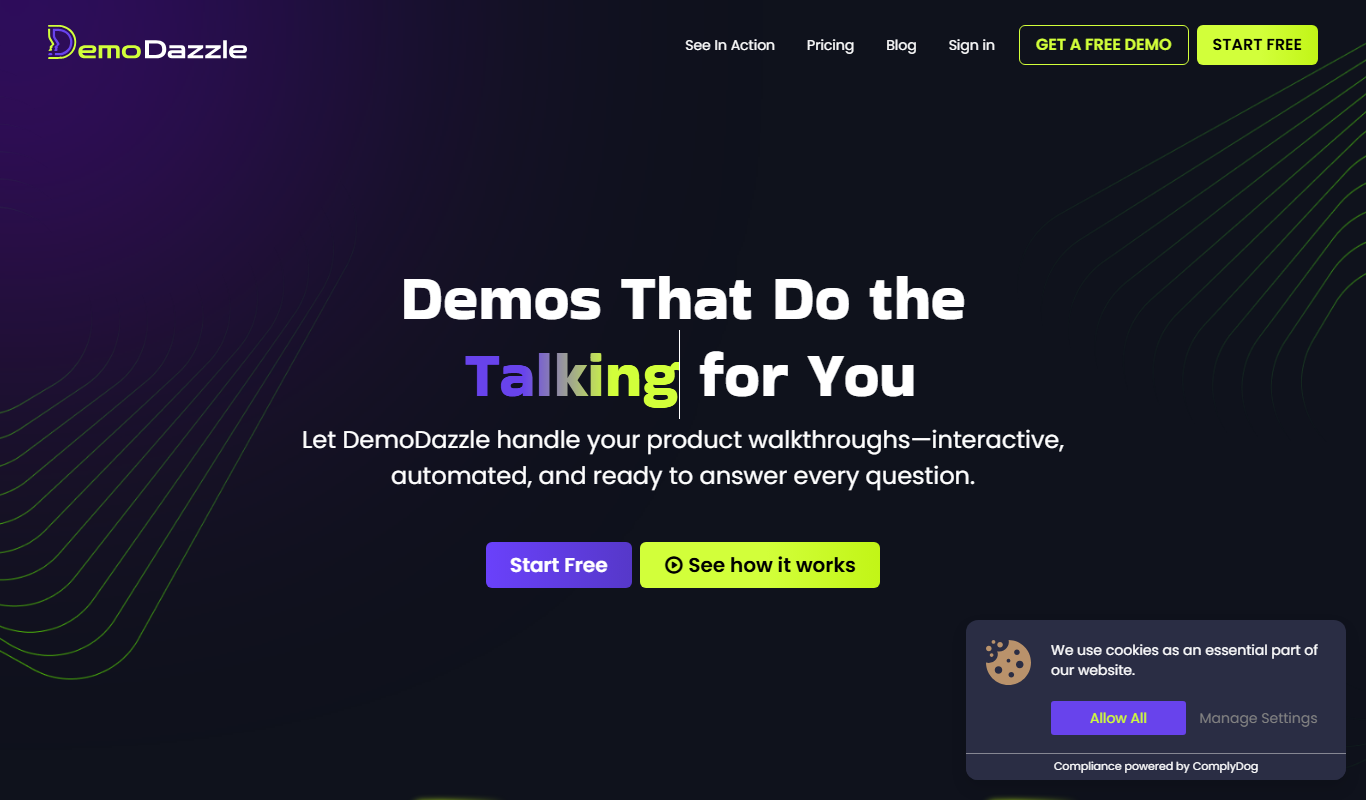
DemoDazzle is an AI-powered platform for interactive walkthroughs, featuring lifelike avatars and language models that guide users through product journeys.

Runecontent AI
RuneContent turns LinkedIn posts and articles into short educational videos for TikTok, YouTube Shorts and Instagram Reels, with no editing skills required.
myBeat
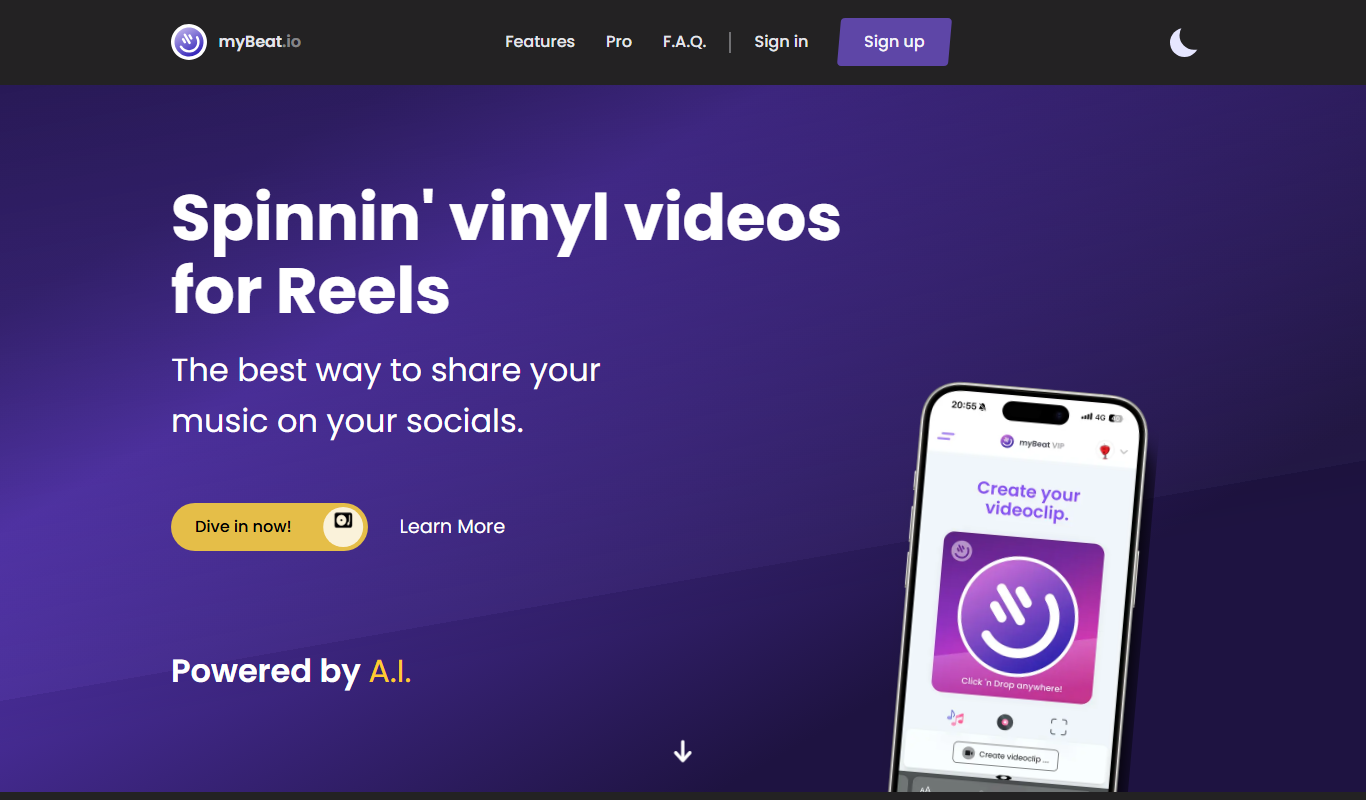
myBeat.io makes the visual for a finished track, sends it to labels and artists through one Dropz link and adds a Spotlight artist profile; free to start.
MyKaraoke Video
MyKaraoke Video turns any song into a karaoke or lyric video: upload the track, paste the lyrics, and AI removes the vocals and syncs every word for a 1080p MP4 export.

Plump
Plump is an AI-powered referral network that connects job seekers with employees at tech companies they want to work at.

HyperClapper 2.0
HyperClapper is a LinkedIn engagement tool that brings real likes and comments from 5,000+ professionals to your post's first hour.

IACrea
IACrea is AI marketing for real estate agents: virtual staging, real estate photo editing, listing videos and 2D floor plans, all from a single photo.