

From my experience with UsageGuard, I found it excels at providing clear, real-time visibility into network data consumption, which is crucial for managing bandwidth and controlling costs. The ability to monitor usage at the user and device level helps IT teams enforce policies effectively. However, the tool’s focus on Windows platforms and the need to contact sales for pricing details may slow down adoption for some organizations. Overall, if you need a reliable solution to track and limit data usage to prevent overages and improve network performance, UsageGuard delivers practical and actionable insights.
UsageGuard Data Usage Monitoring and Control Software for Businesses
UsageGuard is a software solution that enables businesses to monitor, manage, and control their network data usage in real time, helping prevent overages and optimize bandwidth.
- Best for
- Data Usage Monitoring
- Key capability
- Real-Time Data Usage Tracking
Your actions
Save UsageGuard, follow its updates and vote on it — everything stays in your account.
Sign in or create a free account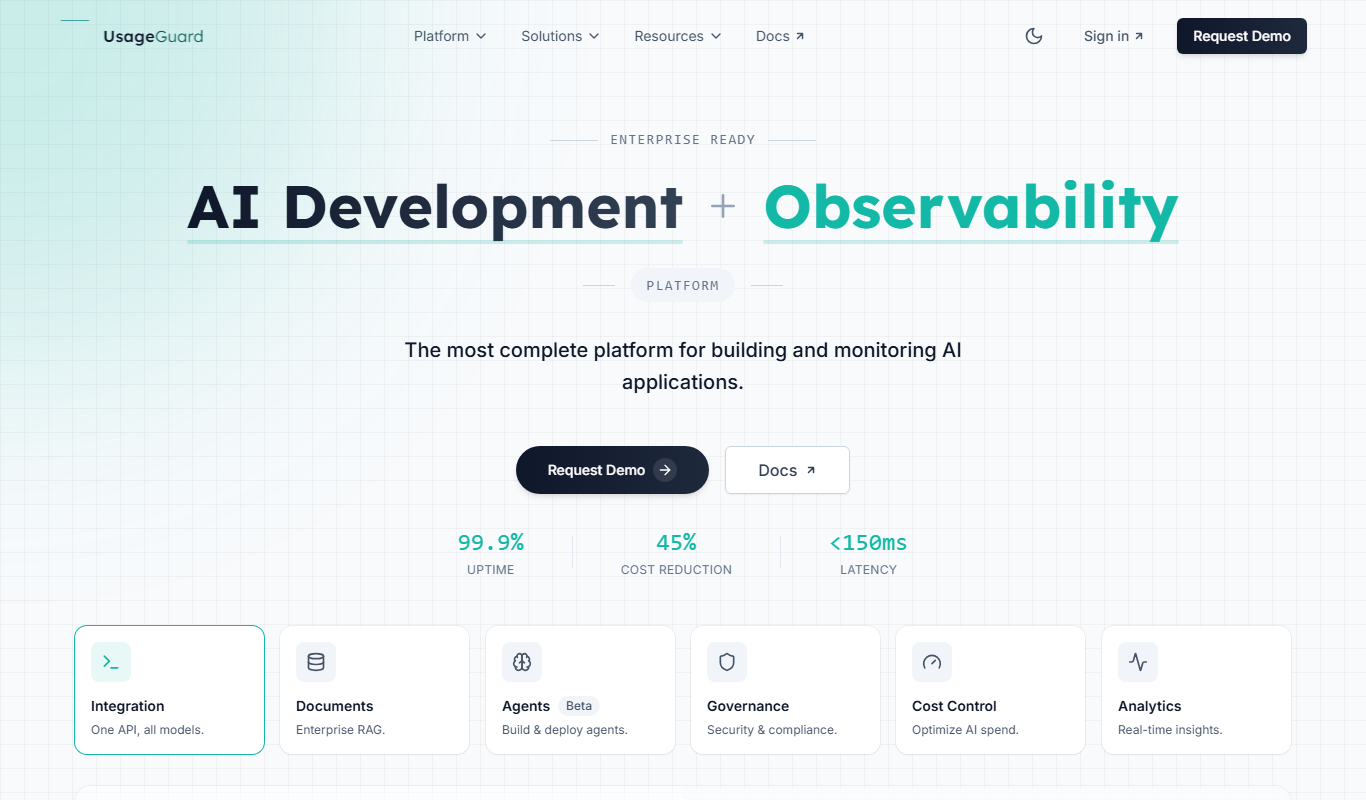

What is UsageGuard?
UsageGuard is a data usage monitoring and control software designed to help businesses track, manage, and optimize their network bandwidth consumption. It provides real-time insights into internet usage across devices and users, enabling IT administrators to enforce policies, prevent data overages, and enhance network security.
Key features of UsageGuard
UsageGuard offers comprehensive data usage tracking, bandwidth control, user activity monitoring, alerting mechanisms, and detailed reporting to help organizations maintain efficient and secure network environments.
Real-Time Data Usage Tracking
Monitor internet and network data consumption live across all connected devices.
Bandwidth Throttling and Limits
Set and enforce bandwidth caps to prevent network congestion and control costs.
User and Device-Level Monitoring
Track usage per user or device to identify heavy consumers and enforce policies.
Custom Alerts and Notifications
Receive automatic alerts when data usage approaches predefined limits.
Detailed Usage Reports
Generate comprehensive reports to analyze trends and support decision-making.
Pros and cons of UsageGuard
Pros
- Comprehensive real-time data usage monitoring
- Flexible bandwidth control and throttling options
- User and device-level tracking for detailed insights
- Customizable alerts to prevent overages
- Detailed reporting supports informed decisions
Cons
- Limited platform support focused mainly on Windows
- Pricing details require direct contact, which may delay evaluation
- No mobile app available for on-the-go monitoring
Key use cases for UsageGuard
Data Usage Monitoring
Track and analyze internet and network data usage across devices and users in real time.
Bandwidth Management
Control and limit bandwidth consumption to prevent overages and optimize network performance.
IT Compliance and Security
Ensure compliance with organizational policies by monitoring unauthorized internet usage and potential security risks.
Cost Control
Reduce unexpected data charges by setting usage limits and alerts for users and devices.
User Behavior Analysis
Gain insights into user internet activity to improve productivity and enforce acceptable use policies.
How UsageGuard works
- 1
Install UsageGuard Agent
Deploy the UsageGuard software agent on devices or network points to start monitoring data traffic.
- 2
Configure Policies and Limits
Set data usage thresholds, bandwidth limits, and acceptable use policies tailored to your organization’s needs.
- 3
Monitor Usage in Real Time
Access the dashboard to view live data consumption, user activity, and bandwidth allocation.
- 4
Receive Alerts and Reports
Get notified when usage limits are approached or exceeded and generate detailed reports for analysis.
Who is using UsageGuard
Small to medium-sized businesses
IT administrators and network managers
Organizations with data usage cost concerns
Companies needing compliance with internet usage policies
Managed service providers
UsageGuard pricing
Free Trial
$0 for 14 days
Full feature access for 14 days to evaluate UsageGuard.
Standard
Contact for pricing
Subscription plan with core monitoring and control features suitable for small to medium businesses.
Enterprise
Contact for pricing
Customizable plan with advanced features and dedicated support for large organizations.
Plans and prices are as published by the vendor and can change. Check the official site before you buy. Open the pricing page (opens in a new tab)
Frequently asked questions about UsageGuard
UsageGuard primarily supports Windows devices and offers a web-based dashboard for management.
Yes, it allows administrators to set bandwidth limits and throttle usage to control network traffic.
Yes, UsageGuard offers a 14-day free trial with full access to features.
Yes, it can send customizable alerts when users or devices approach or exceed data limits.
Data handling and security practices vary by provider. Review the official privacy policy to understand how your data is stored and used.
Yes, it can help with that use case depending on how you configure it and what features are available. You’ll get the best results with clear inputs and a defined goal.
Some tools offer a free plan or trial with limited features. Availability can vary, so confirm on the official website.
Sign in to review this tool.
Sign In to ReviewNo reviews yet
Be the first to share how this tool worked for you.
Ask about pricing, limits, or how it compares — or answer someone else.
Sign In to AskNo questions yet
Have a question about using or paying for this tool? Be the first to ask.
Featured on TiorAI


Alternative Tools
Explore similar AI tools that might fit your needs

Paid
NetBalancer
NetBalancer is a Windows-based software that allows users to monitor and control network traffic by setting bandwidth limits and priorities for applications, helping optimize internet usage and troubleshoot network issues.

Free
GlassWire
GlassWire is a network security tool that offers real-time internet monitoring, firewall management, and intrusion detection to help users visualize and control their network activity.

Freemium
Paessler PRTG
Paessler PRTG is a network monitoring software that provides real-time insights into IT infrastructure performance through customizable sensors, alerts, and dashboards.
More AI Ugc Video Generator tools
Other tools in the same category, for when this one is not quite the fit.

Freemium
yuzzit.video
Yuzzit.video is a platform for video cutting and editing, live video and subtitles.

Free
Unicode to Krutidev
Unicode to Krutidev is a free online tool that converts Hindi text from Unicode encoding into the Krutidev font format, commonly used in legacy Hindi typing and government documents.

Free
aivideogenerator.me
aivideogenerator.me is a third-party website that presents itself as a Luma AI Video Generator powered by Dream Machine; it is not the official Luma Labs site.

Freemium
Clip Studio AI
Clip Studio AI is an AI art generation tool by CELSYS that helps artists create digital illustrations and concept art using text prompts and style customization.

Free Trial
UniConverter AI
UniConverter AI is a video conversion and editing software by Wondershare that supports over 1000 formats, includes AI-powered video enhancement, and offers DVD burning and compression features for Windows and Mac.

Free
OgtAI
OgtAI is an AI writing assistant that generates SEO-optimized content for blogs, marketing, and copywriting tasks, helping users create quality content faster.

Free
reap (beta)
Reap Video beta is an AI-driven web tool that automatically summarizes long videos by extracting key highlights, enabling faster content consumption and easy sharing.

Free Trial
Potion
Potion is a no-code AI-powered platform that enables marketers and sales teams to create personalized videos at scale without technical skills, integrating with CRM tools to automate video personalization and distribution.