

Spline 3D Design Tool for Interactive Web and App Graphics
Spline is a web-based 3D design tool that allows users to create, animate, and embed interactive 3D graphics into websites and applications without advanced coding.
- Best for
- Interactive 3D Web Graphics
- Key capability
- Real-time 3D Rendering
Save Spline, follow its updates and vote on it — everything stays in your account.
Sign in or create a free account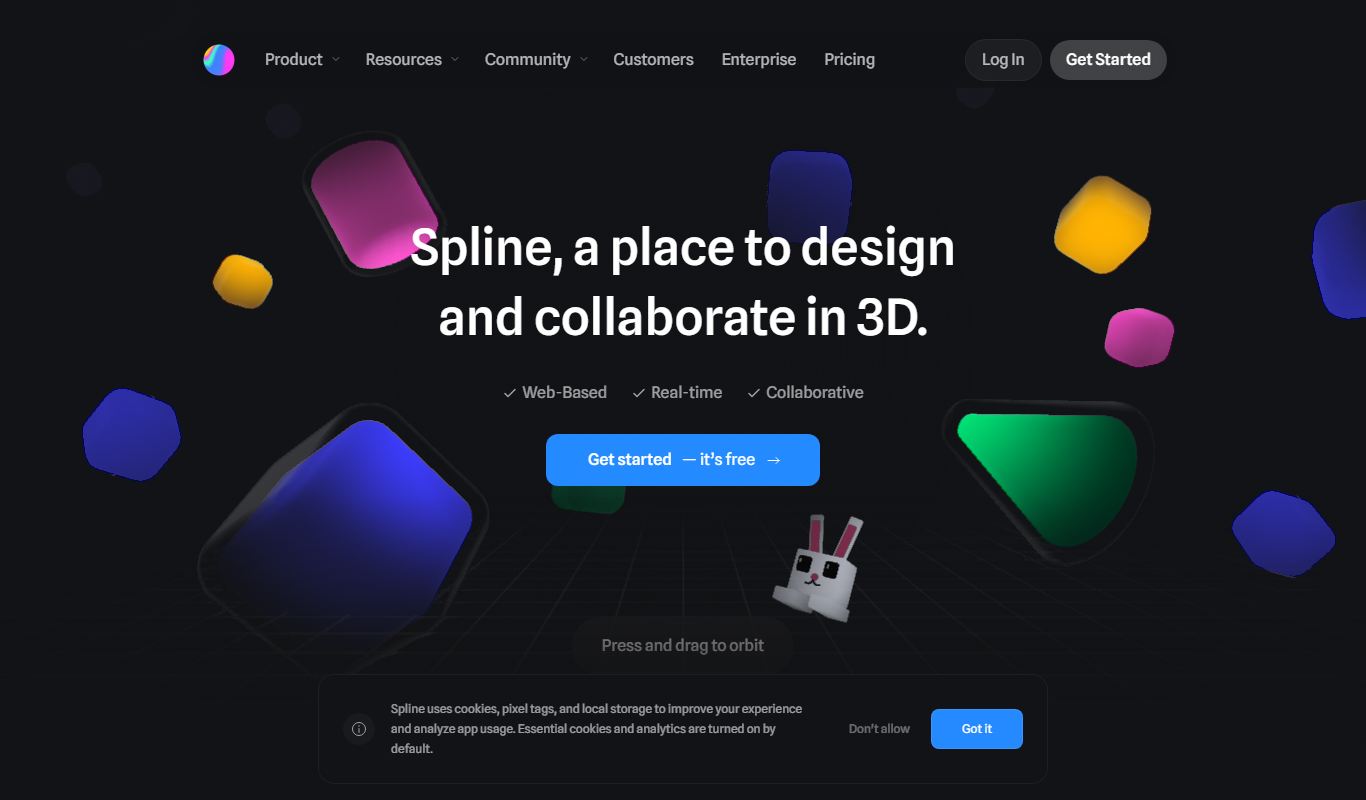

What is Spline?
Spline is a web-based 3D design tool that enables designers and developers to create interactive 3D graphics and animations for the web. It combines an intuitive visual editor with real-time rendering powered by WebGL, allowing users to build, animate, and export 3D scenes without requiring advanced coding skills.
Key features of Spline
Spline offers a drag-and-drop interface for 3D modeling, real-time lighting and shadows, animation timelines, and direct export options for embedding 3D content into websites and applications. It supports collaborative workflows and integrates with common web technologies.
Real-time 3D Rendering
Visualize changes instantly with WebGL-powered rendering for accurate lighting and shadows.
Intuitive Drag-and-Drop Editor
Easily create and manipulate 3D objects without needing complex software or coding.
Animation Timeline
Create smooth animations with a timeline interface that controls object properties over time.
Interactive Event Triggers
Add interactivity to 3D scenes by defining user-triggered events like clicks or hovers.
Web Embedding Support
Export projects as embeddable code snippets compatible with modern web frameworks.
Pros and cons of Spline
Pros
- Intuitive interface for 3D design without coding
- Real-time rendering with accurate lighting
- Supports interactive animations and events
- Easy web embedding of 3D content
- Affordable pricing with a free tier
Cons
- Limited offline or desktop app support
- Collaboration features are basic
- Primarily focused on web-based 3D, less suited for complex modeling
Key use cases for Spline
Interactive 3D Web Graphics
Create and embed interactive 3D models directly into websites and web apps to enhance user engagement.
UI/UX Design with 3D Elements
Design user interfaces that incorporate 3D objects and animations for modern, dynamic user experiences.
Prototyping 3D Concepts
Rapidly prototype and visualize 3D concepts without deep coding knowledge, facilitating design iteration.
3D Animation for Marketing
Produce animated 3D scenes and objects for marketing materials, presentations, and social media content.
How Spline works
- 1
Create an Account
Sign up on the Spline website to access the online 3D design workspace.
- 2
Design Your 3D Scene
Use the visual editor to add shapes, textures, lights, and animations to build your 3D model.
- 3
Animate and Customize
Apply animations and interactive behaviors using the timeline and event triggers.
- 4
Export and Embed
Export your project as embeddable code or assets to integrate into websites or apps.
Who is using Spline
Spline pricing
Free
$0/month
Access to basic 3D design features with limited export options and project storage.
Pro
$12/month
Full access to all features including unlimited exports, private projects, and priority support.
Plans and prices are as published by the vendor and can change. Check the official site before you buy. Open the pricing page (opens in a new tab)
Frequently asked questions about Spline
Yes, Spline’s user-friendly interface is designed for both beginners and experienced designers.
Spline exports embeddable code compatible with most modern web platforms and frameworks.
Currently, Spline supports project sharing but real-time collaboration features are limited.
You can export projects as embeddable web code and also download assets like textures and models.
This tool is designed to help users accomplish its core tasks more efficiently. It is typically used by individuals or teams looking to improve productivity and workflow.
Some tools offer a free plan or trial with limited features. Availability can vary, so confirm on the official website.
Yes, it can help with that use case depending on how you configure it and what features are available. You’ll get the best results with clear inputs and a defined goal.
Yes, it can help with that use case depending on how you configure it and what features are available. You’ll get the best results with clear inputs and a defined goal.
Conclusion
Scenes are built in a visual editor by adding shapes, textures, lights and animations, with WebGL-powered rendering showing lighting and shadows instantly. Interactivity comes from the timeline and event triggers such as clicks or hovers. Projects are exported as embeddable web code for websites or apps, and assets like textures and models can be downloaded. Real-time collaboration is also supported.
Web designers and developers, UI/UX designers and product designers prototyping concepts are the core users, together with 3D design beginners. Typical projects include interactive 3D models embedded in websites, user interfaces with 3D elements, and animated scenes for marketing materials and presentations. A free plan gives access to basic 3D design features with limited export options and project storage. Its focus on web-based 3D makes it less suited for complex modeling.
Sources
Sign in to review this tool.
Sign In to ReviewNo reviews yet
Be the first to share how this tool worked for you.
Ask about pricing, limits, or how it compares — or answer someone else.
Sign In to AskNo questions yet
Have a question about using or paying for this tool? Be the first to ask.
Featured on TiorAI



Alternative Tools
Explore similar AI tools that might fit your needs
Figma
Figma is a cloud-based design tool for creating user interfaces and prototypes collaboratively in real time, accessible via web and desktop apps.
Blender
Blender is a free, open-source 3D creation suite used for modeling, animation, rendering, and video editing across various creative industries.
More AI Design Tools tools
Other tools in the same category, for when this one is not quite the fit.

3D AI Studio
3D AI Studio is a web-based AI tool that simplifies 3D model creation by generating detailed 3D assets based on user input, ideal for designers and marketers.

3DAiLY
3DAiLY is a web-based AI platform that helps users generate and customize 3D models quickly without advanced skills, suitable for designers, game developers, and content creators.