

HelloTalk Language Exchange App for Learning and Practicing Languages
HelloTalk is a social language learning app that connects users with native speakers globally to practice languages through text, voice, and video chats, supported by translation and correction tools.
- Best for
- Language Exchange
- Key capability
- Language Exchange Chat
Save HelloTalk, follow its updates and vote on it — everything stays in your account.
Sign in or create a free account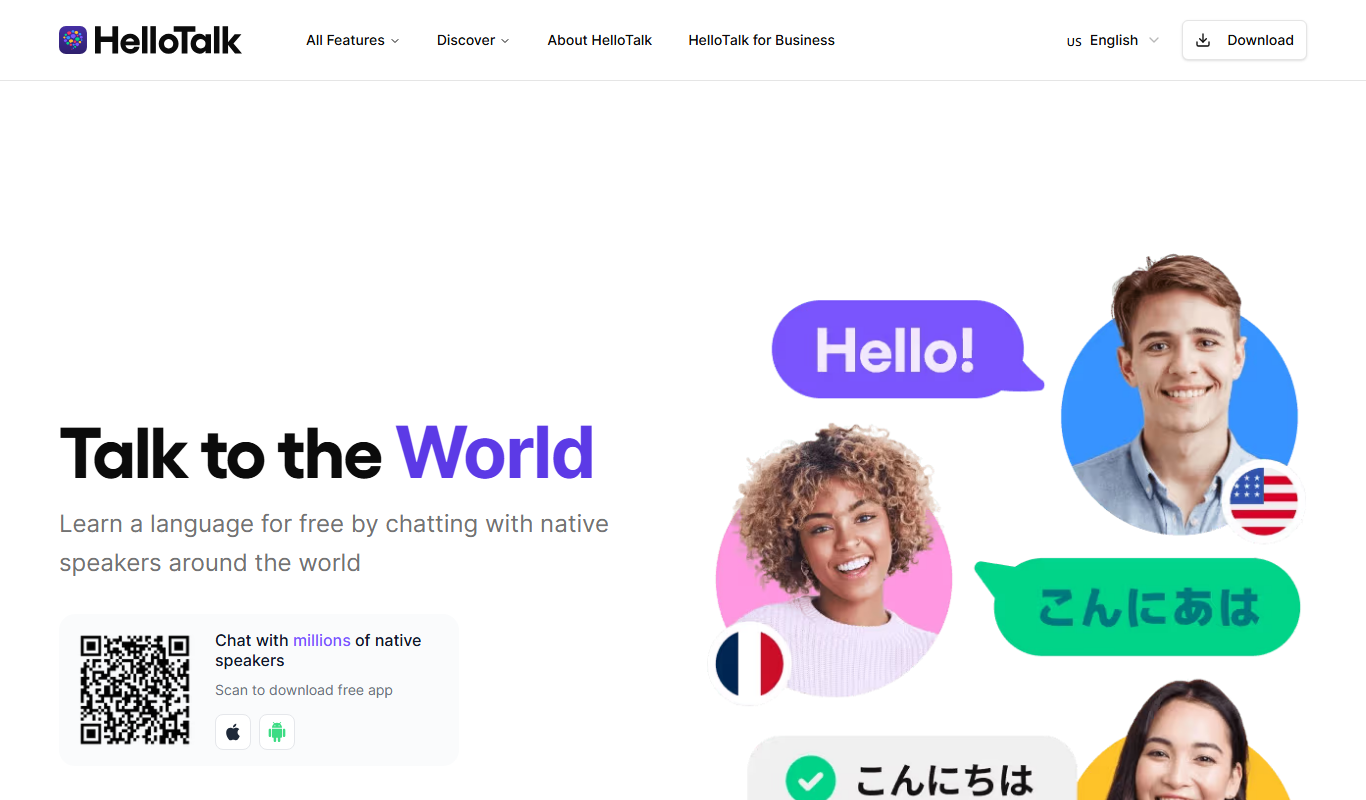
What is HelloTalk?
HelloTalk is a social language learning app designed to connect language learners with native speakers around the world. It facilitates language exchange through text, voice, and video chats, allowing users to practice real-life conversations. The app includes helpful tools such as translation, pronunciation guides, and grammar correction to support language acquisition. It aims to create a global community where users can learn languages naturally by interacting with native speakers and immersing themselves in cultural exchange.
Key features of HelloTalk
HelloTalk offers a comprehensive platform for language learners to practice speaking, writing, and listening skills. Key features include instant translation, voice-to-text messaging, language correction by native speakers, and voice calls. The app supports over 150 languages and provides a social network environment to find language partners based on interests and language goals.
Language Exchange Chat
Real-time text and voice messaging with native speakers worldwide.
Instant Translation
Translate messages instantly to overcome language barriers during conversations.
Grammar and Pronunciation Correction
Native speakers can correct your messages to improve accuracy.
Voice and Video Calls
Practice speaking skills through voice and video conversations.
Moments Feed
Share and view posts to engage with the community and learn in context.
Pros and cons of HelloTalk
Pros
- Connects learners with native speakers globally
- Supports text, voice, and video communication
- Built-in translation and correction tools
- Large community with diverse languages
- Free to start with optional affordable upgrades
Cons
- Some features require VIP subscription
- Quality of language partners can vary
- Limited formal lesson structure
Key use cases for HelloTalk
Language Exchange
Connect with native speakers worldwide to practice speaking and writing in your target language.
Language Learning Support
Use built-in translation, pronunciation, and correction tools to improve language skills.
Cultural Exchange
Engage with people from different cultures to gain cultural insights and language context.
Voice and Text Chat
Practice conversational skills through voice messages, calls, and text chats.
Community Interaction
Participate in language learning communities and group chats for collaborative learning.
How HelloTalk works
- 1
Create an Account
Sign up using email or social media accounts to start your language learning journey.
- 2
Set Language Preferences
Choose your native language and the language(s) you want to learn.
- 3
Find Language Partners
Browse profiles and connect with native speakers interested in language exchange.
- 4
Start Chatting
Use text, voice messages, or calls to practice and improve your language skills.
- 5
Use Learning Tools
Leverage translation, pronunciation, and correction features to enhance understanding.
Who is using HelloTalk
HelloTalk pricing
Free
$0/month
Basic access with language exchange, limited translations, and standard features.
VIP
$6.99/month
Unlimited translations, advanced search filters, and ad-free experience.
VIP Annual
About $45.99/year, varies by country
Annual VIP subscription; prices vary by country.
Plans and prices are as published by the vendor and can change. Check the official site before you buy. Open the pricing page (opens in a new tab)
Frequently asked questions about HelloTalk
Yes, HelloTalk offers a free plan with basic features, but also has VIP subscriptions for additional benefits.
Yes, you can set multiple target languages and connect with native speakers for each.
HelloTalk focuses on language exchange and practice rather than formal lessons.
HelloTalk has privacy settings and moderation to protect user data and interactions.
It depends on your specific needs and how you plan to use the tool. The official website and documentation are the best sources for the latest details.
Some tools offer a free plan or trial with limited features. Availability can vary, so confirm on the official website.
Yes, it can help with that use case depending on how you configure it and what features are available. You’ll get the best results with clear inputs and a defined goal.
Conclusion
Language exchange is the model here: learners choose their native language and the languages they want to learn, then browse profiles of native speakers interested in an exchange. Practice happens through text, voice messages or calls, and native speakers can correct messages to improve accuracy. Translation, pronunciation and correction features are there to enhance understanding.
It is aimed at language learners of all levels, including travelers and expats. The app focuses on exchange and practice rather than formal lessons, and the quality of language partners can vary. A free plan offers basic features, while VIP adds unlimited translations, advanced search filters and an ad-free experience for $6.99/month or about $45.99/year.
Sources
Sign in to review this tool.
Sign In to ReviewNo reviews yet
Be the first to share how this tool worked for you.
Ask about pricing, limits, or how it compares — or answer someone else.
Sign In to AskNo questions yet
Have a question about using or paying for this tool? Be the first to ask.
Featured on TiorAI



Alternative Tools
Explore similar AI tools that might fit your needs
Lingbe
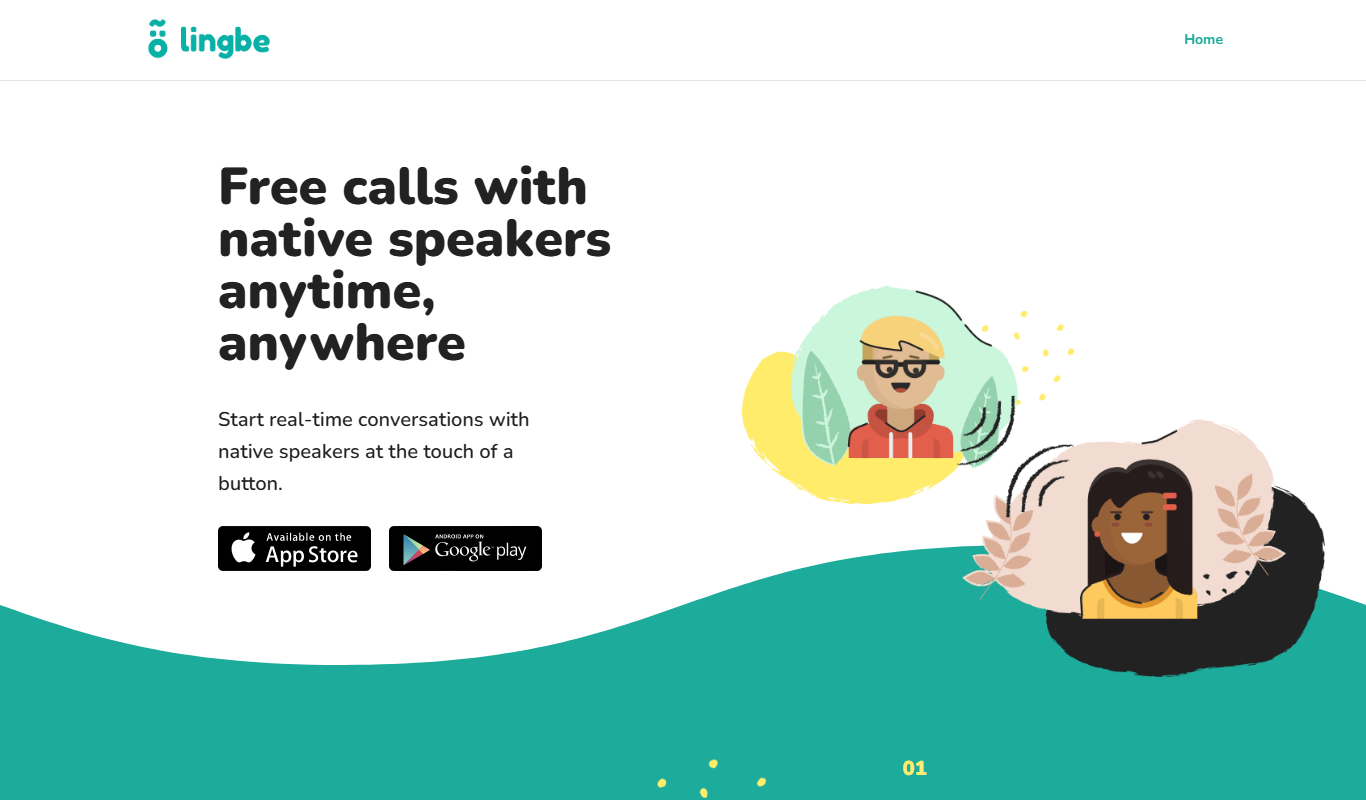
Lingbe is a language exchange app that enables users to practice languages through instant voice calls with native speakers, using an in-app currency called lingos.
More AI Voice Assistants tools
Other tools in the same category, for when this one is not quite the fit.

Verse AI
Verse is an AI agent and AI texting platform for sales and marketing teams that replies to leads across channels, qualifies them through conversation and books appointments.

Auri AI
Auri is an AI keyboard for iPhone, iPad, Mac and Apple Watch that lets you dictate and improve text in any app, get visual AI answers and turn recordings into notes.

HaiVE
HaiVE deploys AI agents that close tickets and deals, self-hosted or SaaS, with on-premise data sovereignty and pay-per-minute voice pricing.

ulai
Ulai is an enterprise voice AI platform with autonomous agents for voice, WhatsApp automation, procurement, HR recruiting and real-time agent evaluation.
CogniAble
The CogniAble app is an end-to-end assistive platform for early detection and intervention of children with developmental disorders such as Autism Spectrum Disorder.
Vapify
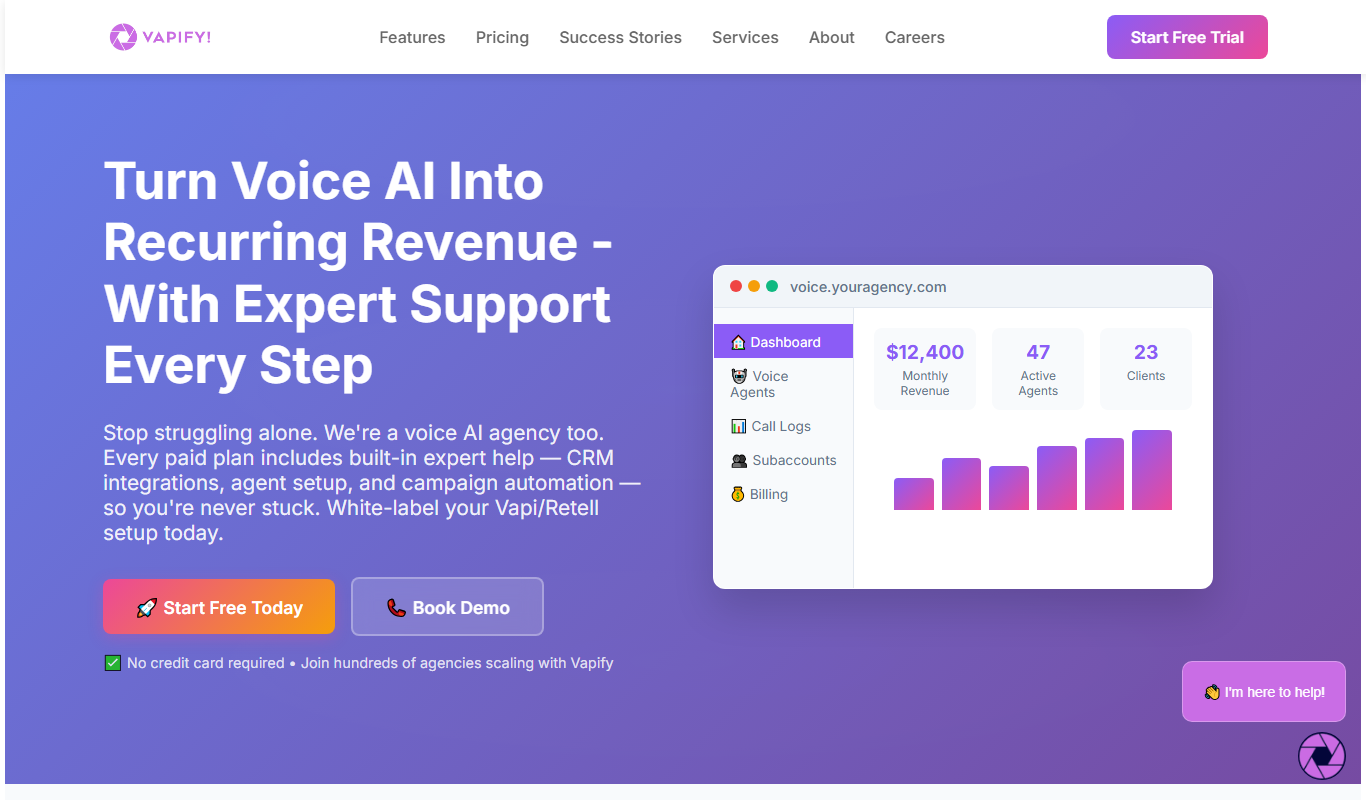
Vapify is a white-label voice AI platform that lets agencies build, deploy and manage Vapi and Retell voice agents for their clients under their own brand.

IRCopilot
iRCopilot is a voice-controlled AI race engineer for iRacing that answers questions about pace, gaps, fuel and strategy from real-time telemetry.

Tunk
Tunk.ai builds and deploys Voice AI Agents for inbound customer support and outbound sales calling, plus speech-to-text APIs, with pay-as-you-go per-minute pricing.