
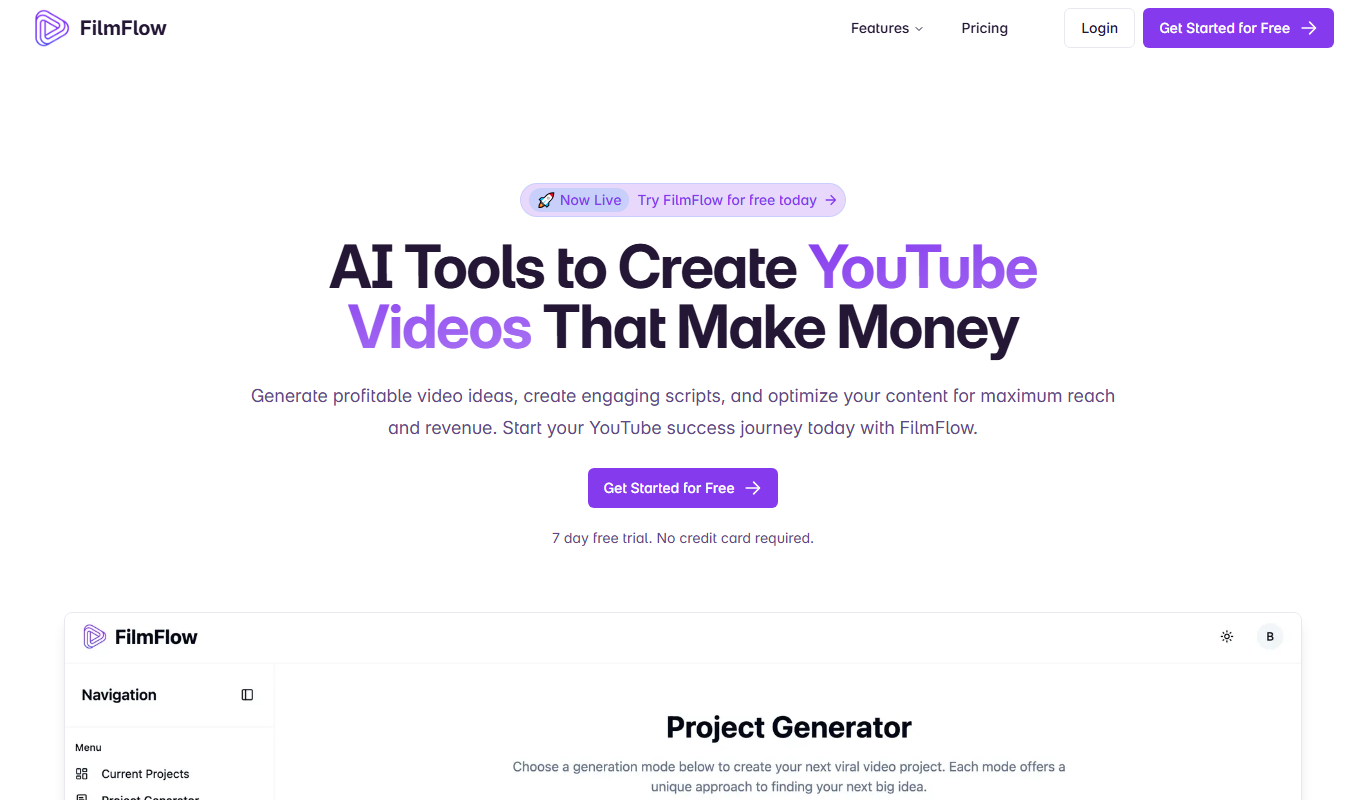
From my experience with FilmFlow, I found it excels at automating repetitive video editing tasks, which significantly speeds up the post-production process. The AI-driven scene detection and color grading features are particularly helpful for creators who want to focus more on storytelling than technical details. While it may not fully replace manual editing for complex projects, FilmFlow is a valuable tool for independent filmmakers and social media content creators looking to streamline their workflow. The cloud-based platform also makes it accessible without heavy software installations, though this means offline editing isn’t supported.

FilmFlow AI Video Editing Software for Automated Post-Production Workflow
FilmFlow is an AI-driven video editing platform that automates post-production tasks such as cutting, sequencing, color grading, and audio syncing to streamline video editing workflows.
Categories:
Video Editing
What is FilmFlow?
FilmFlow is an AI-driven video editing platform designed to automate and simplify the post-production process. It leverages artificial intelligence to handle routine editing tasks, enabling creators to focus on storytelling and creative decisions. FilmFlow aims to reduce the time and effort required to produce professional-quality videos by streamlining workflows and providing intelligent editing suggestions.
Key Features of FilmFlow
AI-Powered Scene Detection
Automatically identifies and segments scenes to streamline editing.
Automated Cutting and Sequencing
Reduces manual trimming by intelligently arranging clips.
Smart Color Grading
Applies consistent color correction across footage using AI.
Audio Sync and Enhancement
Synchronizes audio tracks and improves sound quality automatically.
Cloud-Based Editing Platform
Accessible from any device with internet, no software installation required.
Pros and Cons of FilmFlow
Pros
- Significantly reduces manual editing time
- User-friendly interface suitable for all skill levels
- Cloud-based access eliminates software installation
- AI features improve consistency and quality
- Flexible pricing plans including free tier
Cons
- Limited offline capabilities due to cloud platform
- Advanced features require paid subscription
- May not replace full manual editing for complex projects
Key Use Cases for FilmFlow
Automated Video Editing
Use AI-powered tools to automate the editing process, saving time on cutting, trimming, and sequencing footage.
Post-Production Workflow Optimization
Streamline post-production tasks such as color correction, audio syncing, and scene transitions with AI assistance.
Content Creation for Social Media
Quickly produce polished video content optimized for social media platforms with minimal manual effort.
Film and Documentary Editing
Enhance traditional film editing workflows by integrating AI tools that assist with organizing and refining footage.
How FilmFlow Works
-
1
Upload Footage
Users upload raw video files to the FilmFlow web platform.
-
2
AI Analysis
The AI engine analyzes the footage to detect scenes, audio cues, and visual elements.
-
3
Automated Editing
FilmFlow automatically cuts, sequences, and applies color and audio adjustments.
-
4
Review and Export
Users review the AI-edited video, make any desired tweaks, and export the final product.
Who's Using FilmFlow
Independent filmmakers
Content creators and influencers
Marketing agencies
Video production studios
Social media managers
FilmFlow Pricing
Free
$0/month
Basic access with limited video length and standard AI features.
Pro
$29/month
Extended video length, priority processing, and advanced editing tools.
Enterprise
Custom pricing
Tailored solutions with dedicated support and API access.
Frequently Asked Questions About FilmFlow
FilmFlow supports a wide range of video types including films, documentaries, social media clips, and corporate videos.
No, FilmFlow is designed to be user-friendly for both beginners and professionals by automating complex editing tasks.
Yes, users can review and fine-tune the AI-generated edits before exporting the final video.
FilmFlow employs industry-standard security measures to protect your data and privacy.
It depends on your specific needs and how you plan to use the tool. The official website and documentation are the best sources for the latest details.
It depends on your specific needs and how you plan to use the tool. The official website and documentation are the best sources for the latest details.
Pricing depends on the plan and included features. For the most accurate and up-to-date details, check the official pricing page.
Share your review
Reviews are limited to one per logged-in user and are published after moderation.
You need an account to review this tool.
0.0
★
★
★
★
★
0 reviews
5 star
0
4 star
0
3 star
0
2 star
0
1 star
0
No reviews yet
Be the first to share how this tool worked for you.
Questions from the community
Read questions and answers about this tool, or ask your own.
No questions yet
Start the conversation by asking the first question about this tool.
Is this tool helpful?
Alternative Tools
Explore similar AI tools that might fit your needs

Free
Runway ML
Runway ML is a cloud platform offering AI-powered video and image editing tools, enabling creators to automate complex tasks like green screen removal and style transfer, with real-time collaboration and API integration.

Free
Double Subtitles
Double Subtitles is a tool that allows users to add two simultaneous subtitle tracks in different languages to videos, making content accessible and understandable to bilingual audiences.
Free Trial
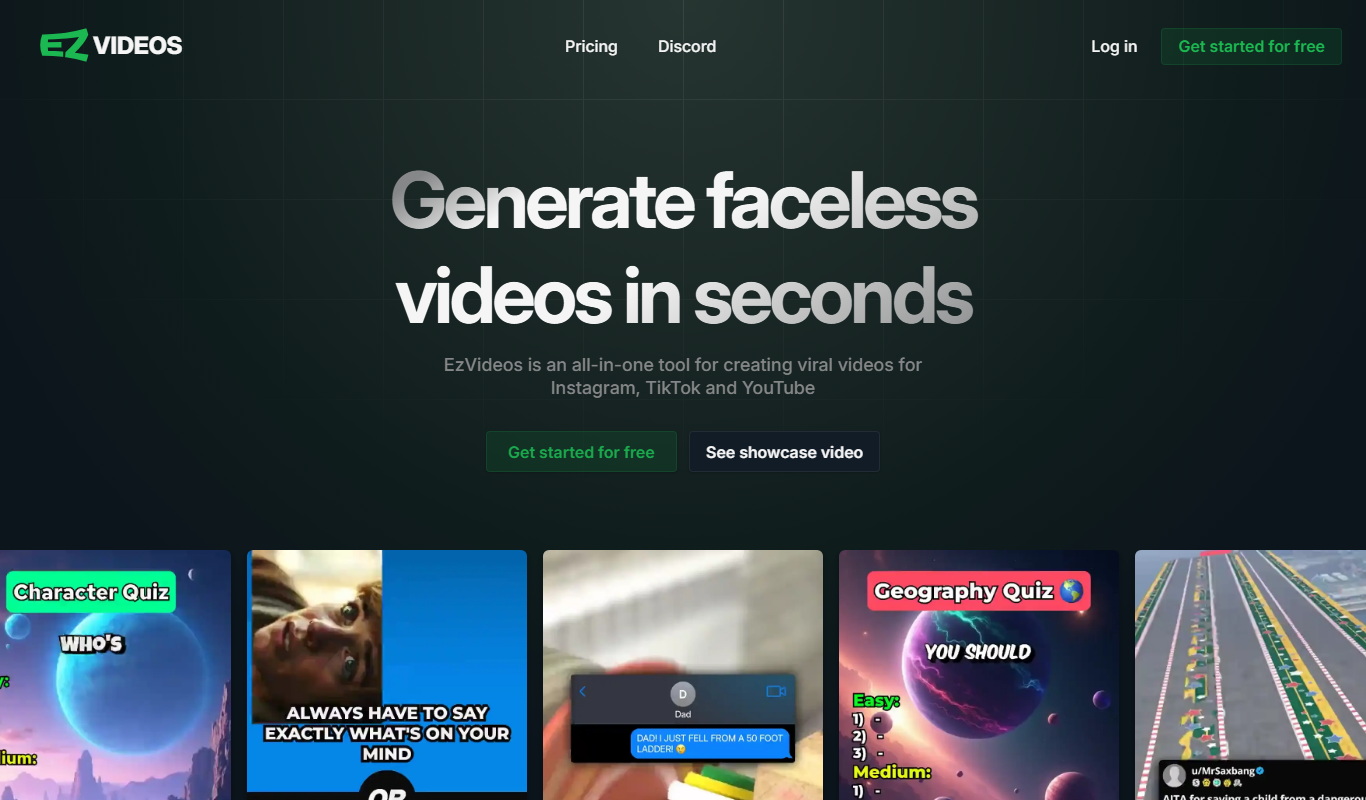
EzVideos
EzVideos is an online video editing platform that enables users to create professional videos easily using drag-and-drop tools, customizable templates, and audio features without software installation.

Free
Descript
Descript is an AI-driven audio and video editing platform that allows users to edit media by editing transcripts, includes AI transcription, voice cloning with Overdub, and supports collaboration.
Free
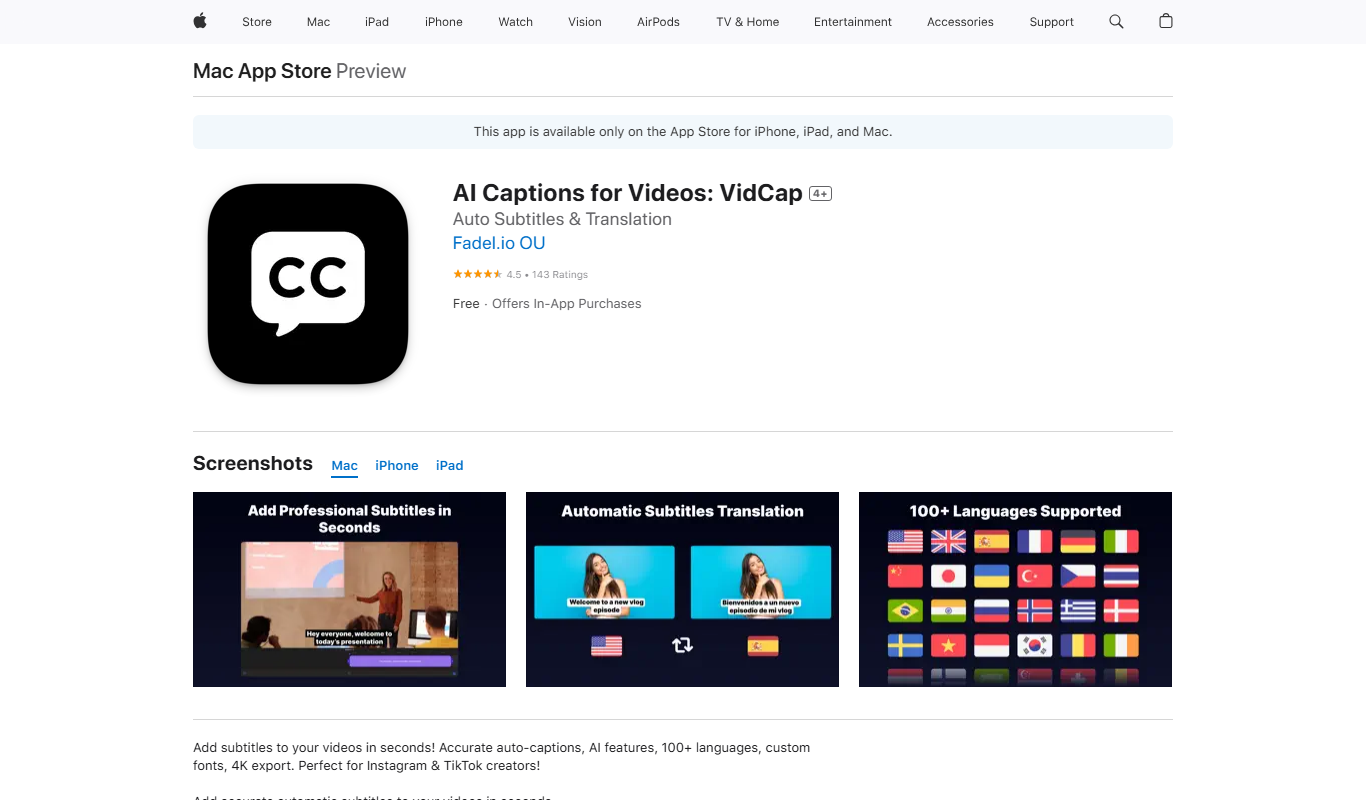
VidCap
VidCap is a screen recording tool that captures your desktop activity with options for webcam and audio recording, plus basic editing features.

Freemium
framedrop.ai
Framedrop.ai is an AI-powered web tool that enhances video smoothness by interpolating missing frames and increasing frame rates, improving playback quality without software installation.
Freemium
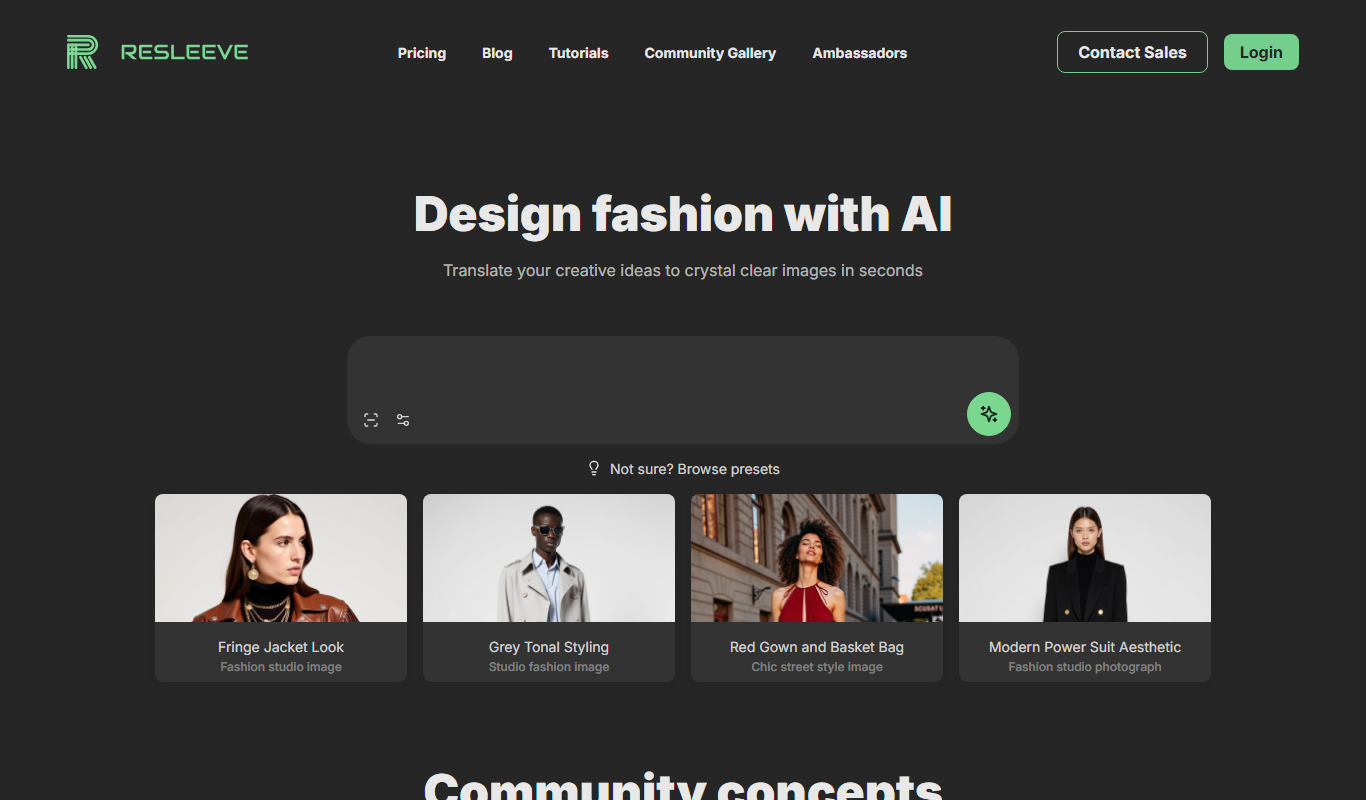
Resleeve.AI
Resleeve.AI is a web-based AI tool that automatically removes and replaces video backgrounds without the need for green screens, enabling fast and easy video editing online.
Free
Captions App
Captions App by Dubs.io is an AI-driven web tool that automatically generates and edits video captions to improve accessibility and viewer engagement.
Freemium
Motionbear
Motionbear is an AI-driven video editing tool that automates video production by analyzing footage and applying editing templates to create social media-ready videos quickly.