

From my experience with Framedrop.ai, I found it excels at making low frame rate videos appear much smoother through AI-powered frame interpolation. The web-based platform is straightforward, allowing users without technical skills to enhance their videos quickly. It’s particularly useful for content creators and gamers who want to improve video playback quality without complex software. However, processing times can be longer for larger files, and the free plan has some limitations like watermarks. Overall, if you need an accessible online tool to recover dropped frames and upscale frame rates, Framedrop.ai delivers solid, user-friendly results.
Framedrop.ai Video Enhancement Tool for Smooth Frame Interpolation and Upscaling
Framedrop.ai is an AI-powered web tool that enhances video smoothness by interpolating missing frames and increasing frame rates, improving playback quality without software installation.
- Best for
- Video Frame Rate Enhancement
- Key capability
- AI Frame Interpolation


Do you recommend this tool?
What is framedrop.ai?
Framedrop.ai is an AI-powered web-based tool designed to enhance video smoothness by interpolating missing frames and increasing frame rates. It uses advanced machine learning algorithms to analyze video content and generate intermediate frames, resulting in fluid motion and improved visual quality. This tool is particularly useful for videos with dropped frames or low frame rates, making playback more seamless and visually appealing.
Key features of framedrop.ai
Framedrop.ai offers automatic frame interpolation, frame rate upscaling, and video smoothing through an easy-to-use web interface. Users can upload videos, select desired output frame rates, and receive enhanced videos without needing technical expertise. The platform supports various video formats and focuses on preserving original video quality while improving motion fluidity.
AI Frame Interpolation
Automatically generates intermediate frames to increase video frame rates and smooth motion.
Web-Based Platform
No software installation required; accessible from any modern web browser.
Supports Multiple Video Formats
Compatible with common video file types for easy uploading and processing.
User-Friendly Interface
Simple upload and download workflow designed for users without technical background.
Pros and cons of framedrop.ai
Pros
- Easy-to-use web interface with no installation required
- Effective AI-based frame interpolation for smoother videos
- Supports multiple common video formats
- Affordable pricing with a free tier for basic use
Cons
- Processing times can be lengthy for longer videos
- Limited mobile device support
- Free plan includes watermarks and usage limits
Key use cases for framedrop.ai
Video Frame Rate Enhancement
Increase the frame rate of videos by interpolating intermediate frames to create smoother motion.
Video Quality Improvement
Enhance video playback quality by recovering dropped frames and reducing stutter.
Content Creator Support
Assist video creators in producing high-quality, smooth videos for social media, streaming, and presentations.
Gaming Video Enhancement
Improve recorded gameplay videos by increasing frame rates and smoothing motion for better viewer experience.
How framedrop.ai works
- 1
Upload Video
Users upload their video files directly to the Framedrop.ai web platform.
- 2
Select Frame Rate
Choose the target frame rate for the output video to achieve smoother playback.
- 3
AI Processing
The AI engine analyzes the video and generates intermediate frames to fill in gaps.
- 4
Download Enhanced Video
Once processing is complete, users download the enhanced video with improved smoothness.
Who is using framedrop.ai
Video content creators
Social media influencers
Gaming video editors
Marketing agencies
Small businesses producing video content
framedrop.ai pricing
Free
$0/month
Limited video length and number of videos processed per month with watermark.
Pro
$19/month
Extended video length, higher processing priority, no watermarks, and faster processing.
Plans and prices are as published by the vendor and can change. Check the official site before you buy. Open the pricing page (opens in a new tab)
Frequently asked questions about framedrop.ai
You can upload common video formats such as MP4, MOV, and AVI for frame interpolation.
Currently, Framedrop.ai is optimized for desktop web browsers and may have limited functionality on mobile.
The free plan has limits on video length and number of videos processed; Pro plan offers extended limits.
Processing time depends on video length and server load but typically ranges from a few minutes to under an hour.
It depends on your specific needs and how you plan to use the tool. The official website and documentation are the best sources for the latest details.
Some tools offer a free plan or trial with limited features. Availability can vary, so confirm on the official website.
Yes, it can help with that use case depending on how you configure it and what features are available. You’ll get the best results with clear inputs and a defined goal.
Sign in to review this tool.
Sign In to ReviewNo reviews yet
Be the first to share how this tool worked for you.
Ask about pricing, limits, or how it compares — or answer someone else.
Sign In to AskNo questions yet
Have a question about using or paying for this tool? Be the first to ask.
Featured on TiorAI



Alternative Tools
Explore similar AI tools that might fit your needs
Free
Flowframes
Flowframes is a free Windows desktop software that uses AI to interpolate video frames, creating smooth slow motion and enhancing video frame rates without internet connection.
More AI Detector tools
Other tools in the same category, for when this one is not quite the fit.

Free
ZeroGPT.CC
ZeroGPT.CC is a web-based AI text detection tool that identifies whether text was generated by AI models like GPT, helping users verify content authenticity.
Free
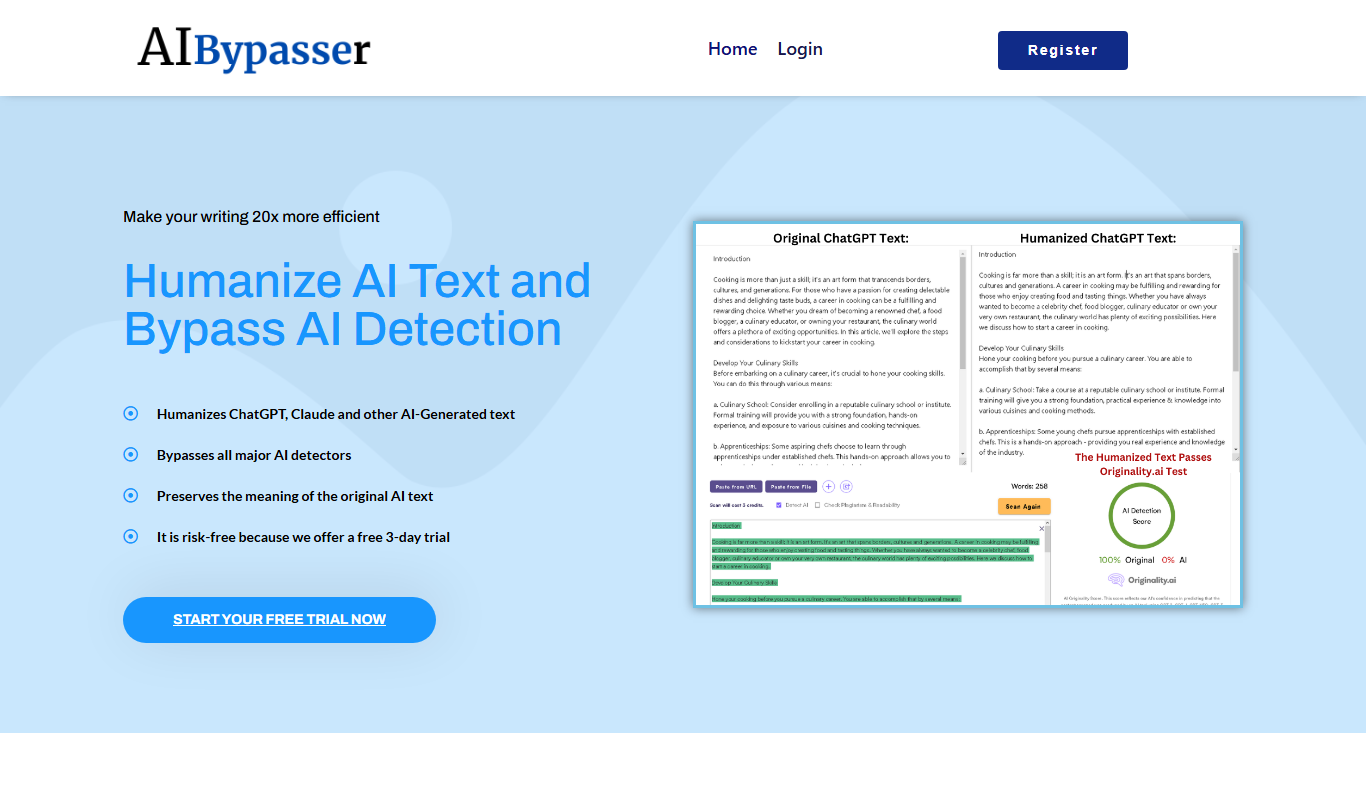
AI Bypasser
AI Bypasser is a free online tool that rewrites text to help users bypass AI content detection and moderation filters by altering phrasing while preserving meaning.

Freemium
Nightfall for ChatGPT
Nightfall for ChatGPT is a Chrome extension that automatically detects and redacts sensitive data in real-time while using ChatGPT, helping users maintain privacy and comply with data protection regulations.
Freemium
INSINTO
INSINTO is an AI-driven data analytics platform that automates data processing and generates actionable business insights through customizable dashboards and real-time monitoring.

Free
Real Or AI
Real Or AI is an online tool that detects whether text is AI-generated or human-written by analyzing linguistic patterns and providing a probability score.

Free Trial
Neuwo
Neuwo is an AI chatbot platform that enables businesses to build and deploy conversational bots for customer support and lead generation without coding.

Custom Pricing
checkstep.com
Checkstep is a web-based compliance platform that automates policy enforcement, risk monitoring, and incident management to help organizations maintain regulatory compliance efficiently.

Enterprise
Recogni
Recogni provides an AI vision system combining custom hardware and software to enable ultra-low latency, high accuracy perception for autonomous vehicles and edge AI applications.