
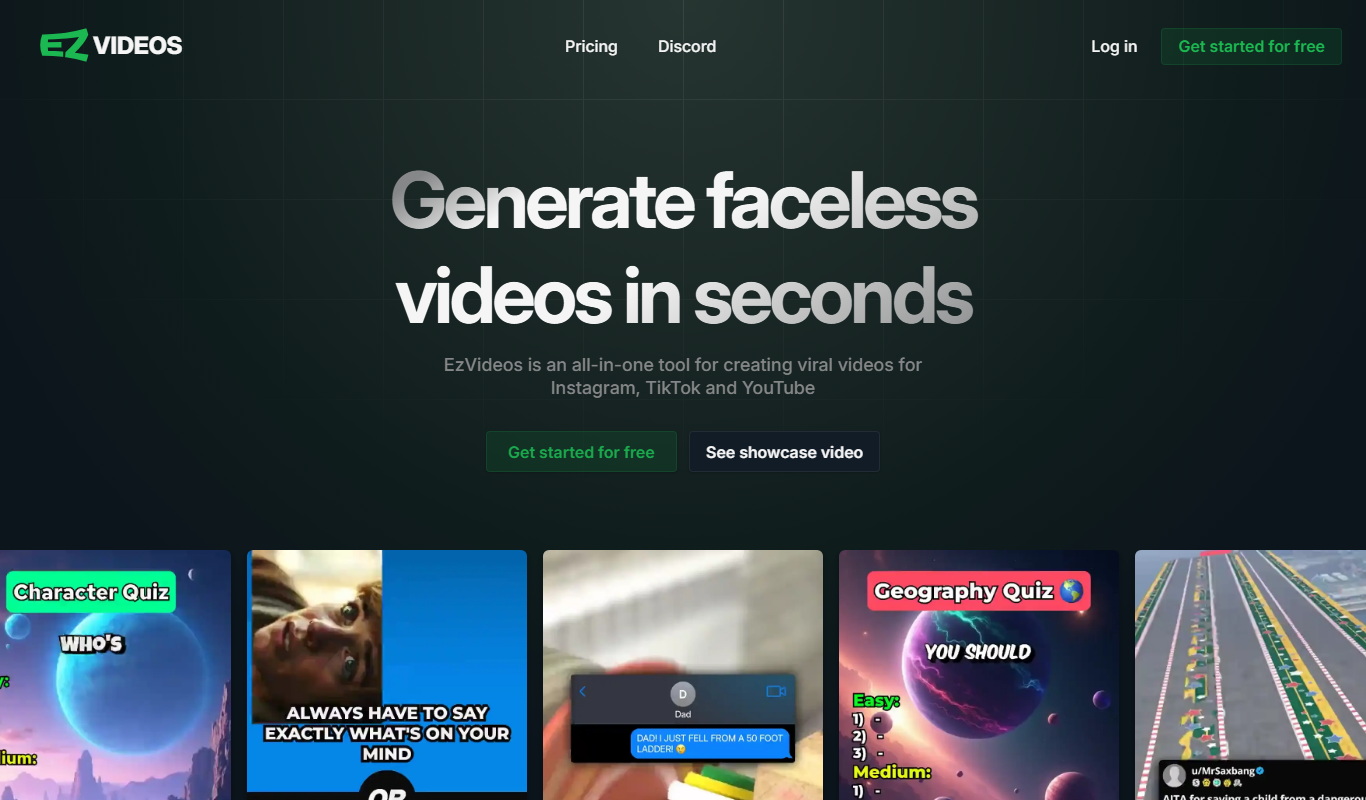
From my experience with EzVideos, I found it excels at simplifying video creation for users without technical editing skills. The drag-and-drop interface and ready-made templates make producing social media and marketing videos straightforward and efficient. After spending time with the platform, I can say it’s particularly well-suited for small business owners and content creators who need quick, polished videos without investing in complex software. However, there’s a trade-off: advanced editing features are limited, and the free trial includes watermarks, which may restrict professional use. Overall, if you need an easy-to-use online video editor for basic projects, EzVideos delivers solid results.
EzVideos Video Editing Software for Easy Online Video Creation
EzVideos is an online video editing platform that enables users to create professional videos easily using drag-and-drop tools, customizable templates, and audio features without software installation.
Categories:
Video Editing
What is EzVideos?
EzVideos is an online video editing platform designed to simplify the process of creating professional-quality videos. It offers a user-friendly interface with drag-and-drop functionality, allowing users to produce videos without prior editing experience. The tool supports various video formats and provides templates, effects, and audio options to enhance video content.
Key Features of EzVideos
Drag-and-Drop Editor
Simplifies video editing with an intuitive interface requiring no technical skills.
Customizable Templates
Offers a variety of templates tailored for social media and marketing videos.
Audio Integration
Allows adding background music or voiceovers to enhance video content.
Text and Transition Effects
Includes options for text overlays and smooth transitions between clips.
Cloud-Based Platform
Enables video editing directly in the browser without software installation.
Pros and Cons of EzVideos
Pros
- User-friendly drag-and-drop interface
- No software installation required
- Good selection of customizable templates
- Supports quick video creation for social media
Cons
- Limited advanced editing features
- Free trial videos include watermarks
- No mobile app available
Key Use Cases for EzVideos
Social Media Video Creation
Create engaging videos optimized for platforms like Instagram, Facebook, and TikTok.
Marketing and Promotional Videos
Produce professional promotional videos to enhance brand visibility and campaigns.
Educational Content
Develop instructional videos and tutorials with easy-to-use editing tools.
Personal Video Projects
Edit personal videos for events, celebrations, or sharing with friends and family.
How EzVideos Works
-
1
Sign Up
Create an account on the EzVideos platform to access editing features.
-
2
Upload or Select Template
Upload your own footage or choose from pre-designed templates to start your project.
-
3
Edit Video
Use drag-and-drop tools to trim clips, add text, transitions, and audio.
-
4
Preview and Export
Review your video and export it in the desired format for sharing or download.
Who's Using EzVideos
Social media marketers
Small business owners
Content creators
Educators
Individuals creating personal videos
EzVideos Pricing
Free Trial
$0
Limited access to features with watermark on exported videos.
Monthly Subscription
$19.99/month
Full access to all features, templates, and watermark-free exports.
Frequently Asked Questions About EzVideos
Yes, EzVideos is a fully web-based platform that works in your browser.
Yes, videos exported during the free trial include a watermark.
EzVideos supports common formats like MP4 suitable for social media and web use.
Yes, EzVideos offers customer support via email and online resources.
It depends on your specific needs and how you plan to use the tool. The official website and documentation are the best sources for the latest details.
Some tools offer a free plan or trial with limited features. Availability can vary, so confirm on the official website.
It depends on your specific needs and how you plan to use the tool. The official website and documentation are the best sources for the latest details.
Yes, it can help with that use case depending on how you configure it and what features are available. You’ll get the best results with clear inputs and a defined goal.
Share your review
Reviews are limited to one per logged-in user and are published after moderation.
You need an account to review this tool.
0.0
★
★
★
★
★
0 reviews
5 star
0
4 star
0
3 star
0
2 star
0
1 star
0
No reviews yet
Be the first to share how this tool worked for you.
Questions from the community
Read questions and answers about this tool, or ask your own.
No questions yet
Start the conversation by asking the first question about this tool.
Is this tool helpful?

Free
Descript
Descript is an AI-driven audio and video editing platform that allows users to edit media by editing transcripts, includes AI transcription, voice cloning with Overdub, and supports collaboration.
Free
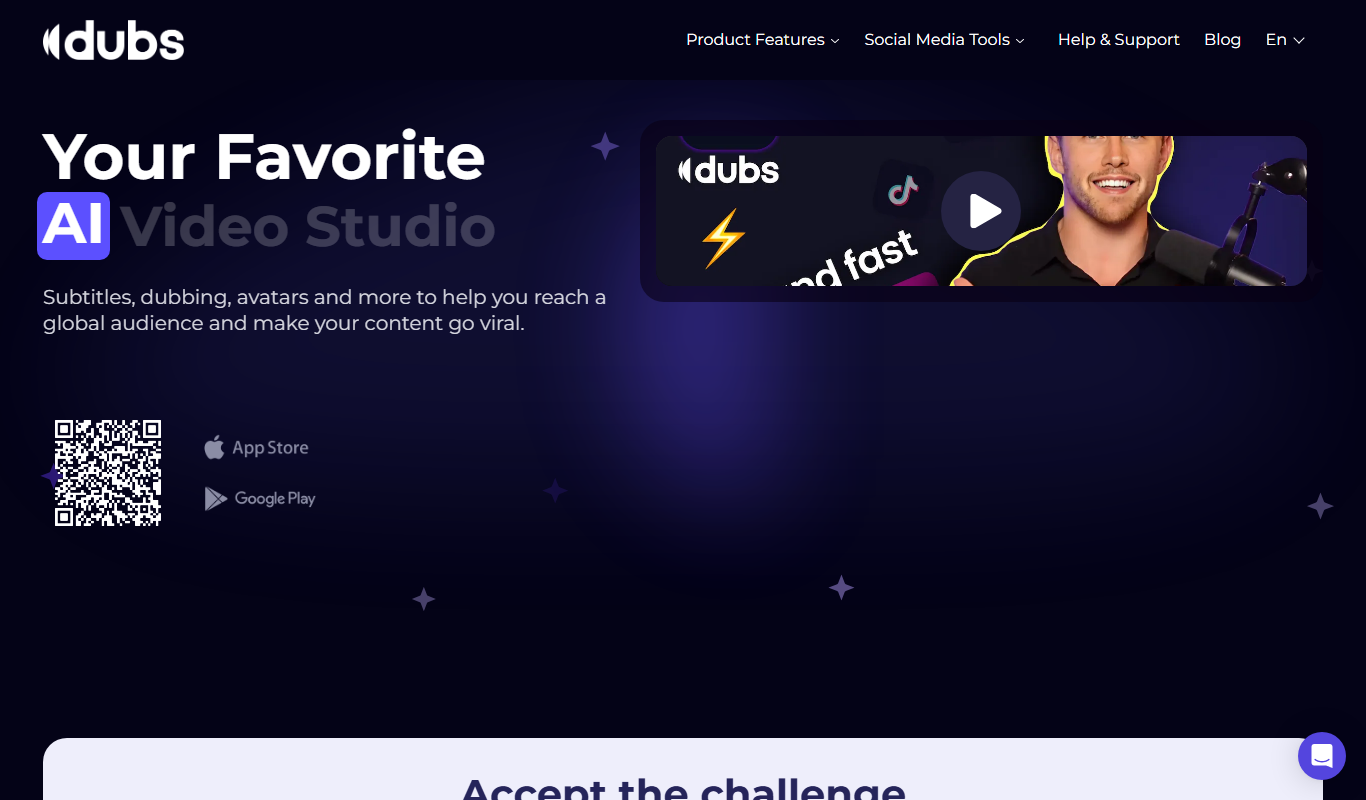
Captions App
Captions App by Dubs.io is an AI-driven web tool that automatically generates and edits video captions to improve accessibility and viewer engagement.
Freemium
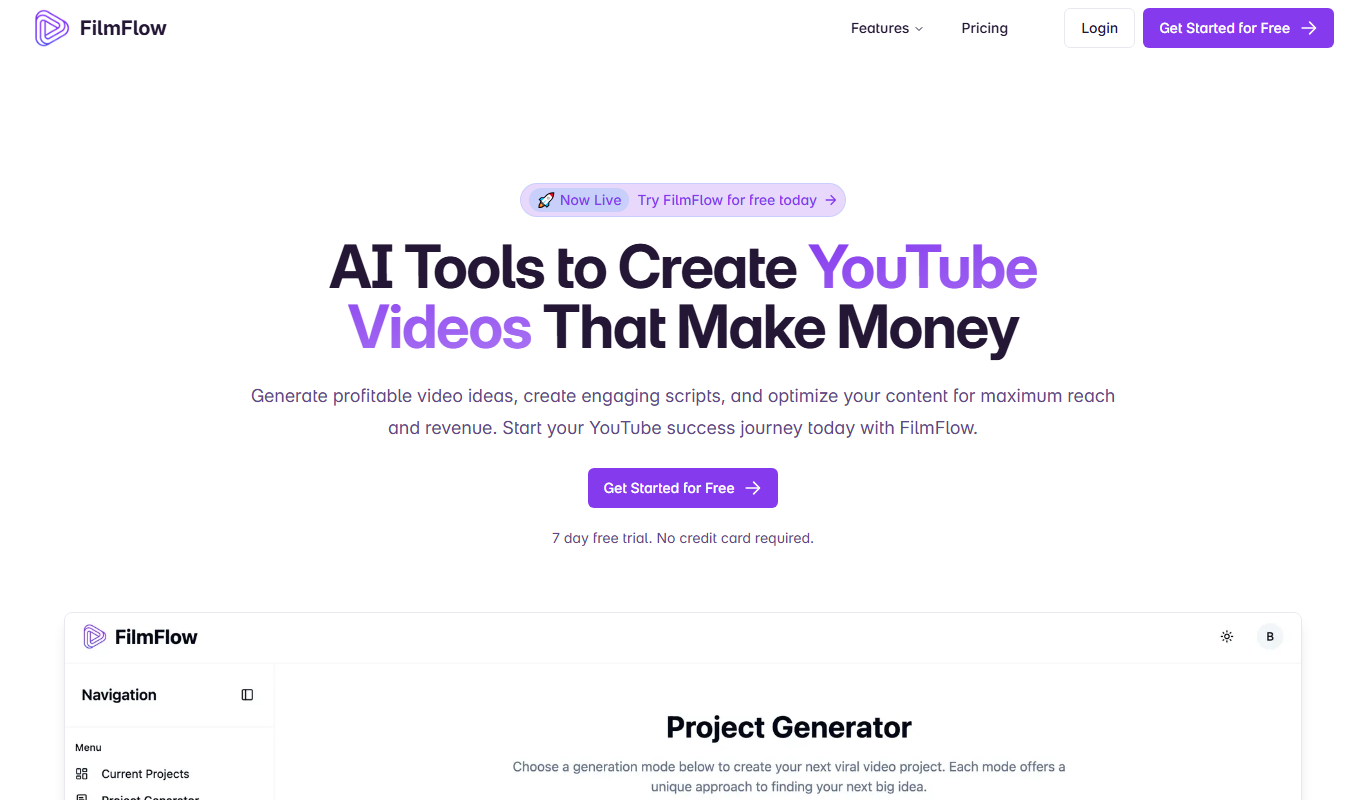
FilmFlow
FilmFlow is an AI-driven video editing platform that automates post-production tasks such as cutting, sequencing, color grading, and audio syncing to streamline video editing workflows.
Free
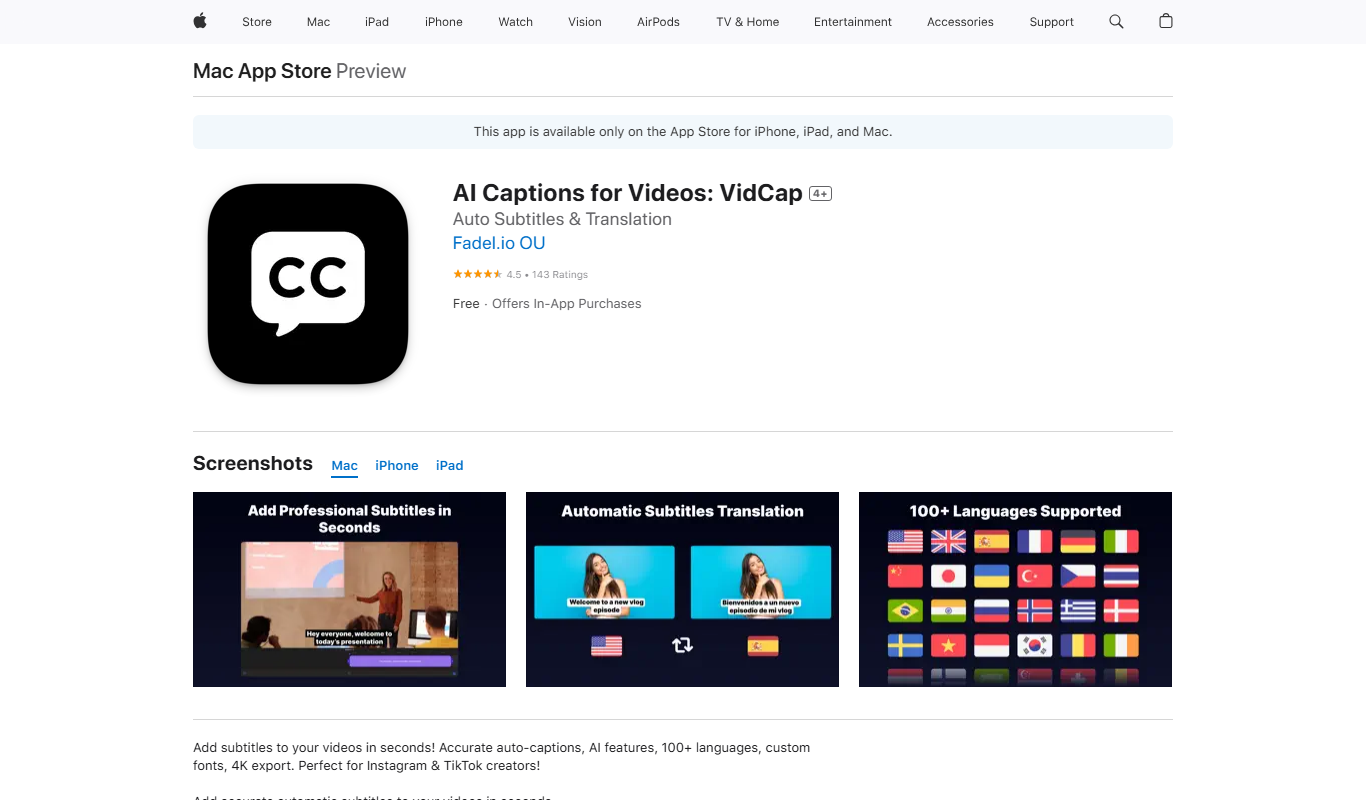
VidCap
VidCap is a screen recording tool that captures your desktop activity with options for webcam and audio recording, plus basic editing features.

Freemium
framedrop.ai
Framedrop.ai is an AI-powered web tool that enhances video smoothness by interpolating missing frames and increasing frame rates, improving playback quality without software installation.
Freemium
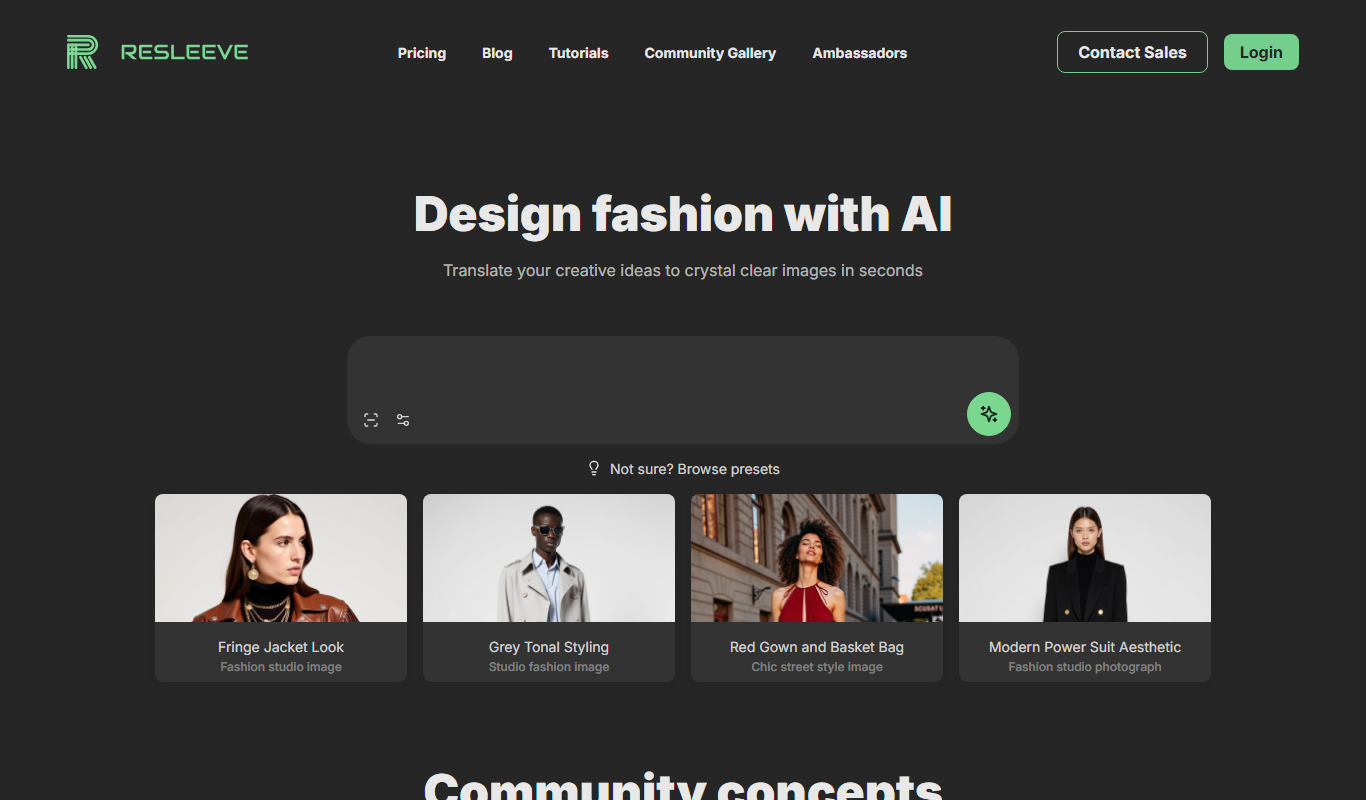
Resleeve.AI
Resleeve.AI is a web-based AI tool that automatically removes and replaces video backgrounds without the need for green screens, enabling fast and easy video editing online.
Free
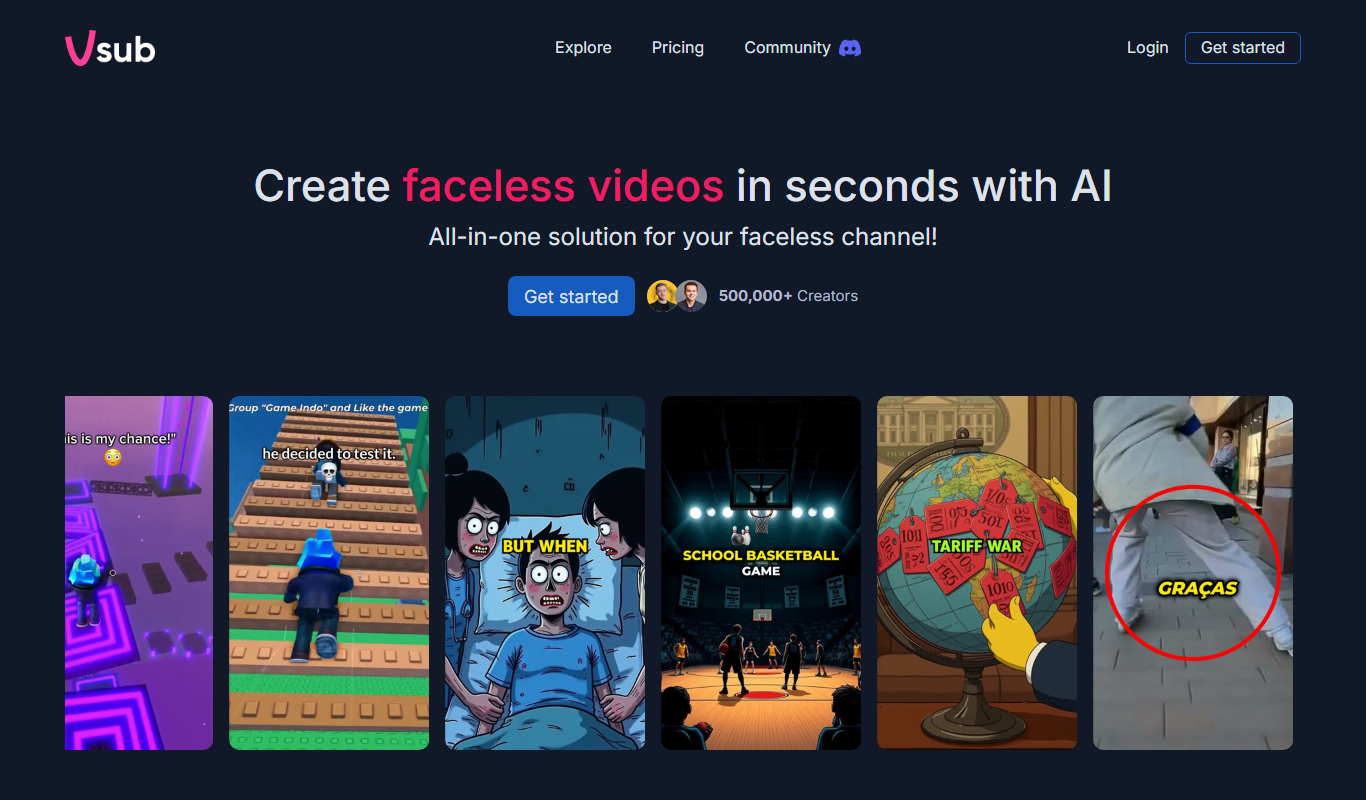
Double Subtitles
Double Subtitles is a tool that allows users to add two simultaneous subtitle tracks in different languages to videos, making content accessible and understandable to bilingual audiences.
Freemium
Motionbear
Motionbear is an AI-driven video editing tool that automates video production by analyzing footage and applying editing templates to create social media-ready videos quickly.