

AI-Powered TweetStorm Generator for Engaging Twitter Threads
TweetStorm.ai is a toolkit of Twitter automation and management tools for X, with an AI tweet generator, a scheduler, bulk cleanup actions and a bookmark manager.
- Best for
- Tweet and thread scheduling
- Key capability
- AI tweet generator
Save TweetStorm.ai, follow its updates and vote on it — everything stays in your account.
Sign in or create a free account
What is TweetStorm.ai?
TweetStorm.ai is a toolkit of Twitter automation and management tools for X. It combines an AI tweet generator, a scheduler with queues and a calendar, six bulk cleanup actions, a bookmark manager, advanced search, and free utilities for screenshots and video downloads.
Key features of TweetStorm.ai
TweetStorm.ai combines an AI tweet generator, a scheduler with queues and a calendar, six bulk cleanup actions, a bookmark manager, advanced search, and free utilities for screenshots and video downloads.
AI tweet generator
Describe the post you want and pick one of 18 tones, and the AI tweet generator writes it: short posts on every plan, longer formats on paid ones.
Tweet scheduler
Queues single posts and full threads, fills weekly posting slots in order, and publishes them automatically in each account's own time zone.
Bulk cleanup actions
One browser extension runs all six bulk actions in your own browser session.
X bookmark manager
Imports your saved posts, keeps them synced, and organizes them with folders, tags and smart folders.
Pros and cons of TweetStorm.ai
Pros
- Simplifies creating engaging Twitter threads
- Saves time by automating tweetstorm writing
- Easy to use with minimal learning curve
Cons
- No direct Twitter posting integration
- Limited free tier usage
- Supports only English language
Key use cases for TweetStorm.ai
Tweet and thread scheduling
Schedule tweets and threads that post themselves.
Content Marketing
Create structured tweetstorms that help marketers share ideas, stories, or product updates effectively.
Social Media Management
Assist social media managers in producing consistent and high-quality Twitter content quickly.
Personal Branding
Help individuals build their Twitter audience by crafting insightful and well-organized tweet threads.
How TweetStorm.ai works
- 1
Input Your Content
Enter your main idea, text, or topic into the platform.
- 2
Generate tweets
Pick one of 18 tones, and the AI tweet generator writes the post you described.
- 3
Edit and Customize
Review the generated tweets and make any desired edits or adjustments.
- 4
Publish to Twitter
Copy the result, or send the tweet to the scheduler and edit it there before it posts.
Who is using TweetStorm.ai
TweetStorm.ai pricing
Free
$0
Perfect for getting started: 20 credits per month, limited bulk actions, 10 scheduled tweets per month and 1 X account.
Professional
$12 per month
Best for professionals: 250 credits per month, extended bulk actions, 100 scheduled tweets per month, voice cloning and remix, and 2 X accounts.
Agency
$29 per month
For teams and agencies: 700 credits per month, unlimited bulk actions, 300 scheduled tweets per month, voice cloning and remix, and 5 X accounts.
Elite
$49 per month
For high-volume power users: 1,500 credits per month, unlimited bulk actions, 700 scheduled tweets per month, voice cloning and remix, and unlimited X accounts.
Plans and prices are as published by the vendor and can change. Check the official site before you buy. Open the pricing page (opens in a new tab)
Frequently asked questions about TweetStorm.ai
Yes, you can review and customize each tweet before publishing.
Yes. The scheduler posts through X’s official API after a one-click account connection.
Yes, every plan has monthly quotas, and every quota is published on the pricing page.
It depends on your specific needs and how you plan to use the tool. The official website and documentation are the best sources for the latest details.
Yes, it can help with that use case depending on how you configure it and what features are available. You’ll get the best results with clear inputs and a defined goal.
Some tools offer a free plan or trial with limited features. Availability can vary, so confirm on the official website.
Conclusion
Running a whole X account from one place is the premise, with AI writing, scheduling, bulk cleanup and bookmark organizing in a single toolkit. A post starts from a short description and one of 18 tones, and the generator can learn a voice from the account’s own posts. Finished drafts move to a scheduler that queues single posts and full threads and publishes them automatically in each account’s own time zone. Scheduling connects through X’s own authorization screen, and no TweetStorm screen asks for the X password.
Cleanup runs through a browser extension for Chrome and Firefox that works inside the user’s own logged-in X session. Old tweets can be deleted in bulk by keyword, date, type or engagement, while a bookmark manager files saved posts into folders and smart folders. According to the site, X permits automation only within its automation rules, and no tool can promise zero risk. The free plan runs every tool with monthly quotas, and the paid plans raise the monthly credits, scheduled tweets and X accounts.
Sources
Sign in to review this tool.
Sign In to ReviewNo reviews yet
Be the first to share how this tool worked for you.
Ask about pricing, limits, or how it compares — or answer someone else.
Sign In to AskNo questions yet
Have a question about using or paying for this tool? Be the first to ask.
Featured on TiorAI



Alternative Tools
Explore similar AI tools that might fit your needs

Typefully
Typefully is a collaborative social media tool to create, schedule and publish posts on X (Twitter), LinkedIn, Threads, Bluesky and more, with analytics, AI writing tools and automations.
More AI Bio Generator tools
Other tools in the same category, for when this one is not quite the fit.

WooWell
WooWell is an AI dating assistant app that crafts bios, creates profile pictures and helps you master the art of conversation on dating apps.

LingoJam Bio Font Generator
The LingoJam Bio Font Generator is a simple online tool that turns your text into fancy fonts for your bio.

Resume Trick
Resume Trick is an online resume builder with templates, examples and AI writing help for resumes and cover letters, with a free plan and paid plans.

storly.ai
Storly.ai helps nonprofits collect stories from their community through AI generated interview questions and turn them into content to share.
ResuFit
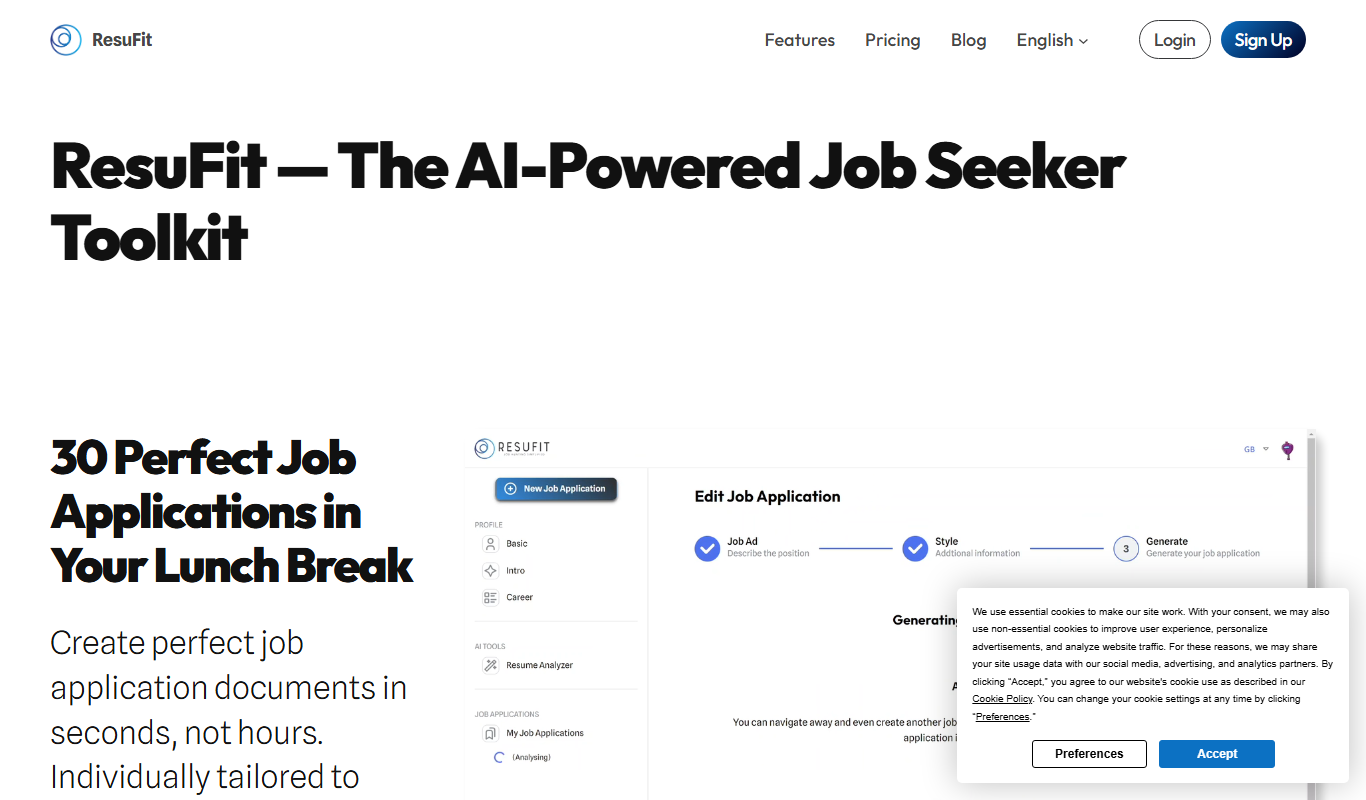
ResuFit turns a pasted job ad into a tailored application with resume, cover letter and application website, and offers a free resume checker.
Life Story AI
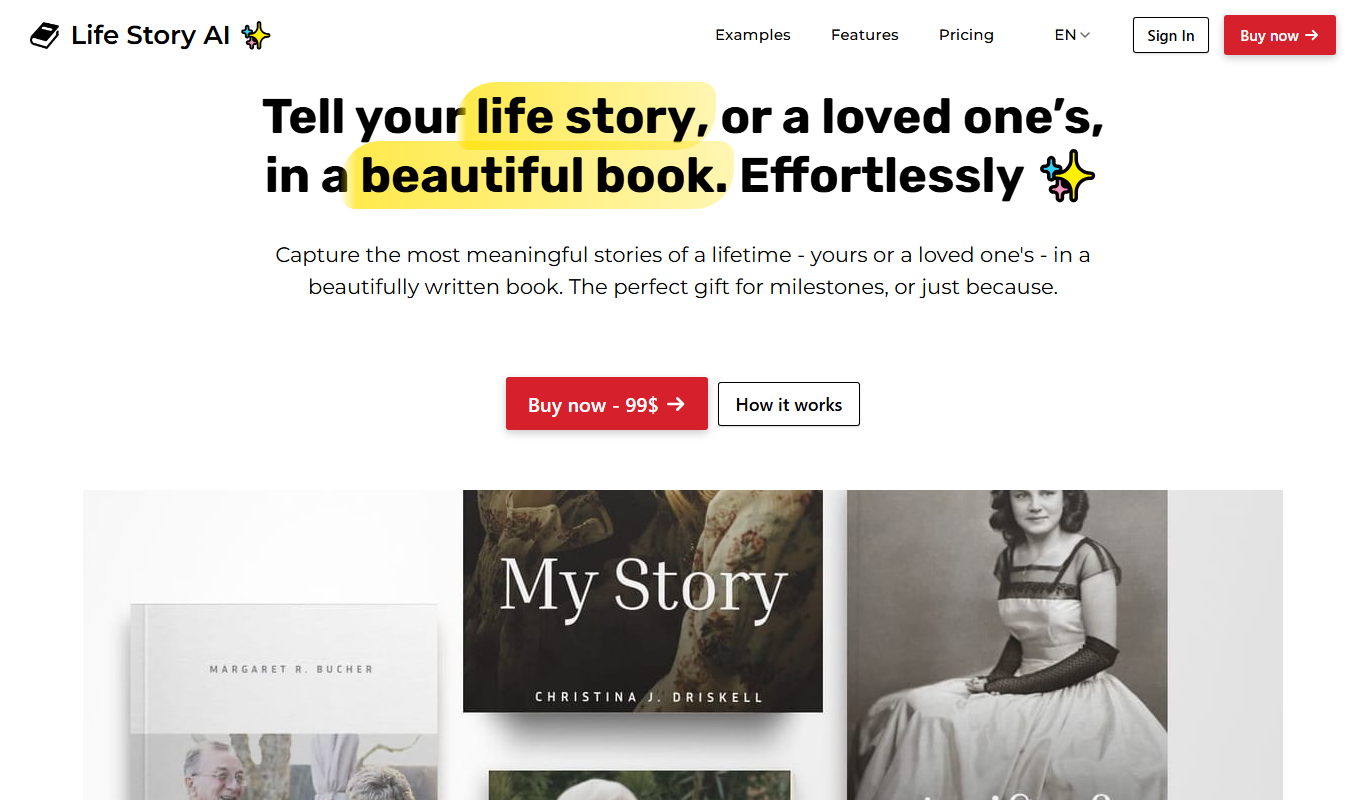
Life Story AI is an AI biographer app that asks questions, transcribes spoken or typed answers, lets loved ones contribute, and turns the result into a printed book.
ResumeGlow
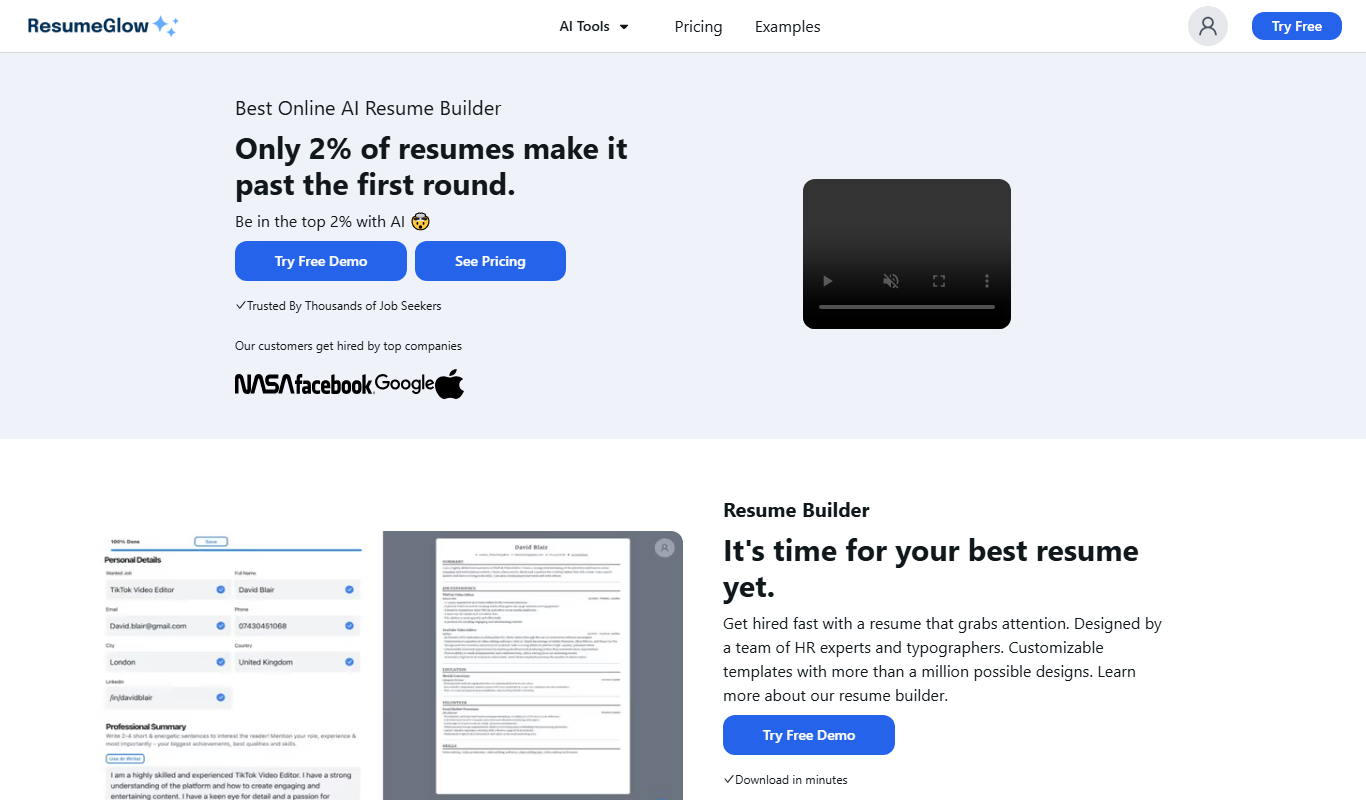
ResumeGlow is an AI-powered online resume builder that helps users create professional, ATS-compliant resumes and cover letters with customizable templates and export options.

Bio.fm
Bio.fm is a web-based link in bio tool that helps users create a personalized landing page to aggregate multiple links, social media profiles, and content blocks for easy sharing on social media.