

Life Story AI - AI-Powered Personal Memoir and Storytelling Tool
Life Story AI is an AI biographer app that asks questions, transcribes spoken or typed answers, lets loved ones contribute, and turns the result into a printed book.
- Best for
- Personal Memoir Writing
- Key capability
- AI-Powered Story Prompts
Save Life Story AI, follow its updates and vote on it — everything stays in your account.
Sign in or create a free account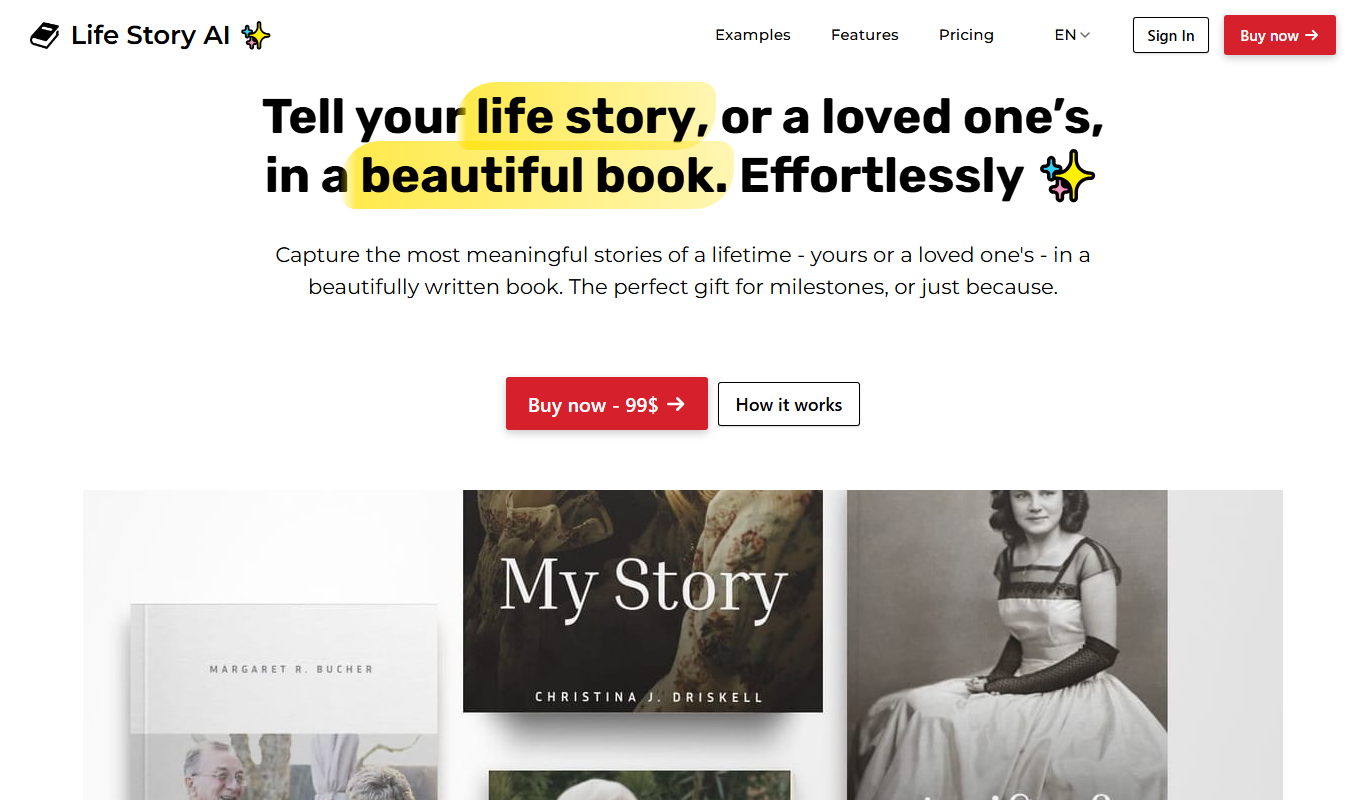

What is Life Story AI?
Life Story AI is an app that uses artificial intelligence to help users write an autobiography or the biography of a parent. Users answer questions by voice or text, can invite loved ones to contribute, and receive a printed book in a few weeks.
Key features of Life Story AI
The tool offers AI-driven prompts, story structuring, and editing assistance to help users articulate their life stories clearly and creatively. It focuses on personal storytelling with an intuitive web interface that supports iterative writing and refinement.
AI-Powered Story Prompts
Generates thoughtful prompts to help recall and elaborate on life experiences.
Narrative Structuring
Assists in organizing stories into coherent and engaging formats.
Answer by Voice
Answers can be spoken instead of typed; Lisa records and transcribes them in 7 languages: French, English, Spanish, German, Portuguese, Italian and Dutch.
Invite Loved Ones
Co-authors can add or edit stories, and interviewers can ask the author questions without access to the stories themselves.
Printed Book
The finished story is printed as an A5 book with up to 250 pages; a PDF, ePub or text version can also be exported.
Pros and cons of Life Story AI
Pros
- Easy-to-use interface tailored for personal storytelling
- AI prompts help overcome writer’s block
- Supports legacy and therapeutic writing
- Affordable premium plan with expanded features
Cons
- Limited language support (English only)
- No mobile app available currently
- Some advanced features require subscription
Key use cases for Life Story AI
Personal Memoir Writing
Helps users craft detailed and engaging personal life stories and memoirs using AI assistance.
Creative Storytelling
Supports creative expression by transforming life events into compelling narratives.
Legacy Documentation
Enables users to preserve their life experiences and memories for future generations.
Therapeutic Writing
Facilitates reflective writing that can aid in personal growth and emotional processing.
How Life Story AI works
- 1
Create an Account
Sign up on the Life Story AI website to start your storytelling journey.
- 2
Input Life Events
Provide key moments, memories, or themes you want to include in your story.
- 3
Use AI Prompts
Receive AI-generated prompts and suggestions to expand and enrich your narrative.
- 4
Edit and Refine
Iteratively edit your story with AI assistance to improve flow, clarity, and emotional impact.
- 5
Export or Share
Download your completed memoir or share it with family and friends.
Who is using Life Story AI
Life Story AI pricing
Starter
$49
Digital version only, no printed book, 1 author, 6 months of access, PDF / ePub export.
Author
$99
1 color book of up to 250 pages included, free worldwide shipping, you + 1 guest, 1 year of access, PDF / ePub export.
Family
$199
5 color books included, free worldwide shipping, up to 10 participants, 2 years of access, PDF / ePub export.
Plans and prices are as published by the vendor and can change. Check the official site before you buy. Open the pricing page (opens in a new tab)
Frequently asked questions about Life Story AI
Yes, the tool is designed to guide users through the storytelling process regardless of writing experience.
Yes, completed stories can be exported in common formats for sharing or printing.
Life Story AI uses secure encryption and privacy measures to protect your personal information.
The AI assists by providing prompts and suggestions, but the user remains in control of the narrative.
Yes, it can help with that use case depending on how you configure it and what features are available. You’ll get the best results with clear inputs and a defined goal.
Some tools offer a free plan or trial with limited features. Availability can vary, so confirm on the official website.
Yes, it can help with that use case depending on how you configure it and what features are available. You’ll get the best results with clear inputs and a defined goal.
Conclusion
An interview replaces the blank page here: an AI biographer called Lisa asks questions and the author answers by voice or text. Lisa asks relevant questions based on previous answers, and the author can answer some, skip others or create their own questions. Spoken answers are transcribed in 7 languages, and Lisa can rewrite the captured material into a more literary style.
A book does not have to be an autobiography. A child or grandchild can act as the interviewer and use the app in the presence of a parent. Co-authors can add or edit stories, while interviewers only send questions and do not see the stories themselves. The plans differ by printed books included, participants and access duration. The printed A5 book is capped at 250 pages, and the Starter plan covers the digital version only. The site notes that a complete book usually takes 10 to 20 hours of recording.
Sources
Sign in to review this tool.
Sign In to ReviewNo reviews yet
Be the first to share how this tool worked for you.
Ask about pricing, limits, or how it compares — or answer someone else.
Sign In to AskNo questions yet
Have a question about using or paying for this tool? Be the first to ask.
Featured on TiorAI



Alternative Tools
Explore similar AI tools that might fit your needs

Replika
Replika is an AI chatbot designed to provide personalized emotional support and companionship through text and voice conversations, helping users manage loneliness and stress.
More AI Bio Generator tools
Other tools in the same category, for when this one is not quite the fit.

WooWell
WooWell is an AI dating assistant app that crafts bios, creates profile pictures and helps you master the art of conversation on dating apps.

LingoJam Bio Font Generator
The LingoJam Bio Font Generator is a simple online tool that turns your text into fancy fonts for your bio.

TweetStorm.ai
TweetStorm.ai is a toolkit of Twitter automation and management tools for X, with an AI tweet generator, a scheduler, bulk cleanup actions and a bookmark manager.
Resume Trick
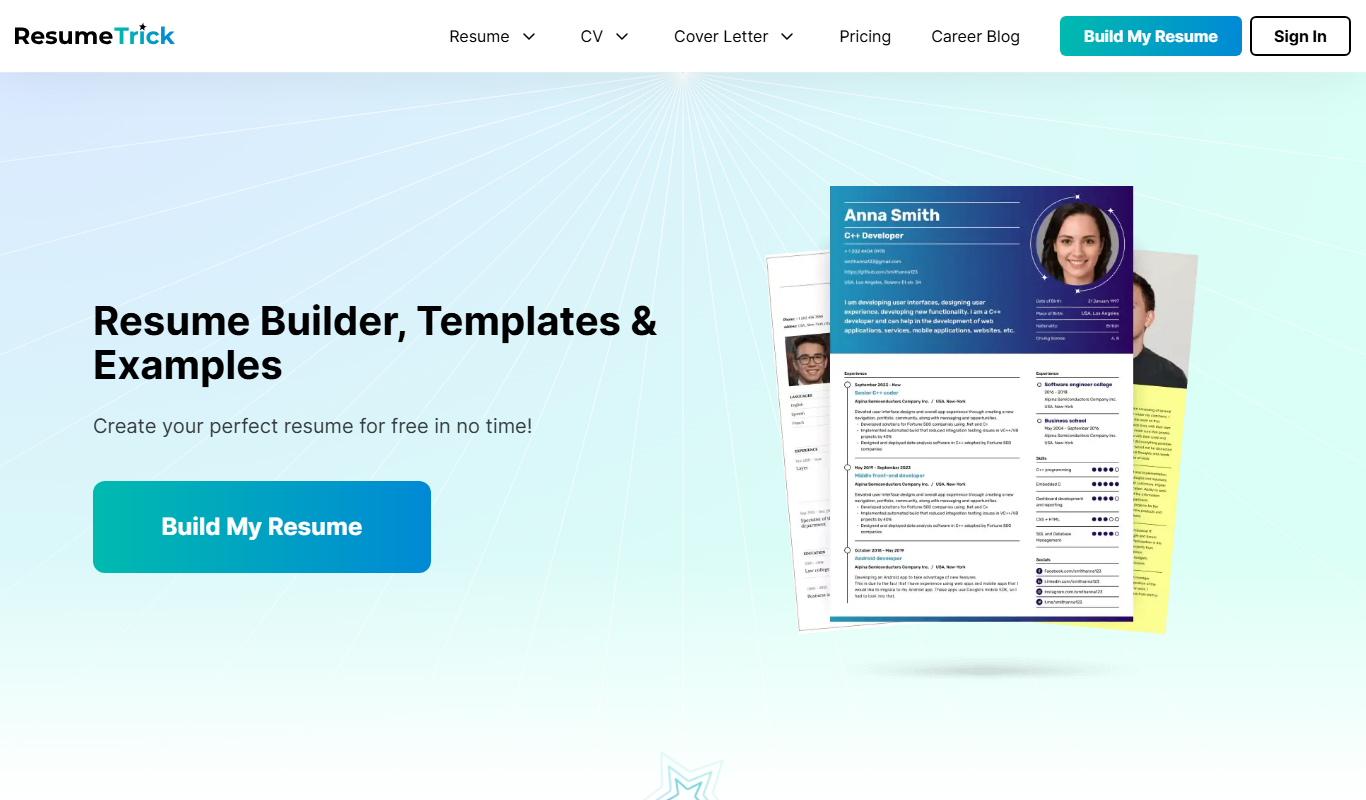
Resume Trick is an online resume builder with templates, examples and AI writing help for resumes and cover letters, with a free plan and paid plans.

storly.ai
Storly.ai helps nonprofits collect stories from their community through AI generated interview questions and turn them into content to share.
ResuFit
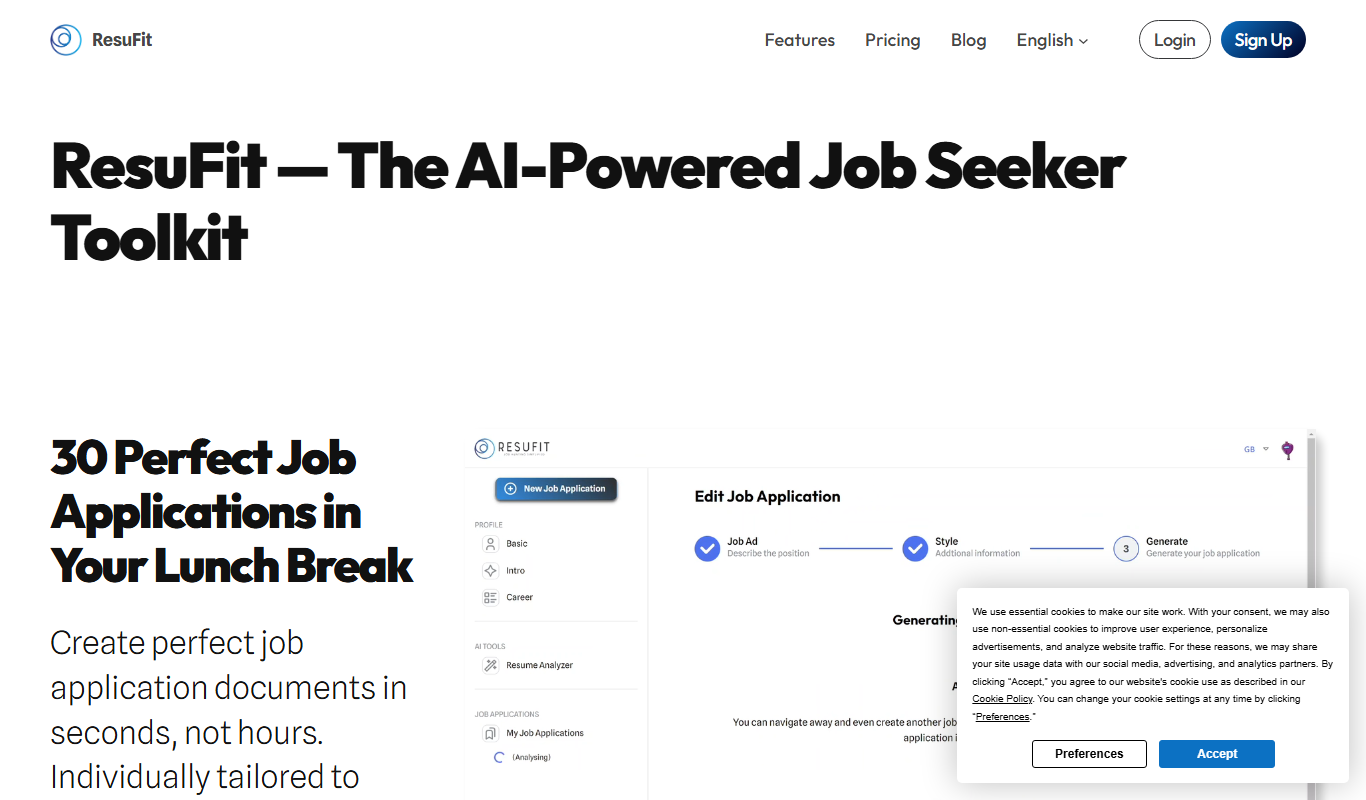
ResuFit turns a pasted job ad into a tailored application with resume, cover letter and application website, and offers a free resume checker.
ResumeGlow
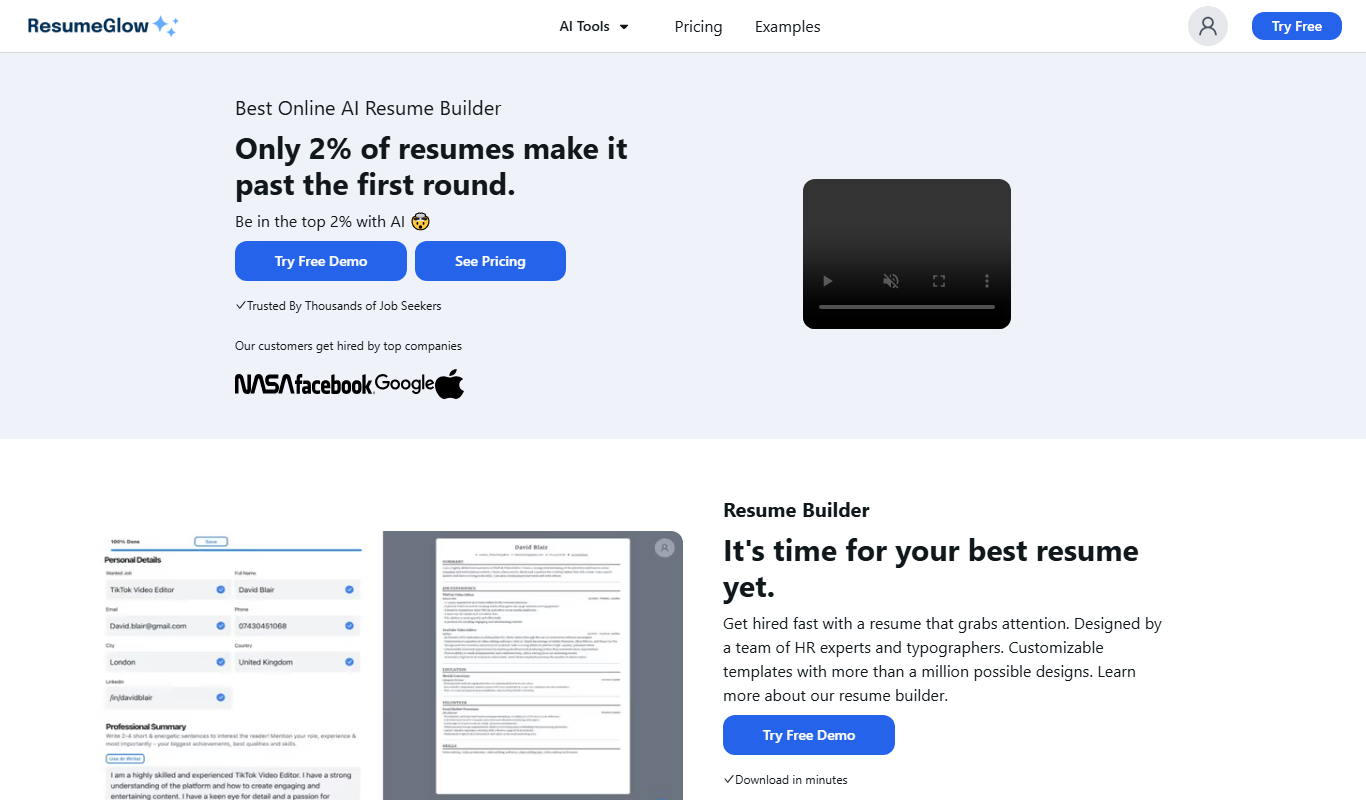
ResumeGlow is an AI-powered online resume builder that helps users create professional, ATS-compliant resumes and cover letters with customizable templates and export options.

Bio.fm
Bio.fm is a web-based link in bio tool that helps users create a personalized landing page to aggregate multiple links, social media profiles, and content blocks for easy sharing on social media.