

Image Upscaling AI Tool for High-Quality Photo Enlargement Online
Image Upscaling is a professional online image editor with multiple AI image processing tools.
- Best for
- Photo Enlargement
- Key capability
- AI-Powered Upscaling
Save image Upscaling, follow its updates and vote on it — everything stays in your account.
Sign in or create a free account
What is image Upscaling?
Image Upscaling (imgupscaling.com) offers AI expansion, erasing, background removal and enhancement tools, not upscaling alone.
Key features of image Upscaling
imgupscaling.com is a set of image processing tools covering expansion, object erasing, background removal and enhancement, not only upscaling.
AI-Powered Upscaling
Uses deep learning to intelligently increase image resolution while maintaining quality.
Batch Processing
Allows multiple images to be upscaled simultaneously for efficiency.
Supports Multiple Formats
Compatible with common image formats like JPG, PNG, and BMP.
User-Friendly Web Interface
No installation required; accessible from any modern browser.
Privacy Protection
Uploaded images are deleted from servers after processing to ensure user privacy.
AI Image Processing Tools
AI expansion, erasing, background removal and enhancement.
Pros and cons of image Upscaling
Pros
- Easy to use with no software installation
- High-quality AI upscaling with minimal artifacts
- Supports batch processing for paid users
Cons
- Free version includes watermarks on images
- No desktop or mobile app versions available
Key use cases for image Upscaling
Photo Enlargement
Enlarge low-resolution photos without losing quality for printing or digital use.
Image Restoration
Improve old or pixelated images by enhancing details and reducing blur.
E-commerce
Enhance product images to attract customers with clearer, high-resolution visuals.
Social Media Content
Create sharper images for social media posts to increase engagement.
Graphic Design
Upscale images to fit larger formats without quality degradation.
How image Upscaling works
- 1
Upload Image
Users upload their low-resolution images via the web interface.
- 2
Select Upscaling Factor
Choose the desired enlargement scale, typically up to 4x.
- 3
AI Processing
The AI model analyzes and enhances the image, adding details and reducing noise.
- 4
Download Result
Users download the upscaled high-resolution image.
Who is using image Upscaling
image Upscaling pricing
Free
$0/month
Unlimited image processing with no restrictions or quotas.
Premium
$9.99/month
Higher daily limits, no watermarks, and faster processing.
Plans and prices are as published by the vendor and can change. Check the official site before you buy. Open the pricing page (opens in a new tab)
Frequently asked questions about image Upscaling
Image Upscaling supports up to 400% enlargement of images.
Yes, images are deleted from servers shortly after processing to protect your privacy.
Yes. A batch workflow designer can process multiple images simultaneously with custom processing workflows.
Yes, free plan images include a small watermark.
It depends on your specific needs and how you plan to use the tool. The official website and documentation are the best sources for the latest details.
Some tools offer a free plan or trial with limited features. Availability can vary, so confirm on the official website.
Yes, it can help with that use case depending on how you configure it and what features are available. You’ll get the best results with clear inputs and a defined goal.
Conclusion
Upscaling is only one of the jobs here: the site also offers AI expansion, erasing, background removal and enhancement. Images are uploaded through the web interface, and the AI model adds details and reduces noise as it increases resolution. Users then download the upscaled high-resolution image.
The site presents itself as a professional online image editor with multiple AI tools. It is designed for photographers needing image enlargement, e-commerce sellers enhancing product photos and graphic designers. Common formats such as JPG, PNG and BMP are accepted, and no installation is required.
Sources
Sign in to review this tool.
Sign In to ReviewNo reviews yet
Be the first to share how this tool worked for you.
Ask about pricing, limits, or how it compares — or answer someone else.
Sign In to AskNo questions yet
Have a question about using or paying for this tool? Be the first to ask.
Featured on TiorAI


Alternative Tools
Explore similar AI tools that might fit your needs

Waifu2x
Waifu2x is a web-based tool that upscales anime-style images by 1.6x or 2x, with 4x in the unlimited version, and reduces noise.

Bigjpg
Bigjpg is an AI image enlarger that uses Deep Convolutional Neural Networks to upscale anime-style artworks and photos up to 16x, available on the web, Windows, Mac, iOS and Android and through an API.
More AI Ai Tools tools
Other tools in the same category, for when this one is not quite the fit.

AutoAE
AutoAE is an AI motion designer that turns any prompt into studio-quality, editable motion graphics for SaaS launches, viral Reels, YouTube explainers and social ads.

DeepReel
DeepReel is an AI video creation platform that turns blogs, prompts and files into professional videos with AI avatars, voiceovers, visuals, captions and music.

UI Faces with AI
UI Faces with AI is a web tool that provides designers and developers with AI-generated and curated user avatars, enabling diverse, realistic, and privacy-safe faces for UI mockups, apps, and marketing content.

Salvador – DALL•E 3 UI
Salvador is a simple UI for generating images with DALL-E 3: enter your OpenAI API key and add your prompt, with no coding needed.

CoinScreener
CoinScreener is an AI crypto screener with alerts, trading signals, insights and Top Traders in one workspace.
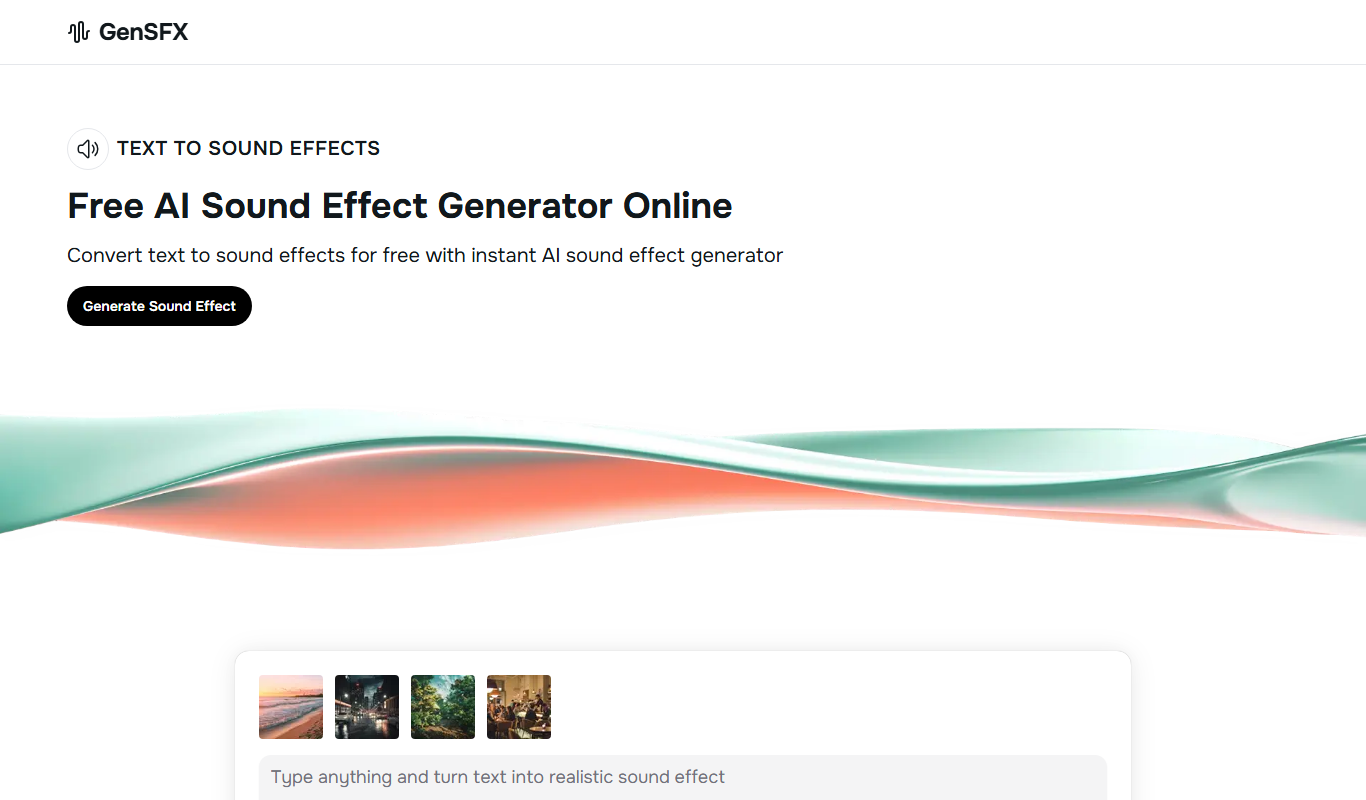
GenSFX
GenSFX is an AI-based sound effects generator that creates unique audio clips for various creative projects, offering instant previews and customizable parameters through a web platform.

Audioshake
Audioshake is an AI-powered web tool that separates mixed audio tracks into individual stems like vocals and instruments, enabling remixing and editing without original multitrack files.
Adobe Podcast
Adobe Podcast is a free web-based AI audio editing tool by Adobe that enhances podcast audio quality with noise reduction, voice enhancement, and automatic transcription.