
From my experience with Avatarify AI, I found it excels at delivering smooth, real-time avatar animations that significantly enhance privacy and engagement during video calls. The ability to use custom avatars adds a creative edge, making it ideal for content creators and professionals wanting a unique virtual presence. However, the software requires a reasonably powerful computer to run optimally, and the free version limits features with watermarks. Overall, if you want to stand out in virtual meetings or create engaging avatar-based content, Avatarify AI offers a practical and innovative solution.
Avatarify AI - Real-Time AI Avatar Animation Software for Video Calls
Avatarify AI is a software that animates digital avatars in real time by tracking your facial expressions during video calls, enhancing privacy and engagement.
Categories:
AI Animation & Motion Tools
AI Avatar Video Generator
AI Video Creation Tools
Virtual Avatars
Tech Stack:
OpenCV
Python
TensorFlow
What is Avatarify AI?
Avatarify AI is a real-time AI-powered avatar animation software that enables users to animate digital avatars by mapping their facial expressions and movements during video calls or recordings. It leverages deep learning and computer vision to create realistic and expressive avatars that mimic the user’s face in real time.

Key Features of Avatarify AI
Real-Time Facial Tracking
Uses AI to capture and replicate facial expressions instantly for smooth avatar animation.
Custom Avatar Support
Allows users to import and animate personalized avatars beyond the default options.
Multi-Platform Compatibility
Works with major operating systems and integrates with popular video conferencing tools.
Privacy Focused
Enables users to maintain privacy by representing themselves with avatars instead of live video.
Pros and Cons of Avatarify AI
Pros
- Real-time, smooth avatar animation
- Supports custom avatars
- Integrates with popular video conferencing platforms
- Enhances privacy during video calls
Cons
- Requires decent hardware for optimal performance
- Free version includes watermarks and limited avatars
- Setup can be technical for non-expert users
Key Use Cases for Avatarify AI
Virtual Meetings
Use AI-generated avatars to represent yourself in video calls, enhancing privacy and engagement.
Content Creation
Create dynamic avatar videos for social media, streaming, or marketing content with real-time facial animation.
Entertainment
Add fun and creativity to live streams or video chats by animating avatars that mimic your expressions.
Education and Training
Engage learners by using animated avatars to deliver lessons or presentations in a more interactive way.
How Avatarify AI Works
-
1
Install and Setup
Download and install Avatarify AI on your computer, then configure your webcam and avatar preferences.
-
2
Select Avatar
Choose from a library of avatars or upload your own custom avatar to animate.
-
3
Connect to Video Call
Launch your preferred video conferencing app and select Avatarify as the camera source.
-
4
Real-Time Animation
Avatarify tracks your facial expressions and movements, animating the avatar live during your call or recording.
Who's Using Avatarify AI
Remote workers and professionals
Content creators and streamers
Educators and trainers
Privacy-conscious users
Avatarify AI Pricing
Free
$0/month
Basic avatar animation features with limited avatar options and watermark on output.
Pro
$14.99/month
Access to full avatar library, custom avatar uploads, HD output, and no watermarks.
Frequently Asked Questions About Avatarify AI
Yes, Avatarify AI can be used as a virtual camera source in Zoom, Microsoft Teams, and other video conferencing apps.
Yes, the Pro plan allows you to upload and animate your own custom avatars.
While it works on most modern computers, better performance is achieved with a dedicated GPU and recent hardware.
No, Avatarify AI processes video locally on your device and does not store or transmit your video feed.
It depends on your specific needs and how you plan to use the tool. The official website and documentation are the best sources for the latest details.
Yes, it can help with that use case depending on how you configure it and what features are available. You’ll get the best results with clear inputs and a defined goal.
Some tools offer a free plan or trial with limited features. Availability can vary, so confirm on the official website.
It depends on your specific needs and how you plan to use the tool. The official website and documentation are the best sources for the latest details.
Share your review
Reviews are limited to one per logged-in user and are published after moderation.
You need an account to review this tool.
0.0
★
★
★
★
★
0 reviews
5 star
0
4 star
0
3 star
0
2 star
0
1 star
0
No reviews yet
Be the first to share how this tool worked for you.
Questions from the community
Read questions and answers about this tool, or ask your own.
No questions yet
Start the conversation by asking the first question about this tool.
Is this tool helpful?
Alternative Tools
Explore similar AI tools that might fit your needs

Free
Reface
Reface is an AI-driven app that enables users to swap faces in videos and GIFs realistically, creating personalized and entertaining content for social media and messaging.
Free
DeepFaceLab
DeepFaceLab is an open-source AI tool for creating realistic face swaps in videos and images using deep learning techniques.
Custom Pricing
move.ai
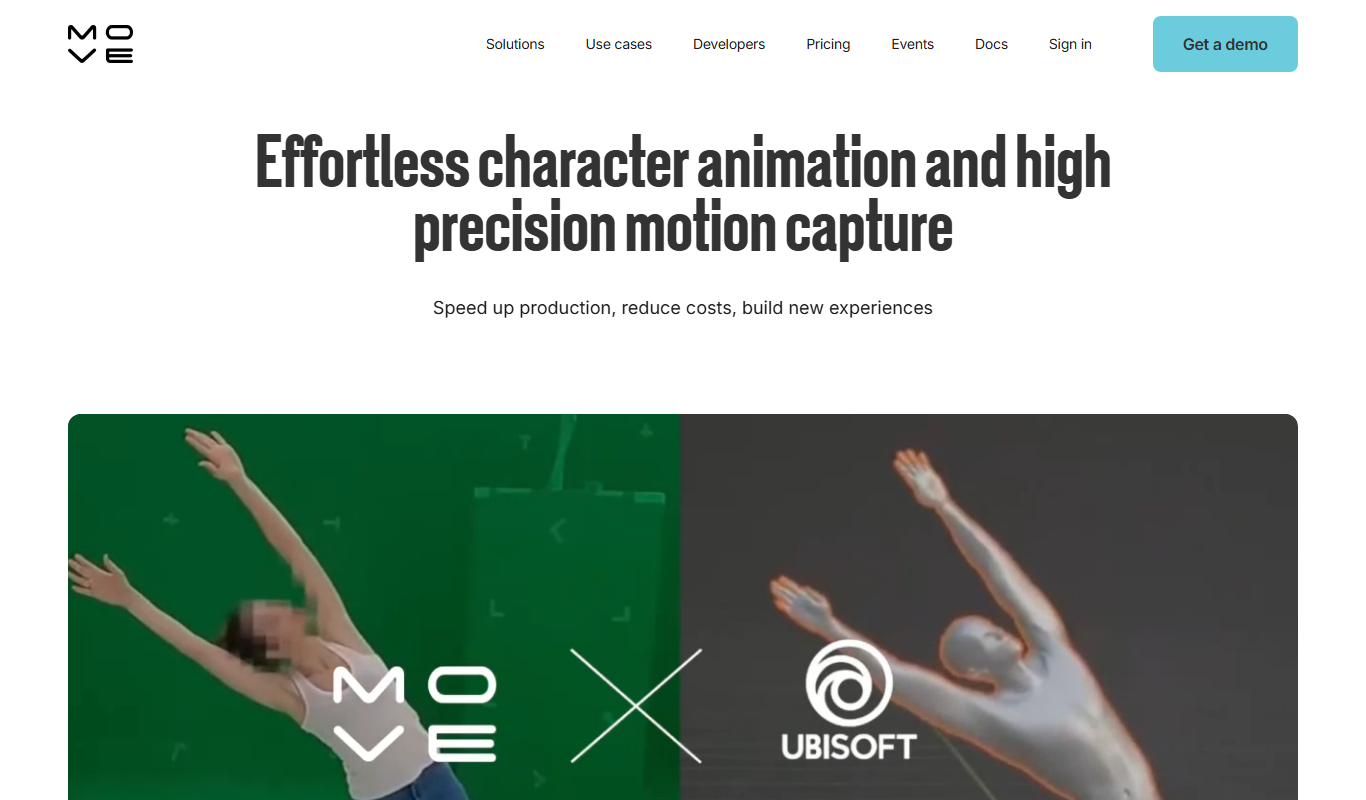
Move.ai is an AI-driven markerless motion capture software that converts standard video footage into 3D animation data, streamlining animation and visual effects production without specialized hardware.

Freemium
Virbo AI Talking Photo
Virbo AI Talking Photo is an app that uses AI to animate static photos by syncing facial movements with voice recordings or text-to-speech audio, enabling users to create talking pictures and videos easily on web and mobile platforms.

Free
Xpression Camera
Xpression Camera is an AI-driven virtual webcam software that animates digital avatars in real time by tracking your facial expressions and head movements, compatible with popular video conferencing and streaming platforms.

Freemium
TooToon-GPT
TooToon-GPT is an AI tool that generates custom cartoon characters and simple animations from user prompts, ideal for creators and marketers.

Freemium
lipsyncer.ai
Lipsyncer AI is a web-based tool that uses artificial intelligence to automatically generate lip sync animations from audio, helping video creators and animators produce realistic mouth movements quickly.

Free
Webcam Motion Capture
Webcam Motion Capture is software that uses a standard webcam to track body and facial movements in real time, enabling users to animate 3D characters without expensive hardware.
Free Trial
Plainly AI
Plainly AI is a web-based platform that uses AI to help users create animated explainer videos quickly and easily, ideal for marketing, education, and social media content.
Free
Giphtys
Giphtys is an online GIF maker and editor that lets you create animated GIFs from images or videos, add text and stickers, and share them on social media.