

From my experience with Plainly AI, I found it excels at simplifying animated video creation for users without technical skills. The AI-assisted script-to-video feature significantly reduces production time, making it ideal for marketers and educators who need quick, clear explainer videos. However, the platform currently supports only English and lacks a mobile app, which might limit flexibility for some users. Overall, if you want an affordable, easy-to-use tool for creating animated marketing or educational videos, Plainly AI delivers solid results with minimal learning curve.
Plainly AI Video Creation Tool for Easy Animated Explainer Videos
Plainly AI is a web-based platform that uses AI to help users create animated explainer videos quickly and easily, ideal for marketing, education, and social media content.
- Best for
- Marketing Videos
- Key capability
- AI-Powered Script to Video
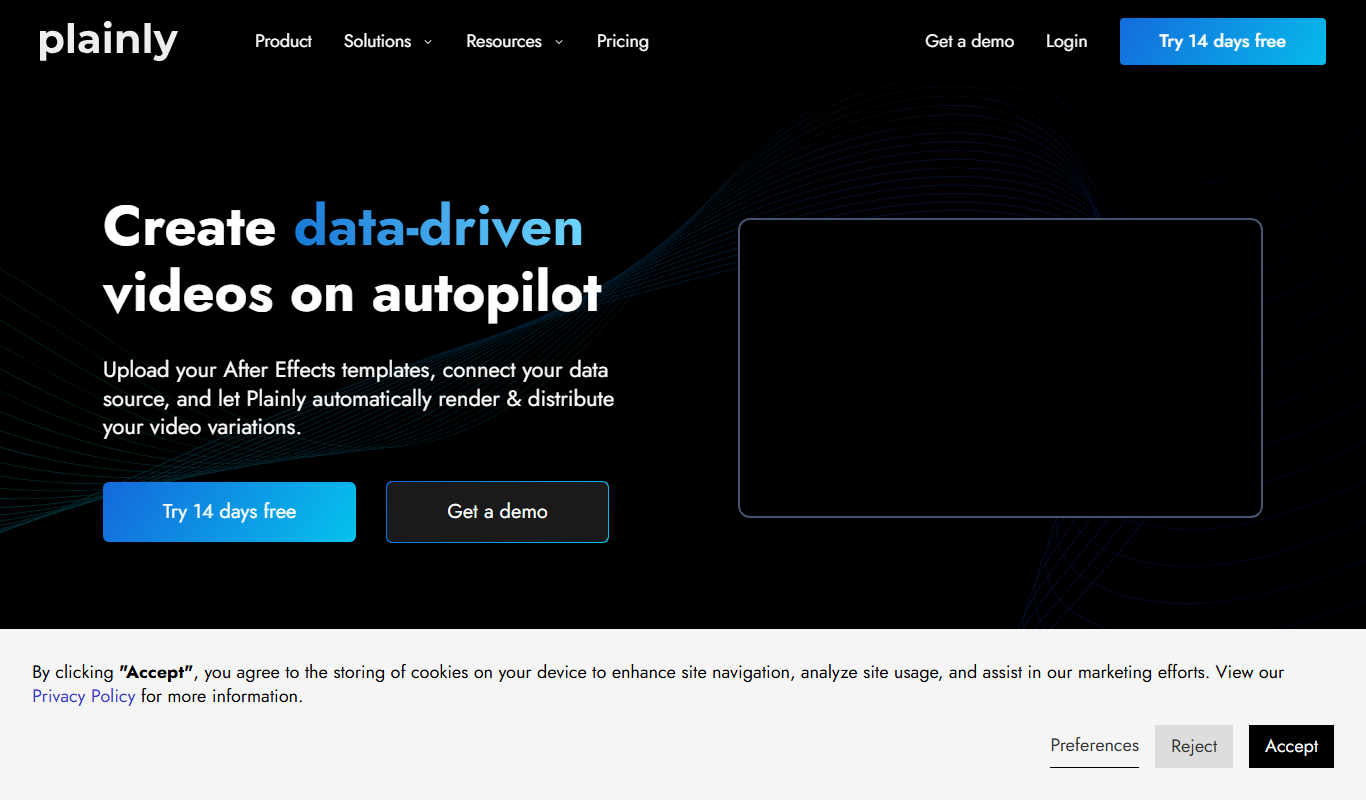

Do you recommend this tool?
What is Plainly AI?
Plainly AI is a web-based video creation platform that enables users to easily produce animated explainer videos. It leverages AI to simplify the video production process, allowing users without prior video editing experience to create professional-quality animations quickly. The tool focuses on clarity and simplicity, helping businesses and educators communicate ideas effectively through engaging visuals.
Key features of Plainly AI
Plainly AI offers a user-friendly interface with drag-and-drop animation tools, customizable templates, AI-assisted script-to-video conversion, and a library of characters and assets. It streamlines video creation by automating animation sequences based on user input, making it accessible for marketers, educators, and small businesses.
AI-Powered Script to Video
Automatically transforms written scripts into animated video scenes.
Drag-and-Drop Editor
Intuitive interface for customizing animations, characters, and backgrounds.
Template Library
Pre-designed templates tailored for marketing, education, and social media.
Asset Library
Access to a variety of characters, icons, and backgrounds to enhance videos.
Export Options
Download videos in multiple formats suitable for different platforms.
Pros and cons of Plainly AI
Pros
- User-friendly interface suitable for beginners
- AI-assisted script to video conversion saves time
- Good selection of templates and assets
- Affordable pricing for small businesses
Cons
- Limited language support (English only)
- No mobile app available
- Some advanced customization options are limited
Key use cases for Plainly AI
Marketing Videos
Create engaging animated explainer videos to promote products or services.
Educational Content
Develop clear and concise animated videos to explain complex topics.
Internal Communication
Produce videos for training, onboarding, or internal announcements.
Social Media Content
Generate short animated videos optimized for social media platforms.
How Plainly AI works
- 1
Sign Up
Create an account on the Plainly AI website to access the video creation platform.
- 2
Choose a Template or Start from Scratch
Select from a variety of animated video templates or begin a new project.
- 3
Input Script or Text
Enter your script or key points; the AI helps convert text into animated scenes.
- 4
Customize Video Elements
Adjust characters, backgrounds, animations, and timing to fit your message.
- 5
Preview and Export
Review the animated video and export it in desired formats for sharing.
Who is using Plainly AI
Small business owners
Marketing professionals
Educators and trainers
Social media managers
Content creators
Plainly AI pricing
Free Trial
$0
Limited access to features with watermark on videos.
Pro
$29/month
Full access to all features, no watermarks, and higher export quality.
Plans and prices are as published by the vendor and can change. Check the official site before you buy. Open the pricing page (opens in a new tab)
Frequently asked questions about Plainly AI
No, Plainly AI is designed for users without prior video editing skills, using AI to simplify the process.
Yes, the platform offers drag-and-drop customization for characters, backgrounds, and animations.
Videos can be exported in common formats suitable for web and social media sharing.
Plainly AI offers a free trial with limited features and watermarked videos.
It depends on your specific needs and how you plan to use the tool. The official website and documentation are the best sources for the latest details.
It depends on your specific needs and how you plan to use the tool. The official website and documentation are the best sources for the latest details.
Pricing depends on the plan and included features. For the most accurate and up-to-date details, check the official pricing page.
Sign in to review this tool.
Sign In to ReviewNo reviews yet
Be the first to share how this tool worked for you.
Ask about pricing, limits, or how it compares — or answer someone else.
Sign In to AskNo questions yet
Have a question about using or paying for this tool? Be the first to ask.
Featured on TiorAI



Alternative Tools
Explore similar AI tools that might fit your needs

Free
Animaker
Animaker is a cloud-based platform that allows users to create animated videos and explainer clips using drag-and-drop tools, customizable templates, and a large asset library without needing prior video editing experience.
More AI Animation & Motion Tools tools
Other tools in the same category, for when this one is not quite the fit.

Free Trial
Gliytch
Gliytch is an AI-powered platform that enables users to create custom animated videos quickly and easily using text prompts and customizable templates.

Free Trial
Drawings Alive
Drawings Alive is an interactive animation software that allows users to animate drawings and images with interactive hotspots and synchronized audio, ideal for educational and marketing content creation.

Free
LivePortrait
LivePortrait is an AI-driven web tool that animates static portrait photos into realistic videos by applying facial movements and expressions using deep learning.

Free
Plask
Plask is a web-based AI-powered motion capture platform that uses a standard webcam to record, edit, and export 3D motion data for animation and game development.

Free
Animatable
Animatable AI is a web platform that uses artificial intelligence to help users create smooth character animations quickly and easily without prior animation experience.

Free Trial
MotionMate
MotionMate is an AI-driven video editing platform that automates the creation of motion graphics and animations, enabling users to produce professional videos quickly without advanced skills.

Freemium
Virbo AI Talking Photo
Virbo AI Talking Photo is an app that uses AI to animate static photos by syncing facial movements with voice recordings or text-to-speech audio, enabling users to create talking pictures and videos easily on web and mobile platforms.

Free
Storyboarder.ai
Storyboarder.ai is a free, open-source desktop application that uses AI to help filmmakers and animators create and organize storyboards quickly and efficiently.