

RambleFix - Voice dictation that turns rambling into polished writing
RambleFix turns your rambling voice notes into clean emails, articles and summaries, on web, iPhone and Mac.
- Best for
- Writing emails
- Key capability
- Voice to polished writing
Save RambleFix, follow its updates and vote on it — everything stays in your account.
Sign in or create a free account
What is RambleFix?
RambleFix is a voice dictation tool that turns your rambling voice notes into clean emails, articles and summaries. You speak naturally, it removes fillers and false starts and writes polished text in your tone, and it can also transcribe and summarize meetings. It works on web, iPhone and Mac, with 30+ languages.
Key features of RambleFix
RambleFix cleans up fillers and false starts and turns one ramble into a polished email, note or post in your tone. A Mac hotkey dictates into any app, and recordings or uploads can become timestamped transcripts, summaries, action items and meeting notes.
Voice to polished writing
Turn 30 seconds of rambling into a polished email, note or post.
Dictate into any Mac app
Hit the hotkey, speak naturally, and polished text lands where your cursor is.
Timestamped transcripts
Record live or upload audio for accurate, timestamped transcripts with optional summaries and action items.
Meeting summaries
Create a summary with decisions and next steps, with action items auto-extracted.
Pros and cons of RambleFix
Pros
- Removes fillers and false starts automatically
- Dictate into any Mac app with a hotkey
- Recordings are deleted right after transcription and never used to train AI
Cons
- The free plan is limited to 1,000 words a month
- Recording length per file depends on the plan
- Free plan has usage limits
Key use cases for RambleFix
Writing emails
Speak a reply and get a polished email.
Meeting minutes
Record or upload a meeting and get a summary with decisions, next steps and action items.
Interview transcripts
Upload an audio recording for a timestamped transcript.
Notes and posts
Turn spoken ideas into a polished note or post.
How RambleFix works
- 1
Speak
Hit the hotkey on Mac or record in the browser and speak naturally.
- 2
RambleFix cleans it up
Fillers and false starts are removed automatically.
- 3
Get polished writing
Receive a polished email, note or post in your tone, or a summary with action items.
- 4
Paste or share
On Mac, the text lands where your cursor is.
Who is using RambleFix
RambleFix pricing
Personal
$5/month (billed annually as $60)
Mac and web, unlimited words every month, up to 20 minutes per recording.
Plus
$10/month (billed annually as $120)
Mac and web, unlimited words every month, up to 90 minutes per recording.
Pro
$20/month (billed annually as $240)
Mac and web, unlimited words every month, up to 4 hours per recording.
Free
Free
1,000 words every month on Mac and web, no card needed.
Plans and prices are as published by the vendor and can change. Check the official site before you buy. Open the pricing page (opens in a new tab)
Frequently asked questions about RambleFix
It turns your rambling voice notes into clean emails, articles and summaries.
Built-in dictation types every word; RambleFix cleans up fillers and false starts and turns the ramble into finished writing, plus summaries and action items.
No. Recordings are deleted right after transcription and never used to train AI.
Web, iPhone and Mac; the Mac app dictates into any app with a hotkey.
30+ languages.
No. The free plan gives 1,000 words every month with no card.
Yes. You can record live or upload an audio recording.
Yes. Contact sales to discuss volume discounts for your business.
Conclusion
Speaking replaces typing here: you ramble for half a minute and RambleFix returns a polished email, note or post, with fillers and false starts removed and the text kept in your tone. On a Mac, a hotkey lets you dictate into any app, and the text lands where your cursor is. Longer audio works too: a live or uploaded recording becomes a timestamped transcript or a meeting summary with decisions, next steps and action items.
It runs on web, iPhone and Mac and supports 30+ languages. Recordings are deleted right after transcription and are never used to train AI. Starting is free with 1,000 words every month and no card; paid plans give unlimited words every month, with longer recordings per file on higher tiers.
Sources
Sign in to review this tool.
Sign In to ReviewNo reviews yet
Be the first to share how this tool worked for you.
Ask about pricing, limits, or how it compares — or answer someone else.
Sign In to AskNo questions yet
Have a question about using or paying for this tool? Be the first to ask.
Featured on TiorAI



More AI Audio Enhancer tools
Other tools in the same category, for when this one is not quite the fit.

UniFab All In One
UniFab All-In-One is an AI video and audio enhancement suite for video upscaling, HDR conversion, denoising and subtitle generation.

Landr
Landr is an AI-driven platform that automates music mastering, enables global music distribution, and provides collaboration tools for musicians and producers.
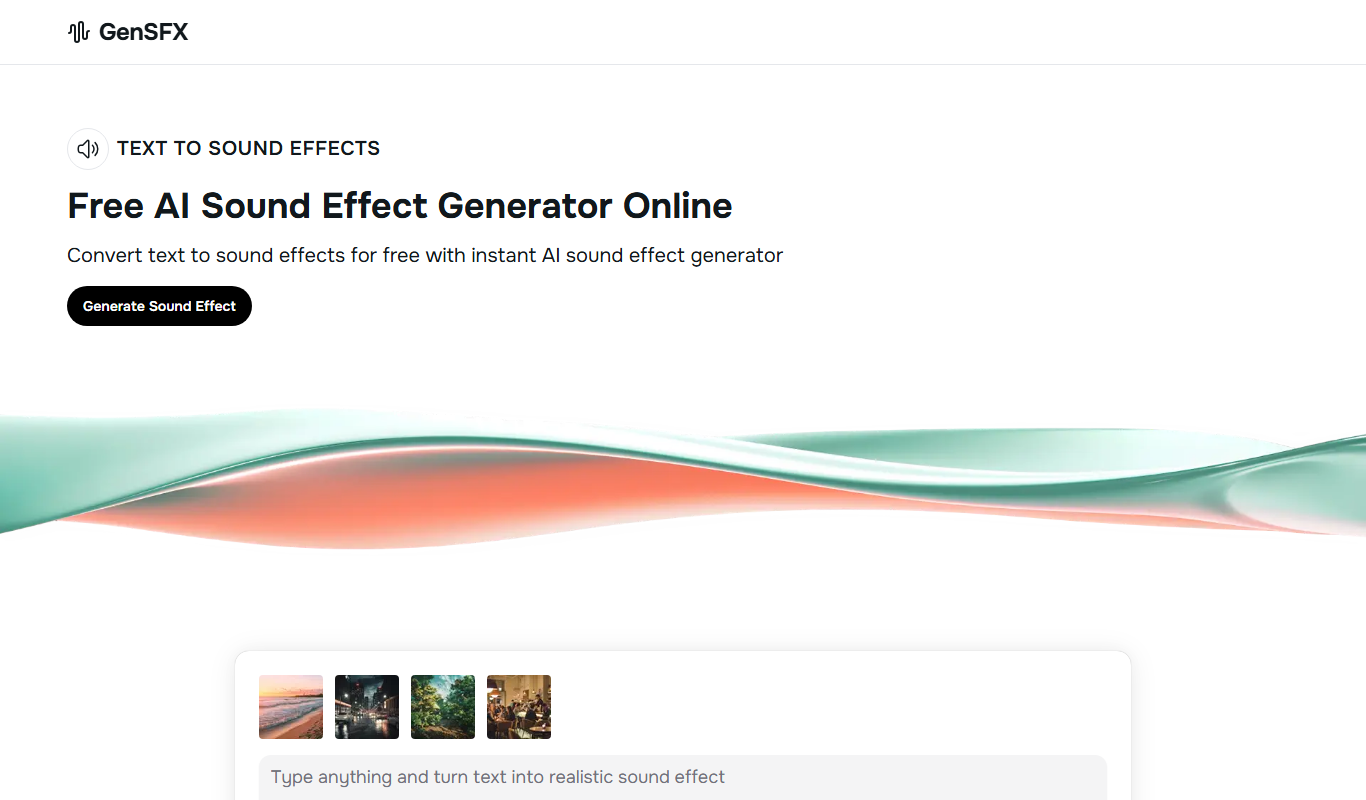
GenSFX
GenSFX is an AI-based sound effects generator that creates unique audio clips for various creative projects, offering instant previews and customizable parameters through a web platform.

Audioshake
Audioshake is an AI-powered web tool that separates mixed audio tracks into individual stems like vocals and instruments, enabling remixing and editing without original multitrack files.
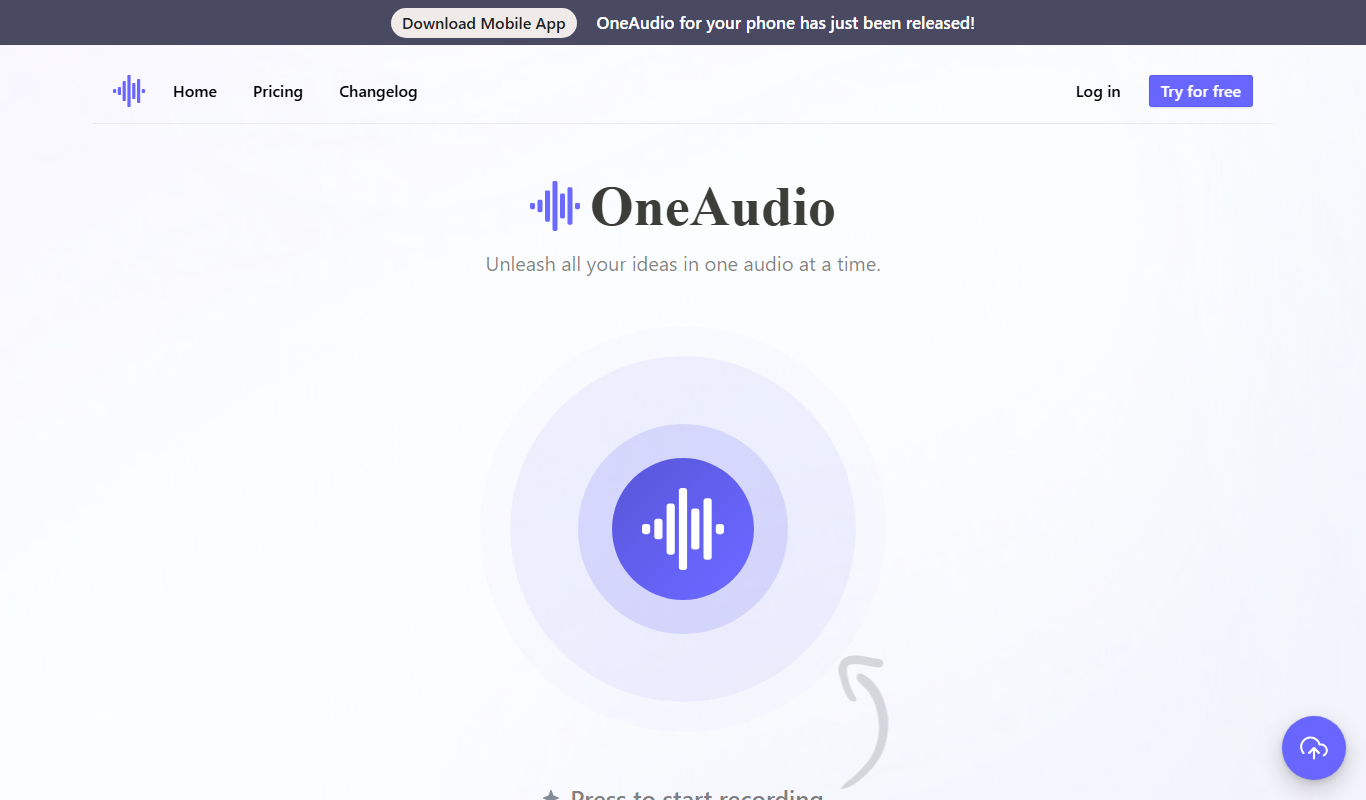
OneAudio AI
OneAudio summarizes, transcribes and converts your audio into notes: think out loud or upload a recording and get a clean, ready to share note.
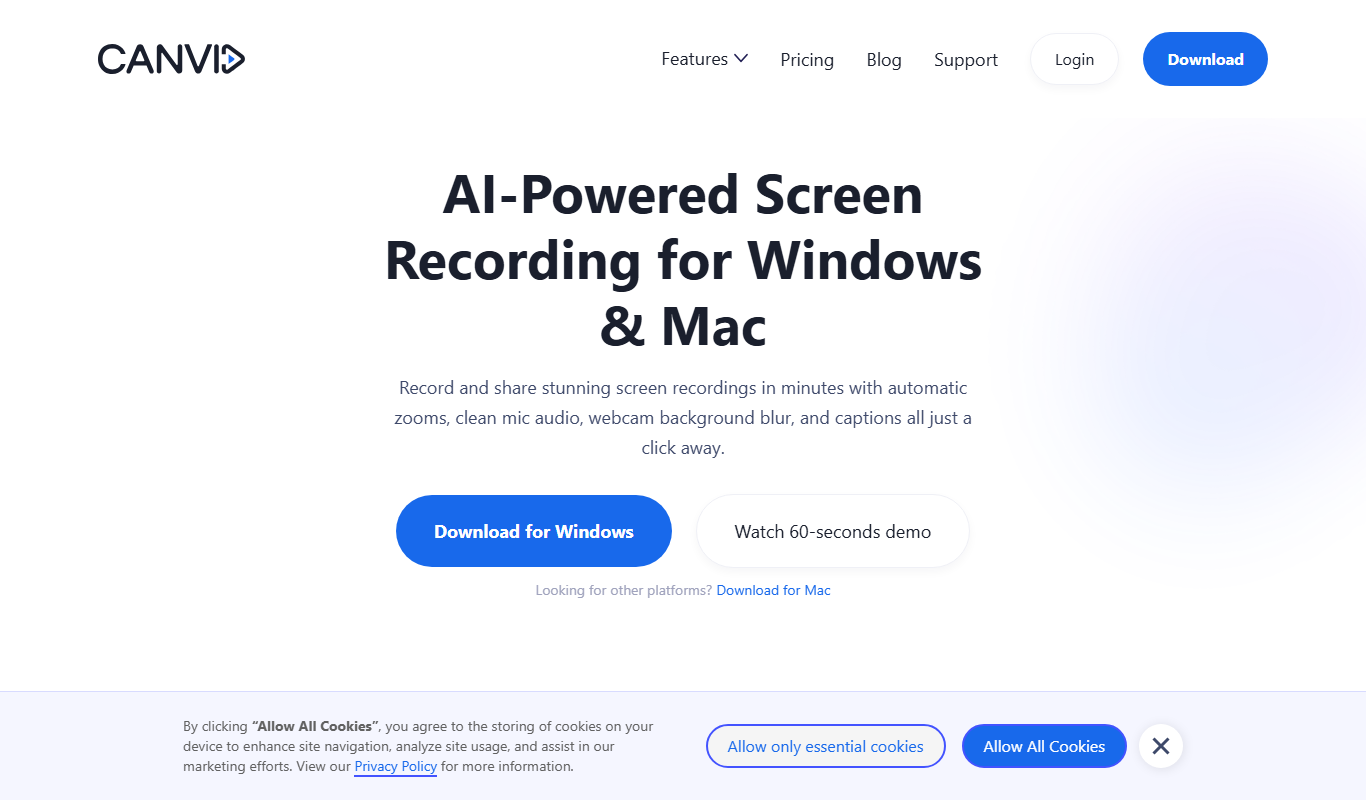
CANVID
CANVID is an AI-powered screen recorder for Windows and Mac that captures the screen, webcam, mic and system audio and polishes recordings in the same workflow.

CloneDub
CloneDub is an AI powered, automated dubbing platform that helps podcasts and YouTube channels grow their audience with fast, high quality video dubbing.

Delphos | AI Music
Delphos Copilot is a virtual composition assistant that automates composition workflows so composers can craft their creative vision without obstacles.