

Convert Articles to Audio Easily with article2audio Text-to-Speech Tool
article2audio is an article narration service for publishers and readers that turns an HTML post, including images, tables, code blocks and footnotes, into audio.
- Best for
- Content Accessibility
- Key capability
- Article URL input
Save article2audio, follow its updates and vote on it — everything stays in your account.
Sign in or create a free account

What is article2audio?
article2audio is an article narration service for publishers and for readers who would rather listen. It turns an HTML post, including its images, tables, code blocks and footnotes, into a script a person would read aloud, then into audio.
Key features of article2audio
The tool offers simple article-to-audio conversion with support for multiple voices and adjustable playback speed. It provides an intuitive interface where users can paste text or enter article URLs to generate audio quickly without complicated setup.
Article URL input
Enter the URL of an article and the post is converted into narrated audio.
Two American English voices
Two American English voice options are offered: one male and one female.
Descriptive imagery
Images are no longer a silent spot: the narration gives a hint of what is in them.
MP3 download and podcast feed
Narrations can be downloaded as MP3 or followed through a podcast feed.
Table summaries
Tables are summarised into their key takeaways instead of being read line by line.
Pros and cons of article2audio
Pros
- Simple and intuitive user interface
- Supports both text and URL inputs
- Multiple natural voice options
- Downloadable audio for offline use
- Affordable premium plan with enhanced features
Cons
- Limited language support (English only)
- No dedicated mobile app
- Free plan has daily usage limits
Key use cases for article2audio
Content Accessibility
Convert written articles into audio format to make content accessible for visually impaired users or those who prefer listening.
Content Repurposing
Transform blog posts and articles into audio files for podcasts or audio blogs to reach a wider audience.
Multitasking Convenience
Listen to articles on the go, enabling users to consume content while commuting, exercising, or performing other tasks.
How article2audio works
- 1
Enter Article URL or Text
Enter the URL of the article you want to convert into audio.
- 2
Text interpretation
The post is turned into a script a person would read aloud, with the text enhanced before the voice-over.
- 3
Generate Audio
Click the convert button to process the text and create an audio file.
- 4
Listen or Download
Play the generated audio directly on the website or download it for offline use.
Who is using article2audio
article2audio pricing
Pay as you go
Pay as you go, first hour free
For listening to your own reading list inside the app, with no subscription. The first hour is free.
Writer
$19/month or $190 a year
One person, publishing weekly. 10 posts a month narrated, MP3 download plus a podcast feed, extra posts $2 each.
Publication
$59/month or $590 a year
A masthead with more than one writer. 40 posts a month narrated, HTTP API access, extra posts $2 each.
Plans and prices are as published by the vendor and can change. Check the official site before you buy. Open the pricing page (opens in a new tab)
Frequently asked questions about article2audio
Yes, article2audio supports most publicly accessible article URLs for conversion.
Audio files are available for download in MP3 format.
A post is one article up to 30 minutes of audio; a longer one counts as an extra post for every further 30 minutes.
Yes, article2audio is a web-based tool accessible via mobile browsers.
It depends on your specific needs and how you plan to use the tool. The official website and documentation are the best sources for the latest details.
Yes, it can help with that use case depending on how you configure it and what features are available. You’ll get the best results with clear inputs and a defined goal.
Some tools offer a free plan or trial with limited features. Availability can vary, so confirm on the official website.
Conclusion
Publishers are the main audience for this article narration service, which also serves readers who would rather listen. A user enters the URL of an article, and the HTML post is turned into a script a person would read aloud, then into audio. Images get a hint of what is in them, and tables are condensed into their key takeaways instead of being read line by line. Finished audio can be downloaded as MP3 or followed through a podcast feed.
Paid plans are counted in posts per month and are invite-only while the first publications are onboarded. The larger plan adds HTTP API access, so a CMS can post a published article’s URL and get back a narration. Readers who just want their own reading list stay on pay as you go inside the app, with no subscription and a free first hour. Narration is English only with two American English voices, and there is no iOS or Android app beyond the web app.
Sources
Sign in to review this tool.
Sign In to ReviewNo reviews yet
Be the first to share how this tool worked for you.
Ask about pricing, limits, or how it compares — or answer someone else.
Sign In to AskNo questions yet
Have a question about using or paying for this tool? Be the first to ask.
Featured on TiorAI



Alternative Tools
Explore similar AI tools that might fit your needs
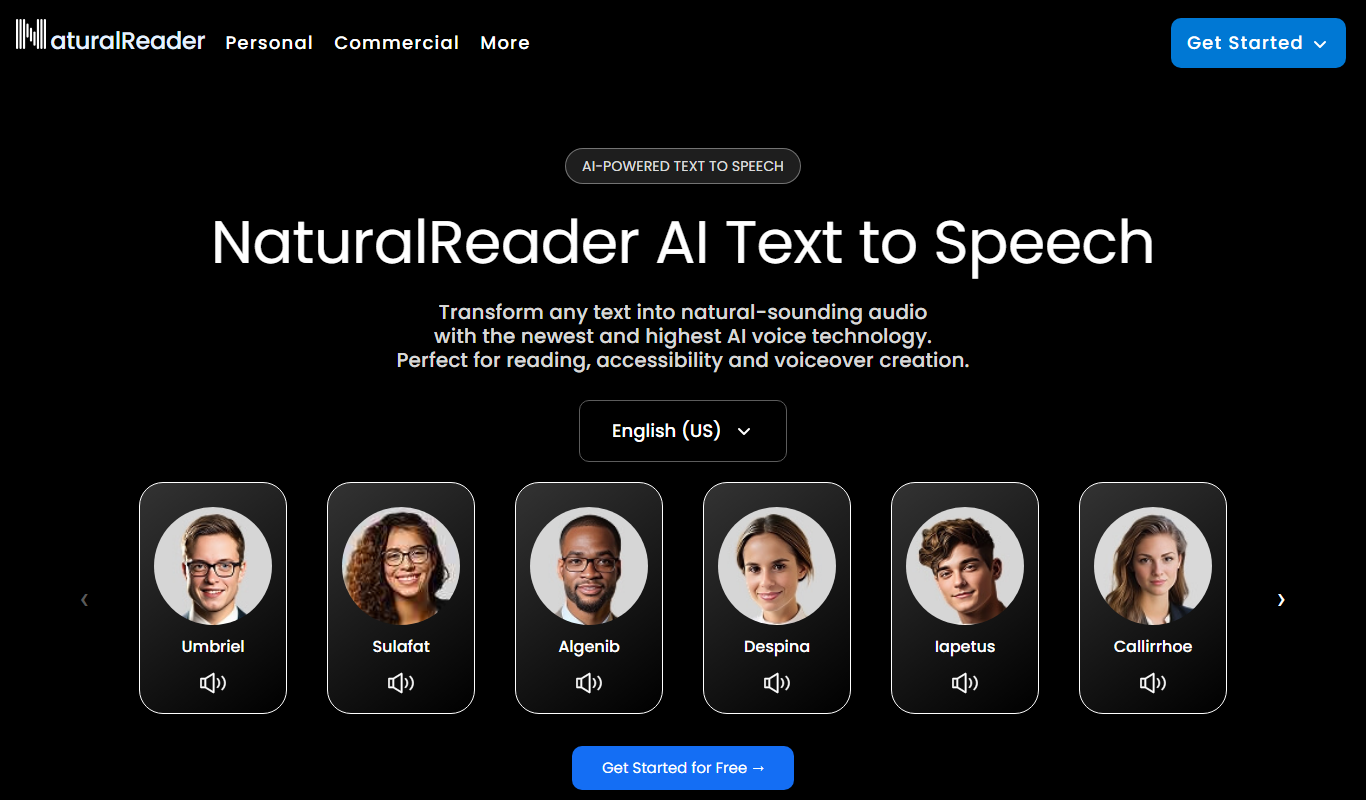
Natural Reader
Natural Reader is a text-to-speech software that converts written text into natural, human-like speech across multiple languages and platforms, supporting accessibility and content consumption.

ReadAloud
ReadAloud is an open source text-to-speech browser extension for Chrome, Firefox and Edge.
More AI Accessibility Tools tools
Other tools in the same category, for when this one is not quite the fit.

Clearly Reader
Clearly Reader is a reader mode for browsers with AI summaries, text-to-speech, multilingual translation and customizable themes.

Image Describer
Image Describer is an online AI tool that generates detailed descriptions, captions and extracted text from uploaded images.

ChatTTS
ChatTTS is a text-to-speech model built for conversational scenarios such as LLM assistant dialogue and conversational video introductions, supporting Chinese and English.

ForVoyez
ForVoyez generates SEO-optimized alt text, titles and captions for images with AI, through an API and a WordPress plugin.

ImageComply
ImageComply is an alt text generator that automatically writes alt tags for website images through a plugin, for accessibility and SEO.

Butter Reader
Butter Reader converts blog posts into an on-brand audio player with natural AI narration, embedded on WordPress or any site with one snippet.

Sign AI
Sign AI is building real-time, bi-directional sign language interpretation with AI, led by a Deaf team, for businesses, institutions and developers.

Read Easy.ai
Read Easy.ai makes text easier to read for people with low literacy skills through Microsoft Word and Outlook add-ins, a Chrome extension and a Developer API, in multiple languages.