

AI Superior GPT Review: Advanced AI Chatbot for Content and Coding
AiSuperiorGPT is a Custom LLM chatbot web application from AI Superior that ingests custom files as context and can be deployed on-premises or in a private cloud.
- Best for
- Knowledge Center Establishment
- Key capability
- On-Premises or Private Cloud Deployment
Save AI Superior GPT, follow its updates and vote on it — everything stays in your account.
Sign in or create a free account
What is AI Superior GPT?
AiSuperiorGPT is a web application from AI Superior that lets users interact with a Custom LLM through a chatbot interface. It can ingest custom files such as pdf, csv and docx to set the context for the LLM, and it is deployed on a cloud platform provided by AI Superior or on customer premises or a private cloud.
Key features of AI Superior GPT
AiSuperiorGPT offers on-premises or private cloud deployment, fully customized white-label interfaces, secure file upload for context and document searches, and generated responses with document references.
On-Premises or Private Cloud Deployment
Deploy on a cloud platform provided by AI Superior or on customer premises or a private cloud.
Secure File Upload
Securely upload files so the chatbot can access rich context and perform document searches.
Document Referencing
Generated responses include references to the uploaded documents.
Fully Customized Interfaces
Customize the chatbot's look and feel, styling and branding, with white-labeling.
Custom LLM
The custom LLM does not rely on third-party LLM services and offers control over data privacy, training and updates.
Pros and cons of AI Superior GPT
Pros
- Easy-to-use web interface
- Supports both content and code generation
- Affordable subscription plan
- Maintains context in conversations
Cons
- Limited language support (English only)
- No mobile app currently available
- Free plan has strict usage limits
Key use cases for AI Superior GPT
Knowledge Center Establishment
Enterprises create a centralized repository of information from securely uploaded files in formats such as pdf, csv and docx.
Code Generation
Assist developers by generating code snippets, debugging help, and programming explanations.
Customer-Facing Chatbot
Deploy a fully customized, white-labeled chatbot to engage customers in a personalized and branded way.
Idea Brainstorming
Help users brainstorm ideas for projects, campaigns, or creative writing.
Learning and Tutoring
Offer explanations and tutoring support for various topics using conversational AI.
How AI Superior GPT works
- 1
Discuss your use case
Get in touch with AI Superior to discuss your use case and get started with AiSuperiorGPT.
- 2
Choose a deployment
Deploy on a cloud platform provided by AI Superior or on customer premises or a private cloud.
- 3
Start Chatting
Enter your queries or prompts in the chat interface to receive AI-generated responses.
- 4
Upload files
Securely upload custom files in formats such as pdf, csv and docx to set the context for the LLM.
Who is using AI Superior GPT
AI Superior GPT pricing
Free
$0/month
Basic access with limited daily usage and standard response speed.
Pro
$19/month
Higher usage limits, faster responses, and priority support.
Plans and prices are as published by the vendor and can change. Check the official site before you buy. Open the pricing page (opens in a new tab)
Frequently asked questions about AI Superior GPT
No prices are published on the AiSuperiorGPT product page; organizations are invited to get in touch with AI Superior to discuss their use case.
Yes, it can generate and help debug code snippets in various programming languages.
The AI Superior website, including the AiSuperiorGPT page, is available in English, German, Arabic, French, Dutch and Spanish.
The company states they follow standard data privacy practices, but users should review the privacy policy for details.
This tool is designed to help users accomplish its core tasks more efficiently. It is typically used by individuals or teams looking to improve productivity and workflow.
Yes, it can help with that use case depending on how you configure it and what features are available. You’ll get the best results with clear inputs and a defined goal.
Pricing depends on the plan and included features. For the most accurate and up-to-date details, check the official pricing page.
It depends on your specific needs and how you plan to use the tool. The official website and documentation are the best sources for the latest details.
Conclusion
What sets this chatbot apart is its ability to ingest custom files, such as pdf, csv and docx, so that a Custom LLM answers from that context. Responses include references to the uploaded documents, which makes the information behind an answer easy to locate. It runs on a cloud platform provided by the vendor or on customer premises and private clouds.
Two main uses are named: an enterprise knowledge center built from uploaded files, and a customer-facing chatbot whose white-labeled interface carries the customer’s colors and logo. The custom LLM does not rely on third-party LLM services, and its license allows commercial use. Integrations with third-party data sources are possible as well. No prices are published, and the product page invites organizations to get in touch and discuss their use case.
Sources
Sign in to review this tool.
Sign In to ReviewNo reviews yet
Be the first to share how this tool worked for you.
Ask about pricing, limits, or how it compares — or answer someone else.
Sign In to AskNo questions yet
Have a question about using or paying for this tool? Be the first to ask.
Featured on TiorAI


More AI API tools
Other tools in the same category, for when this one is not quite the fit.

CommandAI
CommandAI is an AI-powered command line tool installed from npm that turns plain-language requests into terminal scripts, shows the plan before running them, and can also query databases and chat with an AI.

Vanna AI
Vanna is an open source SQL agent that answers natural language questions about your data with AI-powered SQL generation, self-hosted or in the cloud.

hiroscope.ai
Hiroscope.ai is an AI-powered platform that analyzes video interviews to provide behavioral and sentiment insights, helping recruiters make data-driven hiring decisions.

RFxAI
RFxAI is a GCC procurement intelligence platform with free tender search, AI-powered RFP writing and bid scoring for Qatar, Saudi Arabia, UAE and the wider GCC.

Axiom
Axiom is a no-code automation platform that allows users to build custom web scraping bots and automate workflows without programming, supporting scheduling, API integration, and data export.
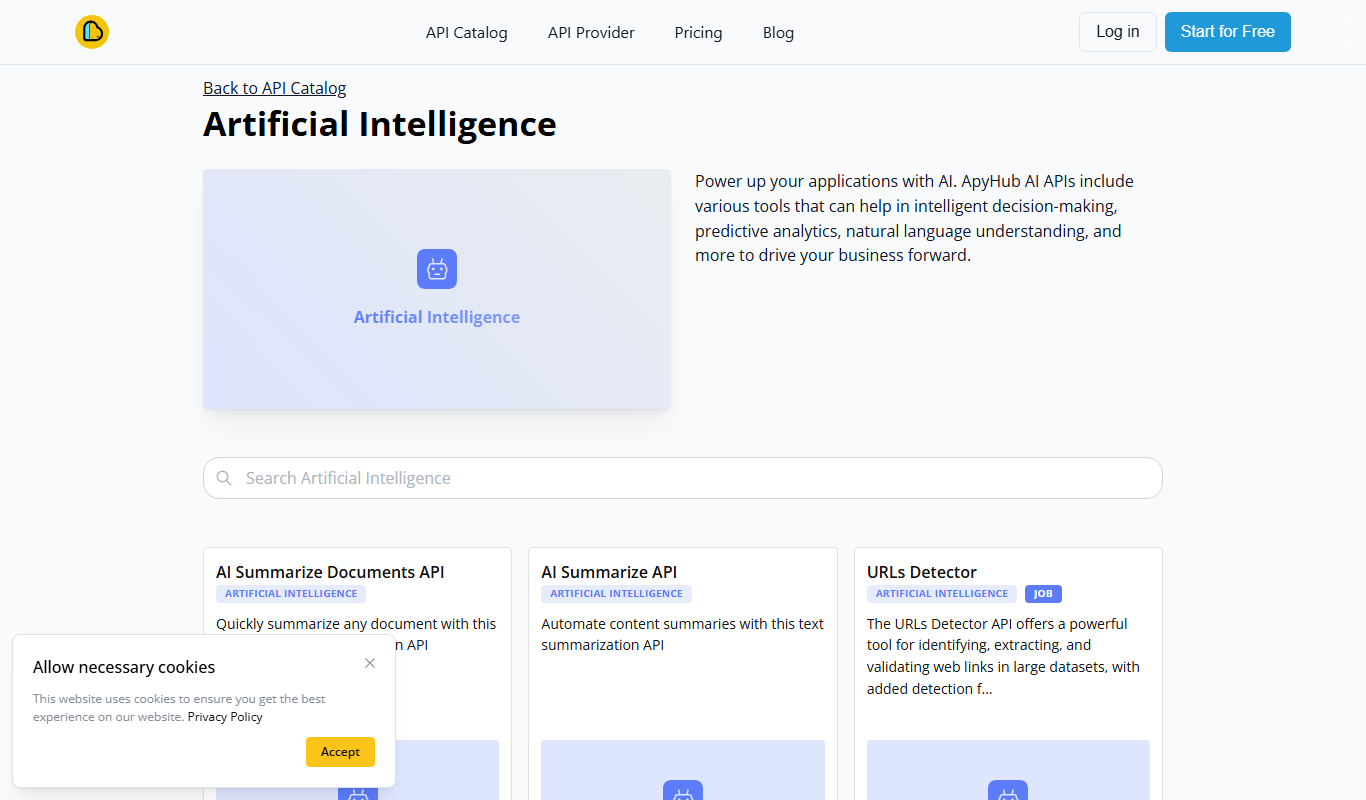
ApyHub AI APIs
ApyHub offers certified, production-ready APIs for developers and agents in one catalog, with one subscription, one bill and MCP access, plus a free tier.

AISOAP – AI SOAP Notes
AISOAP is an AI medical scribe that records and transcribes patient consultations and generates customized SOAP notes for clinicians.

Rosebud – AI Journal for Personal Growth
Rosebud is an AI-driven journaling app that provides personalized prompts and insights to help users practice mindfulness, track emotional progress, and foster personal growth.