

re:tune - build custom AI chatbots without code
re:tune is a no-code platform to build custom chatbots and autonomous AI agents trained on your own data and integrated with your favorite tools.
- Best for
- Customer support chatbot
- Key capability
- No-code chatbot builder
Save Retune, follow its updates and vote on it — everything stays in your account.
Sign in or create a free account
What is Retune?
re:tune is a no-code platform for building AI apps, from custom chatbots to autonomous agents. Users build chatbots for any use case, connect data sources from their website to customer data, and publish them on their site or integrate them with their favorite tools and messaging channels.
Key features of Retune
re:tune lets you build chatbots for any use case without code, train them on any data source including website crawling, customize the chat widget and integrate them with your tools, with whitelabeling on the top plan.
No-code chatbot builder
Build chatbots for any use case, from customer support to sales, with no coding required.
Train with any data
Connect any data source, from your website to customer data.
Integrations
Integrate chatbots with WordPress, Shopify and messaging channels.
Retrain by editing answers
Improve the chatbot by correcting its mistakes.
White-labeling
Build whitelabeled chatbots with your own domain and branding.
Pros and cons of Retune
Pros
- No coding required
- 30 day money-back guarantee on paid plans
- Royalty-free licensing for commercial use
Cons
- Paid plans are shown with yearly billing
- No desktop or mobile app; web-only platform
- Lack of detailed information on underlying AI technology
Key use cases for Retune
Customer support chatbot
Answer customer questions with a chatbot trained on your data.
Lead capture
Capture information from users and turn it into leads.
Messaging channel bots
Let users chat with your bot on WhatsApp and other messaging channels.
Background Music for Media
Create background scores for podcasts, advertisements, or social media content quickly and efficiently.
How Retune works
- 1
Create
Create your own chatbot without code.
- 2
Customize
Connect data sources and customize the chat widget.
- 3
Integrate
Publish on your website or connect channels and tools.
- 4
Preview and Customize
Listen to the generated track and adjust parameters if needed to refine the output.
- 5
Download and Use
Export the final audio file for use in your projects with royalty-free licensing.
Who is using Retune
Retune pricing
Launch
$499/year
Unlimited personal chatbots, messages and users, website crawling, 50 file uploads per month, chat widget customization.
Grow
$999/year
Everything in Launch, 5 published chatbots, 5 workspaces, 500 file uploads per month.
Scale
$1999/year
Everything in Grow, 10 published chatbots, 10 workspaces, unlimited file uploads, remove branding.
Max
$3999/year
Everything in Scale, unlimited published chatbots and workspaces, custom domain and whitelabeling.
Plans and prices are as published by the vendor and can change. Check the official site before you buy. Open the pricing page (opens in a new tab)
Frequently asked questions about Retune
AI apps from custom chatbots to autonomous agents, without coding.
Yes. Connect any data source, from your website to customer data.
Yes. Paid plans carry a 30 day money-back guarantee.
Yes. The Max plan includes custom domain and whitelabeling.
It depends on your specific needs and how you plan to use the tool. The official website and documentation are the best sources for the latest details.
Some tools offer a free plan or trial with limited features. Availability can vary, so confirm on the official website.
Yes, it can help with that use case depending on how you configure it and what features are available. You’ll get the best results with clear inputs and a defined goal.
It depends on your specific needs and how you plan to use the tool. The official website and documentation are the best sources for the latest details.
Conclusion
Custom chatbots and autonomous agents are what re:tune helps businesses build, with no coding required. A bot is trained by connecting data sources, from a crawled website to customer data, and can serve use cases from customer support to sales. Answers can be edited whenever the chatbot makes mistakes, which retrains it.
Finished chatbots can be published on a website or connected to WordPress and Shopify, and recipes cover channels such as WhatsApp and Telegram. They can also capture user information as leads. Plans are billed yearly and scale by the number of published chatbots, workspaces and file uploads, with whitelabeling and a custom domain reserved for the top tier and a 30 day money-back guarantee on each.
Sources
Sign in to review this tool.
Sign In to ReviewNo reviews yet
Be the first to share how this tool worked for you.
Ask about pricing, limits, or how it compares — or answer someone else.
Sign In to AskNo questions yet
Have a question about using or paying for this tool? Be the first to ask.
Featured on TiorAI



More AI Chatbot & Conversational Tools tools
Other tools in the same category, for when this one is not quite the fit.
msgmate.io
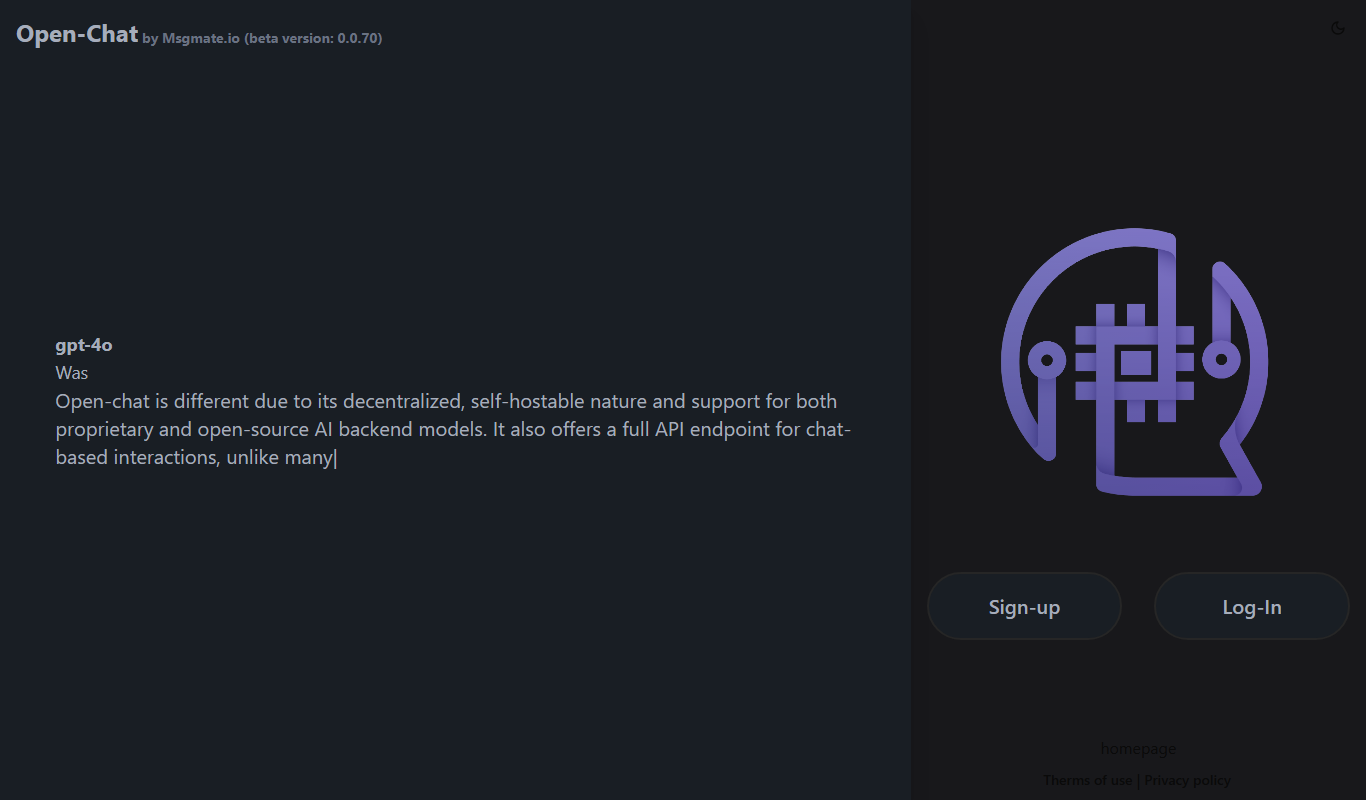
msgmate.io runs Open-Chat, a federated, self-hostable LLM chat platform in beta with support for proprietary and open-source models and a full chat API.

GPTBots.AI
GPTBots.AI is a no-code platform for enterprise AI agents covering customer support, lead generation, enterprise search and data insights, with knowledge base training and private deployment.
RightResponse AI
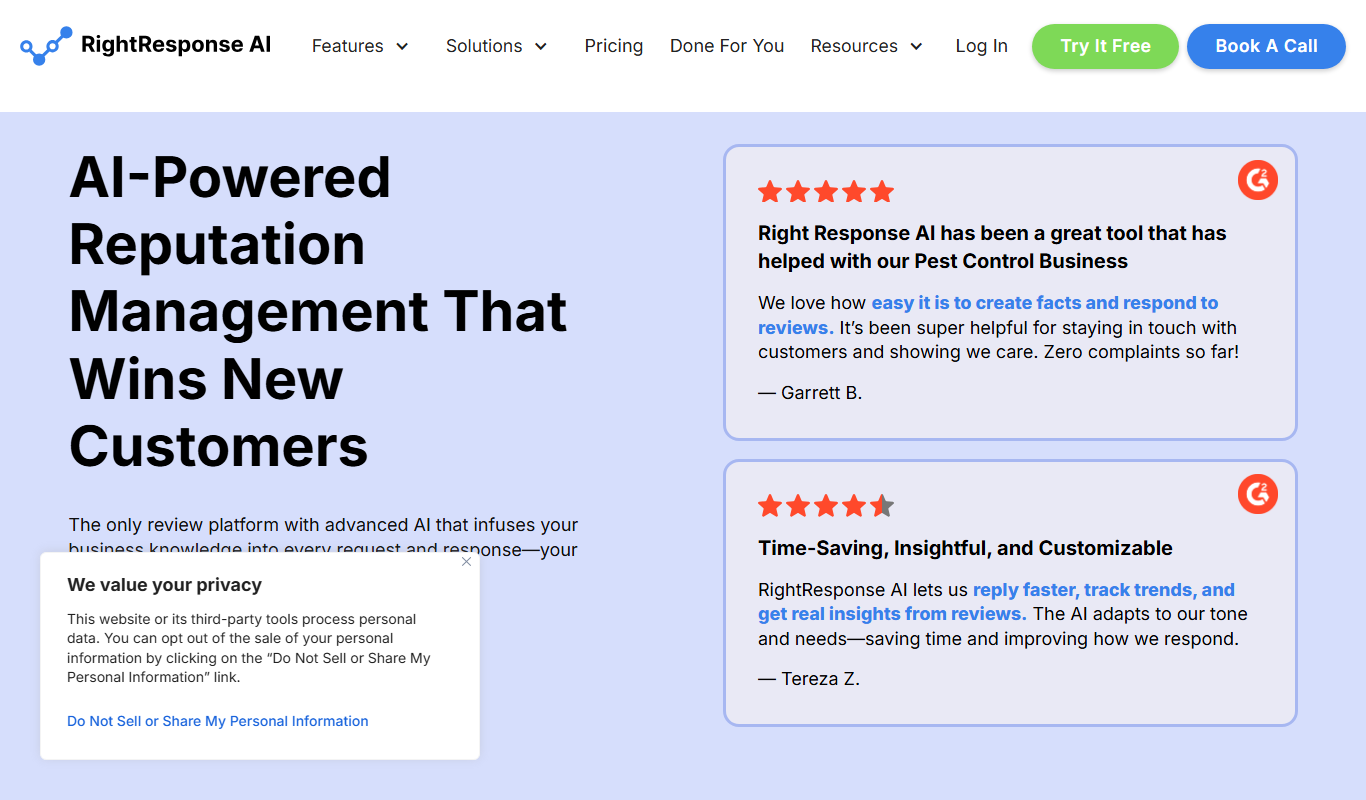
RightResponse AI is AI reputation management software for Google reviews: review requests, AI review responses, customer and competitor feedback analysis and Google Maps rank tracking.
Headbot
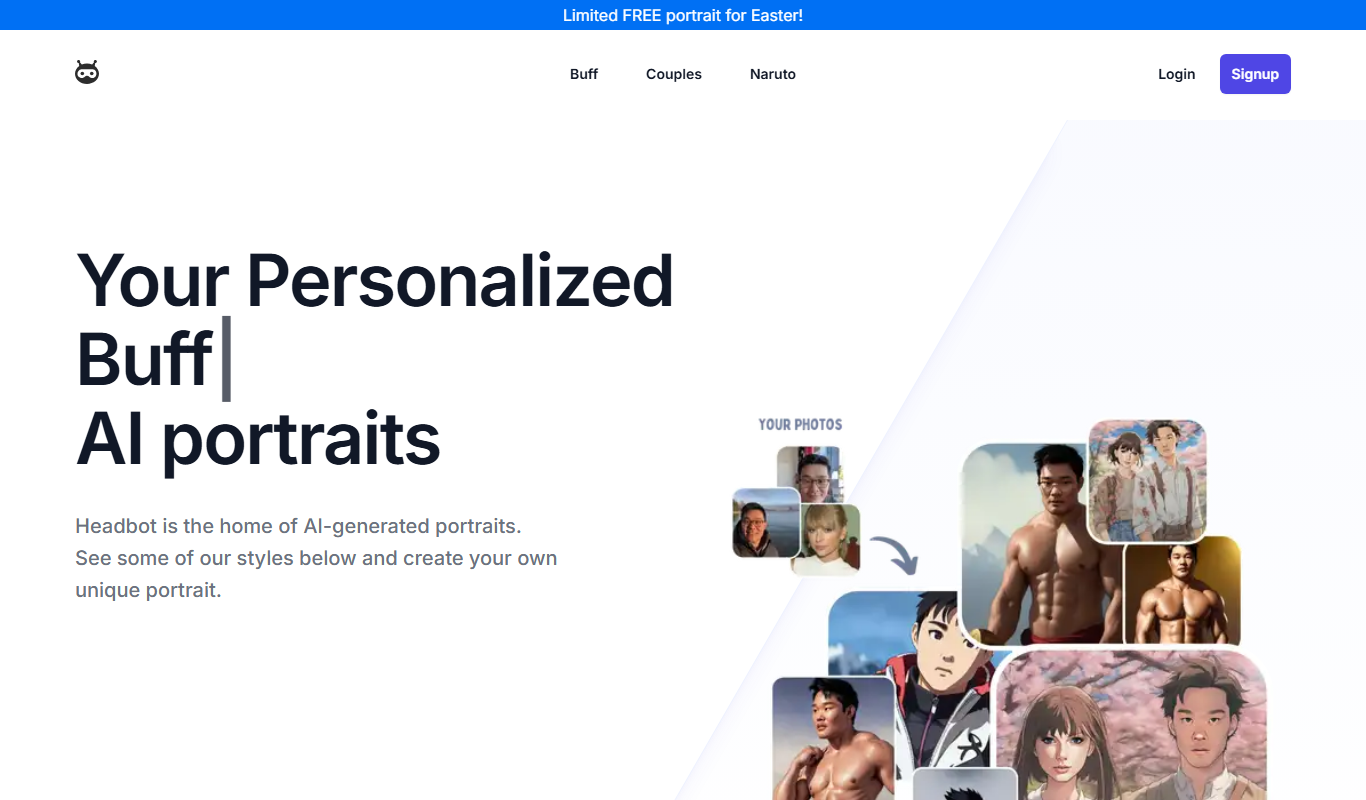
Headbot turns your photos into buff, anime or couple AI portraits, sold as one-time packages, with a gallery to share or print.

trulience.com
Trulience is an interactive avatar platform that gives any LLM a lifelike, multilingual face, so you can build and embed scalable AI avatars in minutes.

Heatbot.io
Heatbot is a data-driven generative UI builder: upload user analysis heatmaps and let AI generate code for an improved website in seconds.
BellmanLoop
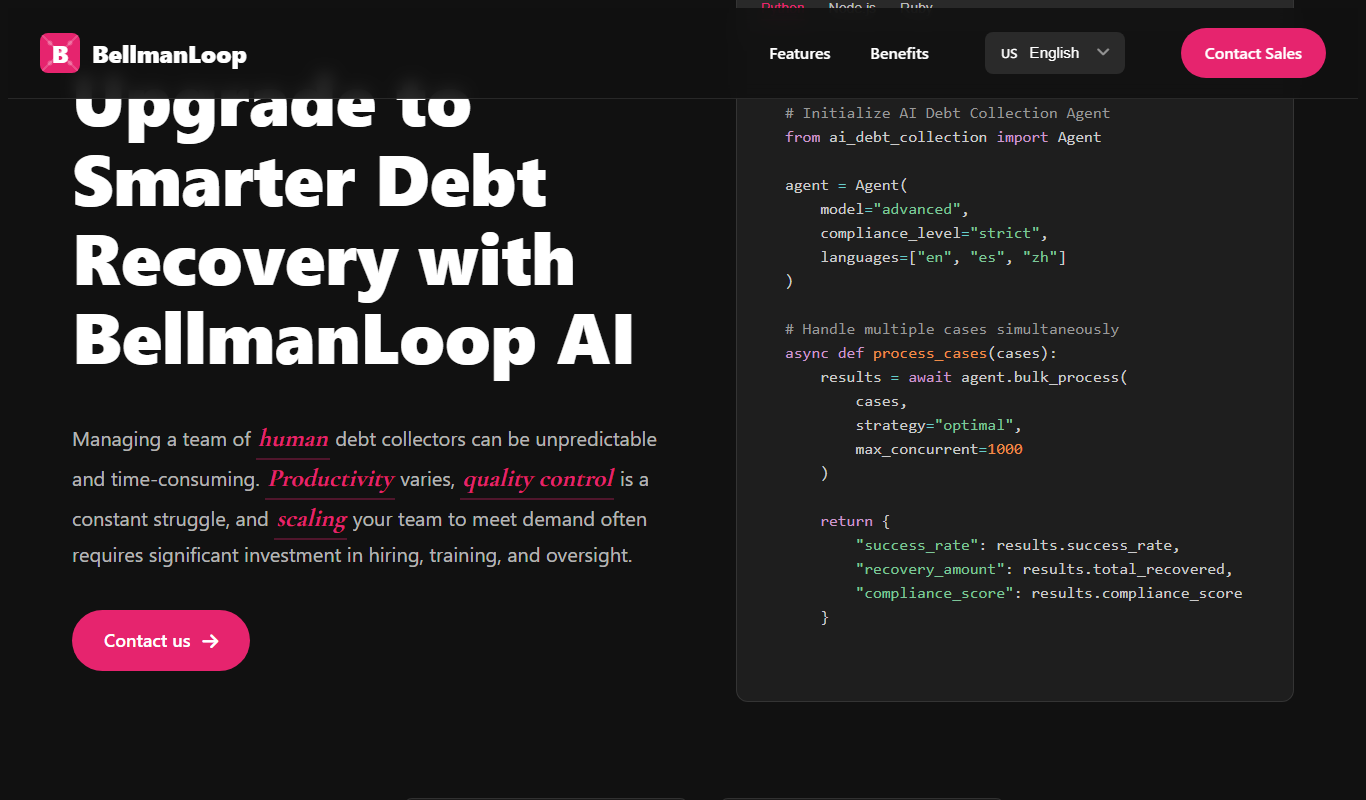
BellmanLoop provides AI debt collection agents that handle collection cases at scale with strict compliance, multi-channel and multi-language support.

Archie AI
Archie AI turns publishers' written content into dynamic conversations through a conversational modal, to raise engagement, ad impressions and revenue.