

From my experience with RightResponse AI, I found it excels at automating routine customer support tasks through intelligent AI chatbots, which significantly reduces response times and agent workload. After spending time exploring the platform, I can say it’s particularly well-suited for small to medium-sized businesses and enterprises looking to integrate AI into their help desk workflows. However, a trade-off is the limited language support currently restricted to English and the lack of transparent pricing, which may require direct contact for detailed quotes. Overall, if you need to streamline customer service with AI-powered automation, RightResponse AI delivers solid, practical solutions.
RightResponse AI Customer Support Automation Software with AI Chatbots
RightResponse AI is a customer support automation platform that uses AI chatbots and help desk integration to streamline ticket handling and improve response times.
- Best for
- Automated Customer Support
- Key capability
- Natural Language Processing
Your actions
Save RightResponse AI, follow its updates and vote on it — everything stays in your account.
Sign in or create a free account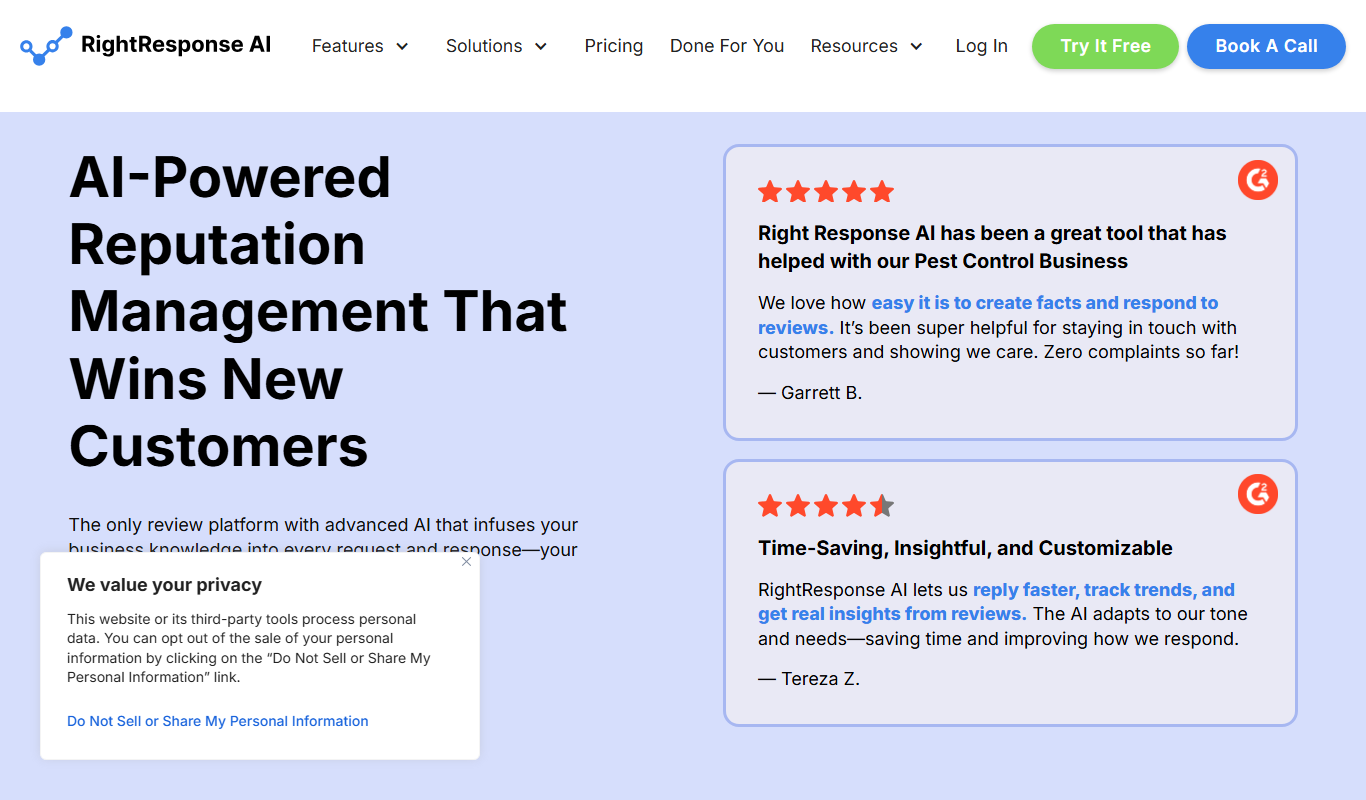
What is RightResponse AI?
RightResponse AI is a customer support automation platform that uses artificial intelligence to streamline help desk operations. It provides AI-powered chatbots and automated ticket handling to improve response times and reduce workload on support teams.
Key features of RightResponse AI
The tool offers AI chatbots capable of natural language understanding, integration with existing help desk systems, automated ticket classification and routing, and multi-channel support capabilities.
Natural Language Processing
Understands and processes customer queries in natural language for accurate responses.
Help Desk Integration
Seamlessly connects with popular help desk platforms to synchronize support workflows.
Automated Ticket Routing
Automatically categorizes and routes tickets to the right support agents based on content.
Multi-Channel Support
Handles customer interactions across chat, email, and other communication channels.
Analytics Dashboard
Provides insights into support performance and AI chatbot effectiveness.
Pros and cons of RightResponse AI
Pros
- Automates repetitive customer support tasks effectively
- Integrates smoothly with existing help desk systems
- Improves response times with AI chatbots
- Provides actionable analytics for support optimization
Cons
- Limited language support (English only)
- Pricing details are not publicly disclosed, requiring contact for quotes
Key use cases for RightResponse AI
Automated Customer Support
RightResponse AI automates responses to customer inquiries, reducing the need for manual intervention and speeding up resolution times.
Help Desk Ticket Management
The platform integrates with help desk systems to manage and prioritize support tickets efficiently.
AI-Powered Chatbots
Deploy AI chatbots that understand natural language to engage customers and provide instant answers.
Knowledge Base Integration
Leverages existing knowledge bases to provide accurate and relevant responses to customer questions.
Multi-Channel Support
Supports customer interactions across various channels including web chat and email.
How RightResponse AI works
- 1
Connect Your Help Desk
Integrate RightResponse AI with your existing help desk software to synchronize tickets and customer data.
- 2
Configure AI Chatbots
Set up AI chatbots with your knowledge base and customize responses to fit your brand voice.
- 3
Automate Ticket Handling
Enable automated ticket classification, prioritization, and routing to the appropriate support agents.
- 4
Monitor and Optimize
Use analytics and reporting tools to track performance and continuously improve AI responses.
Who is using RightResponse AI
Customer support teams
Small to medium-sized businesses
Enterprises seeking AI automation
Help desk managers
E-commerce companies
RightResponse AI pricing
Free Trial
$0 for 14 days
Full access to features for 14 days to evaluate the platform.
Standard
Custom pricing
Subscription plan with core AI automation features and help desk integration.
Enterprise
Custom pricing
Advanced features, dedicated support, and custom integrations for large organizations.
Plans and prices are as published by the vendor and can change. Check the official site before you buy. Open the pricing page (opens in a new tab)
Frequently asked questions about RightResponse AI
Yes, it integrates with several popular help desk platforms to synchronize tickets and customer data.
Yes, you can customize chatbot responses to align with your brand voice and knowledge base.
Yes, RightResponse AI offers a 14-day free trial with full feature access.
Currently, the platform supports English language interactions.
This tool is designed to help users accomplish its core tasks more efficiently. It is typically used by individuals or teams looking to improve productivity and workflow.
Some tools offer a free plan or trial with limited features. Availability can vary, so confirm on the official website.
Integration support depends on the tool and its available connectors or API. Check the official documentation or integrations page to confirm what is supported.
Sign in to review this tool.
Sign In to ReviewNo reviews yet
Be the first to share how this tool worked for you.
Ask about pricing, limits, or how it compares — or answer someone else.
Sign In to AskNo questions yet
Have a question about using or paying for this tool? Be the first to ask.
Featured on TiorAI



More AI Answer tools
Other tools in the same category, for when this one is not quite the fit.

Free Trial
Track AI Answers
Track AI Answers is a web platform that monitors and analyzes AI-generated responses in real time to ensure accuracy, compliance, and performance optimization.
Free
Ask AI Questions Online
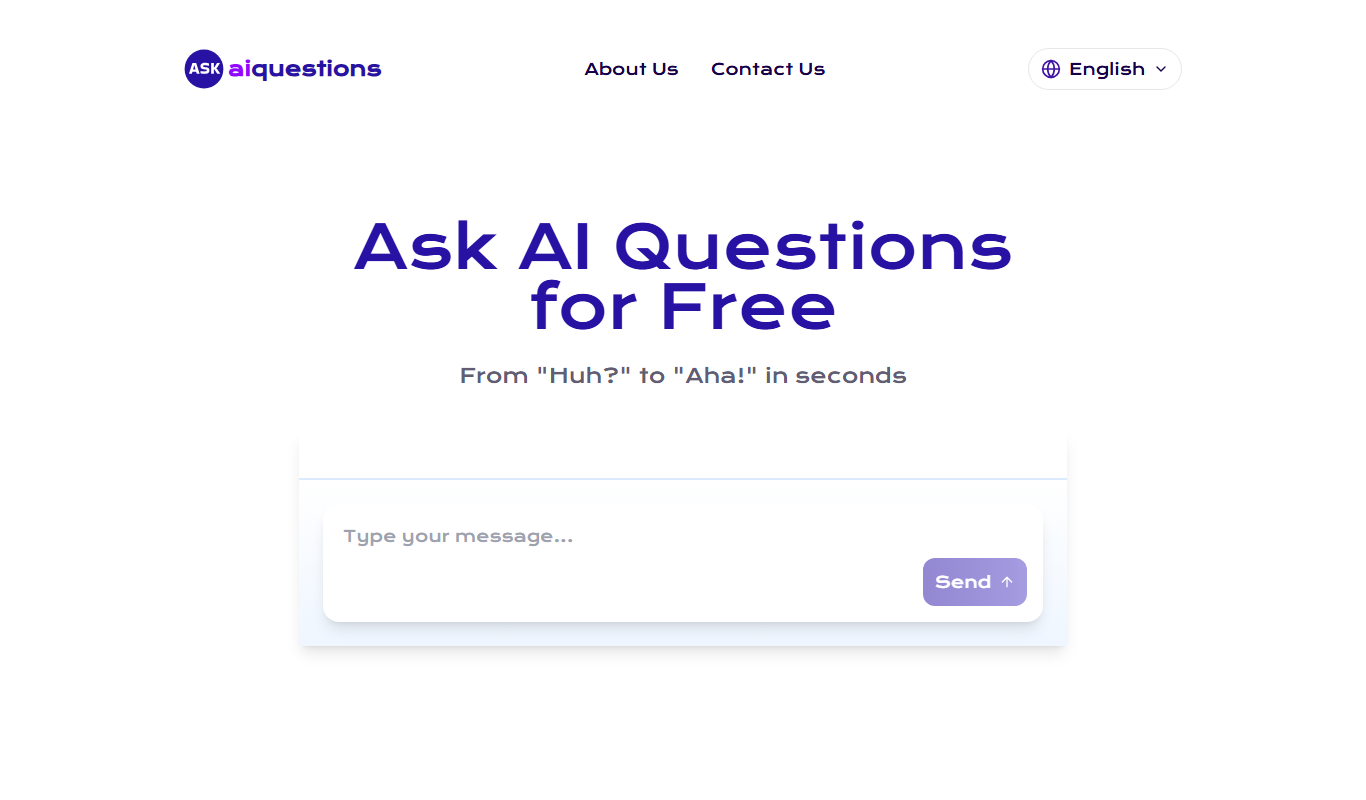
Ask AI Questions Online is a free web-based AI chatbot that provides instant answers to user questions without requiring registration or payment.