

Enso Connect AI Guest Experience for Short Term Rentals
Enso Connect is an AI guest experience platform for vacation rentals and boutique hotels, with AI guest messaging, a mobile guest app, automated upsells and smart lock integrations.
- Best for
- Guest communication
- Key capability
- AI guest messaging
Save Enso Connect, follow its updates and vote on it — everything stays in your account.
Sign in or create a free account

What is Enso Connect?
Enso Connect is an AI guest experience platform for vacation rentals and boutique hotels. It combines AI guest messaging in a unified inbox, a mobile guest app with digital check-in and guidebooks, automated upsells and fees, Enso Experiences for passive revenue and integrated smart locks, and it connects to property management systems.
Key features of Enso Connect
Enso Connect offers AI Autopilot and Copilot, agentic workflows with human escalations, a knowledge base and policies, a Boarding Pass with digital check-in and checkout, digital guidebooks and guest verification, automated upsells and fees, Enso Experiences and Enso Transport, a unified inbox, a guest database and CRM, smart locks and team permissions.
AI guest messaging
AutoPilot answers guest messages 24/7 and drafts a reply when it is unsure; you pick the subjects it may answer on its own.
Unified inbox
Brings Airbnb, Booking.com, WhatsApp, SMS, email and phone into one inbox.
Guest app and digital check-in
Boarding Pass with digital check-in and checkout, digital guidebooks and guest verification.
Automated upsells and fees
Automated upsells such as pet fees, early check-in and late checkout, plus Enso Experiences and Enso Transport.
Automated workflows
Workflows that trigger on real guest events and reach guests on the right channel without code.
Pros and cons of Enso Connect
Pros
- Unlimited users at no additional cost
- Official Airbnb partner
- 24/7 live support in English, French and Spanish
- User-friendly interface for IT teams
- Flexible pricing plans for different business sizes
Cons
- No public prices; pricing is a custom quote per portfolio
- Smart locks, background checks and some reporting are optional add-ons
- No free tier available
Key use cases for Enso Connect
Guest communication
Answer guest messages from every channel in one inbox around the clock.
Upsell revenue
Sell early check-in, late checkout, pet fees, local activities and airport transfers.
Digital check-in
Run digital check-in and checkout, guidebooks and guest verification.
File Transfer
Facilitates secure file transfers between connected devices during remote sessions.
Collaboration
Supports multi-user sessions for collaborative troubleshooting and training.
How Enso Connect works
- 1
Book a demo and get a quote
Tell Enso about your portfolio and receive a custom quote.
- 2
Connect your PMS and channels
Connect your PMS, smart locks, payment tools and messaging channels.
- 3
Choose what AI automates
Pick the subjects AutoPilot may answer on its own; everything else goes to your team.
- 4
Run the guest journey
AI handles messaging, operations and revenue from inquiry to checkout.
- 5
Manage and Support
Monitor device status, transfer files, and provide remote support as needed.
Who is using Enso Connect
Enso Connect pricing
Starter
$15/month per user
Basic remote access features suitable for small teams.
Professional
$30/month per user
Includes advanced IT management and security features.
Enterprise
Custom pricing
Tailored solutions with dedicated support and integrations.
Plans and prices are as published by the vendor and can change. Check the official site before you buy. Open the pricing page (opens in a new tab)
Frequently asked questions about Enso Connect
Yes. Enso offers a free trial after you book a demo so the team can assess your needs.
Pricing is designed for your portfolio: you tell Enso about your business and receive a custom quote.
Monthly, quarterly (90-day) or yearly billing; cancellation needs 30 days’ notice.
Optional add-ons include Smart Locks integration, Background Checks, Authority Reporting and Screen & Protect.
It depends on your specific needs and how you plan to use the tool. The official website and documentation are the best sources for the latest details.
It depends on your specific needs and how you plan to use the tool. The official website and documentation are the best sources for the latest details.
Yes, it can help with that use case depending on how you configure it and what features are available. You’ll get the best results with clear inputs and a defined goal.
Conclusion
Short-term rental operators drowning in guest messages are the starting point: a unified inbox pulls in messages from Airbnb, Booking.com, WhatsApp, SMS and email while EnsoAI answers around the clock. Operators choose which subjects the AI may answer alone, and it drafts a reply for the team when it is unsure. Guests also get a Boarding Pass app for digital check-in, guidebooks and verification.
Revenue comes from automated upsells such as early check-in or pet fees, plus local experiences and airport transfers. Vacation rentals and boutique hotels are the two property types it serves, and it connects to existing PMS, smart locks and payment tools. Prices are a custom quote per portfolio, a free trial follows a demo, and smart locks or background checks are optional add-ons.
Sources
Sign in to review this tool.
Sign In to ReviewNo reviews yet
Be the first to share how this tool worked for you.
Ask about pricing, limits, or how it compares — or answer someone else.
Sign In to AskNo questions yet
Have a question about using or paying for this tool? Be the first to ask.
Featured on TiorAI



More AI Chatbot tools
Other tools in the same category, for when this one is not quite the fit.

DeepSeek
DeepSeek is an AI research company that develops and open-sources frontier LLMs such as DeepSeek-V4 and DeepSeek-R1, offered through a free chat, apps and an API.

Grok
Grok is an AI assistant built by SpaceXAI for chatting, creating images, writing code and getting real-time answers from the web and X.

Chippy
Chippy is a ChatGPT Chrome extension that lets you summarize, research, translate and answer questions on any web page without switching tabs.
PizzaGPT – ChatGPT for Italy
PizzaGPT is a free AI chat in Italian for students and professionals, with tools for quizzes, emails, rewriting, correction, translation, AI images and study.

Modly
Modly.ai trains, fine-tunes and hosts custom large language models on your business data, delivered as a managed service with API access.

Voyageraid
VoyagerAid is end-to-end disruption management software that helps airlines handle rebooking, passenger communication and disruptions with predictive analytics.
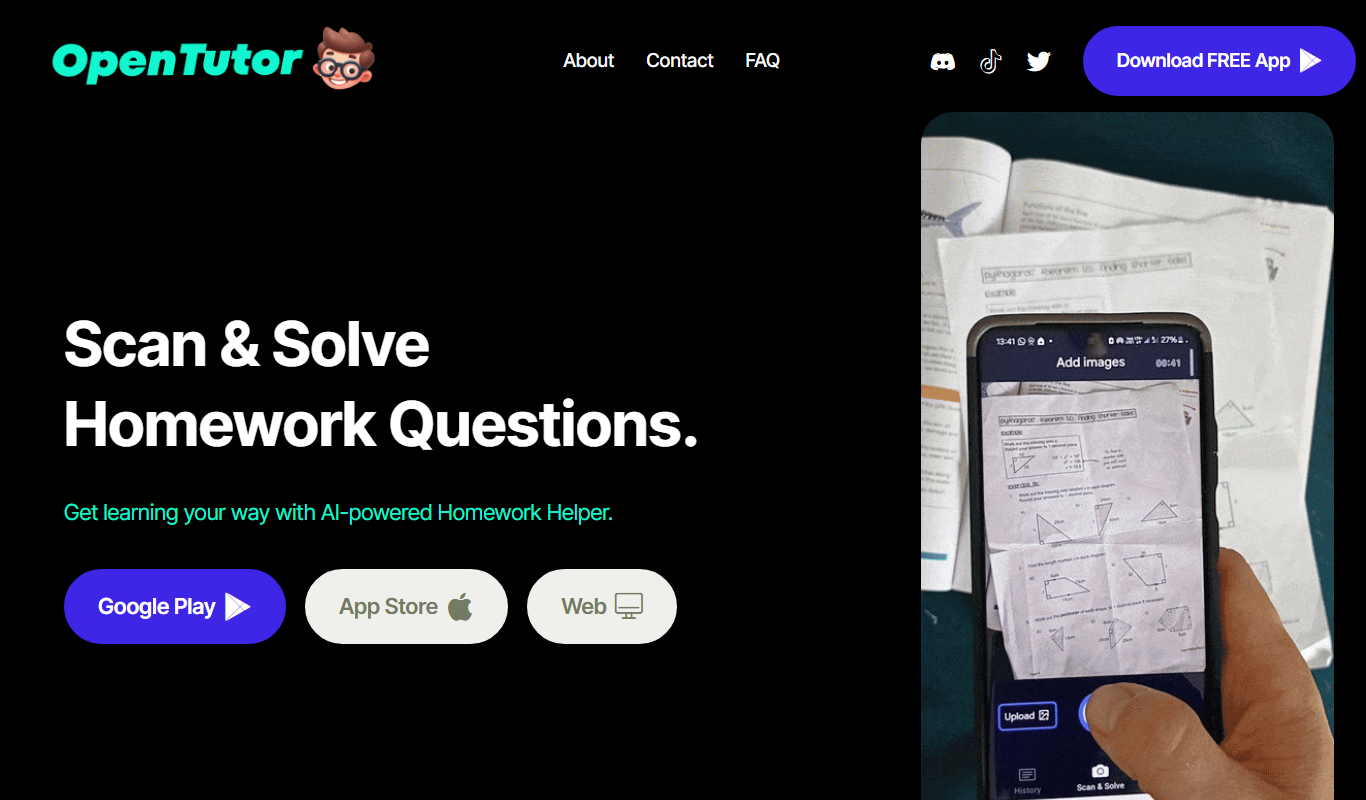
Open Tutor App
Open Tutor App is an AI homework helper app that scans a photo of a homework question and returns step-by-step solutions and explanations.
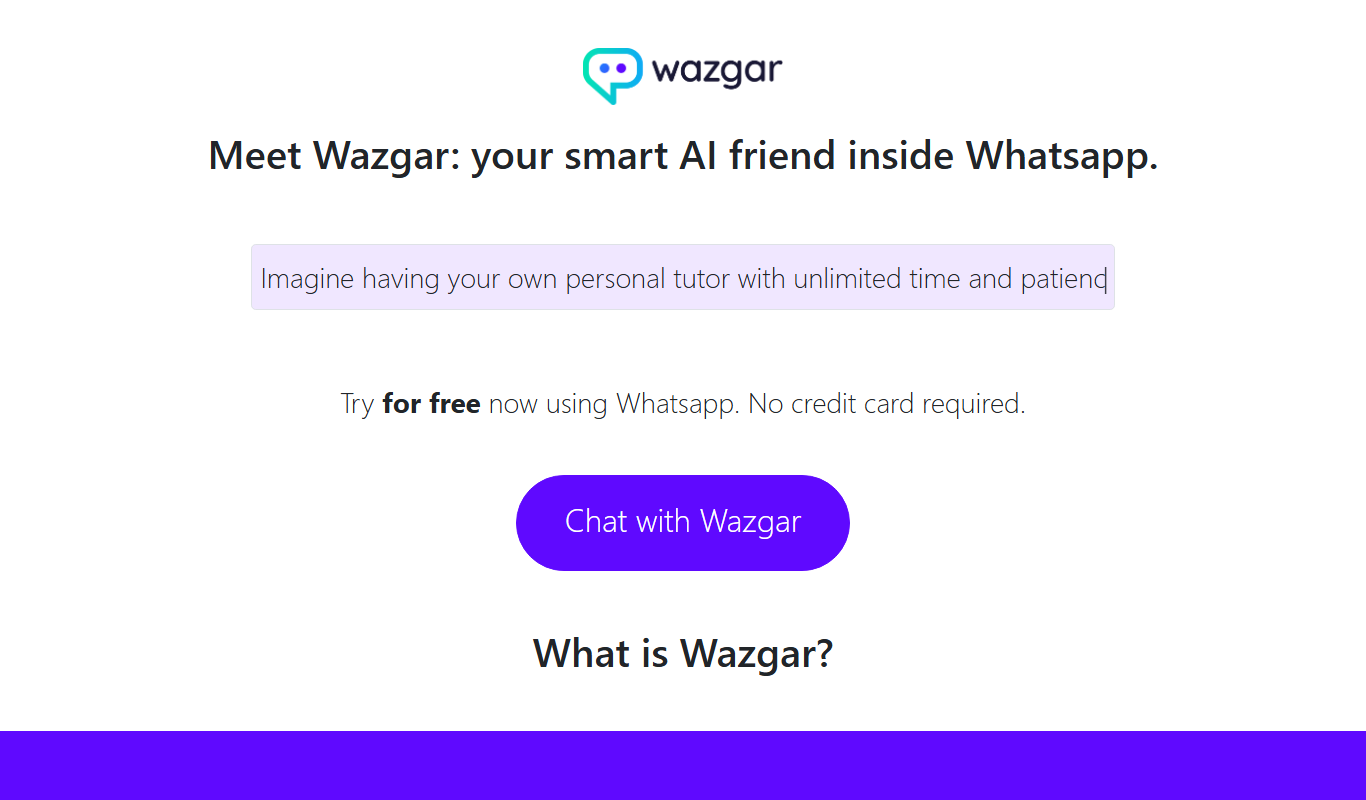
Wazgar – ChatGPT in Whatsapp
Wazgar is an AI assistant inside WhatsApp that can assist users at any time, from learning and writing to everyday conversation.