

Spreeder Speed Reading Software for Faster Reading and Comprehension
Spreeder is a speed reading software that uses RSVP technology to help users read faster and improve comprehension by displaying text one word at a time with adjustable speed settings.
- Best for
- Improve Reading Speed
- Key capability
- Rapid Serial Visual Presentation (RSVP)
Save Spreeder, follow its updates and vote on it — everything stays in your account.
Sign in or create a free account
What is Spreeder?
Spreeder is an online speed reading software designed to help users increase their reading speed and comprehension. It uses Rapid Serial Visual Presentation (RSVP) technology to display text one word or phrase at a time at adjustable speeds, training users to read faster without losing understanding. Spreeder is suitable for students, professionals, and anyone looking to improve their reading efficiency.
Key features of Spreeder
Spreeder offers customizable speed reading exercises, the ability to paste or upload text, adjustable reading speeds, progress tracking, and multi-platform access via web and mobile apps. It focuses on reducing subvocalization and improving eye movement for faster reading.
Rapid Serial Visual Presentation (RSVP)
Displays text word-by-word to reduce eye movement and increase reading speed.
Custom Text Input
Allows users to paste or upload any text for personalized reading practice.
Adjustable Speed Settings
Users can control the words-per-minute rate to suit their skill level and goals.
Progress Tracking
Tracks user improvements in speed and comprehension over time.
Multi-Platform Access
Available on web browsers and mobile apps for iOS and Android devices.
Pros and cons of Spreeder
Pros
- Simple and intuitive interface
- Customizable reading speed and text input
- Available on multiple platforms
- Effective RSVP technology for speed training
- Free version available to try
Cons
- Limited language support (English only)
- Some advanced features require paid subscription
- Interface design feels dated compared to modern apps
Key use cases for Spreeder
Improve Reading Speed
Users can train themselves to read faster by practicing with Spreeder's guided speed reading exercises.
Enhance Reading Comprehension
Spreeder helps users maintain or improve comprehension while increasing reading speed through controlled pacing.
Study and Learning Aid
Students and professionals can use Spreeder to process large volumes of text more efficiently for study or work.
Reduce Subvocalization
The tool trains users to minimize subvocalization, a common habit that slows reading speed.
Customizable Reading Practice
Users can paste their own text or use provided materials to tailor their reading practice sessions.
How Spreeder works
- 1
Sign Up or Access Free Version
Create a free account or use the free version to start practicing speed reading immediately.
- 2
Input Text
Paste your own text or select from available reading materials to practice.
- 3
Adjust Reading Speed
Set the words-per-minute rate to match your current level and gradually increase it over time.
- 4
Start Reading Session
Spreeder displays text one word or phrase at a time to train your eyes and brain to read faster.
- 5
Track Progress
Monitor your reading speed improvements and comprehension through built-in tracking tools.
Who is using Spreeder
Spreeder pricing
Free
$0
Free web app: paste any text and start speed reading, limited to 200 words.
Spreeder lifetime access
USD $67.00, one-time payment
Speed e-reader, 214 premium courses, web access and unlimited installs of apps on all platforms, unlimited support and upgrades, and full access for up to 5 users.
Plans and prices are as published by the vendor and can change. Check the official site before you buy. Open the pricing page (opens in a new tab)
Frequently asked questions about Spreeder
Yes, Spreeder is designed for all skill levels and allows users to start at their own pace.
Yes, you can paste or upload your own text to practice reading any material.
Spreeder’s training aims to improve speed without sacrificing comprehension by controlling pacing.
Yes, Spreeder offers apps for both iOS and Android devices.
It depends on your specific needs and how you plan to use the tool. The official website and documentation are the best sources for the latest details.
Some tools offer a free plan or trial with limited features. Availability can vary, so confirm on the official website.
Yes, it can help with that use case depending on how you configure it and what features are available. You’ll get the best results with clear inputs and a defined goal.
Yes, it can help with that use case depending on how you configure it and what features are available. You’ll get the best results with clear inputs and a defined goal.
Conclusion
Reading practice here means text flashed one word or phrase at a time at an adjustable words-per-minute rate, a method meant to reduce eye movement and raise reading speed. Its speed e-reader has 4 modes and 14 tunable settings, and a regular page-turning e-reader with notes, stats, bookmarks and tagging sits beside it. Documents in 52 file and eBook formats can be imported, although books protected by DRM, such as Kindle purchases, cannot be imported without first removing the DRM. Newer versions also use AI to generate a personalized summary of a book, lesson or trend for speed reading.
A free web app lets anyone paste text and try the method, but it is limited to 200 words. Spreeder access is sold as a one-time payment and includes accounts for up to 5 users. Apps run on iPhone, iPad, Web, Mac, Windows and Android. Students, professionals and lifelong learners are the intended users.
Sources
Sign in to review this tool.
Sign In to ReviewNo reviews yet
Be the first to share how this tool worked for you.
Ask about pricing, limits, or how it compares — or answer someone else.
Sign In to AskNo questions yet
Have a question about using or paying for this tool? Be the first to ask.
Featured on TiorAI



Alternative Tools
Explore similar AI tools that might fit your needs

BeeLine Reader
BeeLine Reader is an accessibility tool that applies color gradients to digital text to improve reading speed, focus, and comprehension, especially benefiting users with dyslexia and visual impairments.
More AI Education tools
Other tools in the same category, for when this one is not quite the fit.

Endless Alphabet
Endless Alphabet is an interactive educational app designed for children aged 3-6 to learn the alphabet, phonics, and vocabulary through engaging puzzles and animations.
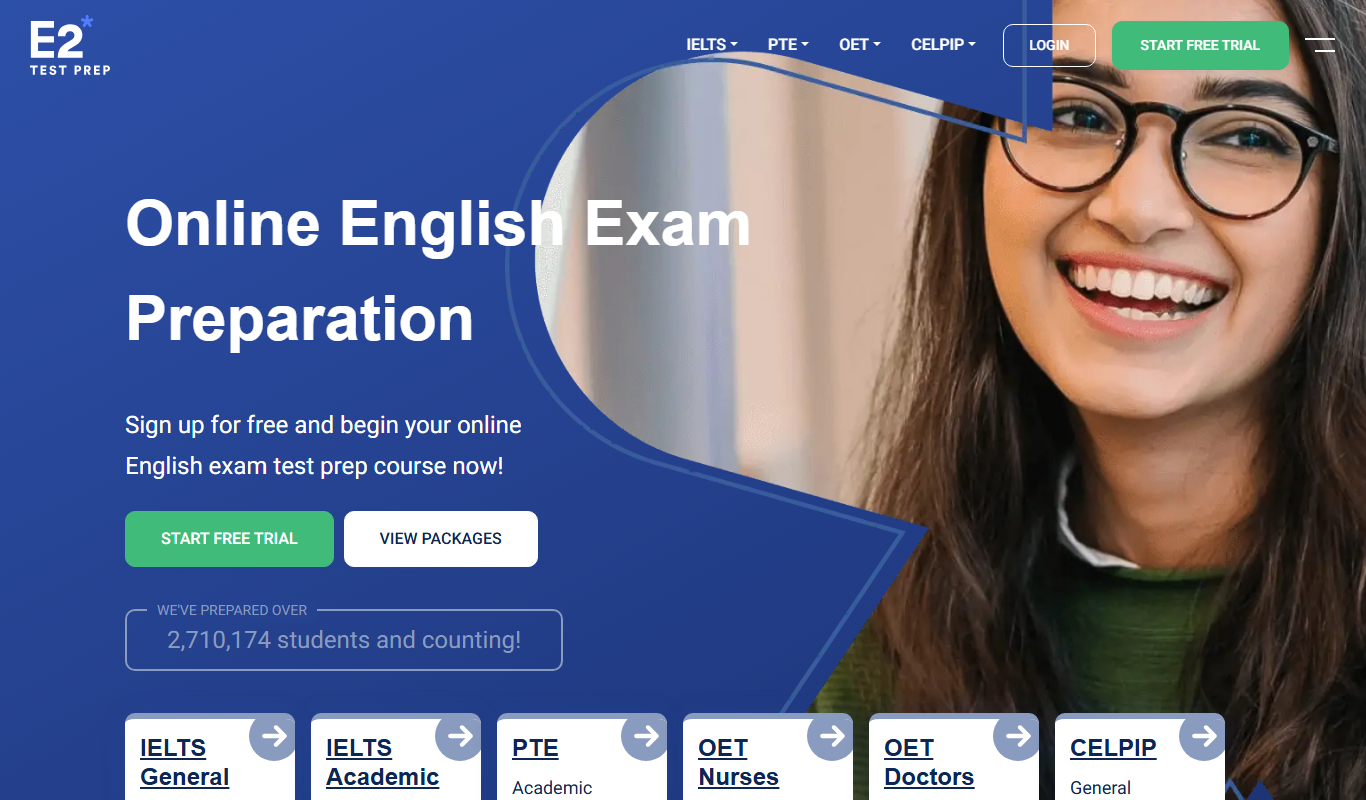
E2Language
E2Language is an online platform offering comprehensive preparation courses for IELTS, PTE, and TOEFL exams, featuring AI-powered speaking practice and personalized writing correction.
AnkiWeb
AnkiWeb is a free web-based platform that enables users to create, study, and sync flashcards using spaced repetition to improve memory retention.

Seneca Learning
Seneca Learning is an AI-powered online platform that helps students revise school subjects through interactive quizzes, summaries, and personalized learning paths aligned with UK curricula.

Cymath
Cymath is an AI-powered math solver that provides step-by-step solutions for algebra, calculus, and other math problems via web and mobile apps.

Bayyinah TV
Bayyinah TV is an online educational platform by Bayyinah Institute providing comprehensive Quranic Arabic and Islamic studies courses through video lessons and interactive content.

PrepScholar
PrepScholar is an online platform providing personalized SAT and ACT prep courses with adaptive study plans, practice tests, and college admissions resources to help students improve their scores.

DeepLearning.AI
DeepLearning.AI is an online education platform providing expert-led courses and certifications in artificial intelligence and deep learning, designed for learners from beginners to advanced practitioners.