

ManyCam Virtual Webcam Software for Live Streaming and Video Conferencing
ManyCam is virtual webcam software that allows users to add live video effects, switch between multiple video sources, and use virtual backgrounds to enhance live streams and video calls on platforms like Zoom, YouTube, and Twitch.
- Best for
- Live Streaming
- Key capability
- Multiple Video Sources
Save ManyCam, follow its updates and vote on it — everything stays in your account.
Sign in or create a free account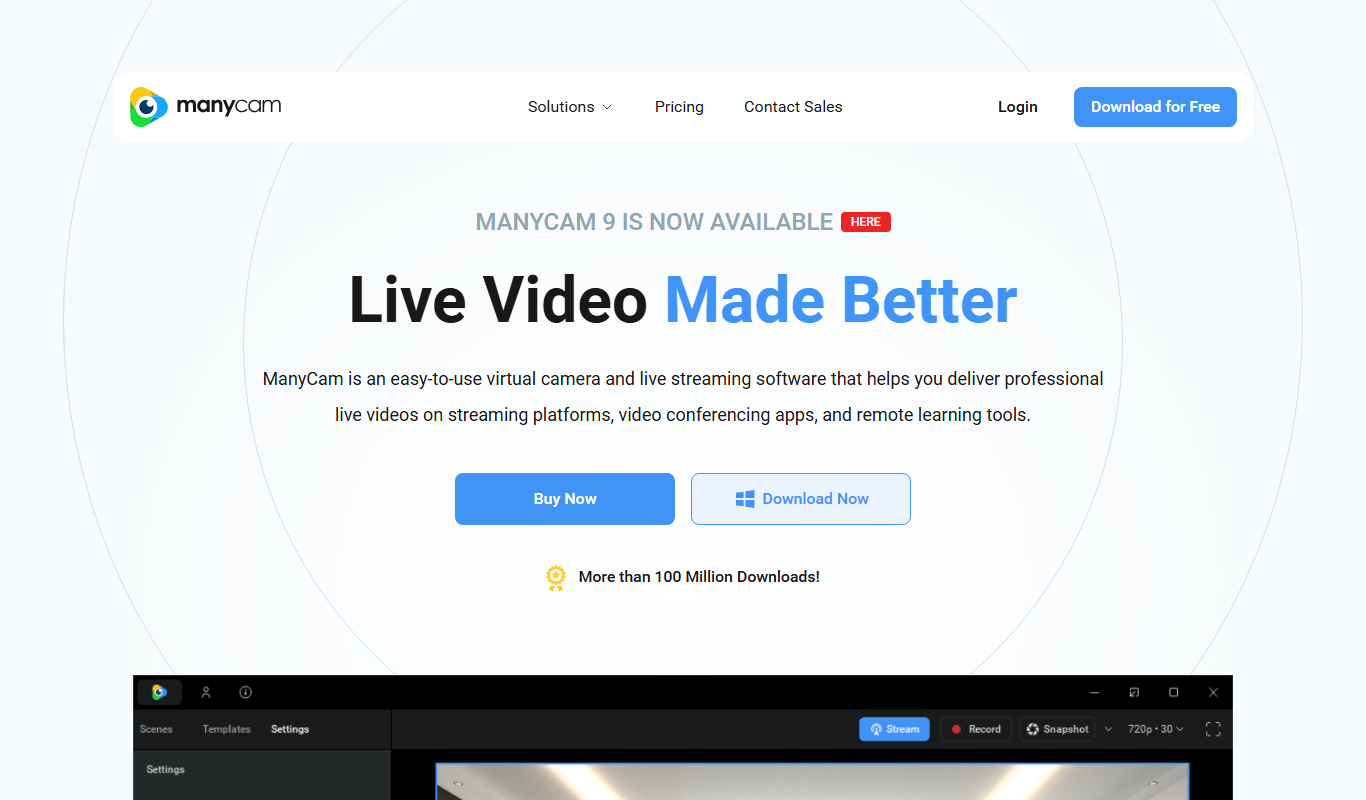
What is ManyCam?
ManyCam is a virtual webcam software that allows users to enhance their video streams and video calls by adding live video effects, switching between multiple video sources, and using virtual backgrounds. It integrates with popular streaming and conferencing platforms to provide a professional and interactive video experience.
Key features of ManyCam
ManyCam offers real-time video switching, virtual backgrounds, picture-in-picture, screen sharing, video recording, and a wide range of video effects and filters to improve live streaming and video communication.
Multiple Video Sources
Switch between webcams, screen shares, videos, and images seamlessly during live sessions.
Virtual Backgrounds and Chroma Key
Replace or blur backgrounds without a physical green screen.
Video Effects and Filters
Apply real-time effects like face masks, filters, and graphics overlays.
Picture-in-Picture
Display multiple video streams simultaneously in customizable layouts.
Screen Sharing and Recording
Share your screen and record your sessions directly within ManyCam.
Pros and cons of ManyCam
Pros
- Supports multiple video sources and switching
- Wide range of real-time video effects and filters
- Compatible with most streaming and conferencing platforms
- User-friendly interface suitable for beginners
- Available on desktop and mobile platforms
Cons
- Free version includes watermark on video output
- Some advanced features require paid subscription
- Can be resource-intensive on older computers
Key use cases for ManyCam
Live Streaming
Enhance live streams with multiple video sources, overlays, and effects for platforms like YouTube, Twitch, and Facebook Live.
Video Conferencing
Improve video calls on Zoom, Microsoft Teams, Skype, and other platforms with virtual backgrounds, screen sharing, and picture-in-picture.
Online Teaching
Engage students by using ManyCam’s drawing tools, video switching, and media sharing during virtual classes.
Content Creation
Create professional video content with customizable video effects, transitions, and green screen capabilities.
Webinars and Presentations
Deliver polished webinars and presentations by integrating multiple video sources and adding graphics or text overlays.
How ManyCam works
- 1
Download and Install
Download ManyCam on your Windows, Mac, or mobile device and install it.
- 2
Set Up Video Sources
Add webcams, screen captures, images, and videos as input sources.
- 3
Customize Video
Apply effects, overlays, and virtual backgrounds to your video feed.
- 4
Select ManyCam as Webcam
Choose ManyCam as the video source in your streaming or conferencing app.
- 5
Start Streaming or Calling
Begin your live stream or video call with enhanced video features.
Who is using ManyCam
ManyCam pricing
Free
$0/month
Basic features with watermark and limited video sources.
Standard
$59/year
1 device, 4 video sources, Full HD video quality.
Studio
$99/year, currently offered at 79
2 devices, 50 video sources, 4K video quality.
Enterprise
Contact us
2 devices per user, 200 video sources, 4K video quality, a user management platform and business customer support.
Premium
$119/year, currently offered at 99
3 devices, 200 video sources, 4K video quality.
Plans and prices are as published by the vendor and can change. Check the official site before you buy. Open the pricing page (opens in a new tab)
Frequently asked questions about ManyCam
Yes, ManyCam works as a virtual webcam and can be selected as the video source in Zoom, Skype, and other video conferencing apps.
Yes, ManyCam offers apps for both iOS and Android devices.
Yes, ManyCam includes chroma key features to replace backgrounds using a green screen or similar solid color backgrounds.
Yes, ManyCam offers a free version with limited features and a watermark.
It depends on your specific needs and how you plan to use the tool. The official website and documentation are the best sources for the latest details.
Some tools offer a free plan or trial with limited features. Availability can vary, so confirm on the official website.
Yes, it can help with that use case depending on how you configure it and what features are available. You’ll get the best results with clear inputs and a defined goal.
It depends on your specific needs and how you plan to use the tool. The official website and documentation are the best sources for the latest details.
Conclusion
Webcams, screen captures, images and videos go in as input sources, and effects, overlays and virtual backgrounds are applied to the combined feed. ManyCam is then chosen as the video source inside the streaming or conferencing app, including Zoom and Skype. Paid plans add picture in picture, a virtual whiteboard, chroma key and NDI support, and they remove the ManyCam logo.
Live streamers, online educators and remote workers are its core users, and teachers can bring drawing tools and media sharing into virtual classes. Its industry pages cover business, education, gaming and telehealth. The paid tiers are yearly and differ mainly in devices, video sources and video quality; Standard broadcasts to one platform at a time, while higher tiers stream to several at once. The free version adds a watermark, and the software can be resource-intensive on older computers.
Sources
Sign in to review this tool.
Sign In to ReviewNo reviews yet
Be the first to share how this tool worked for you.
Ask about pricing, limits, or how it compares — or answer someone else.
Sign In to AskNo questions yet
Have a question about using or paying for this tool? Be the first to ask.
Featured on TiorAI


Alternative Tools
Explore similar AI tools that might fit your needs

OBS Studio
OBS Studio is a free and open-source software for live streaming and video recording that supports multiple platforms and customizable scenes.

XSplit
XSplit is a Windows-based live streaming and video recording software that enables gamers and content creators to broadcast and capture high-quality video content with multi-source support and platform integration.

Streamlabs
Streamlabs is a live streaming software that enables gamers and content creators to broadcast live video and audio with customizable overlays, alerts, and multi-platform support.
More Marketing & Advertising tools
Other tools in the same category, for when this one is not quite the fit.

DeepReel
DeepReel is an AI video creation platform that turns blogs, prompts and files into professional videos with AI avatars, voiceovers, visuals, captions and music.

MMAudio
MMAudio transforms silent videos with AI audio synthesis: it analyzes your video and generates perfectly matched audio, creating a soundtrack in minutes.

Sadako
Sadako is an SEO content writing assistant that generates optimized articles and images, with rewriting, a chatbot and custom templates in 15 languages.
AI Poster Maker
AI Poster Maker is an online AI poster generator that turns a prompt and headline into a finished poster in a chosen style and aspect ratio.

OwlU
Owlu is a free AI email agent for solo pros, freelancers and 1-person founders, with chat-driven workflows and human-in-the-loop control, available for macOS and Windows.

AppBuzz
AppBuzz is a no code mobile app builder that turns Shopify, BigCommerce, Wix or WooCommerce stores into mobile apps with push notification campaigns.

Linguisticat
Linguisticat is a Safari extension and iPhone app for language learning that replaces words on websites you read with vocabulary from your target language.

Cognitiev
Cognitiev offers Cognitiev Studio, which builds voice AI agents from your website and runs prospecting, calls and email outreach, and Cognitiev CRM, which keeps the pipeline up to date.