

Paperspace Cloud GPU Computing Platform for AI and Machine Learning Workloads
Paperspace is a cloud platform providing scalable GPU-powered virtual machines and tools for AI, machine learning, and data science workloads, enabling remote access to high-performance computing resources.
- Best for
- Machine Learning Model Training
- Key capability
- Scalable GPU Cloud Instances
Save Paperspace, follow its updates and vote on it — everything stays in your account.
Sign in or create a free account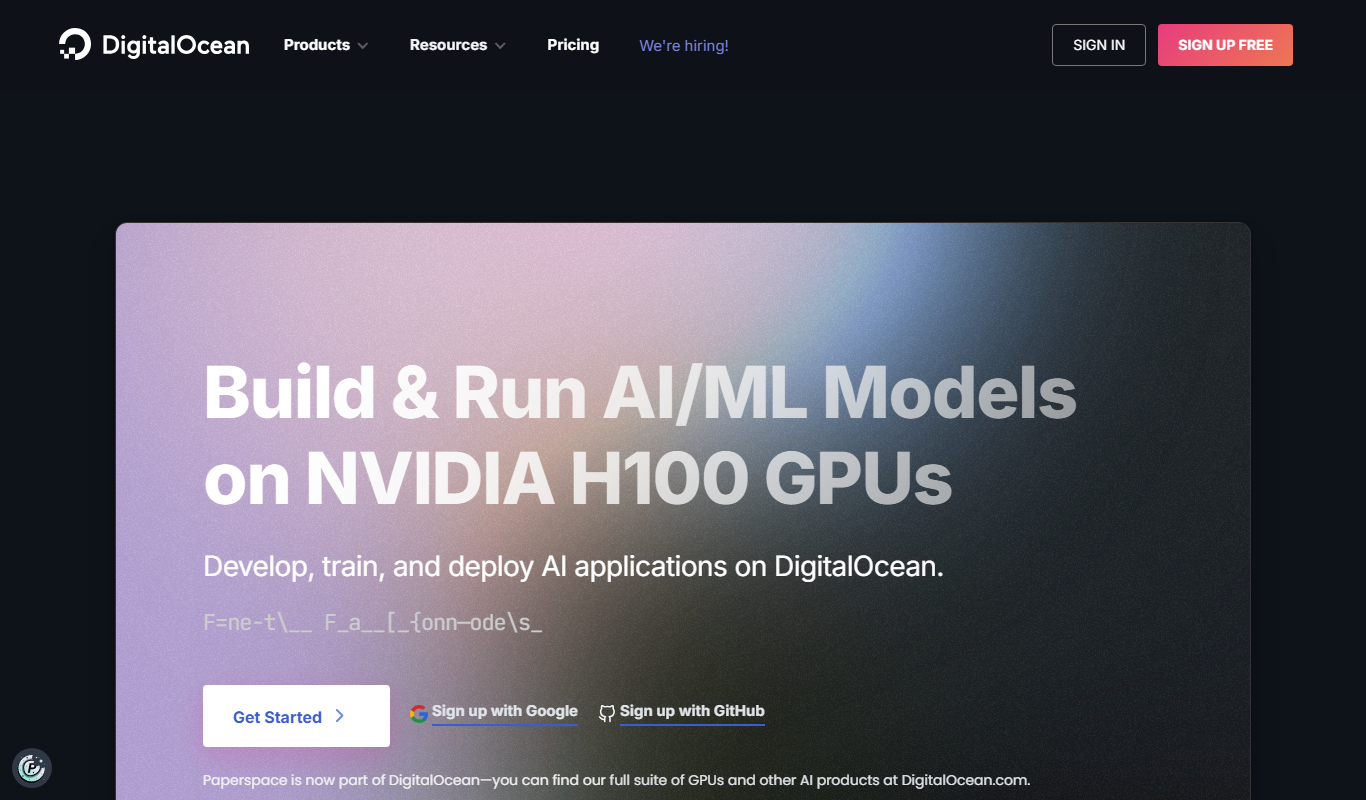
What is Paperspace?
Paperspace is a cloud computing platform that provides scalable GPU-powered virtual machines for AI, machine learning and data science workloads. Paperspace is now part of DigitalOcean.
Key features of Paperspace
Paperspace offers cloud GPU instances, Jupyter notebook integration, automated machine learning workflows, API access for infrastructure management, and collaboration tools to streamline AI development and deployment.
Scalable GPU Cloud Instances
Access a wide range of GPU types and sizes to match workload requirements.
Gradient Platform for ML
Integrated platform offering Jupyter notebooks, experiment tracking, and collaboration tools.
API and Automation
Manage infrastructure programmatically with RESTful APIs for seamless DevOps integration.
Persistent Storage
Attach persistent storage volumes to instances for data retention and sharing.
Multi-Region Availability
Deploy resources in multiple geographic regions to reduce latency and improve redundancy.
Pros and cons of Paperspace
Pros
- Easy access to powerful GPU cloud instances
- Integrated tools for machine learning workflows
- Flexible pricing with pay-as-you-go options
- API support for automation and DevOps
- Multi-region deployment for global access
Cons
- Pricing can become expensive for long-term heavy usage
- Limited support for non-English languages
- No native mobile app for management
Key use cases for Paperspace
Machine Learning Model Training
Use Paperspace’s GPU-powered cloud instances to train machine learning and deep learning models efficiently without investing in physical hardware.
Data Science and Analytics
Run Jupyter notebooks and data analysis workflows on scalable cloud infrastructure to accelerate experimentation and collaboration.
AI Development and Prototyping
Develop, test, and deploy AI applications using Paperspace’s virtual machines and integrated tools designed for AI workflows.
Remote GPU Access
Access powerful GPUs remotely for graphics rendering, video processing, and other compute-intensive tasks.
DevOps and Automation
Automate infrastructure provisioning and management with Paperspace APIs and integrate with CI/CD pipelines.
How Paperspace works
- 1
Create an Account
Sign up on the Paperspace website to access the cloud platform.
- 2
Select a GPU Instance
Choose from a variety of GPU-powered virtual machines based on your computational needs.
- 3
Configure Your Environment
Set up your development environment with pre-installed AI frameworks or custom configurations.
- 4
Launch and Connect
Start the instance and connect via web console, SSH, or Jupyter notebooks.
- 5
Run Workloads
Execute machine learning training, data analysis, or other GPU-intensive tasks.
Who is using Paperspace
Paperspace pricing
Free Tier
$0/month
Limited access to cloud resources for trial and development purposes.
Pay-as-you-go
Variable
Flexible pricing based on hourly usage of GPU and CPU instances.
Pro
Starts at $8/month
Monthly plans offering discounted rates and additional features.
Growth
$39/month plus usage costs
Private projects, 50GB storage, configurable auto-shutdown, high-end instances billed per hour and expert support. Aimed at teams, research groups and startups.
Plans and prices are as published by the vendor and can change. Check the official site before you buy. Open the pricing page (opens in a new tab)
Frequently asked questions about Paperspace
Paperspace provides a variety of NVIDIA GPUs including Tesla and RTX series to suit different performance needs.
Yes, Paperspace is optimized for deep learning workloads with pre-configured environments and powerful GPUs.
Yes, Paperspace offers a free tier with limited resources to test the platform.
You can use Paperspace’s REST API to automate instance creation, management, and monitoring.
This tool is designed to help users accomplish its core tasks more efficiently. It is typically used by individuals or teams looking to improve productivity and workflow.
Pricing depends on the plan and included features. For the most accurate and up-to-date details, check the official pricing page.
Yes, it can help with that use case depending on how you configure it and what features are available. You’ll get the best results with clear inputs and a defined goal.
Yes, it can help with that use case depending on how you configure it and what features are available. You’ll get the best results with clear inputs and a defined goal.
Conclusion
Paperspace users choose a GPU-powered virtual machine based on computational needs and set up an environment with pre-installed AI frameworks or custom configurations. Instances are reached through a web console, SSH or Jupyter notebooks. The Gradient platform adds Jupyter notebooks, experiment tracking and collaboration tools, while a REST API automates instance creation, management and monitoring. Persistent storage volumes can be attached for data retention and sharing.
Machine learning engineers, data scientists and AI researchers can use it to train models without investing in physical hardware. Plans run from a free tier with limited resources to Pro at $8/month and Growth at $39/month, with usage costs on top.
Sources
Sign in to review this tool.
Sign In to ReviewNo reviews yet
Be the first to share how this tool worked for you.
Ask about pricing, limits, or how it compares — or answer someone else.
Sign In to AskNo questions yet
Have a question about using or paying for this tool? Be the first to ask.
Featured on TiorAI



More AI Developer Tools tools
Other tools in the same category, for when this one is not quite the fit.

TestLabs
TestLabs tests your app on 20 real devices for 14 days to meet the Google Play testing policy, with daily reports, device logs and screenshots.

Modly
Modly.ai trains, fine-tunes and hosts custom large language models on your business data, delivered as a managed service with API access.

modl.ai
modl.ai automates game testing and QA with AI agents that play your build and analysts that report bugs, glitches and performance issues, with no SDKs or code needed.

Mirascope
Mirascope is The LLM Anti-Framework: open-source Python and TypeScript SDKs with one API for OpenAI, Anthropic and Google, plus tools, tracing and versioning.

Myple
Myple is a developer platform to build, deploy and secure AI applications such as AI agents and RAG chatbots, with SDKs, a CLI and a free Hacker plan.

Momentic
Momentic is an AI testing platform where agents run and maintain plain-English end-to-end tests for web, iOS and Android apps, locally or in CI.

Intuition Machines
Intuition Machines builds privacy-preserving AI/ML platforms: the hCaptcha Security Suite against fraud and abuse, and the IM Perception Platform for training, deploying and improving ML models.

GiteAI
GiteAI uses AI to analyze code changes and generate standardized commit messages automatically, with custom message patterns, commit history and insights.