

CircleCI Continuous Integration Platform for DevOps Automation and Deployment
CircleCI is a cloud-based continuous integration and deployment platform that automates software build, test, and deployment workflows to accelerate development and improve code quality.
- Best for
- Continuous Integration
- Key capability
- Parallelism and Workflows
Save CircleCI, follow its updates and vote on it — everything stays in your account.
Sign in or create a free account
What is CircleCI?
CircleCI is a cloud-based continuous integration and continuous deployment (CI/CD) platform designed to automate software development workflows. It enables development teams to build, test, and deploy code rapidly and reliably by automating the integration and delivery process. CircleCI supports a wide range of programming languages and integrates with popular version control systems like GitHub and Bitbucket.
Key features of CircleCI
CircleCI offers automated build pipelines, parallel test execution, customizable workflows, Docker support, and seamless integration with cloud providers. Its platform provides real-time insights and analytics to monitor build health and deployment status.
Parallelism and Workflows
Run multiple jobs concurrently to speed up build and test processes with customizable workflows.
Docker and Kubernetes Support
Build and deploy containerized applications with native support for Docker images and Kubernetes clusters.
Insights and Analytics
Gain visibility into build performance, failure rates, and test coverage with detailed analytics.
Flexible Configuration
Use YAML files to define complex pipelines with conditional steps, caching, and environment variables.
Cloud and Self-Hosted Options
Choose between CircleCI’s cloud platform or self-hosted server for on-premises deployments.
Pros and cons of CircleCI
Pros
- Robust automation for CI/CD pipelines
- Supports parallel builds to reduce wait times
- Flexible configuration with YAML files
- Strong integration with popular VCS and cloud providers
- Detailed build insights and analytics
Cons
- Steeper learning curve for complex workflows
- Pricing can become expensive for large teams
- Limited concurrency on free plan
Key use cases for CircleCI
Continuous Integration
Automate the process of integrating code changes from multiple contributors into a shared repository, ensuring early detection of integration issues.
Continuous Deployment
Automatically deploy code changes to production or staging environments after passing tests, enabling faster delivery cycles.
Automated Testing
Run automated tests in parallel across multiple environments to validate code quality and functionality before deployment.
DevOps Workflow Automation
Streamline and automate complex DevOps workflows including build, test, and deployment pipelines with customizable configuration.
Cloud-Native Build Environment
Leverage scalable cloud infrastructure to run builds and tests without managing dedicated hardware.
How CircleCI works
- 1
Connect Repository
Link your GitHub, Bitbucket, or other supported repository to CircleCI to start monitoring code changes.
- 2
Configure Pipeline
Define your build, test, and deployment steps using CircleCI’s YAML configuration file.
- 3
Run Builds Automatically
CircleCI triggers builds and tests automatically on code commits or pull requests.
- 4
Review Results
Monitor build and test results in real-time through the CircleCI dashboard.
- 5
Deploy
Automatically deploy successful builds to staging or production environments.
Who is using CircleCI
CircleCI pricing
Free
$0/month
All premium features for free, no credit card required: up to 6,000 build minutes, up to 5 active users/month, Docker, Windows, Linux, Arm, macOS and self hosted runners, 30x concurrency.
Performance
Starting at $15 /month
Pay only for what you use: 30,000 credits and 5 active users included, additional users for $15/month, larger resources, 80x concurrency, optional 8x5 support add-on.
Scale
Customizable plans, billed annually
Enterprise-level power: customizable plans, enterprise controls, largest resource classes, all environments including GPU, optional 24/7 support add-on.
Plans and prices are as published by the vendor and can change. Check the official site before you buy. Open the pricing page (opens in a new tab)
Frequently asked questions about CircleCI
CircleCI supports GitHub, Bitbucket, and GitHub Enterprise repositories.
Yes, CircleCI offers a self-hosted server option for on-premises deployment.
Yes, CircleCI has native support for building and running Docker containers.
Yes, CircleCI provides a free plan with limited build minutes and concurrency.
It depends on your specific needs and how you plan to use the tool. The official website and documentation are the best sources for the latest details.
Some tools offer a free plan or trial with limited features. Availability can vary, so confirm on the official website.
Yes, it can help with that use case depending on how you configure it and what features are available. You’ll get the best results with clear inputs and a defined goal.
Yes, it can help with that use case depending on how you configure it and what features are available. You’ll get the best results with clear inputs and a defined goal.
Conclusion
YAML configuration defines each pipeline, and builds and tests start automatically on code commits or pull requests. Jobs can run on Docker, Linux, Windows, Arm and macOS resources in the cloud, on self-hosted runners or on a self-hosted server installation. Reusable packages of YAML config called orbs and Docker layer caching sit alongside parallel job runs.
DevOps engineers, QA and testing teams and developers of cloud-native applications are the kind of teams it serves. Billing runs on credits that pay for monthly active users, compute time and add-on features, and the Performance plan charges only for what is used. A free plan exists as well, and open-source projects get a larger credit allowance for Linux, Arm and Docker builds. Credits on the free plan expire after a month and do not roll over.
Sources
Sign in to review this tool.
Sign In to ReviewNo reviews yet
Be the first to share how this tool worked for you.
Ask about pricing, limits, or how it compares — or answer someone else.
Sign In to AskNo questions yet
Have a question about using or paying for this tool? Be the first to ask.
Featured on TiorAI



Alternative Tools
Explore similar AI tools that might fit your needs

Jenkins
Jenkins is an open-source automation server that enables continuous integration and continuous delivery by automating software build, test, and deployment processes.

Travis CI
Travis CI is a cloud-based continuous integration platform that automates software build, test, and deployment workflows by integrating with GitHub and Bitbucket repositories.
More AI DevOps Assistant tools
Other tools in the same category, for when this one is not quite the fit.
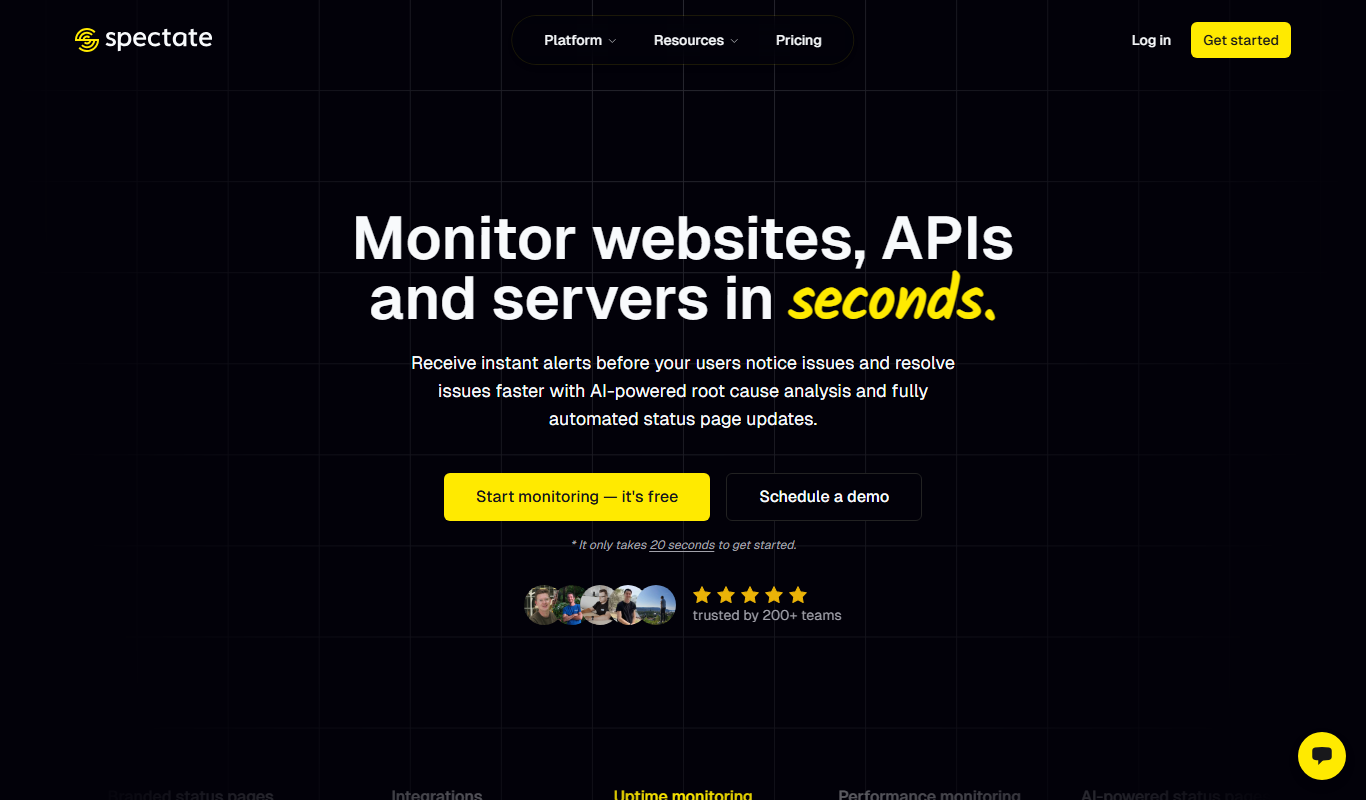
Spectate
Spectate monitors websites, APIs and servers, alerts you before users notice issues and keeps status pages updated with AI, with a free plan.

KubeHA
KubeHA is a GenAI-powered SaaS platform for Kubernetes monitoring, observability, remediation and exploration (MORE), with KubeHA GPT for plain English questions.

SRE.ai
SRE.ai is an AI-native systems integrator that automates enterprise systems delivery, with a Command Center for deployments and AI agents that code, test and deploy.

Warehouse Optimization
Keebo Warehouse Optimization uses agentic AI to rightsize Snowflake and Databricks warehouses 24/7, tuning size, auto-suspend and scaling within your SLAs.

Defang
Defang deploys your Compose file to your own AWS, GCP or Azure account, with preview environments and one path to production for people and agents.

Latitude
Latitude is an open-source AI agent observability platform that traces agents in production, discovers failing behavior, sends alerts and helps verify fixes.

Uniskai by Profisea Labs
Uniskai by Profisea Labs is a FinOps platform that reduces cloud costs across AWS, Azure and GCP with cost visibility, rightsizing, spot instances and waste management.

CockroachDB
CockroachDB is a distributed SQL database designed for cloud-native applications that require strong consistency, high availability, and horizontal scalability across multiple regions.