

Defang - Deploy Compose apps and AI agents to your own cloud
Defang deploys your Compose file to your own AWS, GCP or Azure account, with preview environments and one path to production for people and agents.
- Best for
- Shipping your own product
- Key capability
- Deploy a Compose file to your own cloud
Save Defang, follow its updates and vote on it — everything stays in your account.
Sign in or create a free account
What is Defang?
Defang is a cloud deployment platform for apps and AI agents. Defang Deploy takes a Compose file to your own AWS, GCP or Azure account and configures the infrastructure, Defang Station runs coding agents on a hosted machine, and Defang Forge is an engineering practice that helps teams redesign how they ship software.
Key features of Defang
Defang configures infrastructure in your cloud account from a Compose file, with LLM access via Bedrock or Vertex AI, GPU instances, and managed Postgres, MongoDB and Redis, each added with one annotation.
Deploy a Compose file to your own cloud
Bring your Compose file and deploy to your cloud account, or your customer's, with no Terraform required.
AI infrastructure included
LLM access via Bedrock or Vertex AI, GPU instances and managed Postgres, MongoDB and Redis, each one annotation in your Compose file.
Credentials stay on your machine
The CLI uses your local AWS, GCP or Azure SDK, and Defang's servers never see your cloud credentials.
Open source CLI
The CLI and cloud providers are open source, so you can inspect every command and audit every deployment.
Pros and cons of Defang
Pros
- Apps run in a cloud account you own
- No Terraform required
- Cloud credentials never reach Defang's servers
- Unlimited team members on all plans
- Can be bought through AWS Marketplace
Cons
- The free Starter plan has limited AI features and Compose generations
- No dedicated desktop or mobile apps
Key use cases for Defang
Shipping your own product
Ship to your own AWS, GCP or Azure account and control the infra, the bill and the data.
Client deployments
Freelancers and agencies deploy the same Compose file to a client's AWS or GCP account and hand off the project with infra included.
Deploying to every customer's cloud
The same Compose file works across every customer's account, and the whole fleet is managed from the Portal.
Running AI agent frameworks
Deploy agents built with CrewAI, LangGraph, AutoGen, Strands and more.
How Defang works
- 1
Bring your Compose file
Point Defang at your Compose file and your cloud account.
- 2
Defang configures the infrastructure
Defang configures the infrastructure in the AWS, GCP or Azure account, including Bedrock, Vertex AI or Azure AI if you need it.
- 3
Reuse the workflow
Use the same workflow for dev, staging and production.
- 4
Refang if Needed
Convert defanged URLs back to their original form for further investigation.
Who is using Defang
Defang pricing
Starter
Free
1 cloud account, affordable deployment mode, GPU support and autoscaling, managed Postgres and Redis, limited Compose generations per month, community support via Discord.
Pro
$49/mo
1 cloud account included ($29/mo per additional account), affordable and balanced deployment modes, rolling deployments, unlimited Compose generation and AI debugging.
Enterprise
$499/mo
3 cloud accounts included ($49/mo per additional account), fleet management, WAF, SOC 2 Type II compliance, deployment to multiple client cloud accounts and dedicated support.
Plans and prices are as published by the vendor and can change. Check the official site before you buy. Open the pricing page (opens in a new tab)
Frequently asked questions about Defang
Defang is a product line for running agents on Station, shipping what they build with Defang Deploy and building the capability with Forge.
Defang Deploy takes your project to AWS, GCP or Azure.
No. The CLI uses your local AWS, GCP or Azure SDK, and Defang’s servers never see your cloud credentials.
Yes. The Starter plan is free with 1 cloud account, the affordable deployment mode and limited AI features.
Forge is an engineering practice: Defang engineers work inside your codebase and cloud accounts to redesign how your team ships software, then hand it back to you.
A hosted machine running Claude Code or Codex against your own Anthropic and OpenAI accounts, reachable from any browser.
All plans include unlimited team members, and billing is per workspace.
Conclusion
Deployment starts from a Docker Compose file: Defang Deploy points it at any AWS, GCP or Azure account and configures the infrastructure there, including Bedrock, Vertex AI or Azure AI access, without any Terraform. Because the CLI uses the local cloud SDK, Defang’s servers never see the cloud credentials, and the CLI and providers are open source for auditing. The same file can go to a developer’s own account, a client’s account or every customer’s account managed from the Portal, which is how the product addresses freelancers, agencies and companies with data-conscious customers.
Two other offerings sit around it: Station is a hosted machine for running Claude Code or Codex against your own accounts, and Forge sends Defang engineers into a codebase to redesign how a team ships software. A free Starter plan covers one cloud account with limited AI features, while the paid Pro and Enterprise tiers add deployment modes, more accounts and compliance options, with billing per workspace and unlimited team members.
Sources
Sign in to review this tool.
Sign In to ReviewNo reviews yet
Be the first to share how this tool worked for you.
Ask about pricing, limits, or how it compares — or answer someone else.
Sign In to AskNo questions yet
Have a question about using or paying for this tool? Be the first to ask.
Featured on TiorAI



Alternative Tools
Explore similar AI tools that might fit your needs

URLScan.io
URLScan.io is a web-based tool that scans and analyzes URLs to detect phishing, malware, and other security threats by rendering websites in a sandboxed environment and providing detailed reports and API access.

VirusTotal
VirusTotal is a free online platform that scans files and URLs using multiple antivirus engines to detect malware and provide detailed threat intelligence reports. It supports API integration for automation and is widely used by cybersecurity professionals.

PhishTool
PhishTool is a cybersecurity platform designed to detect, analyze, and automate response to phishing threats, helping organizations improve email security and incident handling.
More AI DevOps Assistant tools
Other tools in the same category, for when this one is not quite the fit.
Spectate
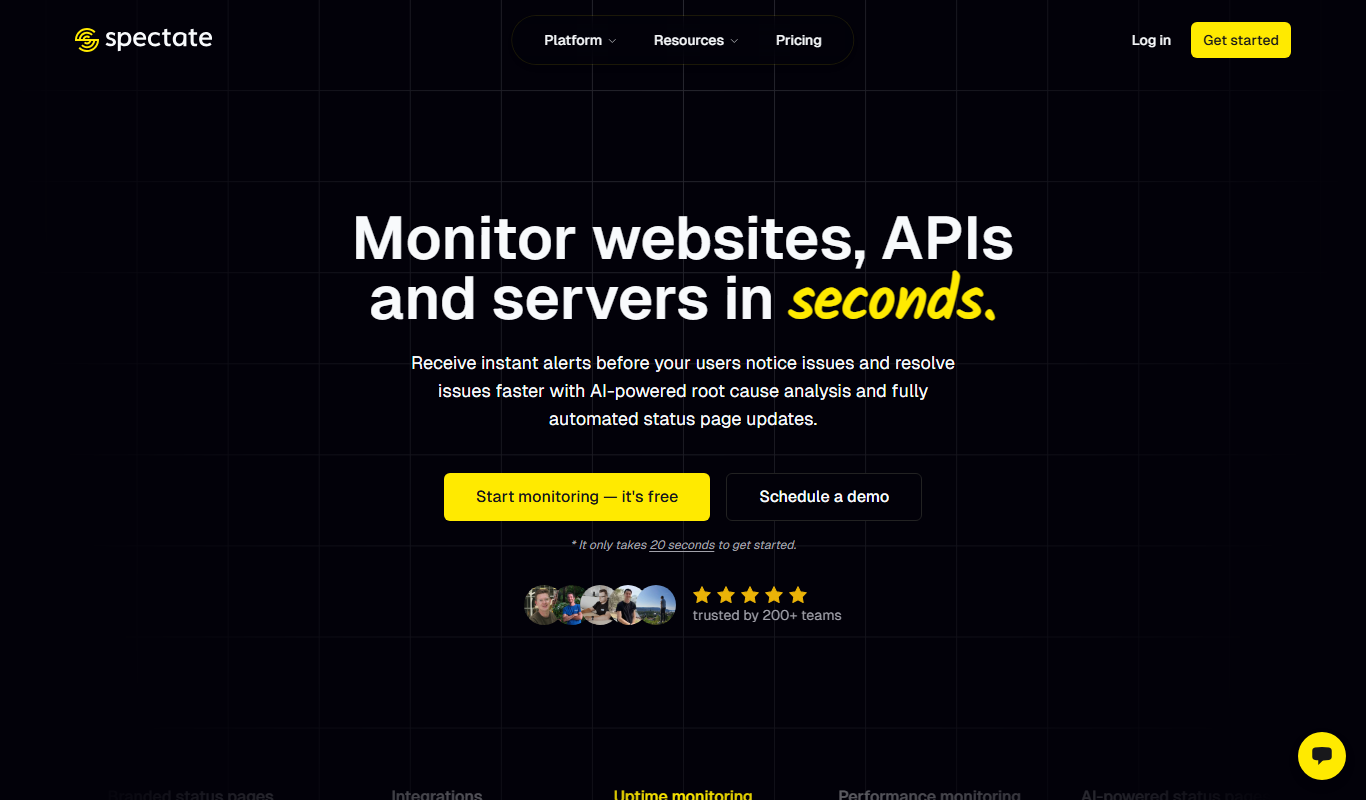
Spectate monitors websites, APIs and servers, alerts you before users notice issues and keeps status pages updated with AI, with a free plan.

KubeHA
KubeHA is a GenAI-powered SaaS platform for Kubernetes monitoring, observability, remediation and exploration (MORE), with KubeHA GPT for plain English questions.

SRE.ai
SRE.ai is an AI-native systems integrator that automates enterprise systems delivery, with a Command Center for deployments and AI agents that code, test and deploy.

Warehouse Optimization
Keebo Warehouse Optimization uses agentic AI to rightsize Snowflake and Databricks warehouses 24/7, tuning size, auto-suspend and scaling within your SLAs.

Latitude
Latitude is an open-source AI agent observability platform that traces agents in production, discovers failing behavior, sends alerts and helps verify fixes.

Uniskai by Profisea Labs
Uniskai by Profisea Labs is a FinOps platform that reduces cloud costs across AWS, Azure and GCP with cost visibility, rightsizing, spot instances and waste management.

CockroachDB
CockroachDB is a distributed SQL database designed for cloud-native applications that require strong consistency, high availability, and horizontal scalability across multiple regions.

Octopus Deploy
Octopus Deploy is a DevOps automation tool that simplifies continuous delivery by automating application deployments, managing releases, and integrating with CI/CD pipelines.