

Skedda Online Space Scheduling Software for Efficient Resource Management
Skedda is workplace management software that gives teams self-serve booking for desks, rooms and resources, with automated booking rules and usage data.
- Best for
- Facility Booking Management
- Key capability
- Customizable Booking Rules
Save Skedda, follow its updates and vote on it — everything stays in your account.
Sign in or create a free account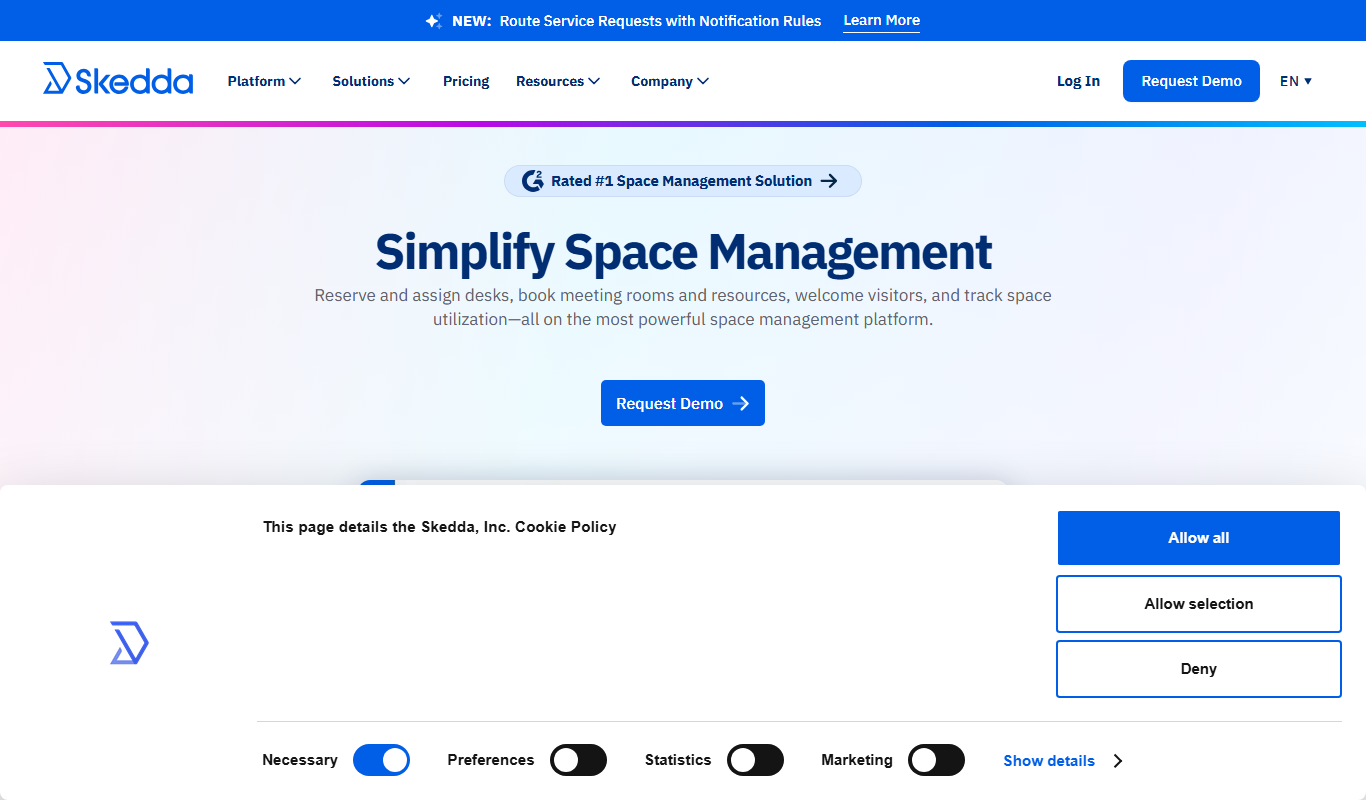
What is Skedda?
Skedda is workplace management and space booking software for managing desks, meeting rooms, offices, visitors and other workplace resources. It gives teams self-serve booking with automated rules, interactive maps of available spaces and utilization insights.
Key features of Skedda
Skedda offers features like real-time online booking, customizable scheduling rules, user role management, calendar integrations, automated notifications, and detailed usage analytics to optimize space utilization and improve operational efficiency.
Customizable Booking Rules
Set specific rules for each space, including booking windows, minimum/maximum durations, and buffer times.
User Roles and Permissions
Control access levels for different users, from admins to regular bookers.
Calendar Integrations
Sync bookings with external calendars like Google Calendar and Outlook.
Automated Notifications
Send email reminders and confirmations to users automatically.
Analytics and Reporting
Gain insights into space usage patterns and booking trends.
Pros and cons of Skedda
Pros
- User-friendly interface with clear booking workflows
- Flexible and customizable booking rules
- Strong calendar integration options
- Automated notifications reduce no-shows
- Detailed analytics for space utilization
Cons
- Advanced features require premium subscription
- Limited language support (English only)
Key use cases for Skedda
Facility Booking Management
Manage bookings for rooms, desks, studios, or other shared spaces with customizable rules and automated scheduling.
Resource Allocation
Optimize the use of physical resources by setting availability, capacity limits, and booking permissions.
Team Collaboration
Enable teams to coordinate space usage efficiently through shared calendars and real-time booking updates.
Event Scheduling
Plan and schedule events or meetings with integrated booking and conflict resolution features.
Access Control
Set user roles and permissions to control who can book, approve, or manage spaces.
How Skedda works
- 1
Create an Account
Sign up on Skedda’s website to start managing your spaces.
- 2
Set Up Spaces
Define the spaces you want to manage, including capacity, availability, and booking rules.
- 3
Invite Users
Add team members or clients and assign roles and permissions.
- 4
Start Booking
Users can book spaces via the online calendar, with automated conflict checks and notifications.
- 5
Monitor Usage
Track bookings and generate reports to analyze space utilization.
Who is using Skedda
Skedda pricing
Free trial
Free for 14 days
Free 14-day Premium trial with a custom interactive floor plan and full booking systems; no payment method required.
Plus
Starting at $249/mo, priced per space, billed annually (United States & Canada)
Space management solution for growing businesses: 35 spaces included, interactive floor plans, unlimited users and bookings, limited rules and roles engine, full insights dashboard.
Premier
Starting at $349/mo, priced per space, billed annually (United States & Canada)
Comprehensive, fully-customizable space management: 45 spaces included, everything in Plus, and assigned spaces, full rules and roles engine, unlimited custom fields.
Enterprise
Talk to Sales; pricing tailored to the organization
Advanced platform for complex space management: custom spaces, everything in Premier, and a dedicated account manager, legal agreement flexibility and white glove implementation.
Plans and prices are as published by the vendor and can change. Check the official site before you buy. Open the pricing page (opens in a new tab)
Frequently asked questions about Skedda
Yes, Skedda supports integrations with popular calendars such as Google Calendar and Microsoft Outlook.
All plans are priced per space, and each plan includes a set number of spaces.
Yes, you can set specific booking rules like time limits and availability for each space.
Yes, Skedda offers native iOS and Android mobile apps.
It depends on your specific needs and how you plan to use the tool. The official website and documentation are the best sources for the latest details.
Some tools offer a free plan or trial with limited features. Availability can vary, so confirm on the official website.
Integration support depends on the tool and its available connectors or API. Check the official documentation or integrations page to confirm what is supported.
Yes, it can help with that use case depending on how you configure it and what features are available. You’ll get the best results with clear inputs and a defined goal.
Conclusion
Administrators first define each space with its capacity, availability and booking rules, then invite users and assign roles and permissions. Bookings are made on an online calendar or on an interactive map that shows what is open, reserved or restricted, with automated conflict checks. Approvals, quotas, priority windows and check-in rules control when and how people book, and seats that go unused are released. Wifi-based occupancy detection and a utilization view report desk and room usage, peak hours and booking patterns over time.
The platform is aimed at corporate offices, coworking spaces and educational institutions, while a separate AllBooked product handles sports, studios and community booking. Native iOS and Android apps are part of the plans, as is event sync with Microsoft 365 or Google Workspace. All plans are priced per space and billed annually, with separate price lists for the United States and Canada and for EMEA and APAC. New accounts can begin with a free 14-day Premium trial that requires no payment method.
Sources
Sign in to review this tool.
Sign In to ReviewNo reviews yet
Be the first to share how this tool worked for you.
Ask about pricing, limits, or how it compares — or answer someone else.
Sign In to AskNo questions yet
Have a question about using or paying for this tool? Be the first to ask.
Featured on TiorAI


Alternative Tools
Explore similar AI tools that might fit your needs

Robin Powered
Robin Powered is a workspace management platform that helps organizations optimize hybrid office environments by enabling desk and meeting room booking, visitor management, and space utilization analytics.
More AI Workflow tools
Other tools in the same category, for when this one is not quite the fit.

Lens Protocol
Lens Protocol is a blockchain stack built for SocialFi, made up of Lens Chain, the Social Protocol and Storage Nodes, where one Lens account works across many apps.

Botkeeper
Botkeeper is an AI accounting solution purpose-built for accounting firms that automates the most manual and time-consuming bookkeeping work.

Furkot
Furkot is a web-based trip planner that helps users create multi-stop routes, optimize travel paths, schedule accommodations and activities, and share itineraries for efficient road trip planning.

Trials.ai
Trials.ai is an AI-driven platform that helps medical researchers design optimized clinical trial protocols, improve patient recruitment, and ensure regulatory compliance to accelerate trial success.

ZipBooks
ZipBooks is a cloud-based accounting software designed for small businesses and freelancers to manage invoicing, expenses, payments, and financial reporting with ease.

Lookeen
Lookeen is a Windows desktop search software that enables fast and comprehensive searching of emails, files, and documents, integrating deeply with Microsoft Outlook and supporting network drives.
Ataccama
Ataccama is an AI-driven data management platform that integrates data governance, master data management, and data quality automation to help enterprises manage and improve their data assets efficiently.
FloQast
FloQast is a cloud software designed to streamline and automate the accounting month-end close process, improving accuracy and collaboration for finance teams.