

BookBrush AI Book Cover Maker and Marketing Design Tool for Authors
BookBrush is a web-based design platform that helps authors create professional book covers, 3D mockups, and marketing images using customizable templates and easy drag-and-drop tools.
- Best for
- Book Cover Creation
- Key capability
- Customizable Book Cover Templates
Save BookBrush, follow its updates and vote on it — everything stays in your account.
Sign in or create a free account
What is BookBrush?
BookBrush is a web-based design platform tailored specifically for authors and publishers to create professional book covers, marketing images, and 3D mockups. It provides easy-to-use templates and customization tools that require no prior graphic design experience, enabling users to produce visually appealing promotional materials that help books stand out in a crowded market.
Key features of BookBrush
BookBrush offers a wide range of features including customizable book cover templates, 3D book mockup generators, social media image creators, and marketing design tools. Its intuitive interface and author-focused assets streamline the process of creating eye-catching visuals for book promotion and branding.
Customizable Book Cover Templates
Access a large library of professionally designed templates that can be personalized to match your book’s theme.
3D Book Mockup Generator
Create realistic 3D images of your book in various formats to enhance marketing visuals.
Social Media Image Creator
Design promotional graphics optimized for different social media platforms with ease.
Drag-and-Drop Editor
Intuitive interface allowing users to easily customize designs without graphic design skills.
Author Branding Tools
Create consistent branding materials such as logos and banners to build a professional author presence.
Pros and cons of BookBrush
Pros
- User-friendly interface suitable for beginners
- Wide selection of book cover and marketing templates
- 3D mockup generator enhances promotional visuals
- Tailored specifically for authors and publishers
Cons
- Limited customization options compared to professional design software
- No offline or desktop app available
- Primarily English language support only
Key use cases for BookBrush
Book Cover Creation
Design professional-quality book covers using customizable templates and AI-powered tools.
Marketing Image Design
Create promotional images for social media, ads, and newsletters tailored for authors and publishers.
3D Book Mockups
Generate realistic 3D mockups of books to showcase covers in various formats like paperback, hardcover, and eBook.
Social Media Content
Produce engaging social media posts and banners optimized for platforms like Facebook, Instagram, and Twitter.
Author Branding
Develop consistent branding materials including logos, banners, and promotional graphics to enhance author presence.
How BookBrush works
- 1
Sign Up
Register for a Book Brush account and choose a plan to access the design tools and templates.
- 2
Choose a Template
Select from a variety of book cover or marketing image templates tailored for different genres and platforms.
- 3
Customize Design
Use drag-and-drop tools to modify text, images, colors, and layouts to fit your book’s style.
- 4
Generate 3D Mockups
Create realistic 3D representations of your book cover for promotional use.
- 5
Download and Share
Export your designs in multiple formats and share them on social media or use them in marketing campaigns.
Who is using BookBrush
BookBrush pricing
Plus
$149 / year
Unlimited image downloads, 4M+ stock photos, 250+ 3D cover templates, 3.5K+ author-specific templates, 1 Reader Hub page, upload fonts, animation tools, priority support and Cover Creator.
Gold
$149 / year (save $50 on the regular $199)
Unlimited image downloads, 2 Reader Hub pages, Cover Creator, Box Set Creator and Instant Mockups, plus stock photos, templates, animation tools and priority support.
Platinum
$246 / year
3 Reader Hub pages, Cover Creator, Box Set Creator, Instant Mockups, Trailer Creator, 10 free background removal credits per month, Platinum mockups and exclusive education webinars.
Plans and prices are as published by the vendor and can change. Check the official site before you buy. Open the pricing page (opens in a new tab)
Frequently asked questions about BookBrush
Yes, BookBrush is designed for authors with no prior design skills, featuring easy-to-use templates and drag-and-drop tools.
You can download your designs in PNG, JPG, and PDF formats depending on the project type.
Yes, BookBrush includes a 3D mockup generator for creating realistic book images.
The official pricing page lists only paid annual plans: Plus, Gold and Platinum.
It depends on your specific needs and how you plan to use the tool. The official website and documentation are the best sources for the latest details.
Some tools offer a free plan or trial with limited features. Availability can vary, so confirm on the official website.
Yes, it can help with that use case depending on how you configure it and what features are available. You’ll get the best results with clear inputs and a defined goal.
Yes, it can help with that use case depending on how you configure it and what features are available. You’ll get the best results with clear inputs and a defined goal.
Conclusion
Most design work runs through the Custom Creator, an online photo editor for ads and social media graphics with over 3,000 templates sorted by platform and genre. Separate tools handle narrower jobs: the Cover Creator builds print, eBook, audio or Kindle Vella covers from templates, while Instant Mockups puts a finished cover into a scene or turns it into a 3D image. A Box Set Creator exports box set images with a transparent background, and animated mockups turn designs into vertical videos. Reader Hub then collects images under one shareable URL for readers.
The software is aimed at self-published authors and small publishing houses. Alongside it sits a done-for-you side with social media management, custom cover design and hourly design concepts. Paid access is billed per year across the Plus, Gold and Platinum plans, and tools such as the Box Set Creator, Instant Mockups and the Trailer Creator only appear on the higher tiers.
Sources
Sign in to review this tool.
Sign In to ReviewNo reviews yet
Be the first to share how this tool worked for you.
Ask about pricing, limits, or how it compares — or answer someone else.
Sign In to AskNo questions yet
Have a question about using or paying for this tool? Be the first to ask.
Featured on TiorAI



Alternative Tools
Explore similar AI tools that might fit your needs

Placeit
Placeit is an online platform offering customizable templates for logos, mockups, videos, and marketing materials, designed for users without design experience.
More AI Book Cover Generator tools
Other tools in the same category, for when this one is not quite the fit.

GPT Book Club
GPT Book Club is a free web-based AI platform that enables users to engage in interactive book discussions, receive summaries, and enhance their reading experience through GPT-powered conversations.

Octoparse AI
Octoparse AI is a no-code web scraping tool that uses artificial intelligence to automate data extraction from websites, supporting dynamic content and offering cloud-based scraping and API integration.

ebookmaker.ai
ebookmaker.ai is an AI-driven platform that helps users quickly generate, customize, and export professional ebooks using artificial intelligence and customizable templates.
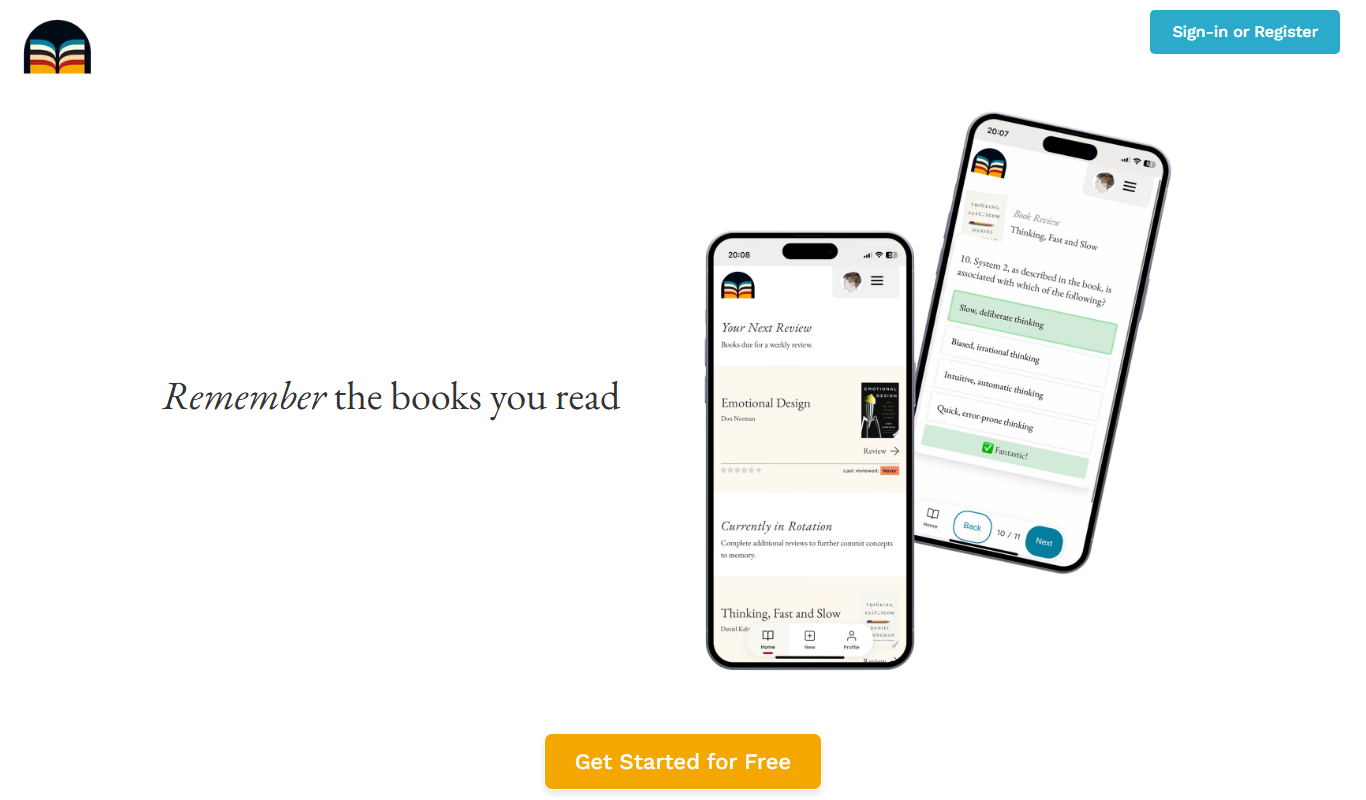
Bookwield
Bookwield is an AI writing assistant that helps users create and edit content by providing grammar corrections, style improvements, and creative suggestions through a web-based platform.

Automateed
Automateed is a no-code AI automation platform that helps users create workflows to automate tasks, integrate apps, and schedule operations efficiently.

Openfabric AI
Openfabric AI is a modular platform that enables users to deploy, integrate, and automate AI models and workflows through a visual interface and API, supporting both pre-built and custom AI models.
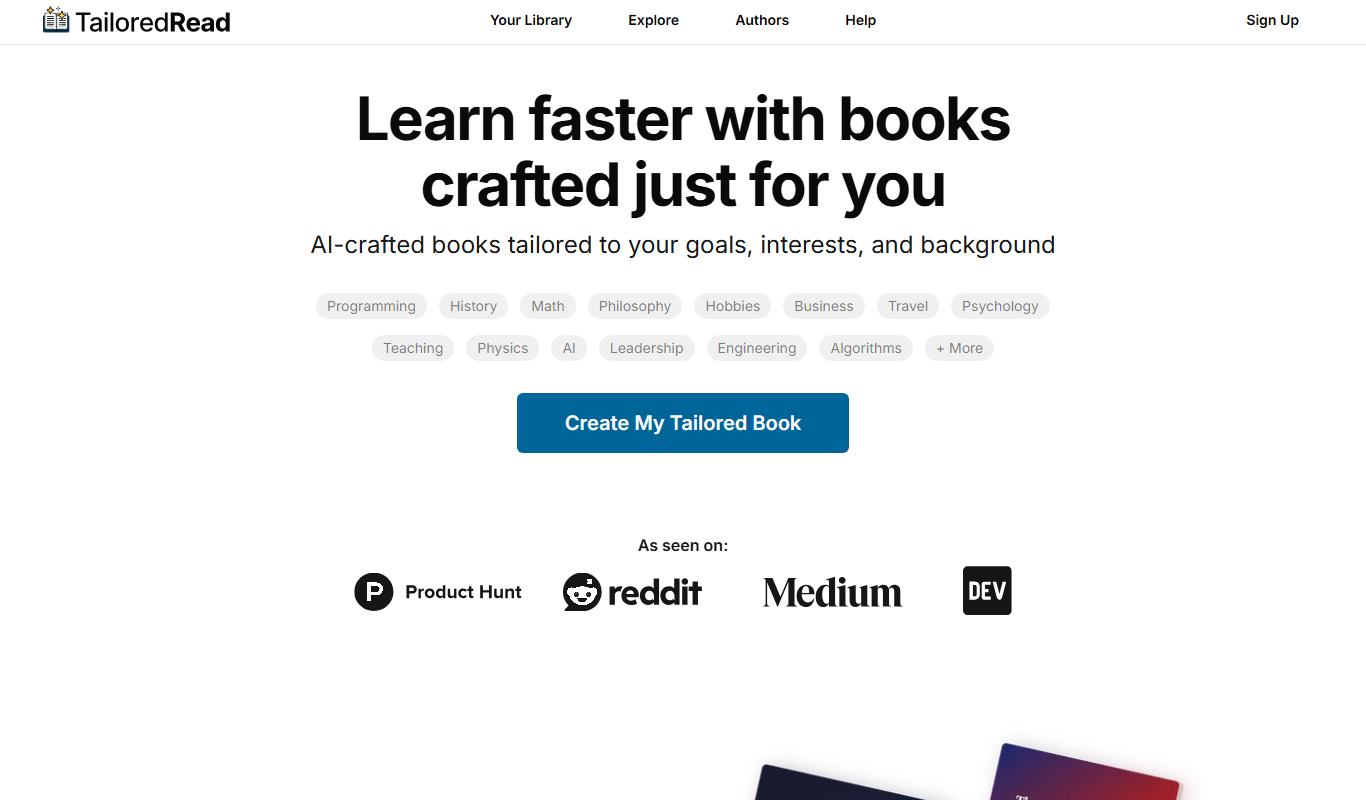
TailoredRead
TailoredRead is an AI reading assistant that creates personalized summaries of articles and documents, helping users save time and focus on key information.