

Typefully Twitter Thread Creator and Social Media Writing Tool for Marketers
Typefully is a collaborative social media tool to create, schedule and publish posts on X (Twitter), LinkedIn, Threads, Bluesky and more, with analytics, AI writing tools and automations.
- Best for
- Twitter Thread Creation
- Key capability
- Thread Editor
Save Typefully, follow its updates and vote on it — everything stays in your account.
Sign in or create a free account
What is Typefully?
Typefully is an AI-powered, collaborative social media scheduler for writing, scheduling and publishing posts on X, LinkedIn, Bluesky, Threads and Mastodon. It combines a focused editor with a shared calendar, analytics and team collaboration.
Key features of Typefully
Typefully provides a powerful thread editor, scheduling capabilities, analytics dashboard, and team collaboration features. It streamlines the process of writing and publishing Twitter content, helping users increase their social media impact.
Thread Editor
A user-friendly editor optimized for writing multi-tweet threads with live character count and formatting.
Scheduling
Set specific times for tweets and threads to be published automatically.
Analytics Dashboard
Track key performance indicators to understand how your content resonates with your audience.
Team Collaboration
Invite team members to collaborate on content creation and scheduling.
Draft Management
Save and organize drafts for future editing and publishing.
Pros and cons of Typefully
Pros
- Clean, distraction-free thread editor
- Easy scheduling and publishing workflow
- Insightful analytics for Twitter engagement
- Supports team collaboration
- Saves drafts for content management
Cons
- Limited to Twitter platform only
- No mobile app, web-only access
- Free plan has feature restrictions
Key use cases for Typefully
Twitter Thread Creation
Compose, edit, and publish engaging Twitter threads with an intuitive editor designed for social media storytelling.
Social Media Content Scheduling
Schedule tweets and threads to be published automatically at optimal times to maximize engagement.
Content Analytics
Track performance metrics of your tweets and threads to analyze audience engagement and optimize future posts.
Collaboration for Teams
Work with team members on social media content creation and scheduling with shared access and workflow tools.
Content Drafting and Management
Save drafts, organize ideas, and manage your social media content pipeline efficiently.
Who is using Typefully
Frequently asked questions about Typefully
Yes. Sign-up works with Google, X/Twitter, LinkedIn or email, and posts can go to LinkedIn, Bluesky, Threads and Mastodon as well as X.
Yes. Typefully cross-posts to X, LinkedIn, Bluesky, Threads and Mastodon.
Yes. Publishing is limited to 10 posts per month on the Free plan, 1000 posts per month on Creator and 1500 posts per month on Business.
Yes. Collaborative writing, comments with Slack notifications, and teams, roles and permissions are part of the Business plan.
This tool is designed to help users accomplish its core tasks more efficiently. It is typically used by individuals or teams looking to improve productivity and workflow.
Yes, it can help with that use case depending on how you configure it and what features are available. You’ll get the best results with clear inputs and a defined goal.
Some tools offer a free plan or trial with limited features. Availability can vary, so confirm on the official website.
Yes, it can help with that use case depending on how you configure it and what features are available. You’ll get the best results with clear inputs and a defined goal.
Conclusion
Drafting happens in a focused editor, and a finished post can then be cross-posted to X, LinkedIn, Bluesky, Threads and Mastodon. A shared calendar shows what is scheduled, in review and ready to ship across a team, and previews show how threads, mentions and media will look before anything goes live. Its AI writing tools brainstorm, rewrite and expand drafts based on how the user actually writes, and a Mac app is offered too.
Social media marketers, writers and marketing agencies are the intended users, and comments, mentions and shared drafts support collaboration. Integrations and AI agents can also queue drafts, leave feedback and manage the calendar. A free plan covers light use with a monthly post limit, while X analytics, AI writing features and team roles sit in the paid Creator and Business plans.
Sources
Sign in to review this tool.
Sign In to ReviewNo reviews yet
Be the first to share how this tool worked for you.
Ask about pricing, limits, or how it compares — or answer someone else.
Sign In to AskNo questions yet
Have a question about using or paying for this tool? Be the first to ask.
Featured on TiorAI



More Marketing & Advertising tools
Other tools in the same category, for when this one is not quite the fit.
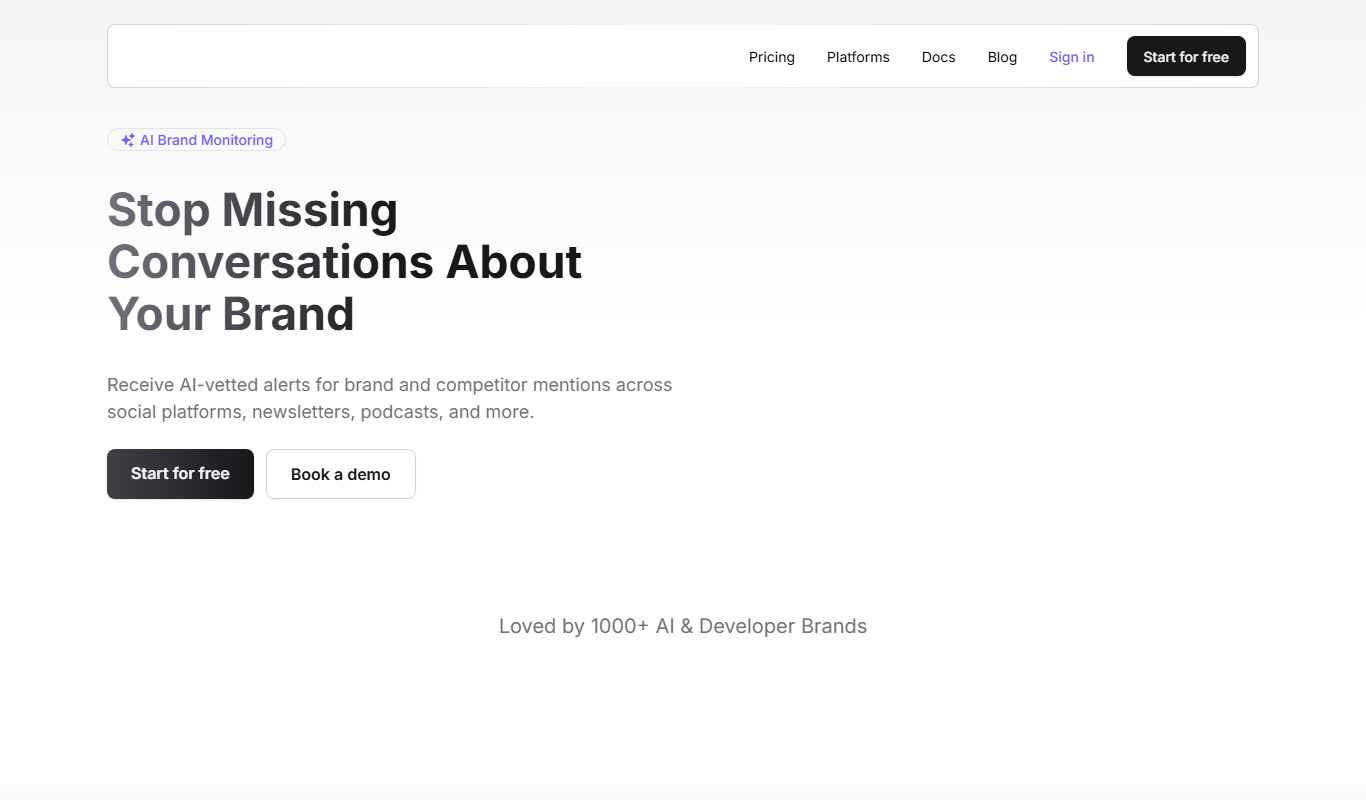
Octolens AI
Octolens is an AI social listening tool that tracks brand mentions across Reddit, X, LinkedIn and 10+ platforms, with API, MCP and webhooks on every plan.
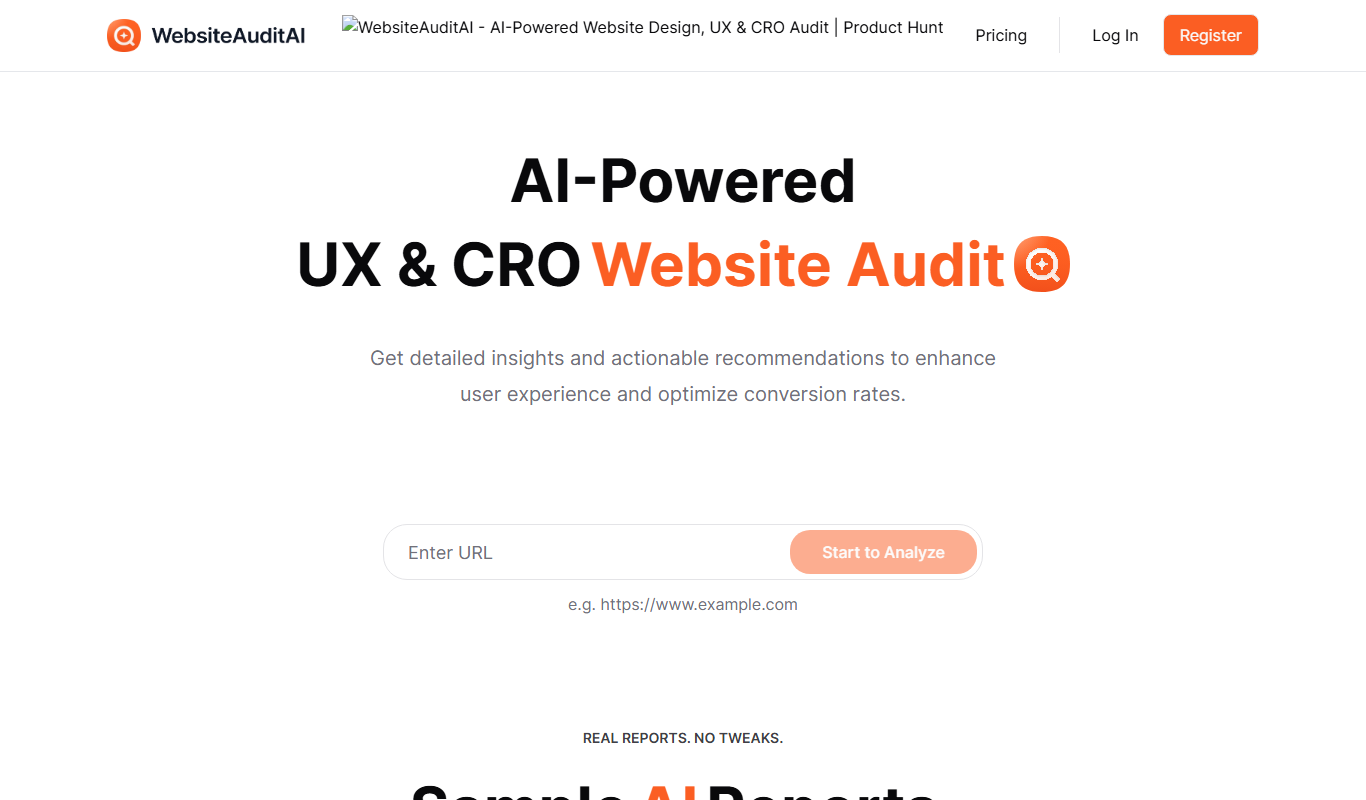
WebsiteAuditAI
WebsiteAuditAI runs AI-powered UX, CRO and copywriting audits of any web page and returns scored reports with actionable recommendations.

Insight7
Insight7 analyzes customer calls, scores every conversation, coaches reps and deploys AI voice and chat agents for customer teams.
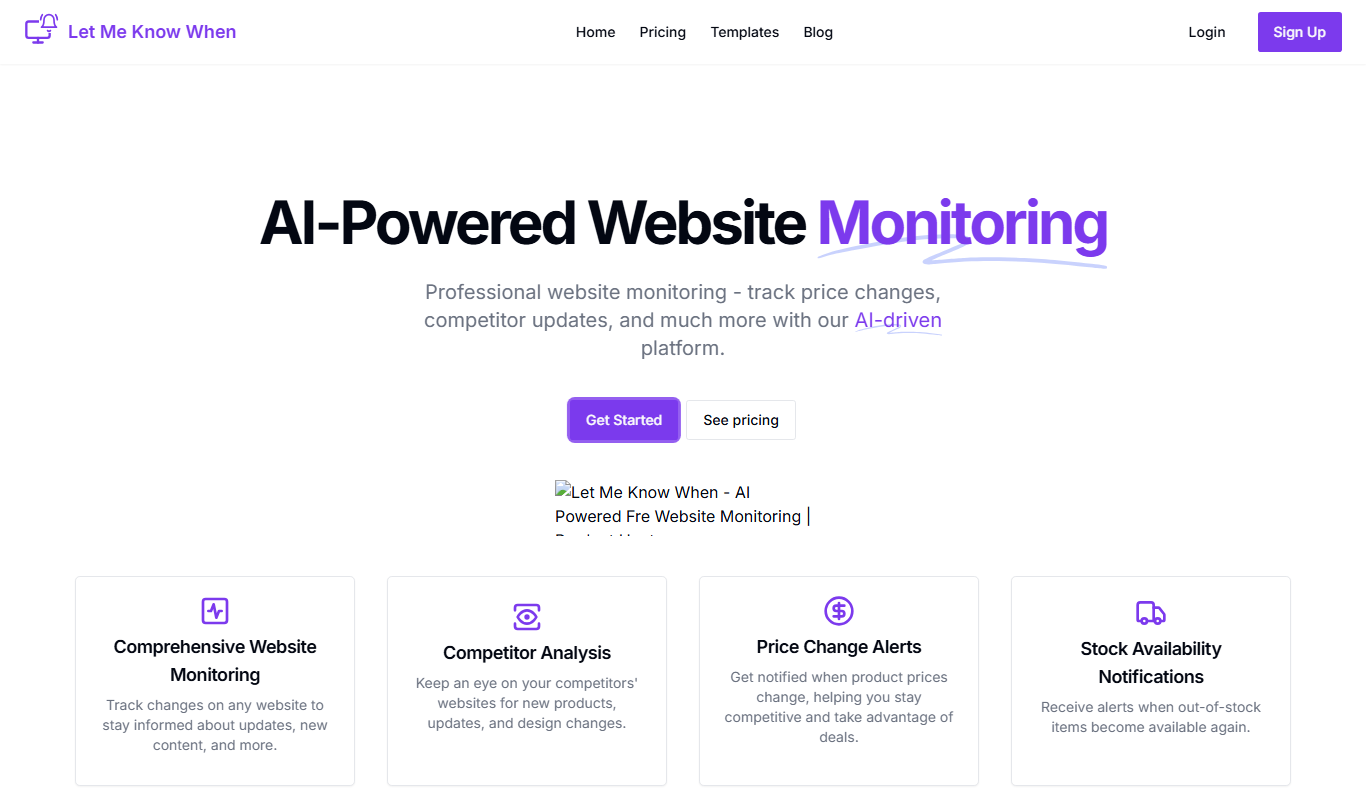
Let Me Know When
Let Me Know When monitors websites for price changes, competitor updates, stock availability and new content, and alerts you by email or Slack.

Remagine AI
Remagine AI is a web-based platform that uses artificial intelligence to generate marketing content and automate marketing workflows, helping businesses create SEO-friendly and brand-consistent materials efficiently.

MagicSet
MagicSet sends 1:1 personalized cold email with address verification, automatic follow-ups and replies tracked to deals, priced per email with 100 free emails to start.

LaunchPal
LaunchPal is an AI marketing partner that learns your brand, delivers content on auto-pilot and shares assets with clients through a portal, also on WhatsApp.

neuronsinc.com
Neurons is a neuromarketing AI that predicts attention, engagement and memorability of ad creatives before they go live, with heatmaps and behavioral scores.