

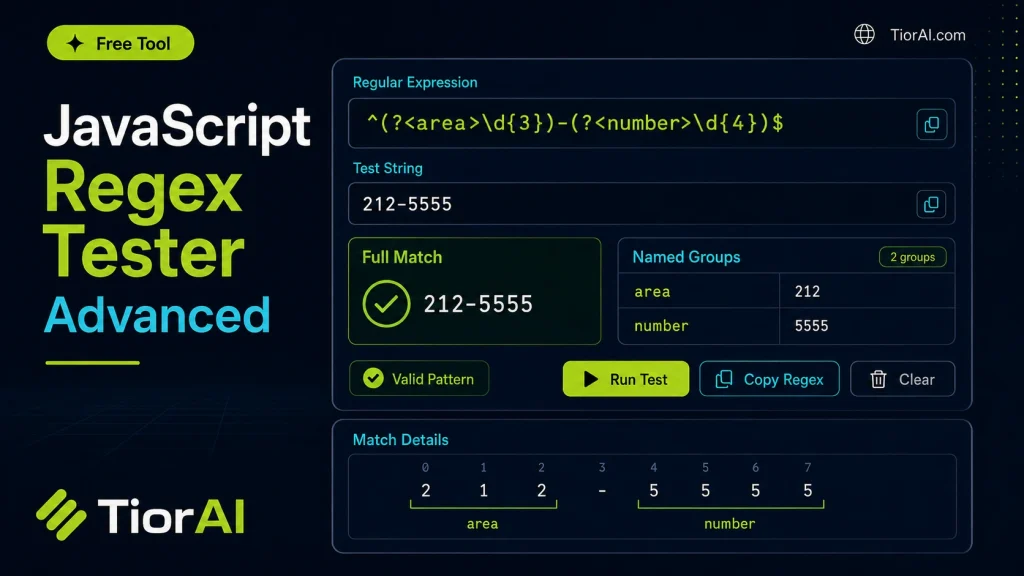
JavaScript Regex Tester Advanced
Test regular expressions with capture group details, replace mode, and generated JavaScript code.
g global |
i case-insensitive |
m multiline |
s dotAll |
u unicodeHow to use it
- Paste Your Input Paste your code or data into the Javascript Regex Tester Advanced. The tool accepts standard input formats and validates your entry.
- Process and Transform Click the action button to process your input. Results are generated instantly with proper formatting.
- Export the Output Copy the processed output to your clipboard or download it for use in your development workflow.
Tip The Javascript Regex Tester Advanced validates your input on the fly, catching syntax errors before they become bugs in production.
Understanding JavaScript Regular Expressions
Regular expressions (RegEx) are patterns used to match character combinations in strings. In JavaScript, RegEx provides a powerful way to search, replace, and validate text based on specific patterns. This capability is essential for tasks like form validation, data parsing, and syntax highlighting.
JavaScript RegEx uses a specific syntax enclosed between slashes (/pattern/) and can include flags like g for global search or i for case-insensitive matching. The patterns themselves can include literals, character classes, quantifiers, groups, and assertions.
Developers often need to test and refine these patterns to ensure they behave as expected. This is where an advanced JavaScript regex tester becomes invaluable. It allows you to input your regex pattern and test string, see matches highlighted in real time, and understand how different flags and constructs affect the result.
Common use cases include validating email addresses, extracting data from logs, or transforming text formats. Because regex syntax can be complex and subtle, having a dedicated tool to experiment and debug patterns helps avoid errors and improves development efficiency.
What is JavaScript Regular Expression Testing?
Regular expressions in JavaScript are patterns used to match and manipulate text. They are essential for tasks like validating input, searching within strings, and transforming text data. Because regex syntax can be complex and subtle, testing your patterns before using them in code is crucial.
Advanced JavaScript regex testers provide an interactive environment where you can enter your regex pattern and test strings, then instantly see which parts match. This immediate feedback helps you understand how your pattern behaves, identify mistakes, and optimize it for your needs.
When Should You Use a JavaScript Regex Tester?
- Validating user inputs such as emails or phone numbers.
- Extracting specific data from logs or text files.
- Debugging complex regex patterns to ensure they work as intended.
- Learning regex syntax and experimenting with different constructs.
- Testing how different flags affect matching behavior.
Common Mistakes to Avoid
- Not escaping special characters, which can cause unexpected matches or errors.
- Using quantifiers incorrectly, leading to greedy matches that capture too much text.
- Overlooking regex flags like global or multiline, which change matching scope.
- Assuming regex patterns are the same across all programming languages without checking JavaScript specifics.
Using an advanced JavaScript regex tester helps prevent these mistakes by providing real-time feedback and detailed pattern analysis, making your development process more efficient and error-free.
Frequently asked questions
m to control how the regex processes line boundaries.g enables global matching, i makes it case-insensitive, and m changes how anchors (^ and $) work across lines.Reviews and questions
Whether this tool gave people the answer they needed, and what they asked about it.
Sign in to review this tool.
Sign In to ReviewNo reviews yet
Be the first to say whether this tool gave you what you needed.
Ask how to read the result, or what the tool does with an edge case — or answer someone else.
Sign In to AskNo questions yet
Not sure how to read a result? Be the first to ask.
AI tools related to this topic
Tools from the TiorAI directory that work on the same kind of job.
Advanced SystemCare
Advanced SystemCare is a Windows-based PC optimization software by IObit that cleans junk files, optimizes system performance, protects privacy, and removes malware to keep your computer running smoothly.

Gemini & Gemini Advanced
Gemini and Gemini Advanced are Google’s advanced AI language models designed for conversational AI, content generation, and coding assistance, supporting multiple languages and accessible via web and API.

ScoreApp: Advanced Quiz Funnel Marketing | Quiz Software
ScoreApp is a web-based quiz funnel software that enables marketers to create interactive, score-based quizzes for lead generation, customer segmentation, and marketing automation.

SpeechFlow – Advanced Speech-to-Text API
SpeechFlow is a powerful speech-to-text API that provides real-time, accurate transcription with multi-language support and speaker diarization, ideal for developers and businesses needing voice-to-text solutions.