

JavaScript Tools
JavaScript Escape
Escape or unescape special characters in strings for use in JavaScript code.
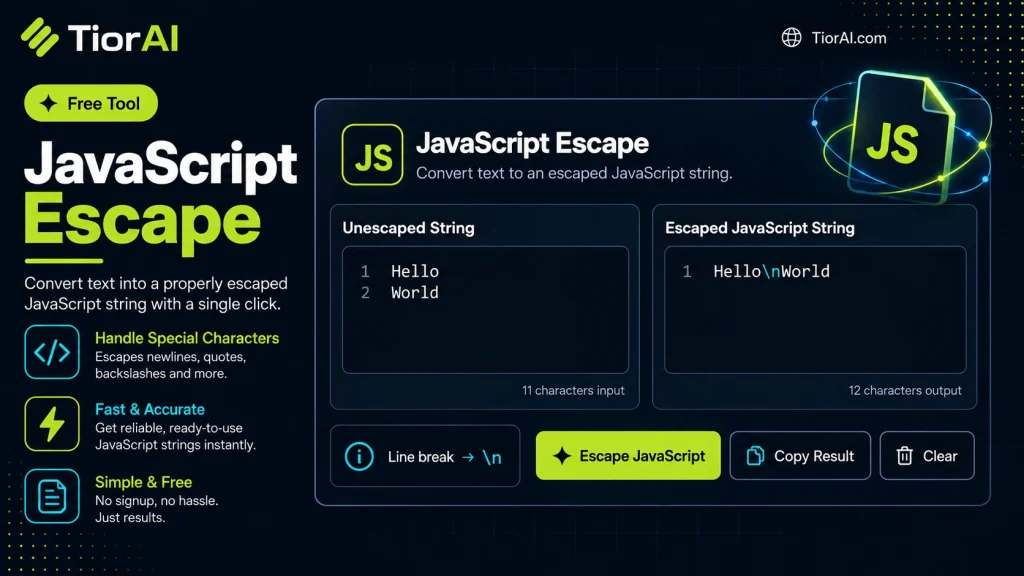
How to use it
- Paste Your Input Paste your code or data into the Javascript Escape. The tool accepts standard input formats and validates your entry.
- Process and Transform Click the action button to process your input. Results are generated instantly with proper formatting.
- Export the Output Copy the processed output to your clipboard or download it for use in your development workflow.
Tip The Javascript Escape runs entirely in your browser — your code never leaves your device, keeping it private and secure.
Reviews and questions
Whether this tool gave people the answer they needed, and what they asked about it.
Sign in to review this tool.
Sign In to ReviewNo reviews yet
Be the first to say whether this tool gave you what you needed.
Ask how to read the result, or what the tool does with an edge case — or answer someone else.
Sign In to AskNo questions yet
Not sure how to read a result? Be the first to ask.