

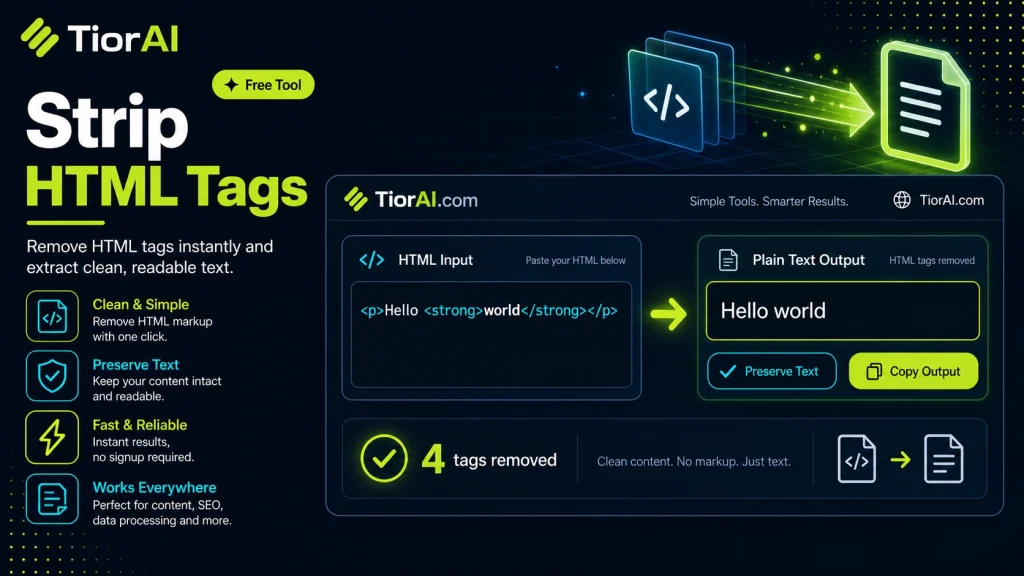
Strip HTML Tags
Understanding HTML and Its Role in Web Content HTML, or HyperText Markup Language, is the backbone of web content. It uses tags to define the structure and presentation of text, images, links, and other elements on a webpage. These tags are enclosed in angle brackets,…
How to use it
- Paste Your Text Paste or type your text into the Strip HTML Tags. The tool handles content of any length with no character limits.
- Apply the Tool Click the action button to process your text. The transformation is applied instantly to your content.
- Copy the Result Review the transformed text and copy it to your clipboard for use in documents, emails, or projects.
Tip Use the Strip HTML Tags to clean up copied text from PDFs or web pages that often carry hidden formatting issues.
About Strip HTML Tags
HTML (HyperText Markup Language) is the standard markup language used to create and structure content on the web. It uses tags enclosed in angle brackets, such as <h1>, <p>, and <div>, to define elements like headings, paragraphs, links, images, and more. These tags tell web browsers how to display the content visually and semantically.
Technically, HTML is a text-based format that combines content with markup instructions. The markup tags are not part of the visible content themselves but instruct browsers on layout, styling, and behavior. For example, the tag <a href="url"> defines a hyperlink, while <strong> indicates strong importance, usually rendered as bold text.
HTML exists to separate content from presentation and to provide a standardized way for browsers and other user agents to interpret and render web pages consistently. It supports nesting of tags, attributes for additional information, and a hierarchical document structure.
How HTML Works Technically
- Parsing: When a browser loads an HTML document, it parses the text sequentially, recognizing tags and building a Document Object Model (DOM) tree that represents the page structure.
- Rendering: The browser uses the DOM tree along with CSS and JavaScript to render the visual page.
- Tags and Content: Tags define elements, and the text between tags is the content. For example, in
<p>Hello</p>,<p>is the tag and “Hello” is the content.
Common Real-World Scenarios with HTML
- Web Development: Writing HTML is fundamental to creating websites and web applications.
- Email Formatting: Many emails use HTML to format text, images, and links.
- Content Management Systems (CMS): CMS platforms store content in HTML format to display on websites.
- Data Extraction: When scraping web pages or processing content, you often need to extract plain text from HTML.
Because HTML mixes content with markup, there are many situations where you want to extract just the text without the tags. This is where stripping HTML tags becomes important, allowing you to get clean, readable text for processing, analysis, or display in environments that do not support HTML.
Understanding HTML and Its Role in Web Content
HTML, or HyperText Markup Language, is the backbone of web content. It uses tags to define the structure and presentation of text, images, links, and other elements on a webpage. These tags are enclosed in angle brackets, such as <div> or <p>, and instruct browsers how to display the content.
Technically, HTML is a markup language that combines content with instructions for rendering. When a browser loads an HTML document, it parses the tags and builds a Document Object Model (DOM) tree representing the page structure. This allows the browser to render the page visually and interactively.
HTML tags can be nested and include attributes that provide additional information. For example, <a href="https://example.com">Link</a> creates a hyperlink. This flexibility makes HTML powerful but also means that content is often mixed with markup.
When to Use a Strip HTML Tags Tool
There are many scenarios where you need to extract plain text from HTML content. Here are some common use cases:
- Text Analysis: When performing natural language processing or indexing, you want to work with clean text without markup.
- Content Cleaning: User-generated content often includes unwanted HTML tags that need to be removed before display or storage.
- Data Import: Importing content from web pages or emails into plain text fields requires stripping HTML tags.
- Security: Removing HTML tags from user input helps prevent cross-site scripting (XSS) and other injection attacks.
- Format Conversion: Preparing content for SMS, plain text emails, or other formats that do not support HTML.
Common Mistakes When Stripping HTML Tags
Users often make mistakes when removing HTML tags, which can lead to incomplete or misleading results:
- Removing All Tags Blindly: Not all tags are equal; some provide essential structure or meaning. Removing everything without consideration can harm readability.
- Using Simple String Replacement: Attempting to remove tags with basic search-and-replace can fail with nested or malformed HTML, resulting in broken text.
Using a proper parsing approach ensures tags are removed safely and the text remains intact.
Technical Context and Best Practices
Stripping HTML tags involves parsing the input to identify tag boundaries and remove them. This can be done with regular expressions for simple cases, but a robust solution uses an HTML parser to handle nested tags and malformed markup correctly.
Additionally, some tags like <script> and <style> contain content that should also be removed, as it is not visible text. A good tool will remove these tags and their contents entirely.
Finally, after stripping tags, it is often necessary to normalize whitespace and decode HTML entities (like & to &) to produce clean, readable text.
Worked examples
Extracting plain text from a web article
When scraping or copying content from a web page to use in a plain text summary or analysis.
Before <h1>Welcome to Our Site</h1><p>This is an <strong>important</strong> announcement.</p>After Welcome to Our Site This is an important announcement.Cleaning user input before database storage
Removing potentially malicious HTML tags from user-submitted content to prevent security vulnerabilities.
Before <script>alert('hack');</script><p>User comment here.</p>After User comment here.
Frequently asked questions
<script> and <style> tags, along with their content if designed to do so, to ensure only visible text remains.Reviews and questions
Whether this tool gave people the answer they needed, and what they asked about it.
Sign in to review this tool.
Sign In to ReviewNo reviews yet
Be the first to say whether this tool gave you what you needed.
Ask how to read the result, or what the tool does with an edge case — or answer someone else.
Sign In to AskNo questions yet
Not sure how to read a result? Be the first to ask.
AI tools related to this topic
Tools from the TiorAI directory that work on the same kind of job.
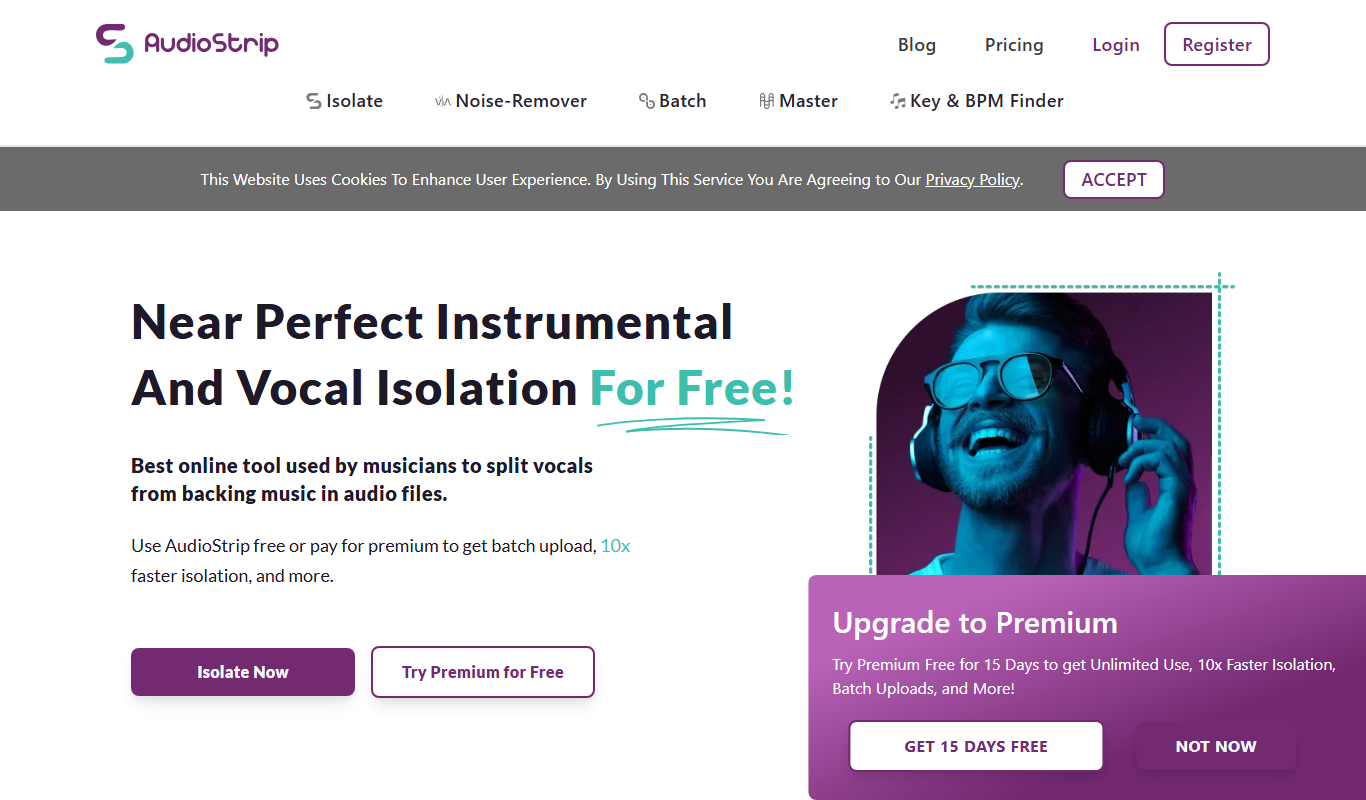
Audio Strip
Audio Strip is an online audio editing tool that helps podcasters and musicians remove background noise, hum, and improve audio quality directly in the browser without software installation.

Code to Flow: Visualize your code
Code to Flow is a web tool that automatically converts source code into flowcharts, helping developers visualize and understand code logic easily.