

WebP to JPG
Convert WEBP images to JPG format quickly and free with our online converter. Upload your WEBP file and download the converted JPG image instantly – no software installation required, works on all devices.
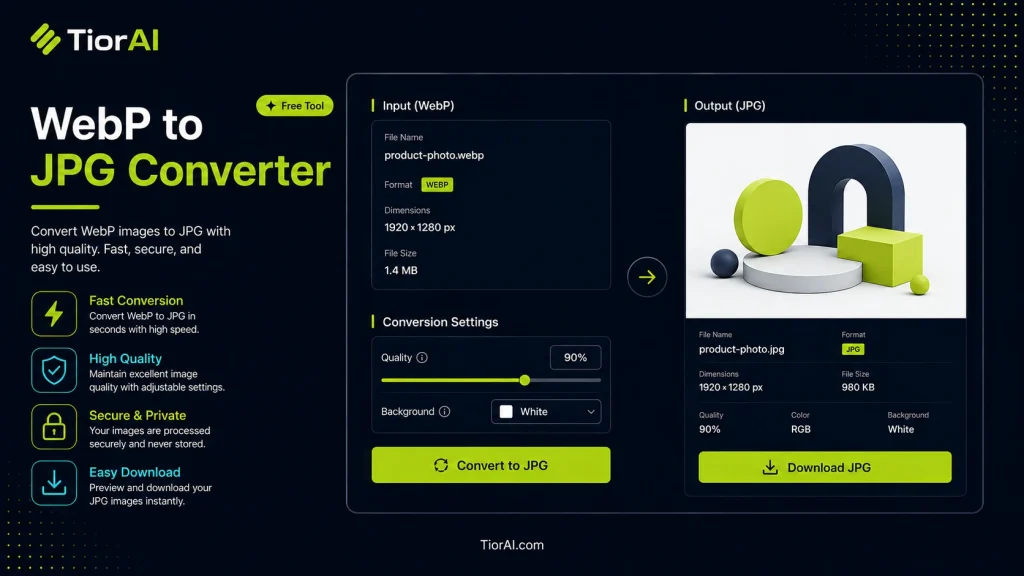
WEBP to JPG Converter
Your files never leave your browser.
Conversion settings
Uses balanced quality, original dimensions, browser auto-orientation, high-quality resizing, and removes metadata.
Advanced Settings
Conversion results
How to use it
- Upload Your Image Upload or drag and drop your image into the Webp to Jpg. Supports PNG, JPG, WebP, and other common formats.
- Process the Image Configure your desired settings and click process. The tool applies changes to your image in seconds.
- Download the Result Preview the processed image and download it in your preferred format, ready for use.
Tip Check the before-and-after preview in the Webp to Jpg to fine-tune settings before downloading your final image.
Understanding WebP and JPG Image Formats
WebP is a modern image format developed by Google that provides superior compression, resulting in smaller file sizes compared to traditional formats like JPG or PNG. It supports both lossy and lossless compression, as well as transparency (alpha channel).
JPG (JPEG) is one of the most widely used image formats, especially for photographs and web images. It uses lossy compression to reduce file size but does not support transparency.
Converting WebP images to JPG is often necessary because not all browsers, applications, or devices support WebP yet. JPG is more universally compatible, making it a safer choice for sharing or uploading images to platforms that do not recognize WebP.
Common situations for converting WebP to JPG include:
- Uploading images to websites or content management systems that only accept JPG or PNG.
- Editing images in software that does not support WebP.
- Sharing images with users on older browsers or devices.
Conversion typically involves decoding the WebP image and re-encoding it as a JPG, which may result in some quality loss depending on compression settings.
What is WebP to JPG Conversion?
WebP is a modern image format designed to reduce file sizes while maintaining quality. However, not all platforms or software support WebP images yet. JPG is a widely accepted format compatible with almost all devices and applications. Converting WebP images to JPG ensures your images can be viewed and edited universally.
When Should You Convert WebP to JPG?
- If you need to upload images to websites or platforms that do not support WebP.
- When editing images in software that cannot open WebP files.
- To share images with users on older browsers or devices.
- For printing or offline use where JPG is the preferred format.
Common Mistakes to Avoid
- Assuming WebP images will display correctly everywhere without conversion.
- Expecting no quality loss after conversion, despite JPG’s lossy compression.
- Not checking image resolution or compression settings after conversion, which can lead to poor quality or large file sizes.
Technical Context
Converting from WebP to JPG involves decoding the WebP image and re-encoding it as a JPG file. Since JPG does not support transparency, any transparent areas in the WebP image will be replaced with a solid background color. Also, JPG compression is lossy, so some quality degradation may occur during conversion. Choosing appropriate compression settings can help balance quality and file size.
Frequently asked questions
Reviews and questions
Whether this tool gave people the answer they needed, and what they asked about it.
Sign in to review this tool.
Sign In to ReviewNo reviews yet
Be the first to say whether this tool gave you what you needed.
Ask how to read the result, or what the tool does with an edge case — or answer someone else.
Sign In to AskNo questions yet
Not sure how to read a result? Be the first to ask.
AI tools related to this topic
Tools from the TiorAI directory that work on the same kind of job.

Any Video Converter
Any Video Converter is a multimedia software that converts video files between numerous formats, downloads online videos, and offers basic editing and DVD burning features.

Bank Statement Converter
Bank Statement Converter is an online tool that converts PDF bank statements into Excel and CSV formats, enabling easy data extraction and financial management.

Code Language Converter
Code Language Converter is an online tool that translates code between 30+ programming languages with AI-powered conversion, with a free plan and a paid PRO plan.

Conversion Blitz
Conversion Blitz is an AI lead generation software suite to find leads, send targeted emails, create a chatbot and more.