

PNG to TGA
Convert PNG images to TGA format quickly and free with our online converter. Upload your PNG file and download the converted TGA image instantly – no software installation required, works on all devices.
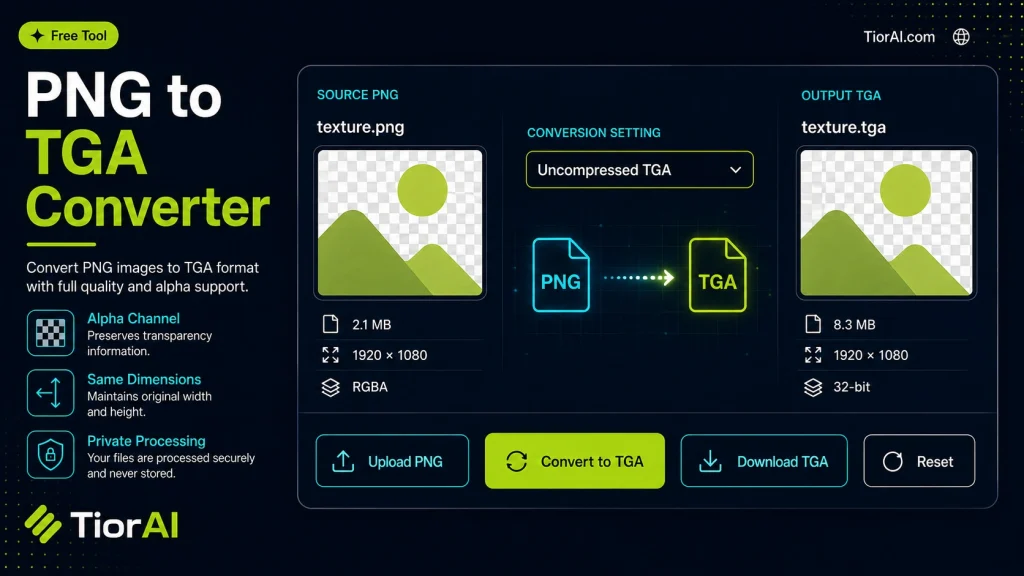
PNG to TGA Converter
Your files never leave your browser.
Conversion settings
Uses balanced quality, original dimensions, preserved transparency, browser auto-orientation, high-quality resizing, and removes metadata.
Advanced Settings
Conversion results
How to use it
- Upload Your Image Upload or drag and drop your image into the Png to Tga. Supports PNG, JPG, WebP, and other common formats.
- Process the Image Configure your desired settings and click process. The tool applies changes to your image in seconds.
- Download the Result Preview the processed image and download it in your preferred format, ready for use.
Tip Use the Png to Tga to prepare images for the web — optimized files load faster and improve Core Web Vitals.
Understanding PNG and TGA Image Formats
PNG (Portable Network Graphics) is a widely used raster image format known for lossless compression and support for transparency through alpha channels. It is commonly used for web graphics, icons, and images requiring clear backgrounds.
TGA (Targa Graphic) is a raster graphics file format often used in professional environments such as video game development, 3D rendering, and animation. It supports various pixel depths and can include alpha channels, making it suitable for textures and images requiring precise control over transparency and color data.
Converting PNG to TGA involves changing the file container and sometimes the pixel data representation without losing image quality. This conversion is necessary when software or workflows require TGA files, especially in game engines or graphic design tools that prefer or only accept TGA textures.
Common situations for PNG to TGA conversion include:
- Preparing textures for 3D models in game development.
- Converting web graphics into formats compatible with professional design software.
- Maintaining alpha transparency in images used for compositing or animation.
Because both formats support alpha channels, converting between them preserves transparency, which is critical in layered graphics and texture mapping.
What is PNG to TGA Conversion?
PNG and TGA are both raster image formats that support lossless data and transparency, but they serve different purposes. PNG is common for web and general graphics due to its efficient compression and wide support. TGA is favored in professional graphics, especially in game development and 3D modeling, because it supports various pixel formats and is compatible with many texture mapping workflows.
When to Use PNG to TGA Conversion
- When preparing textures for game engines that require TGA files.
- When working with 3D or animation software that prefers TGA for texture mapping.
- When you need to preserve alpha transparency in professional compositing workflows.
- When converting legacy PNG assets for use in older or specialized software.
Common Mistakes to Avoid
- Uploading PNGs with indexed or palette-based transparency that may not convert properly.
- Assuming TGA files are compressed by default, which can lead to unexpectedly large file sizes.
- Failing to check if the alpha channel is preserved after conversion, causing transparency loss.
Understanding these points helps ensure your image conversion maintains quality and compatibility with your target software or workflow.
Frequently asked questions
Reviews and questions
Whether this tool gave people the answer they needed, and what they asked about it.
Sign in to review this tool.
Sign In to ReviewNo reviews yet
Be the first to say whether this tool gave you what you needed.
Ask how to read the result, or what the tool does with an edge case — or answer someone else.
Sign In to AskNo questions yet
Not sure how to read a result? Be the first to ask.
AI tools related to this topic
Tools from the TiorAI directory that work on the same kind of job.

PngMaker.io: Convert Text to PNG Quickly
PngMaker.io is an AI tool that creates transparent PNG images from text prompts, with a free daily credit allowance and paid plans for more credits and commercial use.

Any Video Converter
Any Video Converter is a multimedia software that converts video files between numerous formats, downloads online videos, and offers basic editing and DVD burning features.

Bank Statement Converter
Bank Statement Converter is an online tool that converts PDF bank statements into Excel and CSV formats, enabling easy data extraction and financial management.