

| File name | - |
|---|---|
| MIME type | - |
| Dimensions | - |
| File size | - |
| Data URL length | - |
How to use it
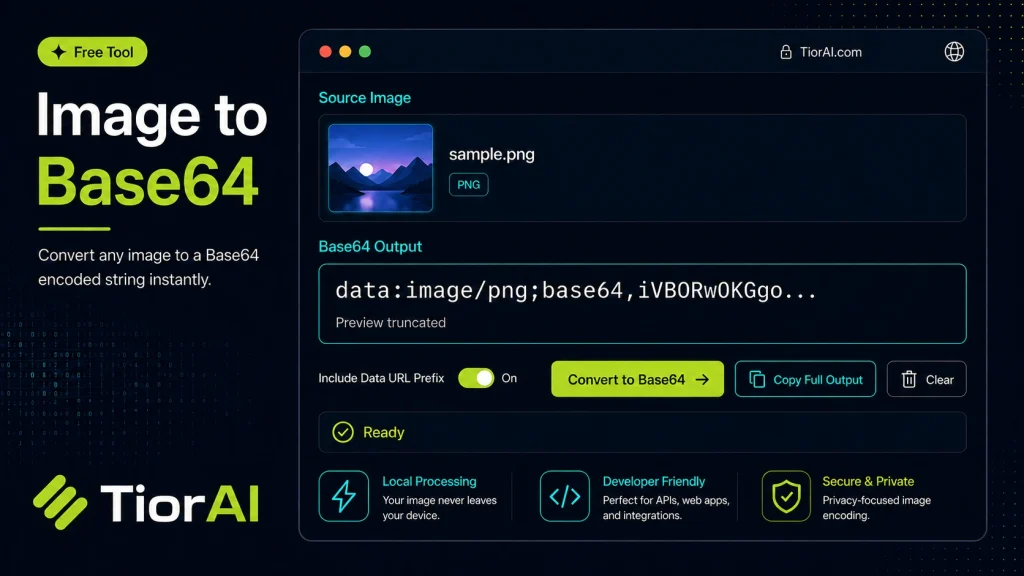
- Upload Your Image Upload or drag and drop your image into the Image to Base64. Supports PNG, JPG, WebP, and other common formats.
- Process the Image Configure your desired settings and click process. The tool applies changes to your image in seconds.
- Download the Result Preview the processed image and download it in your preferred format, ready for use.
Tip Batch process multiple images with the Image to Base64 by uploading them one after another for consistent results.
Understanding Image to Base64 Conversion
Base64 encoding is a method of converting binary data, such as images, into a text format using only ASCII characters. This process encodes the image file’s raw bytes into a string of characters that can be easily embedded in text-based formats like HTML, CSS, or JSON.
Why is this useful? Embedding images as Base64 strings eliminates the need for separate image files and HTTP requests when loading web pages. This can simplify deployment and improve load times in some cases, especially for small images like icons or logos.
Common use cases include:
- Embedding images directly into HTML or CSS files using the
data:image/URI scheme. - Sending images within JSON payloads for APIs or web services.
- Storing images in databases as text fields.
- Ensuring images are included in emails or documents without external references.
However, Base64 encoding increases the size of the image data by about 33%, so it is generally not recommended for large images.
What is Image to Base64 Conversion?
Image to Base64 conversion transforms an image file’s binary data into a text string composed of ASCII characters. This encoding allows images to be embedded directly into text-based files such as HTML, CSS, or JSON without needing separate image files.
This technique is particularly useful for embedding small images like icons or logos directly into web pages, which can reduce the number of HTTP requests and simplify file management. It is also commonly used when images need to be included in data formats that do not support binary data, such as JSON payloads or emails.
When to Use Image to Base64 Conversion
- Embedding small images directly into HTML or CSS to improve page load times by reducing HTTP requests.
- Including images in API requests or responses where binary data is not supported.
- Sending images in emails where external image links might be blocked or not loaded.
- Storing images as text in databases for easier transport and retrieval.
Common Mistakes to Avoid
- Converting large images to Base64, which increases file size by about 33% and can degrade performance.
- Assuming all image formats are supported without verifying, which can cause conversion failures.
Understanding when and how to use Base64 encoding for images helps optimize web performance and data handling in various applications.
Frequently asked questions
<img> tag with the src attribute set to a data URI, like src="data:image/png;base64,[encoded_string]".Reviews and questions
Whether this tool gave people the answer they needed, and what they asked about it.
Sign in to review this tool.
Sign In to ReviewNo reviews yet
Be the first to say whether this tool gave you what you needed.
Ask how to read the result, or what the tool does with an edge case — or answer someone else.
Sign In to AskNo questions yet
Not sure how to read a result? Be the first to ask.
AI tools related to this topic
Tools from the TiorAI directory that work on the same kind of job.

Code Language Converter
Code Language Converter is a free web-based tool that translates code snippets between multiple programming languages, helping developers convert syntax quickly and learn language differences.

Any Video Converter
Any Video Converter is a multimedia software that converts video files between numerous formats, downloads online videos, and offers basic editing and DVD burning features.

Bank Statement Converter
Bank Statement Converter is an online tool that converts PDF bank statements into Excel and CSV formats, enabling easy data extraction and financial management.

Conversion Blitz
Conversion Blitz is a web-based landing page builder that helps marketers create optimized pages with drag-and-drop tools and A/B testing to increase conversions.