

Shopify Theme Detector
Instantly check which theme a Shopify store is using. Enter a store URL to reveal its theme.
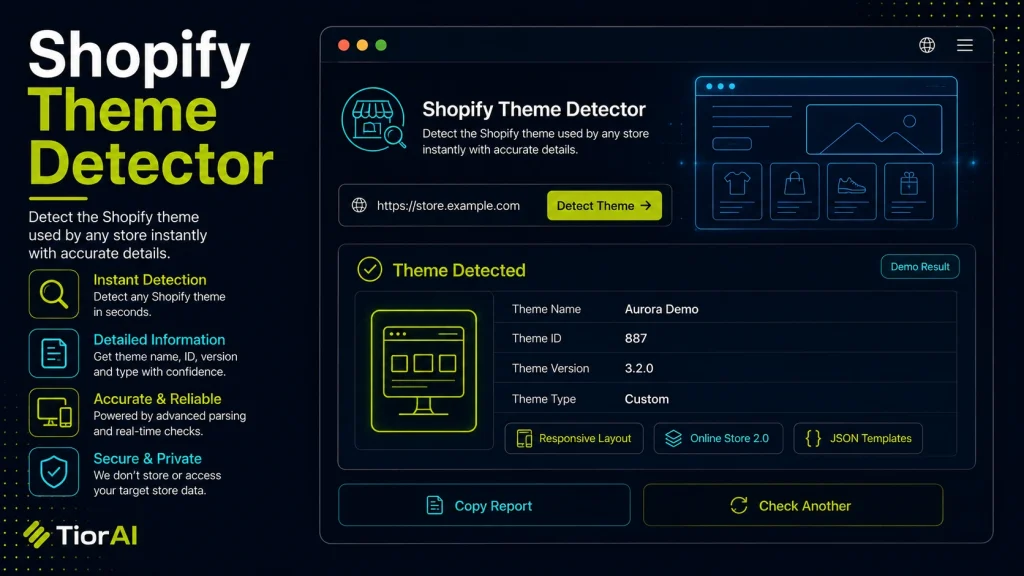
Shopify Theme Detector
How to use it
- Paste or Enter Your Input Paste your code, text, or data into the input field. The tool supports large inputs without performance issues.
- Process and Analyze Click the action button or let the tool auto-process your input. Results appear in real time with highlighted details.
- Copy or Download the Output Review the results and copy the output to clipboard or download as a file for use in your project.
Tip For large inputs, process in sections to validate intermediate results and catch errors early.
Understanding Shopify Themes and Detection
Shopify themes define the visual appearance and layout of an online store built on the Shopify platform. These themes control everything from color schemes and typography to product page layouts and navigation menus. Detecting which Shopify theme a store uses involves analyzing the store’s publicly accessible code and resources to identify unique markers or files associated with specific themes.
Why Detect Shopify Themes?
- Competitor Analysis: Merchants and developers often want to know which themes successful stores use to inform their own design choices.
- Customization Insights: Identifying a theme helps developers understand the base they are working with before making customizations.
- Learning and Inspiration: New store owners can explore popular themes by seeing them in action on live sites.
How Detection Works
Shopify theme detectors scan the HTML, CSS, and JavaScript files loaded by a Shopify store. They look for theme-specific assets such as stylesheet names, JavaScript files, or metadata embedded in the page source. Since Shopify themes often have unique folder structures or naming conventions, these clues allow the tool to match the store to a known theme.
Detection is limited to publicly available information; it cannot access private or backend data. Custom themes or heavily modified themes may be harder to identify accurately.
What is a Shopify Theme Detector?
A Shopify theme detector is a utility that identifies the theme used by a Shopify store by analyzing its publicly available code. Shopify themes control the design and layout of online stores, and knowing which theme a store uses can be valuable for merchants, developers, and designers.
How Does It Work?
The detector scans the store’s HTML, CSS, and JavaScript files for unique identifiers such as stylesheet names, script files, or metadata that correspond to known Shopify themes. By matching these markers against a database of themes, the tool can reveal the theme name and sometimes additional details like the developer or version.
When to Use a Shopify Theme Detector
- Analyzing competitors’ stores to understand their design choices
- Checking which theme a store uses before purchasing or customizing
- Verifying if a store uses a free or premium theme
- Helping developers identify the base theme before making changes
- Troubleshooting design issues by confirming the active theme
Common Mistakes to Avoid
- Assuming the detected theme is unmodified; many stores customize themes extensively
- Expecting the tool to identify custom or private themes accurately
- Confusing theme detection with app or plugin identification, which the tool does not do
Understanding how Shopify theme detectors work and their limitations helps users make better use of these tools for competitive research, development, and design planning.
Frequently asked questions
Reviews and questions
Whether this tool gave people the answer they needed, and what they asked about it.
Sign in to review this tool.
Sign In to ReviewNo reviews yet
Be the first to say whether this tool gave you what you needed.
Ask how to read the result, or what the tool does with an edge case — or answer someone else.
Sign In to AskNo questions yet
Not sure how to read a result? Be the first to ask.
AI tools related to this topic
Tools from the TiorAI directory that work on the same kind of job.

ChatGPT
ChatGPT is an AI chatbot by OpenAI powered by GPT-4o. It handles writing, coding, research, data analysis, and natural conversation. Free tier available, Plus at $20/month.