

From my experience with BarTender, it stands out as a robust and versatile solution for label design and barcode printing, especially in enterprise environments. Its ability to integrate with ERP systems and support RFID encoding makes it highly valuable for industries requiring precise and compliant labeling. While the software is primarily Windows-based and pricing details are not openly listed, the depth of features justifies the investment for businesses with complex labeling needs. Overall, BarTender delivers reliable performance for managing labeling workflows at scale.
BarTender Software for Label Design and Barcode Printing Solutions
BarTender is a label design and barcode printing software by Seagull Scientific that supports RFID encoding, enterprise automation, and compliance labeling.
- Best for
- Label and Barcode Design
- Key capability
- Powerful Label Designer
Your actions
Save BarTender, follow its updates and vote on it — everything stays in your account.
Sign in or create a free account
What is BarTender?
BarTender is a comprehensive label design and barcode software solution developed by Seagull Scientific. It enables businesses to create, automate, and manage labels, barcodes, RFID tags, and cards across various industries. BarTender supports complex printing workflows and integrates with enterprise systems to improve accuracy and efficiency in labeling processes.
Key features of BarTender
BarTender offers intuitive label design tools, advanced barcode and RFID encoding, centralized label management, and seamless integration with business applications. It supports compliance labeling and scalable deployment from single users to global enterprises.
Powerful Label Designer
Intuitive interface with drag-and-drop tools for creating complex labels and barcodes.
RFID and Smart Label Support
Encode and print RFID tags and smart labels for advanced tracking solutions.
Enterprise Automation
Automate label printing processes with integration to business systems and event triggers.
Centralized Management
Manage label templates, user roles, and printing permissions across the organization.
Compliance and Standards
Support for industry standards including GS1, FDA, and other regulatory labeling requirements.
Pros and cons of BarTender
Pros
- Robust and flexible label design capabilities
- Strong integration with enterprise systems
- Supports RFID and smart label technologies
- Centralized management for large deployments
- Comprehensive compliance and standards support
Cons
- Primarily Windows-based, limited macOS support
- Pricing details require direct contact, not transparent online
- Steeper learning curve for advanced automation features
Key use cases for BarTender
Label and Barcode Design
Create professional labels and barcodes for products, packaging, and shipping with customizable templates and design tools.
Enterprise Label Management
Manage and automate label printing workflows across multiple departments and locations with centralized control.
RFID and Smart Label Encoding
Encode RFID tags and smart labels to support inventory tracking, asset management, and supply chain automation.
Compliance and Regulatory Labeling
Generate labels that meet industry standards and regulatory requirements for healthcare, manufacturing, and logistics.
Integration with Business Systems
Integrate label printing with ERP, WMS, and other enterprise systems to streamline operations and reduce errors.
How BarTender works
- 1
Install BarTender Software
Download and install BarTender on your Windows desktop or set up the BarTender Enterprise Automation server.
- 2
Design Labels
Use the drag-and-drop designer to create labels, barcodes, and RFID tags with customizable templates.
- 3
Integrate with Data Sources
Connect BarTender to databases, spreadsheets, or ERP systems to dynamically populate label content.
- 4
Automate Printing
Set up automated printing workflows triggered by events or data inputs for consistent label production.
- 5
Manage and Monitor
Use centralized management tools to control label versions, user permissions, and monitor print jobs.
Who is using BarTender
Manufacturing companies
Healthcare providers
Logistics and supply chain managers
Retail businesses
Enterprise IT departments
BarTender pricing
Professional
Contact for pricing
Basic label design and printing for small businesses.
Automation
Contact for pricing
Includes automation features for integrating label printing with business systems.
Enterprise
Contact for pricing
Full-featured solution with centralized management and scalability for large organizations.
Plans and prices are as published by the vendor and can change. Check the official site before you buy. Open the pricing page (opens in a new tab)
Frequently asked questions about BarTender
BarTender primarily runs on Windows desktop and server environments, with web and mobile printing options.
Yes, BarTender supports integration with many ERP, WMS, and database systems to automate label printing.
Yes, Seagull Scientific offers a free trial version of BarTender for evaluation purposes.
Yes, BarTender supports RFID tag encoding and printing for smart label applications.
This tool is designed to help users accomplish its core tasks more efficiently. It is typically used by individuals or teams looking to improve productivity and workflow.
Yes, it can help with that use case depending on how you configure it and what features are available. You’ll get the best results with clear inputs and a defined goal.
Some tools offer a free plan or trial with limited features. Availability can vary, so confirm on the official website.
Sign in to review this tool.
Sign In to ReviewNo reviews yet
Be the first to share how this tool worked for you.
Ask about pricing, limits, or how it compares — or answer someone else.
Sign In to AskNo questions yet
Have a question about using or paying for this tool? Be the first to ask.
Featured on TiorAI



Alternative Tools
Explore similar AI tools that might fit your needs
Free Trial
Labeljoy
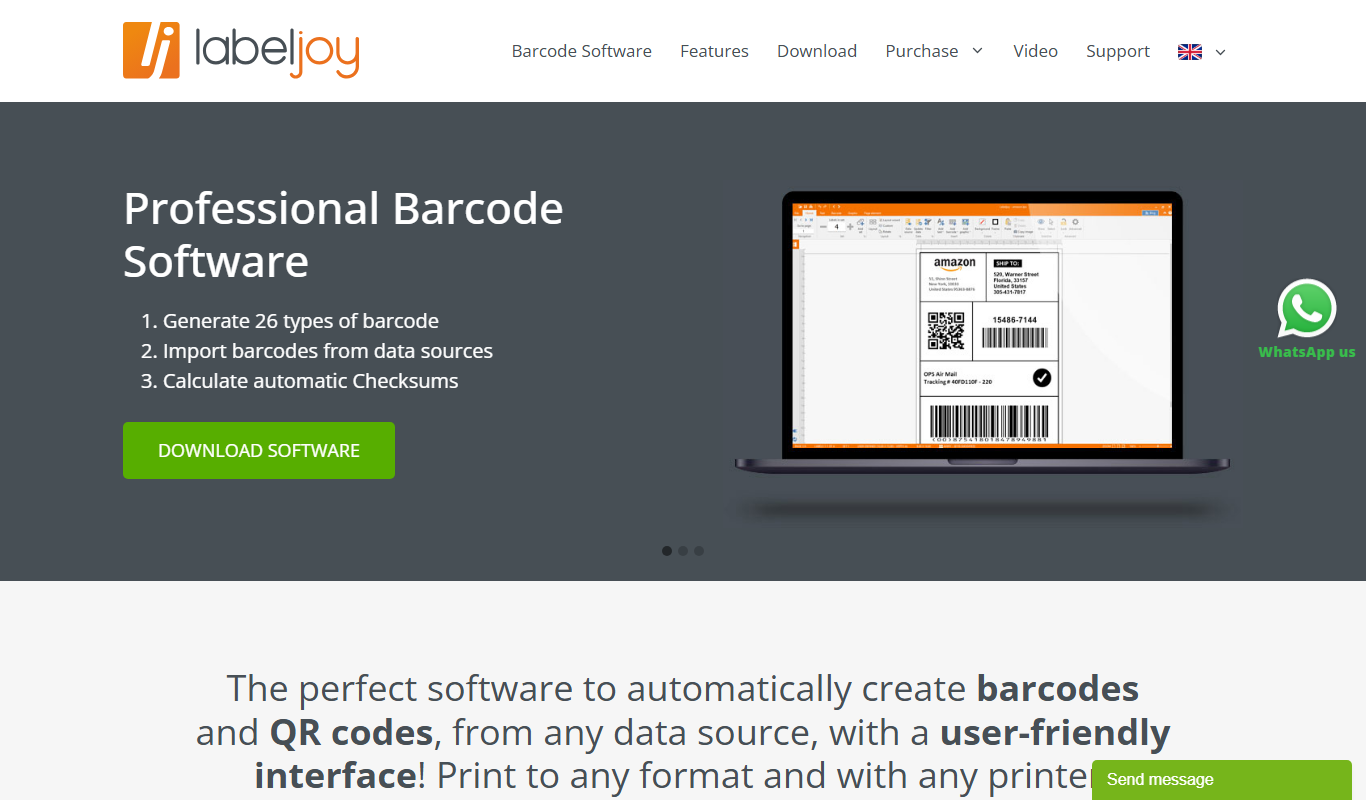
Labeljoy is a Windows-based label printing software that allows users to design and print labels with barcodes and QR codes, supporting database import and batch printing for various business needs.
More Business Management tools
Other tools in the same category, for when this one is not quite the fit.

Free Trial
Sitebulb
Sitebulb is an SEO auditing tool, offered as Desktop and Cloud versions, that crawls websites to detect technical SEO issues and generate detailed reports.

Subscription
RealScout
RealScout is a lead nurture platform for real estate agents that also connects home buyers and agents through collaborative search tools.

Free Trial
LaunchDarkly
LaunchDarkly is a feature management platform that helps software teams release features safely and progressively using feature flags, experimentation, and real-time control.

Free
Tinder
Tinder is a popular location-based dating app that uses a swipe interface to match users based on mutual interest, offering free and subscription-based features for casual or serious dating.

Subscription
Datamyne
Datamyne is a subscription-based platform providing detailed global import and export customs data to support market research, competitive intelligence, and supply chain management.

Free
Graph Commons
Graph Commons is a web-based platform that enables users to collaboratively create, visualize, and analyze network maps to understand complex relationships and data patterns.

Enterprise
LabArchives
LabArchives is a cloud-based electronic lab notebook designed to help researchers securely manage, document, and collaborate on scientific data with compliance features.

Free
Benchling
Benchling is a cloud-based life sciences platform that provides electronic lab notebooks, molecular biology tools, and collaboration features to help research teams manage data and accelerate discovery.